Top 6 Rapid Wireframing Tools for Designers for 2026 (Prices and Free Plans)
Best rapid wireframing tools for designers: 6 contenders ranked by fit, with entry costs and free tiers. Each pick comes with its main catch. Plain facts.
- Editor's choice
 Adobe XD
Designers within Adobe workflows
Starts atSee websiteVisit adobe.comFull review - Great alternative
 Sketch
Designer-focused design and handoff
Starts at$12 per editor per monthVisit sketch.comFull review - Also consider
 Balsamiq
Quick low-fidelity wireframes
Starts at$16 per editor a monthVisit balsamiq.comFull review
Direct answer
Adobe XD leads the list, best for designers within Adobe workflows. Listed starting prices: Sketch from $12 per editor per month, Balsamiq from $16 per editor a month and Figma from $3 per month. Sketch is the stronger choice for designer-focused design and handoff, while Balsamiq suits quick low-fidelity wireframes. Details, prices and limits for the rest of the 6 tools are below.
TL;DR:
- This list starts with Adobe XD, which is built for designers within Adobe workflows.
- Starting prices begin at $3 per month with Figma.
- Miro suits visual collaboration and ideation.
- Before buying Adobe XD, weigh this: development momentum has slowed.
Last checked November 2026. Prices and plan details were read from the vendors' own pages in November 2026; vendors change plans often, so confirm the current price on the vendor site before you buy.
Quick comparison
| Tool | Best for | Starts at | Free plan? | |
|---|---|---|---|---|
| Adobe XD | Designers within Adobe workflows | See website | Not stated | Visit |
| Sketch | Designer-focused design and handoff | $12 per editor per month | Free trial | Visit |
| Balsamiq | Quick low-fidelity wireframes | $16 per editor a month | Free trial | Visit |
 Lucidchart | Diagramming flows and systems | See website | Not stated | Visit |
 Figma | Collaborative design and wireframing | $3 per month | Not stated | Visit |
 Miro | Visual collaboration and ideation | $8 per member a month | Yes | Visit |
Tool-by-tool breakdown
Short on time? The summary and table above give the quick view of 6 rapid wireframing tools for designers, and the profiles that follow give the detail behind each entry.
Choose Adobe XD for designers within Adobe workflows. Adobe XD is Adobe's design and prototyping tool, widely known for UI layout and interactive prototype work within the Adobe ecosystem. Designers already using Adobe creative software may appreciate keeping wireframing and design assets close to their other tools.
It can serve as a starting point for layout exploration and clickable prototypes. Beyond that, if you need a tool with a solid current collaboration story, compare alternatives first. Adobe XD has received less active development attention in recent years. So teams planning long-term workflows should weigh that against more actively evolving platforms. This comparison lists no price for Adobe XD; ask the vendor. Trial and free access: Not stated.
Honest limits: Less central to new team workflows.
- Familiar to numerous designers
- Supports design and prototyping work
- Development momentum has slowed
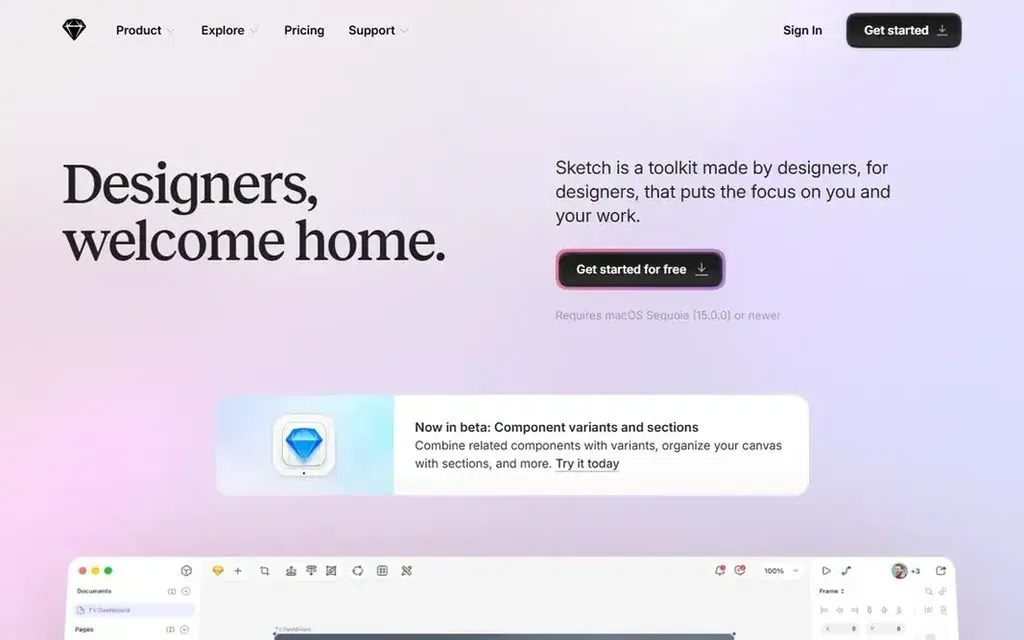
Think of Sketch for designer-focused design and handoff. If your priority is shared, always-on canvases for plenty of contributors, consider a collaborative system instead. In daily use, pick Sketch when individual design control matters most.
Sketch presents itself as design, prototype, collaborate and handoff software made by designers for designers. It centers on individual craft, letting you sketch layouts and turn them into prototypes before handing off to developers. Entry price for Sketch: $12 per editor per month. On free options: Free trial.
Where it is weaker: Collaboration is less central than in cloud tools. Where it shines: Built around designer workflows.
- Focused interface
- Clean
- Mac-centered workflow limits some teams
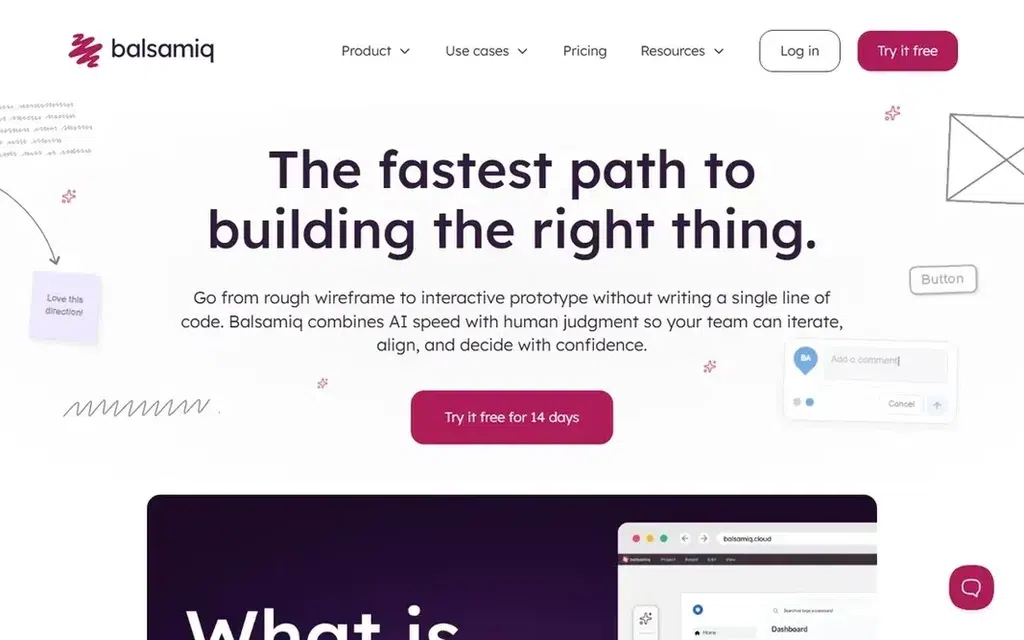
Balsamiq is designed for quick low-fidelity wireframes. Balsamiq positions itself as a fast, focused wireframing and prototyping tool for product, tech and business minds, letting you sketch, test and refine UI rapidly. Its deliberate low-fidelity style keeps conversations on structure and flow instead of visual detail.
Worth adding: if you need wireframes to evolve straight into final designs, a broader design system is a better match. Choose Balsamiq when speed of iteration and clear, honest wireframes are the goal. What you pay to start with Balsamiq: $16 per editor per month. On free options: Free trial.
Trade-offs to know: Not a full production design environment.
- Approachable for non-designers
- Centred on wireframing without friction
- Restricted visual polish for high-fidelity work
Choose Lucidchart for Diagramming flows and systems. Lucidchart concentrates on diagrams instead of interface wireframes, so screen-level layout work is better handled elsewhere.
Drawbacks to consider: Better suited to diagrams than screens.
Choose Lucidchart when flows, architecture and process documentation are the priority. Lucidchart is diagramming software powered by intelligence, using AI, data and automation to help teams understand and optimize systems and processes. This comparison lists no price for Lucidchart; ask the vendor. As for free access: Not stated.
- Handy for documenting processes
- Good for flows and system maps
- Not designed for UI wireframe detail
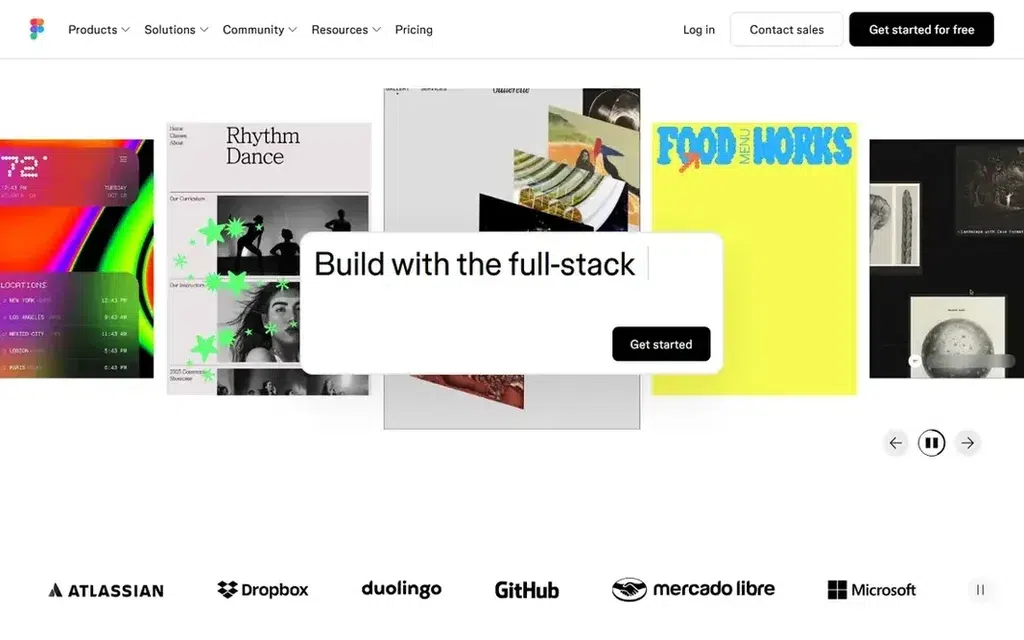
Figma works best for collaborative design and wireframing. Figma describes itself as a canvas where design, code and AI come together, taking a team from first idea to shipped product in one place. For rapid wireframing, that means layouts, components and prototypes live alongside the rest of the design work.
If you want deliberately low-fidelity wireframes with minimal setup, a focused tool may be quicker. More specifically, the breadth of the product can slow down straightforward, throwaway sketches, and the collaborative model relies on steady connectivity. Figma cost at the entry level: $3 per month. Trial and free access: Not stated.
The main drawbacks: Requires steady connectivity for collaboration. Best features of Figma: Moves from concept to production.
- Solid live team collaboration
- Code and AI in one canvas
- Feature depth can feel heavy for fast sketches
Miro targets visual collaboration and ideation. For wireframing, it performs best in the early, collaborative phase, where teams sketch flows and layouts together on a shared board.
Limits to weigh: Not a dedicated UI design tool.
Worth adding: Miro is a collaboration space instead of a dedicated interface design tool, so precise wireframe components and design handoff are restricted. Miro pricing: $8 per member per month. Miro has a free plan.
- Shared visual workspace for teams
- Supports cross-team collaboration
- Wireframe precision is restricted
How the list was put together
Before you commit
- Get a written quote from Adobe XD and Lucidchart; the list shows no starting price for them.
- Look at the free plan from Miro closely: its caps decide whether it is usable for real work.
- Take the trial from Sketch and Balsamiq and push a live task through it before you pay.
- Read the limits listed for Adobe XD first: development momentum has slowed.
- Look at the renewal terms for Sketch: auto-renewal, notice periods and price changes can matter more than the first-year price.
- Ask Adobe XD which support channels and response times come with the plan you would buy.
FAQ
Which tool is fastest for rough wireframes?
Balsamiq is designed around quick, low-fidelity wireframing without friction, which makes it a good fit for fast layout iteration. The right choice relies on whether you want deliberate simplicity or a canvas that grows into full design.
Do these tools publish their prices?
Not all of them. Adobe XD and Lucidchart publish no starting price, so expect a quote request for those. The rest, Sketch included, show a starting price, though seats and billing terms still change the final cost.
What is the cheapest option for rapid wireframing tools for designers in this list?
On published monthly entry prices, Figma is the lowest here at $3 per month. Entry price is only part of the cost, because seats, add-ons and billing terms can change the total. Each of the 6 options in this Rapid Wireframing tools for designers guide has its own card above with the price, free plan and limits.
Which options for rapid wireframing tools for designers have a free plan?
Miro is the only tool in this list with a free plan. Free plans usually cap users, projects or features, so check the limits on the vendor page. Several others offer a trial instead.
How are the tools for rapid wireframing tools for designers ordered?
Adobe XD sits first and Miro last because the order follows typical fit for rapid wireframing tools for designers, then price clarity and free access. It is a judgement call, so read each profile for fit and limits.
Sources
- https://www.adobe.com/products/xd.html
- https://www.sketch.com
- https://balsamiq.com
- https://www.lucidchart.com
- https://www.figma.com
- https://miro.com