Best Tools for Creating Rapid Prototypes for 2026: Our 6 Vetted Picks
Best tools for creating rapid prototypes in 2026: 6 contenders with entry costs and free tiers. Read the caveats before you buy. Pick with confidence.
- Editor's choice
 Axure RP
Complicated, logic-heavy interactive prototypes
Starts at$29 per user a monthVisit axure.comFull review - Great alternative
 Sketch
Mac designers who want focused prototyping
Starts at$12 per editor a monthVisit sketch.comFull review - Also consider
 Figma
Collaborative design and interactive prototypes
Starts at$3 a monthVisit figma.comFull review
Direct answer
This list puts Axure RP first for complicated, logic-heavy interactive prototypes. Listed starting prices: Axure RP from $29 per user a month, Sketch from $12 per editor a month and Figma from $3 a month. Sketch is the stronger choice for Mac designers who want focused prototyping, while Figma suits collaborative design and interactive prototypes. The other 3 tools in the list cover narrower or pricier cases.
TL;DR:
- Number one here is Axure RP, a fit for complicated, logic-heavy interactive prototypes.
- Framer stands alone as the one tool in this list with a free plan.
- Figma is the lowest-priced starter here at $3 per month.
- Balsamiq fits quick low-fidelity wireframing and testing.
- Before buying Figma, weigh this: feature depth can overwhelm beginners.
Last checked November 2026. Prices and plan details were read from the vendors' own pages in November 2026; vendors change plans often, so confirm the current price on the vendor site before you buy.
Quick comparison
| Tool | Best for | Starts at | Free plan? | |
|---|---|---|---|---|
| Axure RP | Complicated, logic-heavy interactive prototypes | $29 per user a month | Not stated | Visit |
| Sketch | Mac designers who want focused prototyping | $12 per editor a month | Free trial | Visit |
| Figma | Collaborative design and interactive prototypes | $3 a month | Not stated | Visit |
 Framer | Turning designs into live, editable sites | $10 a month | Yes | Visit |
 Adobe XD | Teams already inside Adobe workflows | See website | Not stated | Visit |
 Balsamiq | Quick low-fidelity wireframing and testing | $16 per editor a month | Free trial | Visit |
The best tools for creating rapid prototypes
LinkVetted put together this guide to tools for creating rapid prototypes for readers who want a clear shortlist without reading every vendor page. It compares 6 tools on starting price, free plans, who each one suits and where each one falls short.
In short, Axure RP is for complicated, logic-heavy interactive prototypes. Axure RP is described as an all-in-one software design tool for creating prototypes, specifications and diagrams.
Where Axure RP stands out: specifications and diagrams together.
Watch-outs: Steeper ramp-up time.
Teams that chiefly need quick, light click-throughs will usually move quicker elsewhere, whereas those needing conditional logic and annotated specs will find the additional effort pays off. The starting price for Axure RP: $29 per user per month. On free options: Not stated.
- Prototypes
- Handy for documenting requirements
- Heavier than needed for simple click-throughs
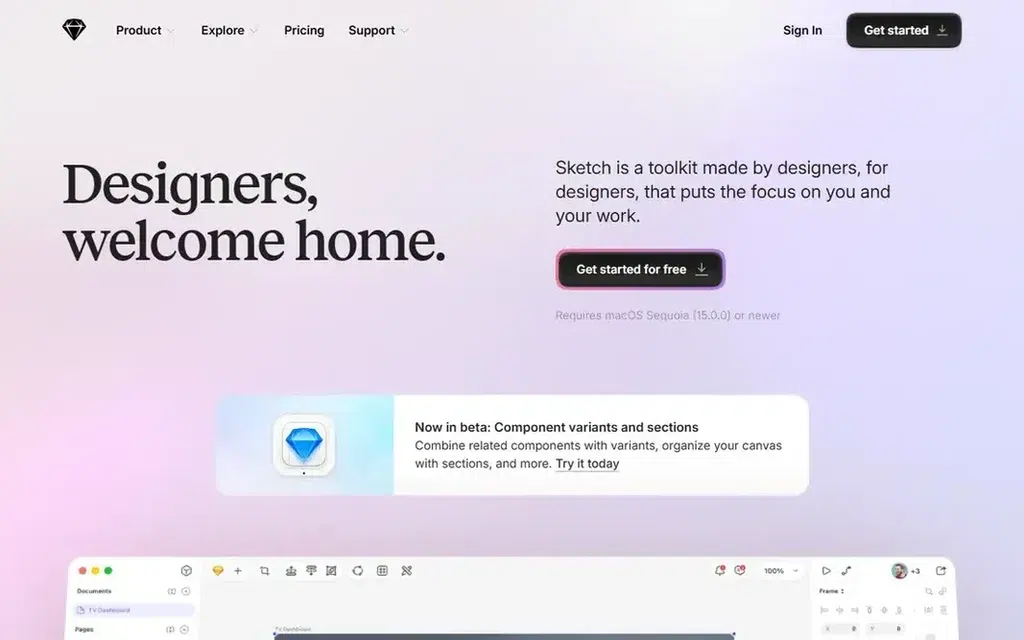
Sketch was built for Mac designers who want focused prototyping. Sketch positions itself as a tool that puts the focus back on the designer and the work, built by designers for designers.
If live co-editing across departments is the priority, a browser-first choice may fit better. If you need rich conditional logic in prototypes, a dedicated prototyping suite is worth a look. The starting price for Sketch: $12 per editor per month. Free access: Free trial.
What to check first: Collaboration is less central than in canvas-style tools.
- Made by designers for designers
- Prototyping and handoff in one workflow
- Tied to the Apple ecosystem
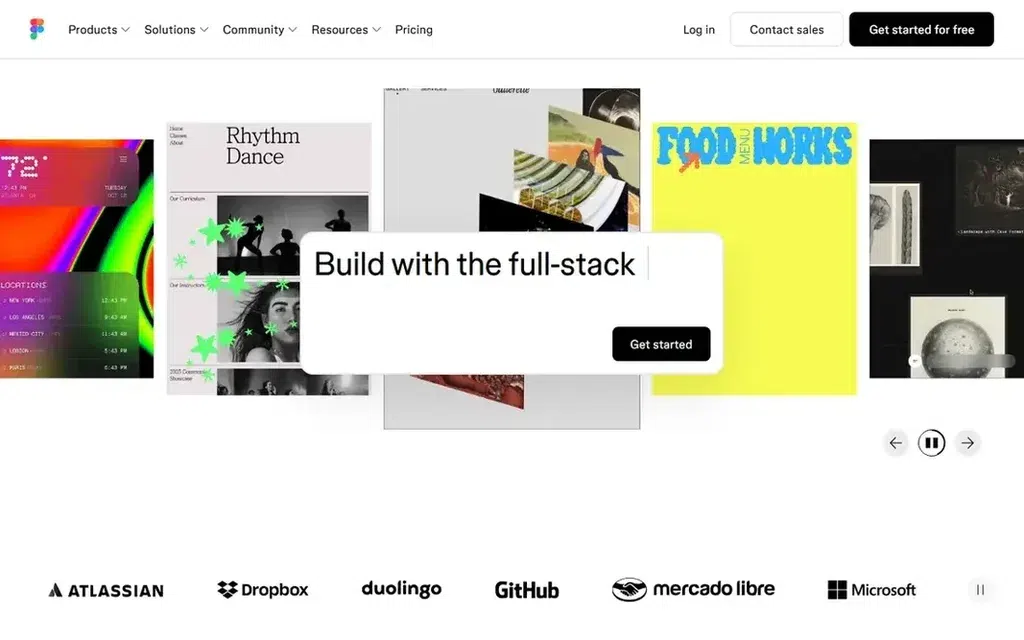
Figma was built for collaborative design and interactive prototypes. For rapid prototyping, that means designers can move from static screens to clickable flows without switching tools, and stakeholders can review and comment in the same space. Beyond that, the breadth of the product can slow down newcomers, and very straightforward wireframe exercises may feel heavier than needed.
Drawbacks to consider: Feature depth can overwhelm beginners.
Best features of Figma: Bridges design. Worth adding: teams that only want fast, deliberately rough sketches might prefer a dedicated low-fidelity tool, whereas designers who want to publish a working site instead of a prototype may look at a builder-oriented choice. Beyond that, Figma presents itself as a collaborative canvas where design, code and AI come together, taking a concept from first idea through to production with the entire team in one place. Figma starts at: $3 per month. Free options: Not stated.
- Live team collaboration
- Code and AI work
- Needs a stable connection for smooth collaboration
In short, Framer is for turning designs into live, editable sites. Framer leans toward publishing real websites, so teams that only need internal UX flows may find it broader than necessary.
Check the vendor site for current capabilities before standardizing on it for product design work. The starting price for Framer: $10 per month. You can start on Framer without paying.
Honest limits: Website focus instead of pure UX prototyping.
Where Framer stands out: Hosting, CMS.
- Analytics and SEO included
- Design agent moves from idea to launch
- Feature set assumes some publishing knowledge
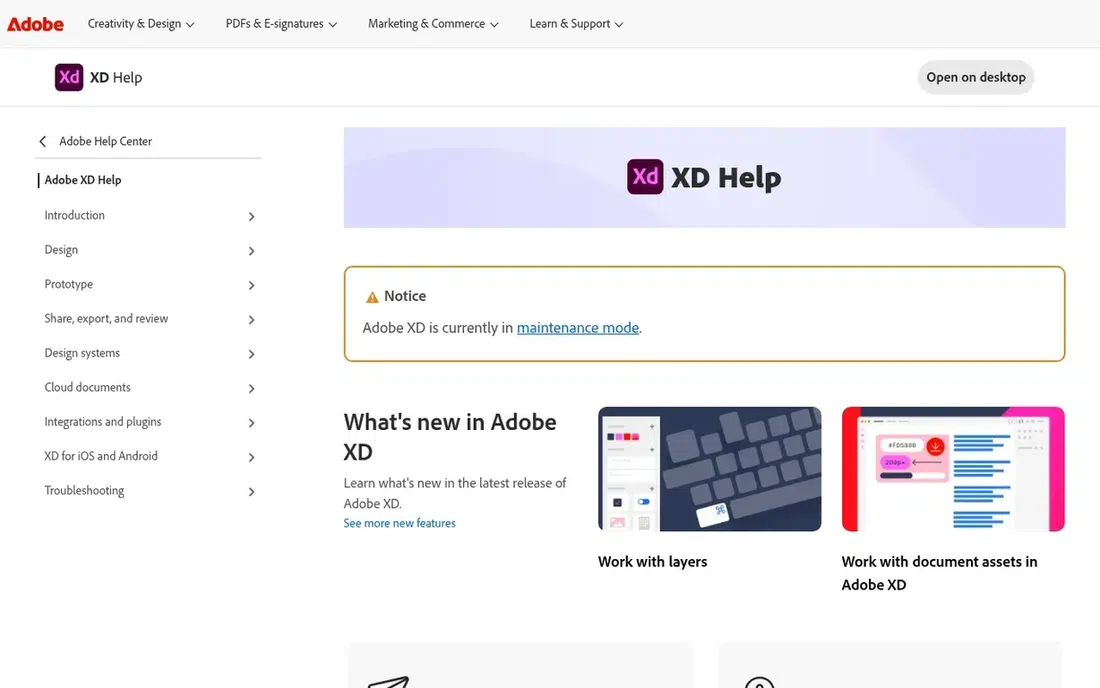
Adobe XD works best for teams already inside Adobe workflows. It suits organizations standardized on Adobe tooling instead of teams starting fresh.
Trade-offs to know: Less appealing if you do not use Adobe tools.
In practice, XD has seen slower development in recent years, and its value drops sharply if the rest of your pipeline is not Adobe-based. Pricing for Adobe XD is not stated here, so ask the vendor for current figures. As for free access: Not stated.
- Shared component and asset workflows
- Suits alongside other Adobe creative tools
- Development pace has slowed in recent years
Choose Balsamiq for quick low-fidelity wireframing and testing. Its intentionally rough visual style keeps reviews about structure and flow instead of colors and spacing. For everyday use, if stakeholders need to experience a near-final interface, pair wireframes with a higher-fidelity tool.
Choose Balsamiq when speed of thinking matters more than polish. More specifically, the low-fidelity look is a feature, not a flaw. But it means Balsamiq is not the place for pixel-accurate mockups or rich interactions. Price to start with Balsamiq: $16 per editor per month. Free plan details: Free trial.
Watch-outs: Not meant for refined final designs.
- Deliberately straightforward wireframe style
- Fast to sketch and refine UI
- Restricted visual fidelity
What went into this list
We compared the tools on published pricing, free plan or trial availability, feature coverage for tools for creating rapid prototypes, and the limits each vendor documents. Prices and plan limits come from vendor pages and can change, so confirm them on the vendor site before you buy. Order on the page follows fit for the typical buyer first, then price transparency and free access. Your own requirements should decide the final pick.
Questions to settle before buying
- Get a written quote from Adobe XD; the list shows no starting price for them.
- Look at the free plan from Framer closely: its caps decide whether it is usable for real work.
- Take the trial from Sketch and Balsamiq and push a live task through it before you pay.
- Before choosing Axure RP, weigh its main limit: steeper ramp-up time.
- Add up seats, add-ons and usage charges for Figma before comparing it with cheaper entries.
- Run a one or two week pilot of Axure RP with the people who will use it every day.
FAQ
Is Axure RP the right pick for everyone comparing tools for creating rapid prototypes?
No single tool suits every team. Axure RP comes first because it fits complex, logic-heavy interactive prototypes, while Sketch suits Mac designers who want focused prototyping and Figma suits collaborative design and interactive prototypes. Match the tool to your own size, budget and workflow before deciding.
Which options for tools for creating rapid prototypes have a free plan?
Framer is the only tool in this list with a free plan. Free plans usually cap users, projects or features, so check the limits on the vendor page. Several others offer a trial instead. Each of the 6 options in this tools for creating Rapid prototypes guide has its own card above with the price, free plan and limits.
Do these tools publish their prices?
Not all of them. Adobe XD publishes no starting price, so expect a quote request for it. The rest, Axure RP included, show a starting price, though seats and billing terms still change the final cost. All 6 picks in this tools for creating Rapid prototypes comparison list a starting price, free plan details and the main limits on their cards above.
How are the tools for tools for creating rapid prototypes ordered?
The order follows typical fit for tools for creating rapid prototypes, with Axure RP first and Balsamiq last, then price clarity and free access. It is editorial judgement, not a score, so another team could rank the tools differently.
What makes a tool well suited to rapid prototyping?
Speed matters most: fast screen creation, simple linking between screens and quick sharing for feedback. Tools that keep design and prototyping in one place cut switching, whereas low-fidelity choices help teams test structure before visual polish.
Sources
- https://www.axure.com
- https://www.sketch.com
- https://www.figma.com
- https://www.framer.com
- https://www.adobe.com/products/xd.html
- https://balsamiq.com