Best Rapid Prototyping Software for Hardware Startups (2026): 5 Picks Checked on Vendor Pages
5 best rapid prototyping software for hardware startups, compared on pricing, free plans and best-fit use. Details on cost, catches and fit. Checked this month.
- Editor's choiceArduino IDE
Fast microcontroller prototyping
Starts atSee websiteVisit arduino.ccFull review - Great alternative
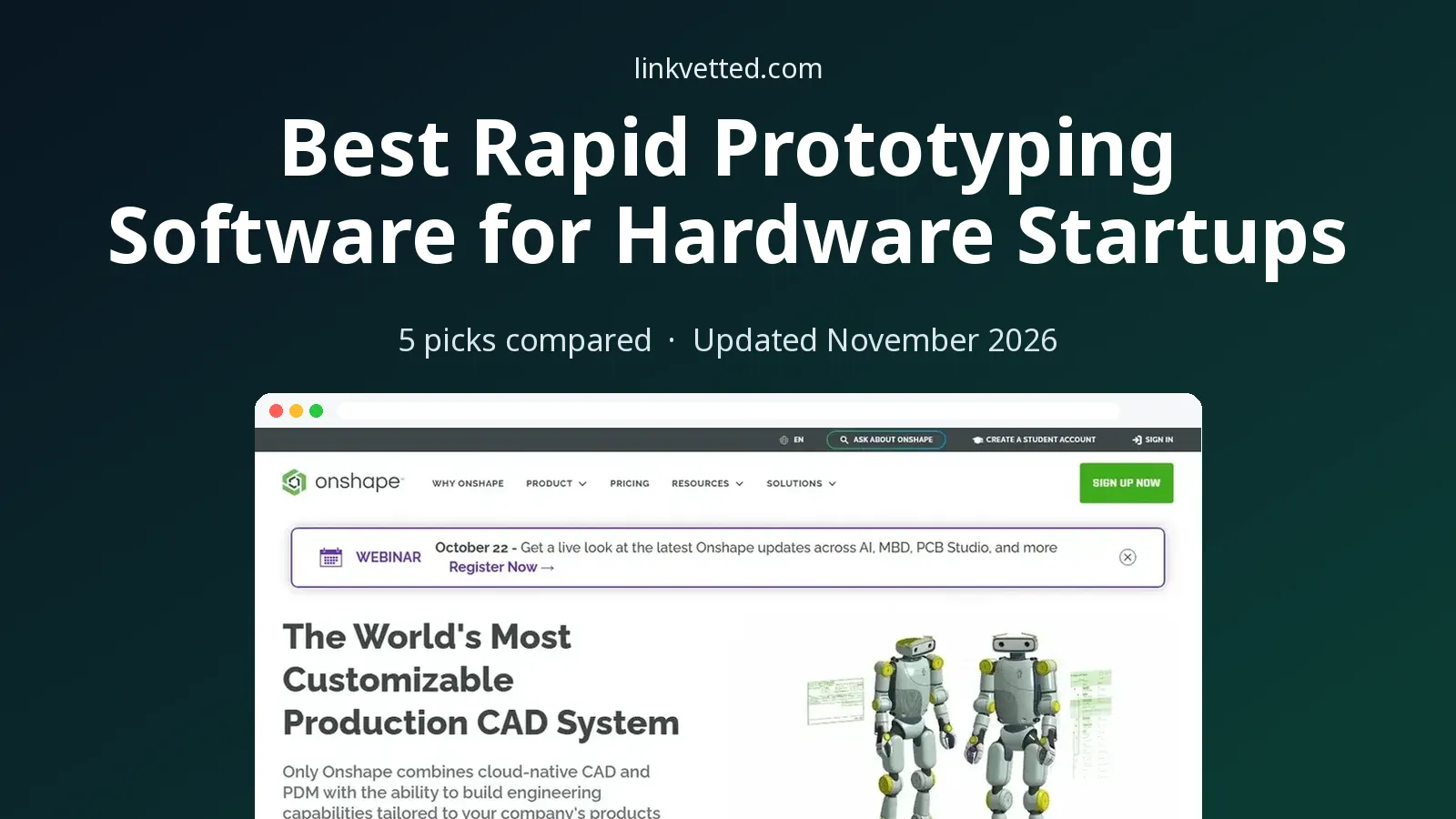
 Onshape
Cloud-native CAD with built-in PDM
Starts at$1,500 per user a yearVisit onshape.comFull review - Also considerKiCad
Open-source PCB design
Starts atSee websiteVisit kicad.orgFull review
Direct answer
Arduino IDE leads the list, best for fast microcontroller prototyping. Listed starting prices: Onshape from $1,500 per user a year. If your case is different, Onshape suits cloud-native CAD with built-in PDM and KiCad suits open-source PCB design. The remaining 2 options are covered below with prices and limits.
TL;DR:
- The list opens with Arduino IDE, aimed at fast microcontroller prototyping.
- Just one of the 5 tools, Onshape, has a free plan.
- Fusion 360 suits integrated CAD, CAM, and PCB.
- The cheapest monthly starting price in the list is $1,500 per user per year, offered by Onshape.
- KiCad comes with a trade-off: steeper ramp-up time for beginners.
Last checked November 2026. Prices and plan details were read from the vendors' own pages in November 2026; vendors change plans often, so confirm the current price on the vendor site before you buy.
Quick comparison
| Tool | Best for | Starts at | Free plan? | |
|---|---|---|---|---|
| Arduino IDE | Fast microcontroller prototyping | See website | Not stated | Visit |
| Onshape | Cloud-native CAD with built-in PDM | $1,500 per user a year | Yes | Visit |
| KiCad | Open-source PCB design | See website | Not stated | Visit |
| Simulink | Model-based design and simulation | See website | Free trial | Visit |
 Fusion 360 | Integrated CAD, CAM, and PCB | See website | Not stated | Visit |
Tool-by-tool breakdown
Choosing rapid prototyping software for hardware startups usually comes down to price, fit and limits. This LinkVetted guide sets 5 tools side by side on those three points, with the facts kept short and checkable.
Arduino IDE
Best for: Fast microcontroller prototyping
Arduino IDE makes the most sense for fast microcontroller prototyping. Arduino IDE is an open-source integrated development environment for writing code and uploading it to Arduino boards.
In daily use, the straightforward interface and broad library support make it accessible to beginners and experienced developers alike. This comparison lists no price for Arduino IDE; ask the vendor. Trial and free access: Not stated.
Honest limits: Restricted debugging features.
- Straightforward and simple to use
- Cross-platform
- Not for complicated embedded systems
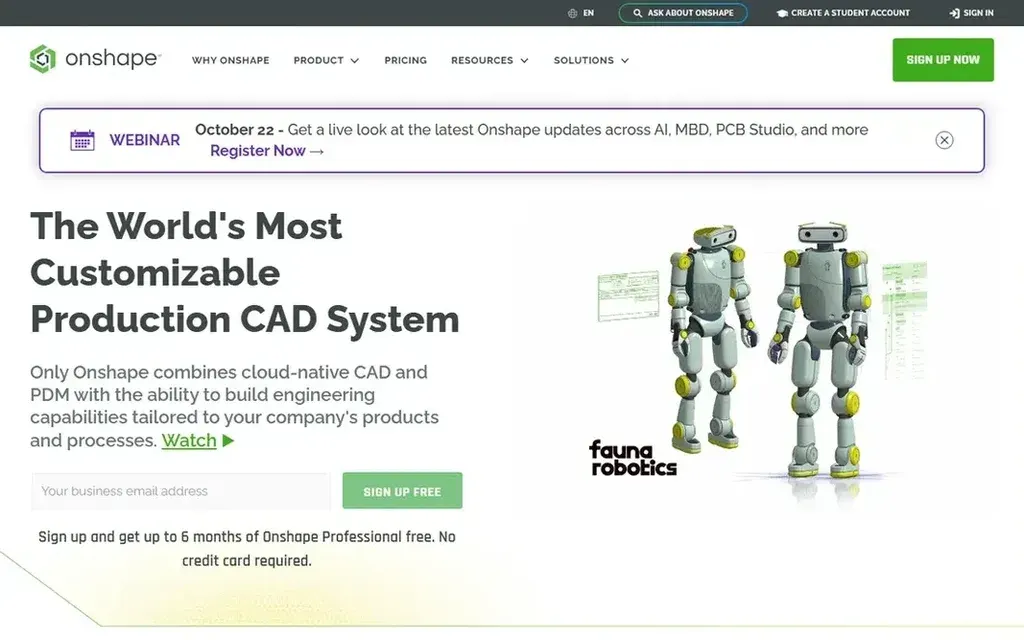
Where Onshape fits: cloud-native CAD with built-in PDM. If you need extensive offline capabilities or CAM integration, Fusion 360 might be a better fit.
Also, the system runs in a browser, making it simple for distributed teams to work on designs simultaneously. Onshape pricing: $1,500 per user per year. A free plan is available with Onshape.
Points against: Internet connection needed.
- Built-in product data management
- Accessible on any device
- Subscription required for full use
KiCad
Best for: Open-source PCB design
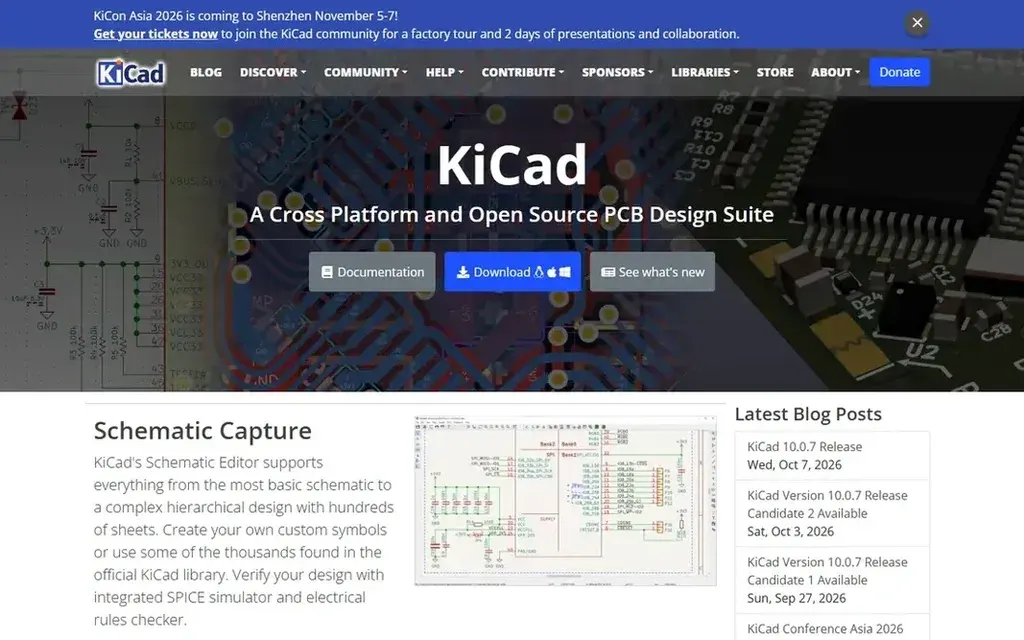
KiCad was built for open-source PCB design. KiCad is an open-source electronics CAD suite for schematic capture and PCB design, available on Windows, macOS, and Linux. It appeals to hardware startups with budget constraints or a preference for open-source tools.
The software supports 3D visualization of boards, helping teams verify designs before manufacturing. KiCad may lack some advanced features found in commercial PCB tools, and its user interface can be less refined. It also needs separate mechanical CAD for enclosure design. KiCad shows no starting price here, so confirm the cost on the vendor site. As for free access: Not stated.
Drawbacks to consider: Steeper ramp-up time for beginners. Reasons to shortlist it: Cross-platform (Windows, macOS, Linux).
- Comes with schematic capture and 3D viewing
- Free and open source
- Less integrated with mechanical CAD
Simulink
Best for: Model-based design and simulation
Pick Simulink if this describes you: model-based design and simulation. Simulink is a block diagram environment for model-based design, supporting simulation, automatic code generation, and continuous testing of embedded systems.
Where it falls short: Commercial license needed.
More specifically, the visual approach helps teams model and simulate complicated systems before implementation. Check the vendor site for Simulink pricing; none is listed in this comparison. Trial and free access: Free trial.
- Block diagram environment for simulation
- Automatic code generation
- Needs MATLAB
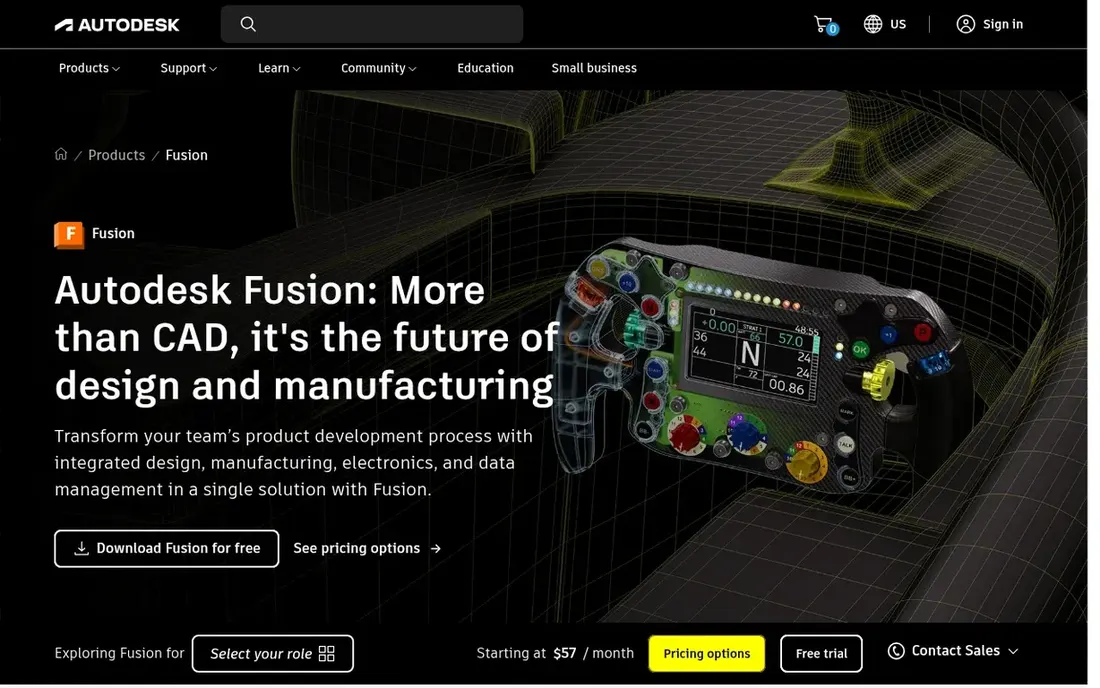
For integrated CAD, CAM, and PCB, Fusion 360 is a natural candidate. The full feature set needs a subscription, and some advanced capabilities may be overkill for straightforward projects.
In practice, Fusion 360 is a cloud-based product for 3D CAD, modeling, manufacturing, industrial design, electronics, and mechanical engineering. This comparison lists no price for Fusion 360; ask the vendor. As for free access: Not stated.
Limits to weigh: Needs subscription for full features.
- Merges CAD, CAM, CAE, PCB
- Cloud-based collaboration
- Cloud dependency for some workflows
How these tools were picked
Pre-purchase checklist
- Get a written quote from Arduino IDE, KiCad, Simulink and Fusion 360; the list shows no starting price for them.
- Test the free plan from Onshape against your real workload before relying on it.
- Take the trial from Simulink and push a live task through it before you pay.
- Read the limits listed for Arduino IDE first: restricted debugging features.
- Find out whether the entry plan of KiCad covers your must-haves or only a trimmed-down version.
- Ask Onshape which support channels and response times come with the plan you would buy.
FAQ
Which options for rapid prototyping software for hardware startups have a free plan?
Onshape is the only tool in this list with a free plan. Free plans usually cap users, projects or features, so check the limits on the vendor page. One other tool offers a trial instead.
What is the best rapid prototyping software for hardware startups?
This list starts with Arduino IDE, which fits fast microcontroller prototyping. For other needs, Onshape is aimed at cloud-native CAD with built-in PDM, and KiCad at open-source PCB design. Check each tool's price and main limit first.
How are the tools for rapid prototyping software for hardware startups ordered?
The order follows typical fit for rapid prototyping software for hardware startups, with Arduino IDE first and Fusion 360 last, then price clarity and free access. It is editorial judgement, not a score, so another team could rank the tools differently.
Can I use free tools for hardware prototyping?
Yes, KiCad is free and open source for PCB design, and Arduino IDE is free for microcontroller coding. Fusion 360 and Onshape offer free versions with limited features. These can be a good match for early prototyping.
Is Arduino IDE the right pick for everyone comparing rapid prototyping software for hardware startups?
No single tool suits every team. Arduino IDE comes first because it fits quick microcontroller prototyping, while Onshape suits cloud-native CAD with built-in PDM and KiCad suits open-source PCB design. Match the tool to your own size, budget and workflow before deciding.
Do these tools publish their prices?
Not all of them. Arduino IDE, KiCad, Simulink and Fusion 360 publish no starting price, so expect a quote request for those. The rest, Onshape included, show a starting price, though seats and billing terms still change the final cost.
Sources
- https://www.arduino.cc/en/software
- https://www.onshape.com
- https://www.kicad.org
- https://www.mathworks.com/products/simulink.html
- https://www.autodesk.com/products/fusion-360