Best Software for Dance Video Editing in 2026: 8 Products Compared
Compare the best software for dance video editing in 2026, from mobile beat-sync editors to desktop tools for clean, sharp dance clips and music timing.

- Editor's choice
 CapCut
Beat-sync social dance clips
Starts at$19.99 per monthVisit capcut.comFull review - Great alternative
 InShot
Quick phone edits for Reels and TikTok
Starts at$4.99 per monthVisit inshot.comFull review - Also consider
 VN Video Editor
Precise mobile editing without a watermark trap
Starts atSee websiteVisit vlognow.meFull review
TL;DR:
- Dance edits live or die on timing, so beat sync, speed ramps, and frame-accurate trimming matter more than a large effects library.
- Mobile editors suit rehearsal clips and social posts, while desktop editors suit recitals, class footage, and multi-camera cuts.
- Captions, clean audio, and vertical framing help dance videos reach viewers who watch without sound or on a phone.
- Always check export limits, watermarks, and music licensing before you publish a dance clip.
Quick comparison
| Tool | Best for | Starts at | Free plan? | |
|---|---|---|---|---|
| CapCut | Beat-sync social dance clips | $19.99 per month | Yes | Visit |
| InShot | Quick phone edits for Reels and TikTok | $4.99 per month | Yes | Visit |
| VN Video Editor | Precise mobile editing without a watermark trap | See website | Yes | Visit |
 KineMaster | Multi-layer mobile dance edits | See website | Yes | Visit |
 LumaFusion | Serious iPad and iPhone editing | See website | No | Visit |
 Adobe Premiere Pro | Desktop dance films and recitals | $22.99 per month | Free trial | Visit |
 Wondershare Filmora | Templates and captions for dance classes | $19.99 per month | Yes | Visit |
 Splice | Fast music-led edits on a phone | See website | Yes | Visit |
The best software for dance video editing
Dance video has its own rhythm. A cut that lands a beat late feels wrong, and a filter that hides footwork hurts the performance. The editors below handle timing, music, and framing well.

CapCut is the default choice for many dance creators because it is built around music and trends. Beat sync can place cuts on the rhythm, templates give a starting point for transitions, and auto captions help viewers follow lyrics or counts. You can start a clip on a phone after rehearsal and finish it on desktop if the timeline gets busy. The limit is the paywall. Free exports are capped at 1080p, and premium templates and effects need Pro. That matters less for a phone-first post, but a studio that publishes client work should budget for Pro. Keep an eye on music rights too, since a trending sound inside an app is not always cleared for every platform.
- Auto beat sync and templates for dance trends
- Auto captions
- Phone, desktop, and web versions
- Premium assets and 4K export sit behind Pro
- Free plan limits some effects
InShot is for the edit you need to post today. Trimming, splitting, speed changes, and filters sit in a simple row of tools, and aspect ratio presets make vertical, square, and wide versions easy. The photo editor bundled in the app is a bonus for cover images and thumbnails. The trade-off is depth. InShot does not offer the layered timeline control of KineMaster or a desktop editor, so complex routines with several angles will feel cramped. Pro removes the watermark and opens AI tools such as auto captions and background removal. At $4.99 per month, it is one of the cheaper ways to keep phone edits clean.
- Fast trimming, speed control, and filters
- Easy text, stickers, and music tools
- Low Pro price
- Free exports carry a watermark
- Multi-layer projects are limited
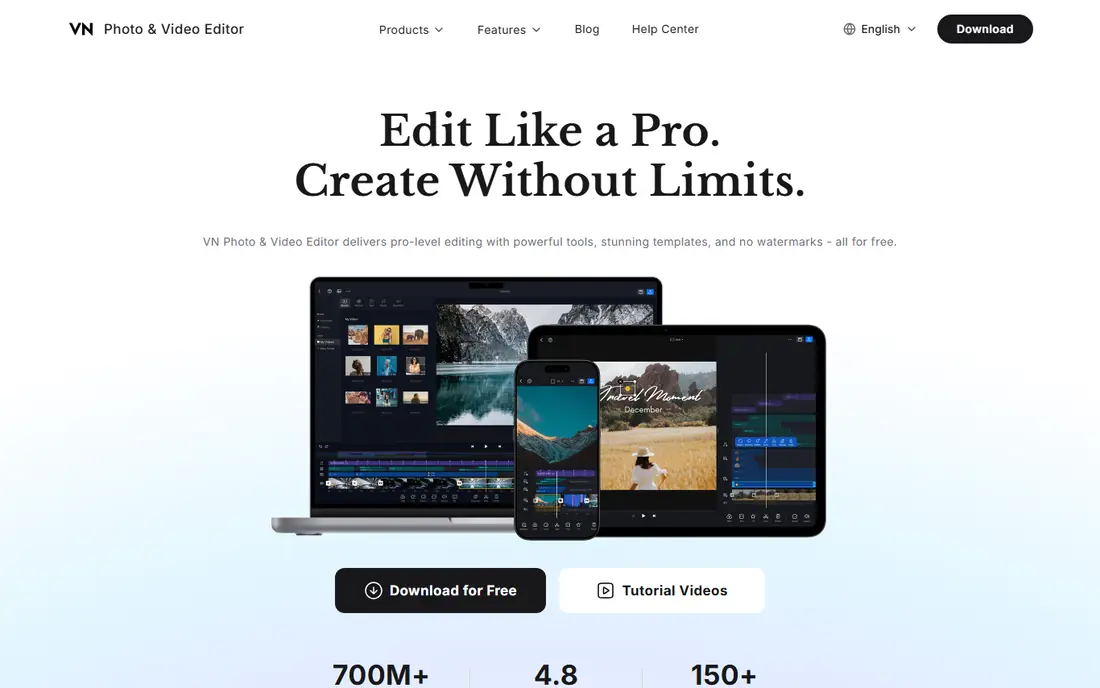
VN appeals to dancers who want control on a phone without a template-heavy workflow. The multi-track timeline, keyframe animation, and speed curve tools let you slow a jump, hold a pose, or ramp into a turn with care. That control matters when footwork and timing are the point of the video. VN is less useful if you want trending templates and a large music library in one tap. The interface takes a little longer to learn than InShot, but the payoff is a cleaner, more deliberate edit. Check the current plan on the vendor site, because VN sells subscriptions by platform and feature set.
- Multi-track timeline on mobile
- Keyframes, curves, and speed ramps
- Free version exports without a forced watermark on many projects
- Smaller template library than CapCut
- Some advanced features need a paid plan
KineMaster is the mobile editor for dancers who layer footage, overlays, and text. You can stack a performance clip, a close-up, a logo, and captions on separate layers, then animate each one with keyframes. Chroma key and blending modes help with studio backdrops and creative transitions. The cost is complexity. On a small screen, a busy timeline can slow you down, and a tablet or a larger phone helps. The free version is useful for learning, but a subscription removes the watermark and opens the asset store. If you film classes or group routines and need overlays for counts or names, KineMaster earns its place.
- Multi-layer video, audio, and text tracks
- Chroma key, blending modes, and keyframes
- 4K export support
- Interface can feel busy on a small phone screen
- Full asset store access needs a subscription
LumaFusion is the closest thing to a desktop editor that still fits in a dance bag. On an iPad, the multi-track timeline, magnetic snapping, and audio tools handle recital footage, class reels, and audition tapes with care. You can cut to the beat, adjust levels, and export a clean master without moving to a computer. The limit is platform. LumaFusion runs on iPhone and iPad, with an Android version also listed by the vendor in some regions, so check device support before you buy. Extra packs for titles and effects cost more, but the base app avoids a monthly bill. For iPad owners, it is a strong step up from free phone editors.
- Multi-track timeline with strong trimming tools
- Good audio mixing and color tools
- No subscription for the base app on iOS
- IOS only, so Android and Windows editors cannot use it
- Some extra features are paid add-ons
Premiere Pro suits dance schools, videographers, and creators who film full routines or shows. Multicam lets you cut between wide and close angles, audio tools keep music and applause balanced, and auto reframe creates a vertical version from a wide master. Captions help when a routine includes spoken introductions or lyrics. For a 15-second trend clip, Premiere Pro is more tool than you need, and the subscription adds up if you edit rarely. The value appears when you deliver recital films, audition tapes, or a series of class videos with consistent titles and color. Learn the basics first, then add effects only where they serve the choreography.
- Precise timeline, multicam, and audio tools
- Captions and auto reframe for vertical versions
- Wide format support
- Subscription only
- Overkill for a single short social clip
Wondershare Filmora
Best for: Templates and captions for dance classes
Filmora works well for dance teachers who post class highlights, student progress clips, and promo videos. Templates give a polished starting point, AI captions save time on spoken intros, and the desktop timeline handles longer class footage better than a phone app. The mobile version helps when you film and post from the studio. The free version is for practice, not publishing, because exports carry a watermark. Paid plans remove it and add more templates and AI credits. Filmora will not match Premiere Pro for multicam recitals, but for weekly social content from a studio, it keeps the workflow simple.
- Templates, titles, and AI captions
- Desktop and mobile versions
- Silence removal and beat tools for class clips
- Free exports carry a watermark
- Some AI features use credits
Splice is built around music, which makes it a natural fit for dance. You can trim clips to a track, adjust speed, add overlays and text, and export a short video without learning a full editor. The layout stays simple, so a dancer can cut a rehearsal clip between classes. The limit is scale. Splice does not offer the layered control of KineMaster or the desktop depth of Premiere Pro, and some features need a paid plan. Use it when the song drives the edit and the clip is short. For a polished recital film, move the project to a desktop editor instead.
- Music-focused timeline with beat tools
- Trim, speed, and overlay tools in a simple layout
- IOS and Android versions
- Smaller effects library than CapCut
- Advanced exports and assets need a subscription
How we picked these
We checked official feature pages, pricing pages, and app store listings for each editor, with a focus on timing tools, music handling, speed control, multi-track support, and export options. We favored tools that are available in October 2026, work on phones or desktops that dancers actually carry, and handle vertical video well. Tools that had stopped development or that could not be verified were left out.
How to edit a dance video that looks sharp
Start with the music, not the effects. Place your main cuts on strong beats, and use speed ramps only where the movement supports them. A slow-motion landing or a quick cut into a turn reads well. A filter on every clip does not. Watch the edit with the sound off too, since many viewers scroll without audio, and captions or on-screen counts can carry the rhythm. Frame the dancer with room to move. Vertical video crops wide footage, so check that hands, feet, and jumps stay in frame through the whole routine. If you film in wide format and export vertical, reframe each shot rather than letting the app crop the center by default. That extra step keeps footwork visible. Finally, respect music rights and studio rules. A song that plays in class may not be cleared for a public post, and some studios limit filming or posting of students. Use licensed music from the platform or editor when you can, and get permission before you publish footage of other dancers, especially minors.
FAQ
What is the best app for dance videos on a phone?
CapCut is the best all-round phone choice for trend-led dance clips, thanks to beat sync, templates, and captions. VN is better if you want precise keyframes and speed curves, while InShot is faster for a simple trim and post.
How do I sync cuts to the beat?
Use a beat sync or marker tool, then adjust cuts by a few frames by hand. Listen on headphones, watch footfalls and hand hits, and nudge clips until the movement and the music land together. Automatic sync is a starting point, not a finished edit.
Should I film dance in vertical or horizontal format?
Film vertical for TikTok, Reels, and Shorts, and horizontal for recitals, YouTube, and class archives. If you need both, film horizontal with room around the dancer, then reframe a vertical version in the editor.
Why does my dance video look blurry after upload?
Social platforms compress uploads, and low light makes compression worse. Film in good light, export at the highest quality your plan allows, and avoid adding heavy filters that hide detail. A clean 1080p export often looks better than a noisy 4K file.
Can I use any song in a dance video?
Not always. Songs may be licensed for personal use but not for public posts, and rules vary by platform and region. Use the platform music library, a licensed track from your editor, or a track you have rights to use, and check studio policy before posting student footage.