Best Rated Design Software for Managing Feedback (2026): 5 Picks Checked on Vendor Pages
5 tools for the top rated design software for managing feedback, compared on pricing, free plans and best-fit use. Caveats come with every verdict. Facts only.
- Editor's choice
 Filestage
Formal review and approval workflows
Starts atSee websiteVisit filestage.ioFull review - Great alternative
 Miro
Early ideation and visual collaboration
Starts at$8 per member a monthVisit miro.comFull review - Also consider
 Ziflow
High-volume proofing across file types
Starts at$199 per month billed yearlyVisit ziflow.comFull review
Direct answer
Filestage leads the list, best for formal review and approval workflows. Listed starting prices: Miro from $8 per member a month, Ziflow from $199 per month billed yearly and Figma from $3 a month. Alternatives: Miro for early ideation and visual collaboration, and Ziflow for high-volume proofing across file types. Prices, free plans and limits for all 5 tools follow.
TL;DR:
- Filestage is the opening pick, best for formal review and approval workflows.
- What to know about Filestage first: not a design creation tool.
- For Mac-based designers wanting focused tools, Sketch is worth a look.
- 2 of 5 tools offer a free plan: Miro, Ziflow.
Last checked November 2026. Prices and plan details were read from the vendors' own pages in November 2026; vendors change plans often, so confirm the current price on the vendor site before you buy.
Quick comparison
| Tool | Best for | Starts at | Free plan? | |
|---|---|---|---|---|
| Filestage | Formal review and approval workflows | See website | Not stated | Visit |
| Miro | Early ideation and visual collaboration | $8 per member a month | Yes | Visit |
| Ziflow | High-volume proofing across file types | $199 per month billed yearly | Yes | Visit |
 Figma | Collaborative design and inline feedback | $3 a month | Not stated | Visit |
 Sketch | Mac-based designers wanting focused tools | $12 per editor a month | Free trial | Visit |
The 5 tools in detail
Choosing rated design software for managing feedback usually comes down to price, fit and limits. This LinkVetted guide sets 5 tools side by side on those three points, with the facts kept short and checkable.
Filestage targets formal review and approval workflows. It suits organizations that require traceable, orderly sign-off on creative work.
Drawbacks to consider: Focused on proofing instead of design.
Choose Filestage when approval discipline and audit-friendly review are the priority. No starting price is listed for Filestage here; confirm pricing on the vendor site. As for free access: Not stated.
- Fits regulated industries
- Designed for review and approval
- Not a design creation tool
Miro is built with early ideation and visual collaboration in mind. Miro is an AI-powered visual workspace built to speed product development from ideation to launch, aligning teams and breaking down tool silos. It is solid for workshops, brainstorming and mapping ideas where feedback happens early and visually.
For everyday use, choose Miro for early-stage collaboration instead of final approval. In practice, Miro is not built for pixel-level design review, so feedback on final screens is better handled in a design tool. Miro cost at the entry level: $8 per member per month. Miro offers a free plan.
Drawbacks to consider: Feedback on final designs is restricted.
- Aligns cross-functional groups
- Visual workspace for teams
- Not an in-depth design tool
For high-volume proofing across file types, Ziflow is a natural candidate. It fits teams that require a steady approval pipeline across varied assets.
Where it is weaker: Proofing focus, not design.
Ziflow is a proofing layer instead of a design environment, so design work happens elsewhere. Ziflow cost at the entry level: $199 per month billed annually. You can start on Ziflow without paying.
- Integrations with other tools
- Automatic review workflows
- Workflow setup takes effort
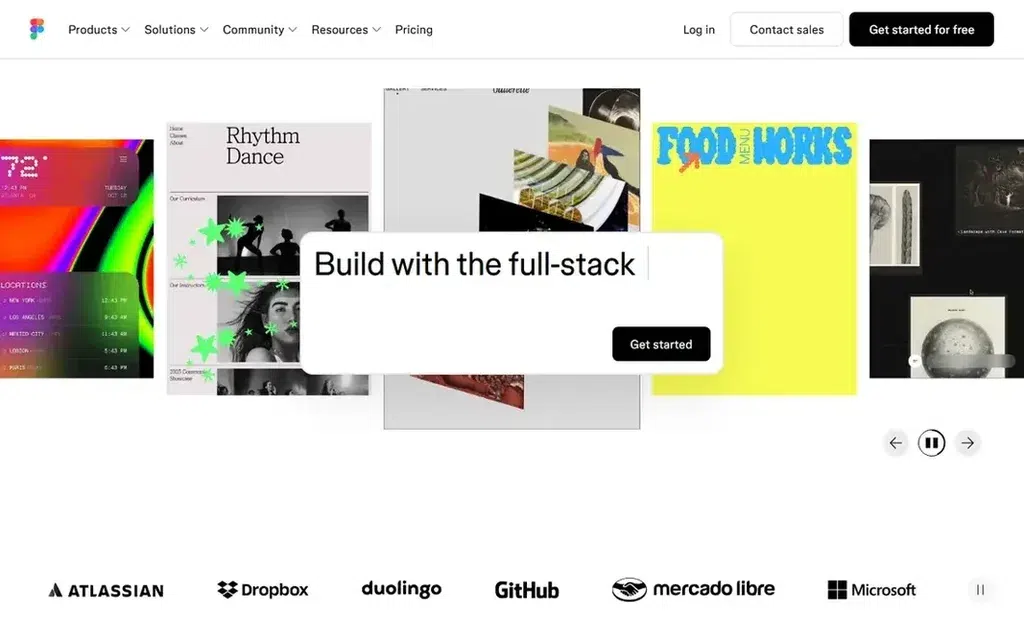
Figma targets collaborative design and inline feedback. Teams with formal, multi-stage approval chains may want dedicated proofing tools instead.
Drawbacks to consider: Can feel busy for straightforward review tasks.
It suits product teams that want design and review to happen in the same workspace. The starting price for Figma: $3 per month. Free access: Not stated.
Upsides: Design and feedback in one place.
- Capable live collaboration
- Code and AI
- Feedback volume needs discipline
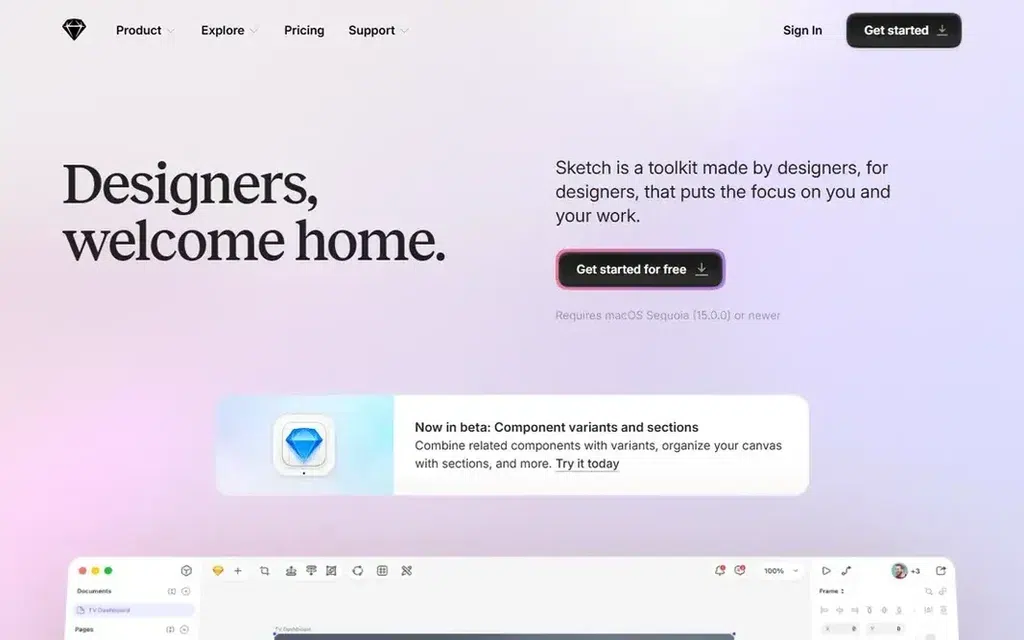
Choose Sketch for Mac-based designers wanting focused tools. It puts the focus on the work itself, which appeals to teams that want a clean environment for creating and sharing designs.
Trade-offs to know: Mac-centric workflow.
Worth adding: Sketch's collaboration features support feedback, but it is not a dedicated proofing system for formal approval chains. In daily use, teams handling large volumes of review across plenty of file types may need a separate proofing tool. Starting cost for Sketch: $12 per editor per month. On free options: Free trial.
- Focused workspace
- Prototyping and collaboration built in
- Feedback is lighter than proofing tools
How the list was put together
For each of the 5 tools we noted price, free plan or trial, fit for rated design software for managing feedback and the main limit, using vendor pages and documentation. Treat prices as a snapshot: vendors change plans often, so check the vendor site for the figure that applies today. The order reflects how well each tool fits the most common buying scenario for rated design software for managing feedback, then price clarity, then free plan access. It is a starting point, not a verdict.
Before you commit
- Get a written quote from Filestage; the list shows no starting price for them.
- Check what the free option really includes: Miro and Ziflow offer a free plan, and usage caps differ.
- Run a trial of Sketch with real work before paying for a year; your own workflow is the best test.
- Read the limits listed for Filestage first: not a design creation tool.
- Verify that exporting from Filestage is possible on your plan and covers all your records.
- Ask the daily users to test Sketch on a live task before you roll it out to everyone.
FAQ
Can I try these tools before paying?
Often, yes. Miro and Ziflow have a free plan and Sketch offers a free trial. Use your own data and a real task during the test, and check what the free tier or trial limits before you rely on it.
Is Filestage the right pick for everyone comparing rated design software for managing feedback?
No single tool suits every team. Filestage comes first because it fits formal review and approval workflows, while Miro suits early ideation and visual collaboration and Ziflow suits high-volume proofing across file types. Match the tool to your own size, budget and workflow before deciding.
Which tool is a good match for inline design feedback?
Filestage comes first here and is built for formal review and approval workflows. Buyers with other needs may prefer Miro (for early ideation and visual collaboration) or Ziflow (for high-volume proofing across file types). Compare costs and limits first.
Which options for rated design software for managing feedback have a free plan?
On this list, Miro and Ziflow include a free plan. Caps on seats, usage or features are common, so test the free plan against your real workload. One other tool offers a trial instead.
How are the tools for rated design software for managing feedback ordered?
The order follows typical fit for rated design software for managing feedback, with Filestage first and Sketch last, then price clarity and free access. It is editorial judgement, not a score, so another team could rank the tools differently.
Do I need a separate proofing tool if I use a design product?
Not always, but teams in regulated or high-volume environments frequently benefit from one. Filestage and Ziflow add structured approval workflows that design tools do not emphasize.
Sources
- https://filestage.io
- https://miro.com
- https://www.ziflow.com
- https://www.figma.com
- https://www.sketch.com