Best Design Feedback Tools in 2026: 8 Products Compared
We compared the best design feedback tools for comments and approvals, so design teams and clients can review work in context without long email threads.

- Editor's choice
 Figma
Real-time design collaboration and in-file comments
Starts atFreeVisit figma.comFull review - Great alternative
 Filestage
Review and approval across many file types
Starts at$199 per monthVisit filestage.ioFull review - Also consider
 Ziflow
Creative teams with complex approval workflows
Starts at$199 per monthVisit ziflow.comFull review
TL;DR:
- Good design feedback stays attached to the exact spot on the design, not in a separate email or chat message.
- The best design feedback tool depends on whether you review live designs, static files, websites or video.
- Approval workflows, version comparison and reviewer access without an account save time for client work.
- Free plans suit small teams, but proofing-heavy agencies usually need paid plans for unlimited reviewers and projects.
- Figma covers design-stage feedback best, while proofing tools cover client approvals across many file types.
Quick comparison
| Tool | Best for | Starts at | Free plan? | |
|---|---|---|---|---|
| Figma | Real-time design collaboration and in-file comments | Free | Yes | Visit |
| Filestage | Review and approval across many file types | $199 per month | Yes | Visit |
| Ziflow | Creative teams with complex approval workflows | $199 per month | Yes | Visit |
 Pastel | Simple feedback on websites and images for clients | See website | Yes | Visit |
 Markup.io | Fast visual feedback for design and web projects | See website | Yes | Visit |
 BugHerd | Website feedback that turns into tracked tasks | See website | No | Visit |
 ReviewStudio | Agency proofing across images, video and documents | See website | No | Visit |
 GoVisually | Simple proofing for small creative teams | See website | Yes | Visit |
The best design feedback tools
We compared official feature pages, pricing pages, app store listings and public reviews for tools that collect design feedback. These eight cover live design files, websites, images, video and documents.

Figma is where most product design feedback starts, because comments sit directly on frames, components and prototypes. Designers, product managers and stakeholders can discuss a change in the file itself, without exporting images or writing separate notes. Version history helps teams compare changes and return to an earlier design if a direction does not work. The limit is scope. Figma excels at design-stage feedback, but it is not built for approving live websites, video or a large set of marketing files through a formal workflow. Teams that need structured approvals across many file types often pair Figma with a proofing tool. For design teams, Figma remains the core feedback workspace.
- Comments stay in context on the design, real-time collaboration, version history and prototypes
- Less suited to live website feedback, and approval workflows are lighter than dedicated proofing tools
Filestage centralises feedback for creative teams that review more than just design files. Reviewers can comment directly on artwork, video, PDFs and documents, compare versions side by side, and mark files as approved or needing changes. Reviewer groups let teams route work from design to marketing to client in stages. The free plan is limited, and paid plans start at a level that suits agencies and mid-sized teams better than solo designers. For teams drowning in email feedback across many formats, Filestage replaces scattered comments with one approval trail that everyone can follow.
- Visual annotations on images, video, PDFs and documents, version comparison, reviewer groups and approval statuses
- Starter pricing is high for very small teams, and onboarding takes time for new reviewers
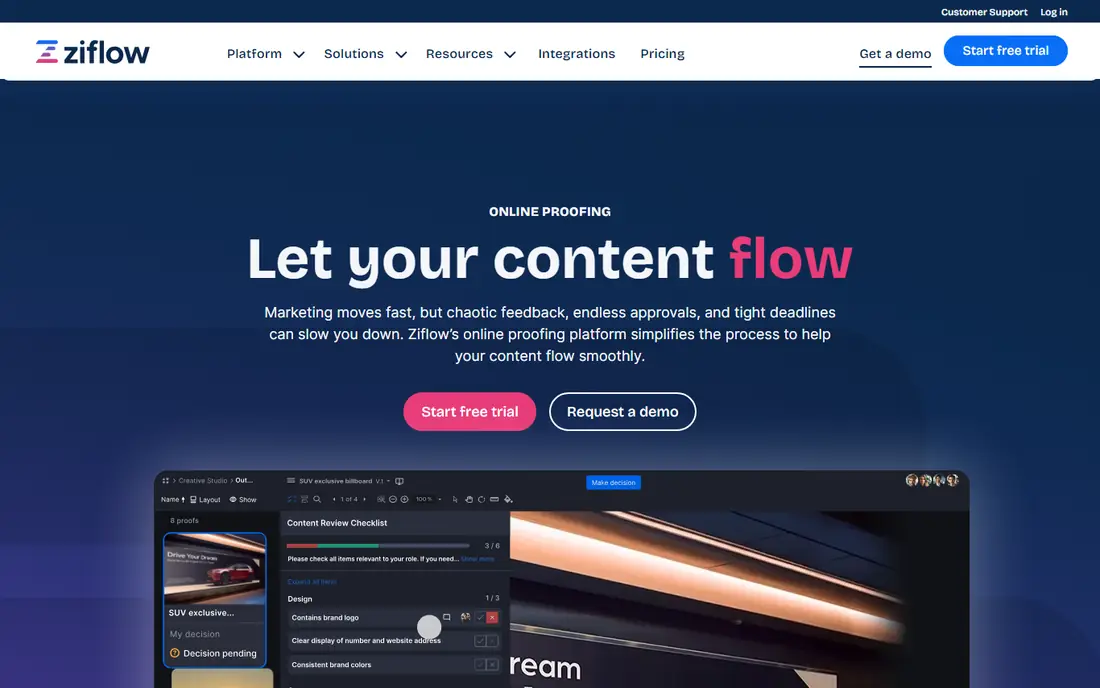
Ziflow is built for marketing and creative teams that need formal proofing at scale. Reviewers can annotate live websites as well as static files, which helps teams check campaigns before launch. Automated workflows, checklists and a full audit trail suit organisations that need to show who approved what, and when. The cost and depth reflect that enterprise focus. Small teams with simple review needs may find Ziflow more than they need. For larger creative operations, especially those with compliance or brand approval requirements, Ziflow offers structure that simpler comment tools cannot match.
- Supports many file types, live website proofing, automated workflows, audit trail of comments and decisions
- Pricing is enterprise-oriented, and smaller teams may not need its full workflow depth
Pastel suits designers and small agencies that want client feedback without teaching clients a new system. Share a link, and a client can click on a website or image and leave a comment exactly where the issue sits. That pinned comment removes the usual back-and-forth about which section a note refers to. Pastel is not a full approval platform. Version control, automated workflows and deep reporting are lighter than in Filestage or Ziflow. For straightforward website and image reviews, that simplicity is the appeal, because clients actually use it.
- Easy link sharing for clients, comments pinned to a spot on a page or image, no account needed for reviewers in many cases
- Lighter workflow and reporting than proofing platforms, and video support is limited
Markup.io focuses on speed. Designers can share a design, website or PDF, and reviewers can leave visual comments without a long setup process. That makes it useful for freelancers and small teams that need client input quickly, without configuring a full proofing system. Larger teams that need staged approvals, audit trails and detailed reporting will outgrow Markup.io. For quick rounds of visual feedback, especially with clients who dislike complex tools, its simplicity is a genuine strength.
- Quick visual comments on websites, images and PDFs, simple sharing, useful for small teams and freelancers
- Approval workflows and enterprise controls are lighter than dedicated proofing tools
BugHerd bridges the gap between design feedback and development fixes for websites. A reviewer clicks on a live site, leaves a comment, and BugHerd captures a screenshot plus technical details such as browser and screen size. Comments become tasks on a board, so developers can track fixes without copying notes from email. That website focus is also the limit. BugHerd is not the right tool for reviewing print files, video or general design assets. For web teams that need client feedback to flow directly into a fix list, it is a practical and focused choice.
- Feedback pinned to a live website, automatic screenshots and browser details, task board for fixes
- Focused on websites rather than general design files, and pricing is not published as a simple entry rate
ReviewStudio suits agencies and creative teams that proof a mix of media for clients. Images, video, PDFs and documents can all be reviewed in one place, with markup tools, threaded comments and version comparison. Approval workflows help teams move work from draft to client sign-off without losing track of changes. The buying process is less transparent than for free-first tools, since pricing is handled through sales. Smaller teams may prefer a simpler tool. For agencies that need a consistent proofing process across media types, ReviewStudio offers depth that lightweight comment tools lack.
- Markup on many media types, version comparison, approval workflows, client-friendly review links
- Pricing is quoted rather than published simply, and setup takes more effort than a lightweight comment tool
GoVisually is a straightforward proofing tool for small teams that want to move feedback out of email. Reviewers can annotate designs and documents, compare versions and approve work through shared links. The interface is approachable for clients who only review occasionally. Larger organisations with complex approval chains, compliance needs or many integrations may need a bigger platform. For small studios and in-house teams with a steady flow of design reviews, GoVisually offers a clear, low-friction alternative to scattered comments.
- Easy visual proofing for designs and documents, version tracking, client review links
- Fewer enterprise workflows and integrations than larger proofing platforms
How we picked these
We compared official feature pages, pricing pages, app store listings and public reviews, focusing on in-context comments, version control, approval workflows, reviewer access and file-type coverage. Tools that only offered chat or general project comments, without visual feedback on the work itself, were left out. Pricing was checked against vendor pages and recent published comparisons.
What to check before you buy
Run a real review cycle during a trial, not just a demo file. Invite a client or stakeholder who has never used the tool, and see how easily they leave a useful comment. That test reveals more than any feature list.
Match the tool to the asset type
Design files, live websites, video and print documents need different proofing strengths. Figma suits design files, BugHerd suits live websites, and Filestage, Ziflow and ReviewStudio suit mixed media. Picking a tool that cannot handle your main asset type will force workarounds.
Check reviewer friction
The best feedback tool is the one reviewers actually use. Check whether reviewers need an account, whether links work on mobile, and whether comments stay pinned to the right spot. High friction leads to vague email feedback, which defeats the purpose of the tool.
Decide how formal approvals must be
Simple projects need comments and a clear approval status. Regulated or brand-sensitive work needs staged approvals, audit trails and version records. Do not pay for enterprise proofing if a simple comment tool will do, and do not rely on a simple tool if you need a defensible approval trail.
FAQ
Q: What is the best design feedback tool for client work? A: Filestage, Ziflow and ReviewStudio suit client work with formal approvals, while Pastel and Markup.io suit simpler client reviews. The right choice depends on file types, approval formality and budget. For most small agencies, a simple pinned-comment tool is enough to start. Q: What are the 10 best design feedback tools, and why do lists differ? A: Lists differ because design feedback covers design files, websites, video and documents, and no single tool leads in every area. A list that ranks Figma first is usually focused on product design, while a list that ranks a proofing platform first is focused on client approvals. Shortlist by asset type, not by a generic ranking. Q: Is there a good free design feedback tool? A: Yes, for small teams. Figma offers a free plan for design-stage feedback, and Pastel, Markup.io and GoVisually offer free entry options for visual comments. Proofing platforms such as Filestage and Ziflow also offer limited free plans, but full approval workflows usually require paid plans. Q: Do clients need an account to leave feedback? A: In many tools, no. Pastel, Markup.io, Filestage and similar proofing tools let reviewers comment through a shared link without creating an account. Figma reviewers may need an account for full access, depending on permissions. Check reviewer access during a trial with a real client. Q: Can design feedback tools handle video? A: Yes, several can. Filestage, Ziflow and ReviewStudio support video review with time-stamped comments, which helps teams pinpoint exact moments. Figma and website-focused tools are less suited to video, so choose a proofing platform if video review is a regular need.