The 6 Best Platforms for Collaborative Design Feedback in 2026, Ranked
Need the best platforms for collaborative design feedback? We compare 6 tools on cost, free access and who each suits. Verdicts stay brief and factual.
- Editor's choice
 Miro
Visual collaboration and brainstorming
Starts at$8 per member a monthVisit miro.comFull review - Great alternative
 Markup.io
Fast visual feedback on static content
Starts at$79 a monthVisit markup.ioFull review - Also considerNotism
Design and video collaboration for creative teams
Starts atSee websiteVisit notism.ioFull review
Direct answer
This list puts Miro first for visual collaboration and brainstorming. Listed starting prices: Miro from $8 per member a month, Markup.io from $79 a month and Figma from $3 a month. Markup.io is the stronger choice for fast visual feedback on static content, while Notism suits design and video collaboration for creative teams. Prices, free plans and limits for all 6 tools follow.
TL;DR:
- Number one here is Miro, a fit for visual collaboration and brainstorming.
- The cheapest monthly starting price in the list is $3 per month, offered by Figma.
- Sketch is the one to check for designer-centric collaboration and handoff.
- Free plans exist at 2 of 6 tools (Miro, Notism).
Last checked November 2026. Prices and plan details were read from the vendors' own pages in November 2026; vendors change plans often, so confirm the current price on the vendor site before you buy.
Quick comparison
| Tool | Best for | Starts at | Free plan? | |
|---|---|---|---|---|
| Miro | Visual collaboration and brainstorming | $8 per member a month | Yes | Visit |
| Markup.io | Fast visual feedback on static content | $79 a month | Free trial | Visit |
| Notism | Design and video collaboration for creative teams | See website | Yes | Visit |
 Figma | All-in-one design and feedback | $3 a month | Not stated | Visit |
 Adobe XD | Prototyping and design collaboration | See website | Not stated | Visit |
 Sketch | Designer-centric collaboration and handoff | $12 per editor per month | Free trial | Visit |
Platforms for Collaborative Design Feedback profiles
Choosing platforms for collaborative design feedback usually comes down to price, fit and limits. This LinkVetted guide sets 6 tools side by side on those three points, with the facts kept short and checkable.
Miro is designed for visual collaboration and brainstorming. Miro is an AI-powered visual product built to accelerate product development from ideation to launch. On top of that, Miro is not a dedicated design tool, so it lacks advanced design features like prototyping or design systems.
Where it falls short: Can become cluttered without proper organization.
It performs best as a complement to design software instead of a replacement. In practice, pick Miro when you need a collaborative whiteboard for early-stage ideation and feedback. For in-depth design feedback on actual design files, tools like Figma or Markup.io are more appropriate. The starting price for Miro: $8 per member per month. Miro offers a free plan.
- Infinite canvas for visual collaboration
- Supports live feedback and ideation
- Not a dedicated design tool
Markup.io was built for fast visual feedback on static content. Markup.io is a design collaboration tool that simplifies visual feedback by allowing teams to annotate screenshots, PDFs, and designs in live. It is built to be the easiest way to leave feedback on digital content.
For teams that require to design and collaborate in one place, Figma or Sketch would be more suitable. Markup.io is a strong match for teams that require a straightforward way to gather comments on static designs without the complexity of a full design system. On cost, Markup.io starts like this: $79 per month. On free options: Free trial.
Where it is weaker: Restricted to feedback on static files.
- Simple annotation on screenshots, PDFs, designs
- Live feedback with team
- Not a full design tool
Notism
Best for: Design and video collaboration for creative teams
Think of Notism for design and video collaboration for creative teams. Pick Notism if you value a dedicated tool for design and video collaboration within a creative team. As for the details, Notism has a smaller user base and fewer integrations than more established systems like Figma or Miro.
What to check first: Restricted integrations compared with bigger products.
It may lack some advanced features found in larger suites. As for the details, Notism is a design and video collaboration app made for creative teams. It supplies prototyping and workflow features that enable teams to collaborate on designs and videos in one place. Notism does not show a starting price in this comparison, so check the vendor site for current pricing. Free access exists with Notism.
- Supports prototyping and workflow
- Tailored for creative teams
- Less known than major competitors
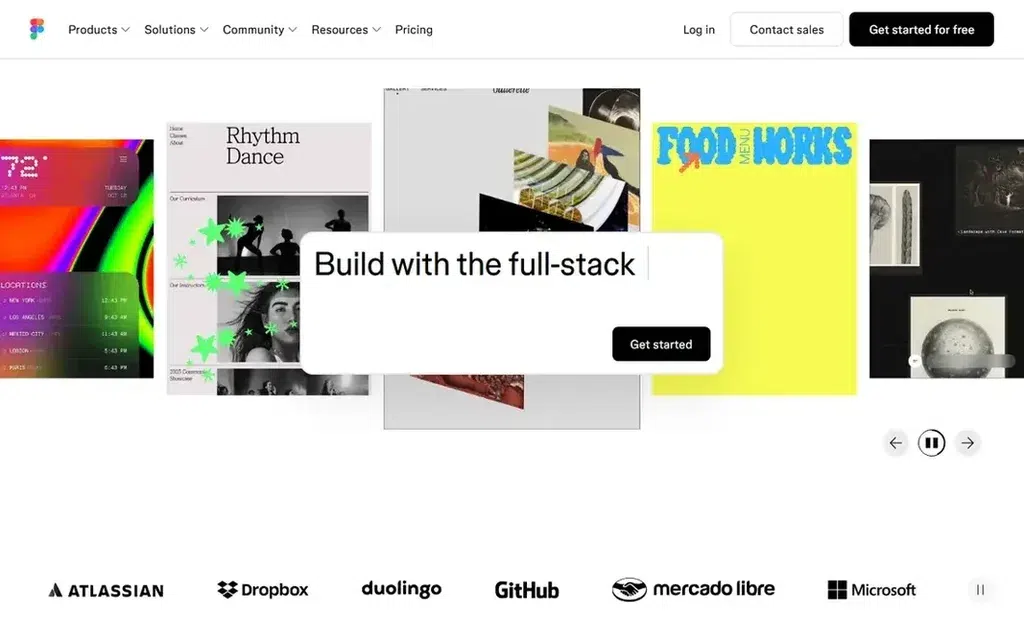
Think of Figma for all-in-one design and feedback. Figma is a collaborative canvas that brings design, code, and AI together in one place. It permits teams to go from concept to production with everyone working in the same file.
What to check first: Can be overwhelming for non-designers.
Even so, Figma's deep feature set can be complicated for beginners or stakeholders who only have to leave feedback. It may need some training to use effectively. Worth adding: if you primarily need straightforward annotation on static files, a lighter tool like Markup.io might be a better fit. Starting cost for Figma: $3 per month. As for free access: Not stated.
- Live collaboration on a shared canvas
- Supports design and code workflows
- Needs internet connection for full functionality
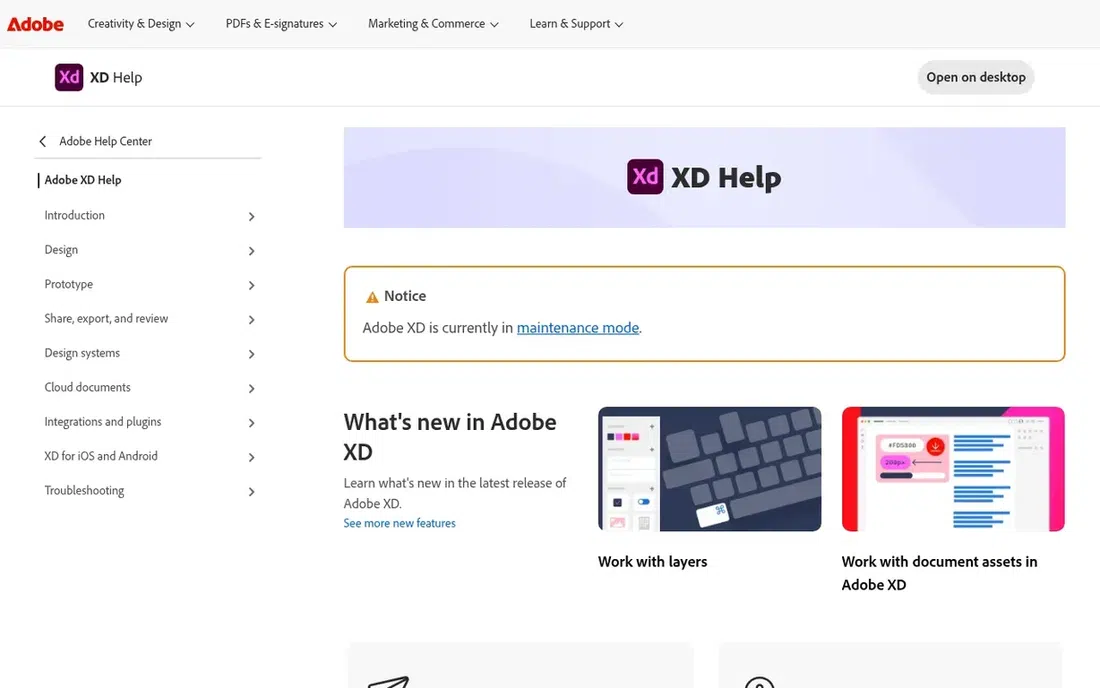
Adobe XD is designed for Prototyping and design collaboration. Adobe XD suits designers who require to prototype and share designs for review within a familiar Adobe environment.
Points against: Restricted live co-editing compared with some rivals.
It lets designers to produce interactive prototypes and gather feedback from stakeholders. This comparison lists no price for Adobe XD; ask the vendor. Free access: Not stated.
- Makes it possible for sharing and feedback on prototypes
- Supports prototyping and design specs
- Needs Adobe ecosystem for full benefits
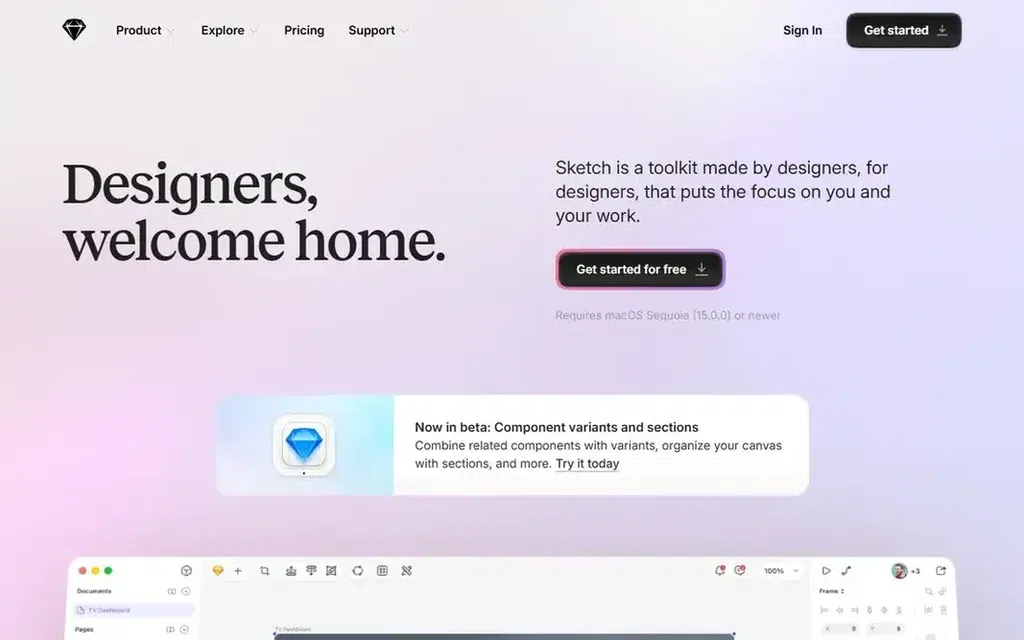
Sketch makes the most sense for designer-centric collaboration and handoff. Sketch is a design tool built by designers for designers, emphasizing a focused workflow.
In daily use, if your team works across Windows and Mac, Figma might be a more inclusive choice. Sketch starts at: $12 per editor per month. Free plan details: Free trial.
The main drawbacks: Collaboration features need extra setup.
- Capable collaboration and handoff features
- Supports plugins and integrations
- Mac-only system
Selection criteria
LinkVetted used vendor pricing pages and product documentation as the base, then compared plans, free access and documented limits for 6 tools. Plan names, prices and limits change often. Treat the figures here as a starting point and verify them with the vendor. The order reflects how well each tool fits the most common buying scenario for platforms for collaborative design feedback, then price clarity, then free plan access. It is a starting point, not a verdict.
What to confirm before you sign up
- Get a written quote from Notism and Adobe XD; the list shows no starting price for them.
- Check what the free option really includes: Miro and Notism offer a free plan, and usage caps differ.
- Run a trial of Markup.io and Sketch with real work before paying for a year; your own workflow is the best test.
- Before choosing Miro, weigh its main limit: not a dedicated design tool.
- Confirm that Sketch connects to the apps your team already uses, on the plan you would actually buy.
- Map your must-have features to a specific Figma plan before you compare prices.
FAQ
How are the tools for platforms for collaborative design feedback ordered?
Miro sits first and Sketch last because the order follows typical fit for platforms for collaborative design feedback, then price clarity and free access. It is a judgement call, so read each profile for fit and limits.
Is Miro the right pick for everyone comparing platforms for collaborative design feedback?
No single tool suits every team. Miro comes first because it fits visual collaboration and brainstorming, while Markup.io suits quick visual feedback on static content and Notism suits design and video collaboration for creative teams. Match the tool to your own size, budget and workflow before deciding.
Can I use Miro for design feedback?
Miro is a visual collaboration system that can be used for design feedback, particularly during brainstorming and ideation phases. Miro performs well as a complementary tool for visual collaboration.
What should I look for in a design feedback product?
Look for features like live commenting, annotation capabilities, version control, and integration with your existing design tools. Also consider whether you need a full design product or just a feedback tool.
Can I try these tools before paying?
Often, yes. Miro and Notism have a free plan and Markup.io and Sketch offer a free trial. Use your own data and a real task during the test, and check what the free tier or trial limits before you rely on it.
Do these tools publish their prices?
Not all of them. Notism and Adobe XD publish no starting price, so expect a quote request for those. The rest, Miro included, show a starting price, though seats and billing terms still change the final cost.
Sources
- https://miro.com
- https://www.markup.io
- https://www.notism.io
- https://www.figma.com
- https://www.adobe.com/products/xd.html
- https://www.sketch.com