The 6 Best Platform to Make Videos in 2026, Ranked
Best platform to make videos: 6 tools compared on price, free plans and fit. Final Cut Pro leads the list for Mac and iPad professional editing. Details below.

- Editor's choice
 Final Cut Pro
Mac and iPad professional editing
Starts atSee websiteVisit apple.comFull review - Great alternative
 Vimeo
Hosting and showcasing finished videos
Starts atSee websiteVisit vimeo.comFull review - Also consider
 DaVinci Resolve
All-in-one editing, color and audio
Starts atSee websiteVisit blackmagicdesign.comFull review
Direct answer
Our first pick is Final Cut Pro, best for Mac and iPad professional editing. Listed starting prices: Descript from $16 per person a month. Alternatives: Vimeo for hosting and showcasing finished videos, and DaVinci Resolve for all-in-one editing, color and audio. Prices, free plans and limits for all 6 tools follow.
TL;DR:
- Final Cut Pro takes the first slot, best suited to Mac and iPad professional editing.
- Descript has the lowest monthly starting price in this list: $16 per person per month.
- A fair warning about Descript: less suited to heavy visual effects.
- Adobe Premiere Pro is the one to check for professional editing and post-production.
Last checked November 2026. Prices and plan details were read from the vendors' own pages in November 2026; vendors change plans often, so confirm the current price on the vendor site before you buy.
Quick comparison
| Tool | Best for | Starts at | Free plan? | |
|---|---|---|---|---|
| Final Cut Pro | Mac and iPad professional editing | See website | Not stated | Visit |
| Vimeo | Hosting and showcasing finished videos | See website | Yes | Visit |
| DaVinci Resolve | All-in-one editing, color and audio | See website | Not stated | Visit |
 Descript | Text-based editing of talking videos | $16 per person a month | Yes | Visit |
 CapCut | Fast social videos with AI tools | See website | Yes | Visit |
 Adobe Premiere Pro | Professional editing and post-production | See website | Not stated | Visit |
Platform to Make Videos, one by one
LinkVetted compared 6 platform to make videos. The goal is a practical shortlist: published prices, free plan facts, best-fit use cases and honest limits for every entry.
Final Cut Pro is designed for Mac and iPad professional editing. Final Cut Pro is Apple's professional editor for Mac and iPad, packed with intelligence features that aim to make pro-quality video creation simpler.
The magnetic timeline approach appeals to those who edit rapidly and iteratively. In practice, Final Cut Pro is tied to Apple hardware, so Windows and Linux users need another choice such as DaVinci Resolve or Premiere Pro. Final Cut Pro does not show a starting price in this comparison, so check the vendor site for current pricing. As for free access: Not stated.
Where it is weaker: Restricted to Apple devices.
- Intelligence features accelerate editing
- Capable for pro-quality creation
- Different workflow from other editors
Vimeo is built with hosting and showcasing finished videos in mind. Instead of editing, it supports the publishing and presentation side of a video workflow, complementing tools like Premiere Pro or Final Cut Pro.
Also, if your goal is production instead of hosting, start with an editing product first. Also, Vimeo does not replace an editor, so you still need a separate tool to cut and finish your video. Check the vendor site for Vimeo pricing; none is listed in this comparison. Free access exists with Vimeo.
Honest limits: Not an editing tool.
- Ad-free viewing experience
- HD streaming and discovery
- Restricted use before a video is made
Pick DaVinci Resolve if this describes you: all-in-one editing, color and audio. The homepage notes free and premium versions, so you can start learning before committing to a workflow. Its breadth can feel overwhelming, and the interface rewards patience and structured learning.
What works well: visual effects and audio in one app.
As for the details, DaVinci Resolve merges professional editing, color correction, visual effects and audio post-production in a single application. From a buyer's view, choose DaVinci Resolve when color accuracy and a complete post-production toolkit are central to your work. DaVinci Resolve shows no starting price here, so confirm the cost on the vendor site. Free access: Not stated. Watch-outs: Dense interface for newcomers.
- Editing, color
- Available for Mac
- Demanding on hardware
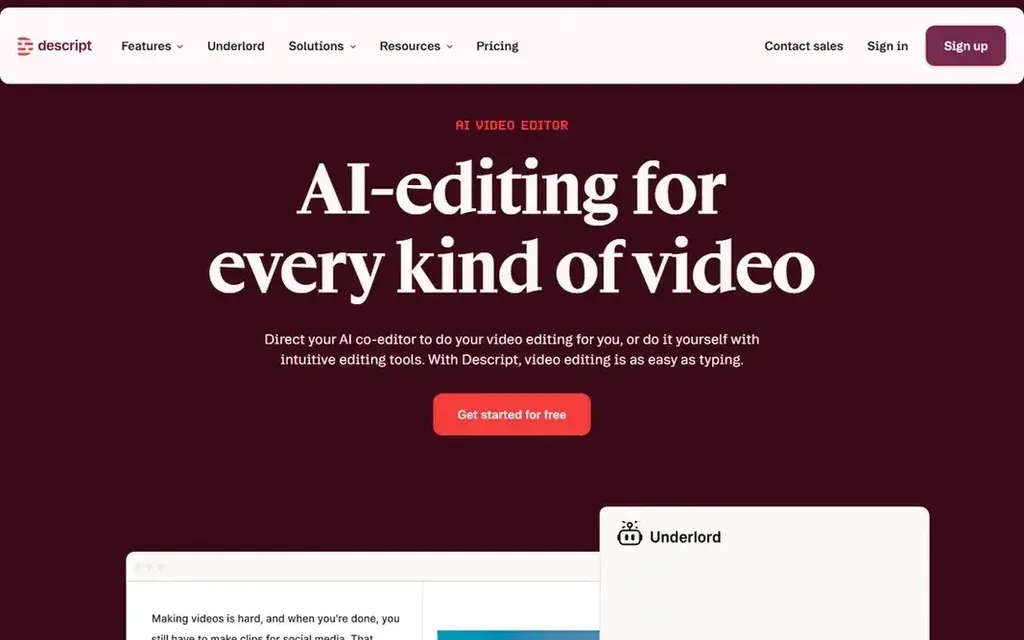
Descript targets text-based editing of talking videos. Descript is an AI video and audio editor that makes editing feel like editing text. Its text-based approach accelerates removing filler words and restructuring spoken content without frame-by-frame trimming.
Also, Descript is most solid for dialogue-driven content instead of cinematic editing or complicated visual effects. In daily use, choose Descript when spoken content and quick turnaround are the priority. For everyday use, if your project depends on motion graphics or in-depth color work, a traditional editor is a better match. On cost, Descript starts like this: $16 per person per month. A free plan is available with Descript.
Points against: Best results rely on clean audio.
- Transcription and publishing together
- Recording
- Less suited to heavy visual effects
In short, CapCut is for fast social videos with AI tools. Pick CapCut for speed and social formats instead of long-form production.
CapCut provides less granular control than professional editors, so complicated projects may hit limits. In daily use, if you need advanced color grading, audio post or precise timeline work, consider DaVinci Resolve or Premiere Pro. This comparison lists no price for CapCut; ask the vendor. You can start on CapCut without paying.
Reasons to shortlist it: mobile and online.
Limits to weigh: Feature set varies by system.
- AI-powered editing features
- Available on desktop
- Fewer deep professional controls
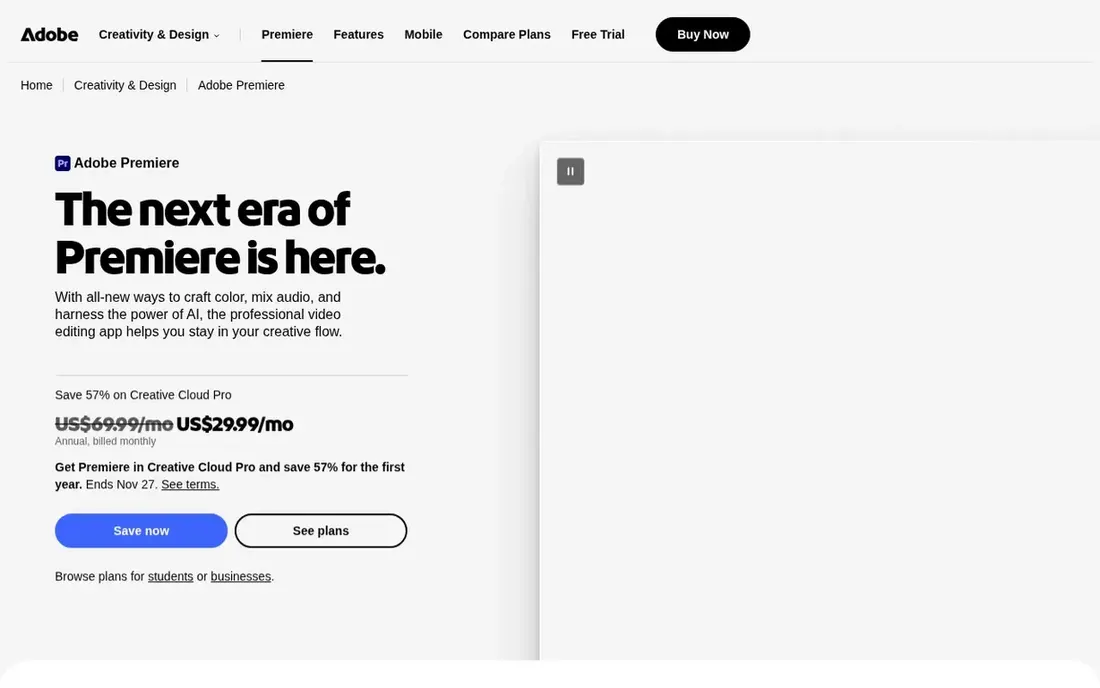
Adobe Premiere Pro is a good fit for professional editing and post-production. Adobe Premiere Pro is professional video editing and post-production software for trimming footage, adding effects and mixing audio.
Its depth comes with a steeper ramp-up time and hardware demands, which can slow down casual creators. This comparison lists no price for Adobe Premiere Pro; ask the vendor. Free options: Not stated.
Limits to weigh: Ramp-up time for beginners.
- Suits in-depth post-production workflows
- Wide editing
- Needs a capable computer
Selection criteria
Before you commit
- Ask Final Cut Pro, Vimeo, DaVinci Resolve and others for a written quote, since no starting price is shown.
- Read the fine print on the free plans from Vimeo, Descript and CapCut; seat, project and feature caps differ.
- Read the limits listed for Final Cut Pro first: restricted to Apple devices.
- Ask Adobe Premiere Pro how an export works before you move any records in; an easy exit lowers the risk.
- Price Final Cut Pro for your actual team size; headline prices rarely include add-ons or overage.
FAQ
How are the platform to make videos ordered?
Final Cut Pro sits first and Adobe Premiere Pro last because the order follows typical fit for platform to make videos, then price clarity and free access. It is a judgement call, so read each profile for fit and limits.
What is the cheapest option for platform to make videos in this list?
On published monthly entry prices, Descript is the lowest here at $16 per person per month. Entry price is only part of the cost, because seats, add-ons and billing terms can change the total. Prices, free plan details and limits for all 6 tools in this platform to make videos roundup sit on the individual cards above.
Which platform is a good match for beginners making videos?
Start with Final Cut Pro if you need Mac and iPad professional editing. Vimeo is the better match for hosting and showcasing finished videos, and DaVinci Resolve for all-in-one editing, color and audio. The best choice depends on budget, team size and workflow.
Can I try these tools before paying?
Often, yes. Vimeo, Descript and CapCut have a free plan. Use your own data and a real task during the test, and check what the free tier or trial limits before you rely on it.
Is Final Cut Pro the right pick for everyone comparing platform to make videos?
No single tool suits every team. Final Cut Pro comes first because it fits Mac and iPad professional editing, while Vimeo suits hosting and showcasing finished videos and DaVinci Resolve suits all-in-one editing, color and audio. Match the tool to your own size, budget and workflow before deciding.
What should I check before choosing a video product?
Also review collaboration choices if others will join the project. Details change, so verify current capabilities on the vendor site before committing.
Sources
- https://www.apple.com/final-cut-pro
- https://vimeo.com
- https://www.blackmagicdesign.com/products/davinciresolve
- https://www.descript.com
- https://www.capcut.com
- https://www.adobe.com/products/premiere.html