Choosing Software to Make Video Presentation in 2026: 5 Options Compared
Best software to make video presentation in 2026: 5 contenders with entry costs and free tiers. We note where every tool falls short. Read the profiles.
- Editor's choice
 Camtasia
Screen-recorded tutorials and software demos
Starts atSee websiteVisit techsmith.comFull review - Great alternative
 Animaker
Beginners and pros making animated videos
Starts at$10 a monthVisit animaker.comFull review - Also consider
 Adobe Premiere Pro
Professional editing of recorded presentations
Starts atSee websiteVisit adobe.comFull review
Direct answer
For screen-recorded tutorials and software demos, Camtasia is where this list starts. Listed starting prices: Animaker from $10 a month, Powtoon from $8 a month and Vyond from $58 a month. Animaker fits beginners and pros making animated videos; Adobe Premiere Pro fits professional editing of recorded presentations. The remaining 2 options are covered below with prices and limits.
TL;DR:
- The list opens with Camtasia, aimed at screen-recorded tutorials and software demos.
- Powtoon is the only tool of the 5 with a free plan.
- Vyond fits business teams making styled animated videos.
- The main caution on Camtasia: less suited to cinematic editing.
Last checked November 2026. Prices and plan details were read from the vendors' own pages in November 2026; vendors change plans often, so confirm the current price on the vendor site before you buy.
Quick comparison
| Tool | Best for | Starts at | Free plan? | |
|---|---|---|---|---|
| Camtasia | Screen-recorded tutorials and software demos | See website | Not stated | Visit |
| Animaker | Beginners and pros making animated videos | $10 a month | Free trial | Visit |
| Adobe Premiere Pro | Professional editing of recorded presentations | See website | Not stated | Visit |
| Powtoon | Doc-to-video and branded business presentations | $8 a month | Yes | Visit |
 Vyond | Business teams making styled animated videos | $58 a month | Free trial | Visit |
Our 5 picks for software to make video presentation
LinkVetted put together this guide to software to make video presentation for readers who want a clear shortlist without reading every vendor page. It compares 5 tools on starting price, free plans, who each one suits and where each one falls short.
Camtasia is aimed squarely at screen-recorded tutorials and software demos. Camtasia merges a screen recorder with a video editor, geared toward professional tutorials, training videos, and software demos.
More specifically, choose Camtasia when the core job is capturing and polishing screen-based demonstrations. Camtasia shows no starting price here, so confirm the cost on the vendor site. Trial and free access: Not stated.
Drawbacks to consider: Animation choices are restricted.
- Targeted at tutorials and training videos
- Screen recording plus editing in one
- Less suited to cinematic editing
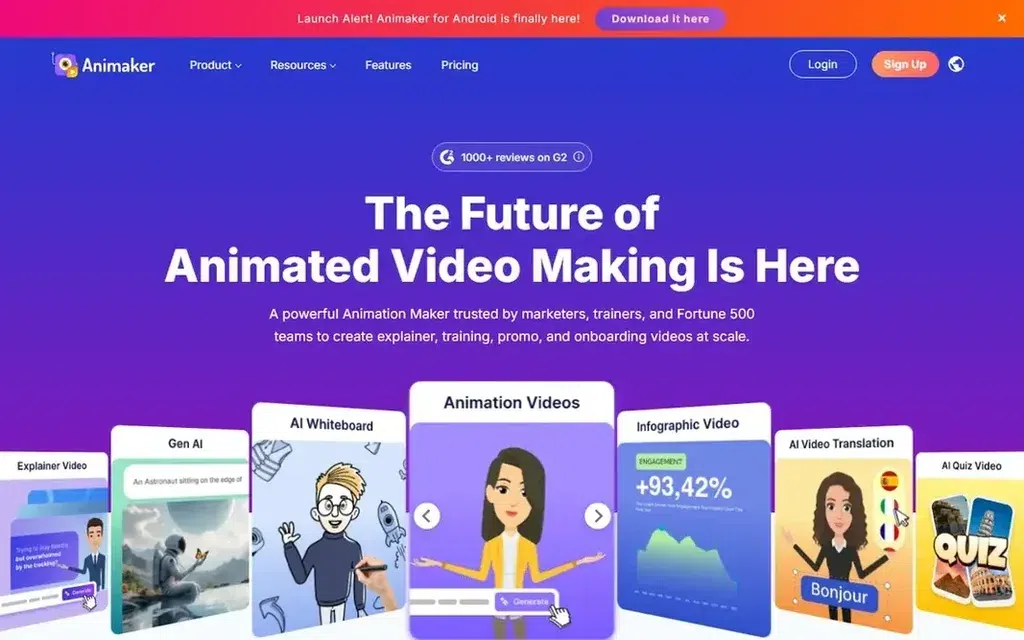
Where Animaker fits: beginners and pros making animated videos. It centers on producing animated videos in minutes, which suits explainers, character-driven stories, and presentation-style animation.
From a buyer's view, new users may also need time to explore the full feature set. On cost, Animaker starts like this: $10 per month. Free access: Free trial.
Points against: Feature depth can need time to learn.
- Wide animation focus
- Online animation workflow
- Animation-first scope may not include live editing
Adobe Premiere Pro is designed for professional editing of recorded presentations. Adobe Premiere Pro is professional video editing and postproduction software for editing and trimming footage, adding effects, mixing audio, and extending video.
For everyday use, teams wanting animation and motion design may pair it with specialist software. Pick Premiere Pro when editorial control over live or recorded material is the core requirement. Adobe Premiere Pro shows no starting price here, so confirm the cost on the vendor site. Trial and free access: Not stated.
What works well: audio mixing, more. Where it falls short: Steeper ramp-up time.
- Effects
- Professional editing and trimming
- Overkill for straightforward slide videos
Powtoon
Best for: Doc-to-video and branded business presentations

Powtoon serves Doc-to-video and branded business presentations. Powtoon describes itself as a unified AI video system for building business-ready branded videos and presentations rapidly. Automatic conversion and avatar narration can produce results that need manual polish.
Where it is weaker: Business-template focus may feel limiting.
The business orientation may not satisfy creative projects seeking full artistic control. Document-to-video conversion, AI avatars, text-to-speech, and AI translation make it appealing to teams repurposing written material or localizing content. Powtoon cost at the entry level: $8 per month. A free plan is available with Powtoon.
- Doc-to-video conversion
- AI avatars and text-to-speech
- Automatic features can need manual refinement
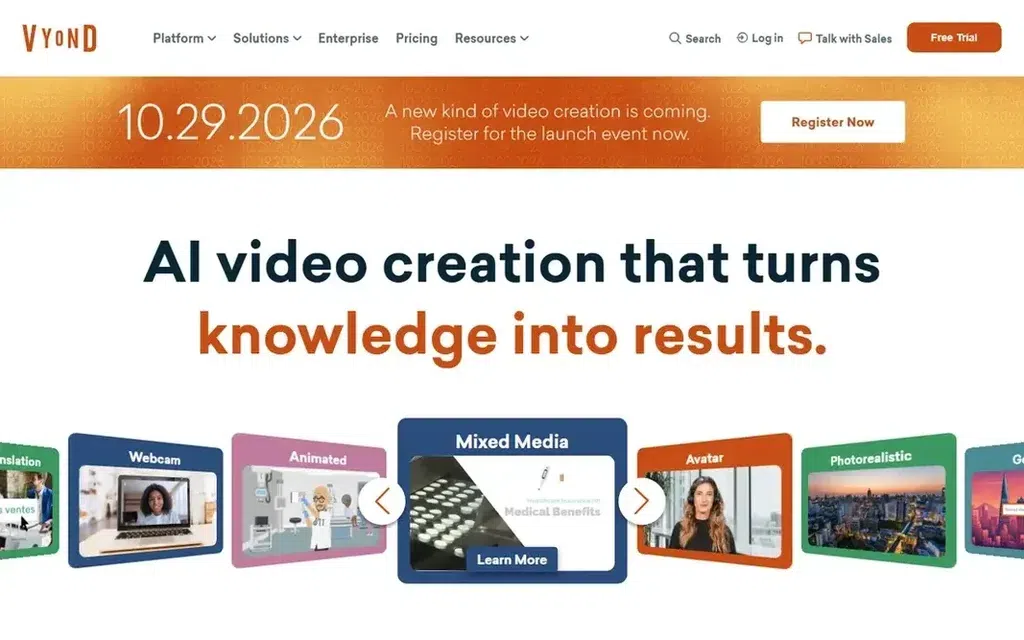
In short, Vyond is for business teams making styled animated videos. Choose Vyond when speed and a refined corporate look matter more than granular control.
In daily use, the emphasis on instant, easy creation makes it a reasonable starting point for organizations standardizing how they present ideas on video. Entry price for Vyond: $58 per month. Free options: Free trial.
The main drawbacks: Animation-centric approach may not fit live-footage editing.
- Several visual styles for business use
- Designed for workplace communication
- Business focus may limit casual creative use
How the list was put together
LinkVetted looked at what each vendor publishes: pricing, plan limits, feature coverage for software to make video presentation and stated drawbacks. No hands-on testing is claimed. Prices and plan limits come from vendor pages and can change, so confirm them on the vendor site before you buy. Order on the page follows fit for the typical buyer first, then price transparency and free access. Your own requirements should decide the final pick.
A buyer's checklist
- Ask Camtasia and Adobe Premiere Pro for a written quote, since no starting price is shown.
- Look at the free plan from Powtoon closely: its caps decide whether it is usable for real work.
- Take the trial from Animaker and Vyond and push a live task through it before you pay.
- Before choosing Camtasia, weigh its main limit: less suited to cinematic editing.
- Look at the help docs and support options for Vyond before you commit.
- Let daily users try Powtoon on real work; their feedback beats any feature checklist.
FAQ
What is the cheapest option for software to make video presentation in this list?
On published monthly entry prices, Powtoon is the lowest here at $8 per month. Entry price is only part of the cost, because seats, add-ons and billing terms can change the total. Each of the 5 options in this software to make video presentation guide has its own card above with the price, free plan and limits.
Which tool fits training and software demo videos?
Powtoon and Vyond can complement it for branded explainers around the demo. Confirm recording and export needs on the vendor sites before deciding.
How are the tools for software to make video presentation ordered?
Camtasia sits first and Vyond last because the order follows typical fit for software to make video presentation, then price clarity and free access. It is a judgement call, so read each profile for fit and limits.
Which options for software to make video presentation have a free plan?
Powtoon is the only tool in this list with a free plan. Free plans usually cap users, projects or features, so check the limits on the vendor page. Several others offer a trial instead. All 5 picks in this software to make video presentation comparison list a starting price, free plan details and the main limits on their cards above.
Can I try these tools before paying?
Often, yes. Powtoon has a free plan and Animaker and Vyond offer a free trial. Use your own data and a real task during the test, and check what the free tier or trial limits before you rely on it. For the full picture, the cards above cover all 5 entries of this software to make video presentation list, including price, free plan and limits.
Sources
- https://www.techsmith.com/camtasia.html
- https://www.animaker.com
- https://www.adobe.com/products/premiere.html
- https://www.powtoon.com
- https://www.vyond.com