Choosing Tools for Non-Technical Users Software in 2026: 5 Options Compared
Searching for the best tools for non-technical users software? Here are 5 options with prices and free plans. Verdicts stay brief and factual. Costs up front.
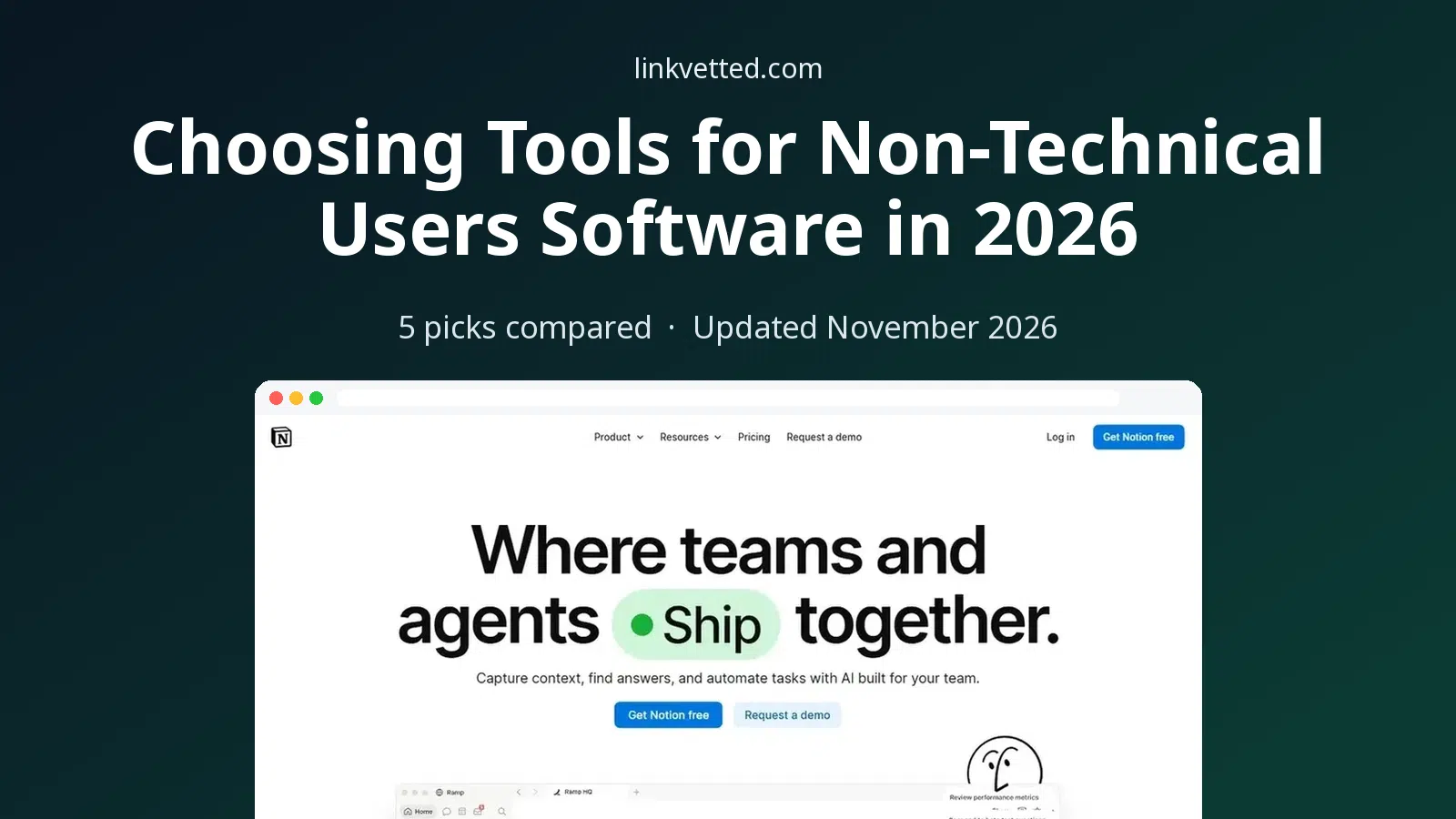
- Editor's choice
 Mailchimp
Email and SMS marketing basics
Starts at$13 a monthVisit mailchimp.comFull review - Great alternative
 Notion
Notes, docs and databases in one place
Starts at$10 per member per monthVisit notion.soFull review - Also consider
 Monday.com
Team work management with AI help
Starts at$9 per seat a monthVisit monday.comFull review
Direct answer
Mailchimp leads the list, best for email and SMS marketing basics. Listed starting prices: Mailchimp from $13 a month, Notion from $10 per member per month and Monday.com from $9 per seat a month. Notion fits notes, docs and databases in one place; Monday.com fits team work management with AI help. The full list of 5 tools follows, with prices and free plan facts.
TL;DR:
- Number one here is Mailchimp, a fit for email and SMS marketing basics.
- Monday.com has the lowest monthly starting price in this list: $9 per seat per month.
- 5 of 5 tools offer a free plan: Mailchimp, Notion, Monday.com, Asana, Airtable.
- Airtable suits spreadsheet-style databases without code.
Last checked November 2026. Prices and plan details were read from the vendors' own pages in November 2026; vendors change plans often, so confirm the current price on the vendor site before you buy.
Quick comparison
| Tool | Best for | Starts at | Free plan? | |
|---|---|---|---|---|
| Mailchimp | Email and SMS marketing basics | $13 a month | Yes | Visit |
| Notion | Notes, docs and databases in one place | $10 per member per month | Yes | Visit |
| Monday.com | Team work management with AI help | $9 per seat a month | Yes | Visit |
 Asana | Structured project and workflow planning | $10.99 per user per month | Yes | Visit |
 Airtable | Spreadsheet-style databases without code | $20 per user per month | Yes | Visit |
The full tools for non-technical users software list
Choosing tools for non-technical users software usually comes down to price, fit and limits. This LinkVetted guide sets 5 tools side by side on those three points, with the facts kept short and checkable.
Think of Mailchimp for email and SMS marketing basics. Pick Mailchimp when straightforward email and SMS marketing is the priority.
As for the details, the homepage flags live behavior data and artificial intelligence to help convert customers, framed as straightforward to use. On cost, Mailchimp starts like this: $13 per month. Mailchimp offers a free plan.
Where it is weaker: Design adaptability is bounded.
- Guided campaign building
- Behavior-based automation
- List upkeep needs attention
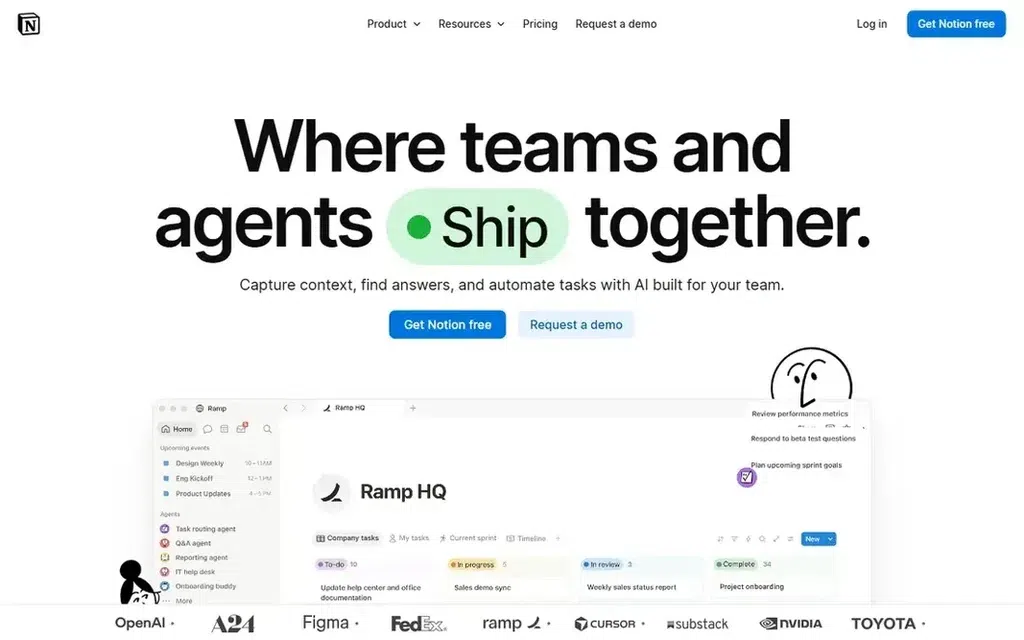
In short, Notion is for notes, docs and databases in one place. The homepage flags custom agents, search across connected apps and automation of busywork.
Its openness is also its central limit: without a clear structure, pages and databases can sprawl. As for the details, pick Notion when adaptability and documentation matter more than guided setup. The starting price for Notion: $10 per member per month. Free access exists with Notion.
Drawbacks to consider: Blank-page freedom can overwhelm.
- Merges docs with tasks
- Custom agents and search
- Structure needs discipline
Think of Monday.com for team work management with AI help. The homepage frames it around AI agents working alongside people to handle operations.
It suits non-technical teams that coordinate across departments and want a shared view of work, with enough structure to deal with several projects at once. What you pay to start with Monday.com: $9 per seat per month. Free access exists with Monday.com.
Limits to weigh: Setup benefits from planning.
- AI agents alongside teams
- Visual boards and workflows
- Plenty of features can overwhelm
Think of Asana for structured project and workflow planning. Asana is work management software for planning, automating and executing workflows across teams.
Limits to weigh: Feature depth takes learning.
From a buyer's view, very small teams or personal planners may find it heavier than needed. Asana cost at the entry level: $10.99 per user per month. Asana offers a free plan.
- Supports human and AI teamwork
- Clear tasks and timelines
- More setup than straightforward boards
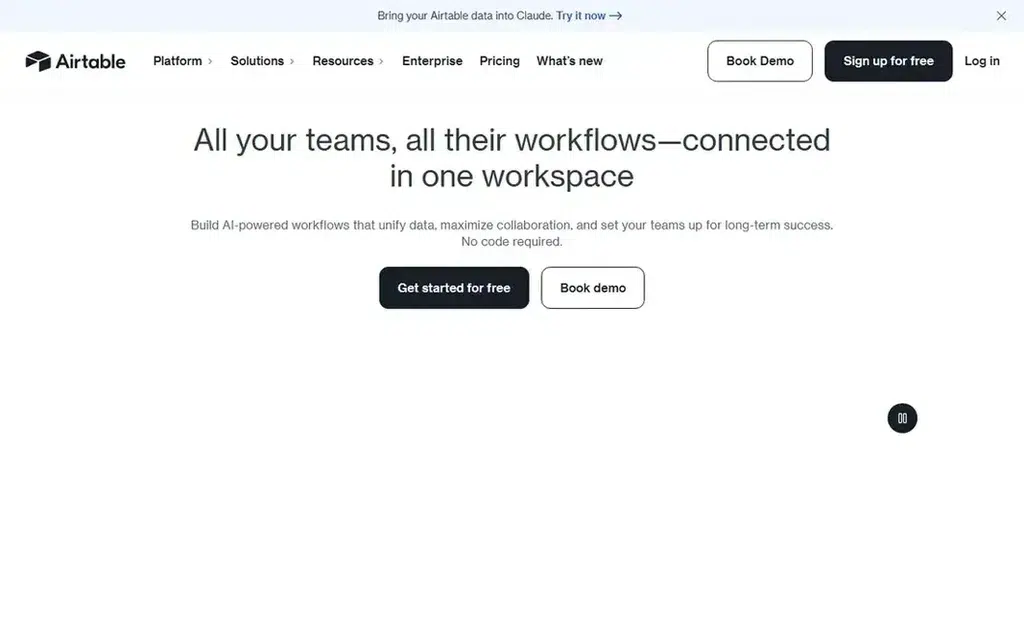
Airtable is designed for spreadsheet-style databases without code. The homepage emphasizes live collaboration and simplifying business processes rapidly.
In daily use, choose Airtable when structured data and light automation matter more than simplicity. Entry price for Airtable: $20 per user per month. Airtable has a free plan.
Watch-outs: Large bases need planning.
- Builds straightforward apps and workflows
- Automates repetitive tasks
- Advanced setups add complexity
How these tools were picked
The comparison looks at four things: starting price, free access, how well the feature set matches tools for non-technical users software, and the main limit of each tool. Prices and plan limits come from vendor pages and can change, so confirm them on the vendor site before you buy. Order on the page follows fit for the typical buyer first, then price transparency and free access. Your own requirements should decide the final pick.
What to confirm before you sign up
- Confirm the entry price on the vendor page: Monday.com starts at $9 per seat per month, but seat counts and billing terms change the total.
- Look at free plan limits closely: Mailchimp, Notion, Monday.com and others have one, and the caps decide whether it is usable for real work.
- Before choosing Mailchimp, weigh its main limit: design adaptability is bounded.
- Confirm minimum seats and billing terms with Airtable before you commit to an annual plan.
- Add up seats, add-ons and usage charges for Monday.com before comparing it with cheaper entries.
FAQ
How are the tools for tools for non-technical users software ordered?
Mailchimp sits first and Airtable last because the order follows typical fit for tools for non-technical users software, then price clarity and free access. It is a judgement call, so read each profile for fit and limits.
Can non-technical users automate work with these tools?
Airtable, Notion, Monday.com and Asana all describe automation features geared toward everyday teams. As for the details, start with straightforward rules for example reminders or status changes, then expand as comfort grows.
Is Mailchimp the right pick for everyone comparing tools for non-technical users software?
No single tool suits every team. Mailchimp comes first because it fits email and SMS marketing basics, while Notion suits notes, docs and databases in one place and Monday.com suits team work management with AI help. Match the tool to your own size, budget and workflow before deciding.
Which options for tools for non-technical users software have a free plan?
On this list, Mailchimp, Notion, Monday.com, Asana and Airtable include a free plan. Caps on seats, usage or features are common, so test the free plan against your real workload.
Do these tools publish their prices?
Yes. Every tool from Mailchimp to Airtable shows a starting price, though seats, add-ons and billing terms still change the final cost.
How do I know a tool will fit my team before committing?
Review the vendor's documented features and limits, and test the core workflow you need. Confirm current details on the vendor site before deciding.
Sources
- https://mailchimp.com
- https://www.notion.so
- https://monday.com
- https://asana.com
- https://www.airtable.com