Comparing 6 Telemarketing Software Options in 2026
Shortlisting the best telemarketing software? 6 products compared on cost, free access and ideal buyer. Each tool is judged on the same checks. Clear verdicts.
- Editor's choice
 CloudTalk
Expanding teams calling across countries
Starts at$25/user/month (Starter, billed yearly)Visit cloudtalk.ioFull review - Great alternative
 CallTools
Call centers wanting hosted predictive dialing without per-minute fees
Starts atSee website (quote-based)Visit calltools.comFull review - Also consider
 PhoneBurner
Solo reps and teams doing high-volume one-to-one cold calling
Starts at$140/user/month (Standard, billed yearly; $165 month-to-month)Visit phoneburner.comFull review
Direct answer
CloudTalk is the first pick on this list for expanding teams calling across countries. Alternatives: CallTools for call centers wanting hosted predictive dialing without per-minute fees, and PhoneBurner for solo reps and teams doing high-volume one-to-one cold calling. The remaining 3 options are covered below with prices and limits.
TL;DR:
- CloudTalk is the opening pick, best for expanding teams calling across countries.
- Kixie is the one to check for sales teams that live inside their CRM.
- CloudTalk, Kixie and the 4 others all need a premium plan or a trial, since no free plan is listed.
- For the cheapest start, look at CloudTalk: $25/user/month.
Quick comparison
| Tool | Best for | Starts at | Free plan? | |
|---|---|---|---|---|
| CloudTalk | Expanding teams calling across countries | $25/user/month (Starter, billed yearly) | Free trial (14 days) | Visit |
| CallTools | Call centers wanting hosted predictive dialing without per-minute fees | See website (quote-based) | Free trial | Visit |
| PhoneBurner | Solo reps and teams doing high-volume one-to-one cold calling | $140/user/month (Standard, billed yearly; $165 month-to-month) | Free trial | Visit |
 Five9 | Enterprise outbound contact centers that require scale and compliance | See website (custom quote) | No | Visit |
 Aircall | Teams that require calling live this week | $30/license/month (Essentials, billed yearly; 3-license minimum) | Free trial (7 days) | Visit |
 Kixie | Sales teams that live inside their CRM | See website | Free trial (7 days) | Visit |
Telemarketing Software profiles
This LinkVetted guide covers 6 options for telemarketing software. Each profile lists a starting price, free plan details, strengths and drawbacks, so you can drop poor fits quickly.
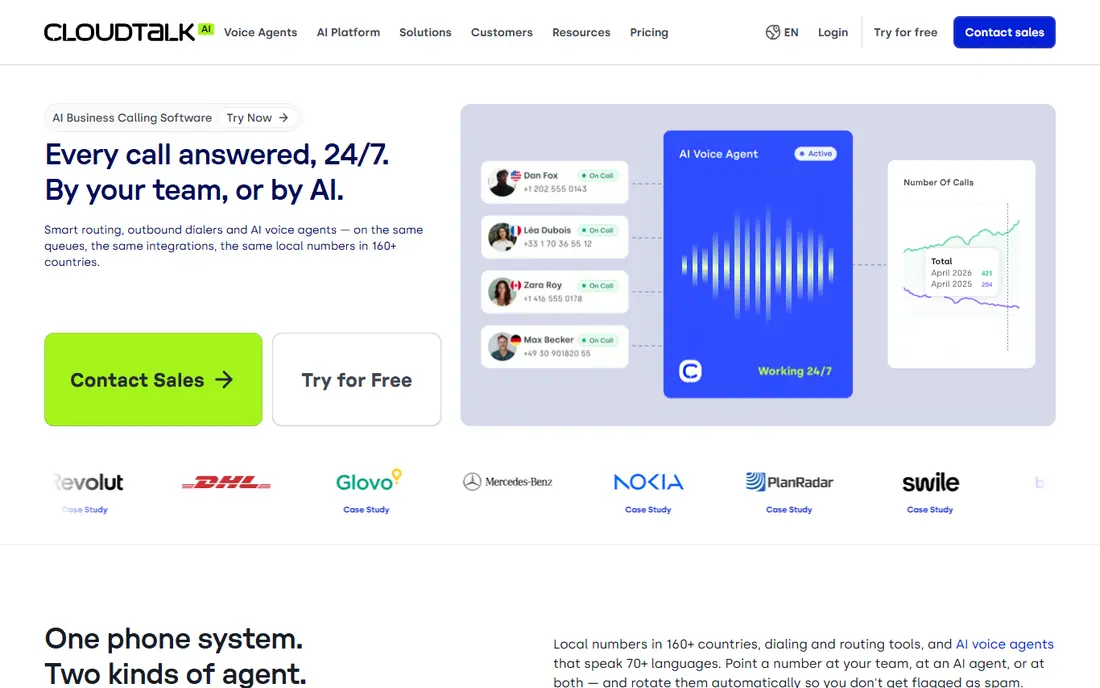
Where CloudTalk fits: expanding teams calling across countries. CloudTalk is the international pick. Price the configuration you will actually run, not the entry level.
Downsides: Dialers are extras on lower plans ($15 to $39/user/month).
For everyday use, the add-on structure is the catch: on Starter and Essential the power dialer costs $15 additional per user. The parallel dialer is $39, more than a Starter seat. Local numbers provision in 160+ countries, and the calling bundles contain generous domestic minutes. So a team dialing across Europe or Latin America gets predictable costs. For teams where every rep's calls must land in the CRM and cross borders, CloudTalk's coverage is unmatched at this price. CloudTalk pricing: $25/user/month. Free plan details: Free trial (14 days).
- Smart and preview dialers on the $49 Expert plan
- 100+ integrations and AI voice agents as extras
- Parallel dialer costs more than the Starter seat itself
CallTools
Best for: Call centers wanting hosted predictive dialing without per-minute fees
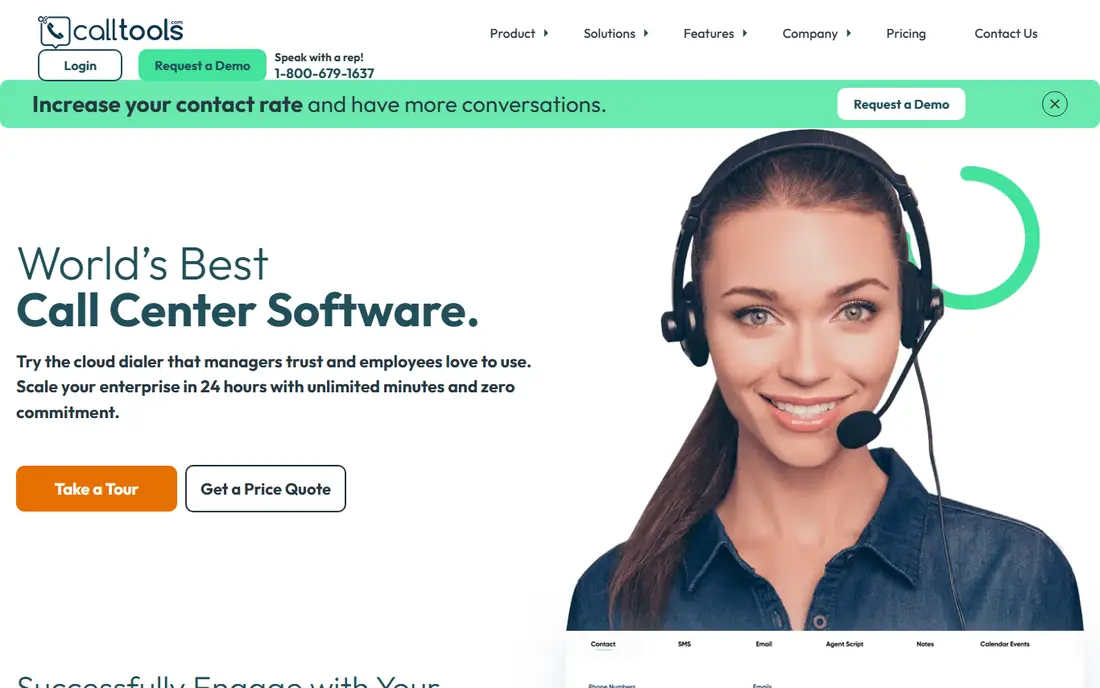
Think of CallTools for call centers wanting hosted predictive dialing without per-minute fees. CallTools is the quiet value pick for call centers. In daily use, unlimited minutes with no long-distance fees is the headline: your bill does not grow with talk time.
Ask for the full feature list at your seat count before comparing. Beyond that, the manager seat costs nothing additional, and suppression rules plus caller ID auditing protect your numbers automatically. But the pitch is straightforward: enterprise-style dialing features, unlimited calling, no per-minute metering, quick setup. CallTools does not show a starting price in this comparison, so check the vendor site for current pricing. As for free access: Free trial.
- Manager seat included free with live monitoring
- Email and DNC tools
- Quote-only pricing
PhoneBurner
Best for: Solo reps and teams doing high-volume one-to-one cold calling
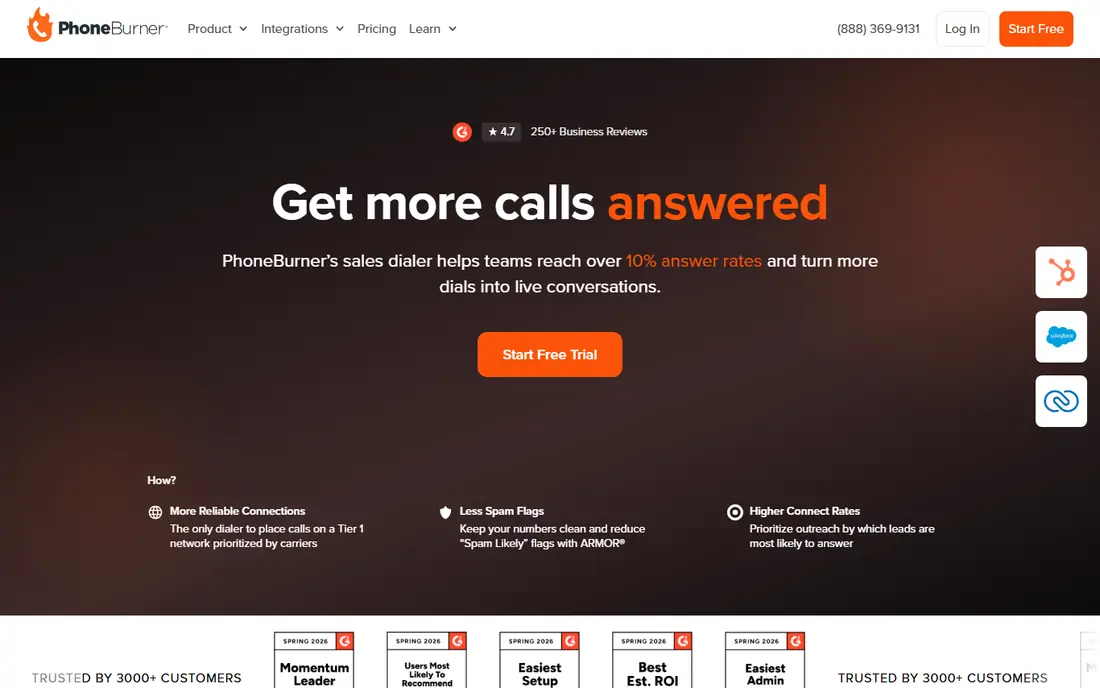
PhoneBurner serves solo reps and teams doing high-volume one-to-one cold calling. It dials one contact at a time, quick, with no awkward pause. The workflow after each call collapses to a single click: disposition, voicemail drop, next call.
What to check first: Pricey per seat.
Also, the price is the argument against it: $140 per user a month annually for Standard, $165 for Professional, $183 for Premium. The monthly rates run $165 to $215. As for the details, for real estate, insurance and B2B prospecting teams that live on the phone, the per-seat cost is justified by talk time. Also, the ARMOR system watches your numbers across major carriers and starts remediation if a number gets flagged as spam, which matters enormously when reps make hundreds of calls a week. Entry price for PhoneBurner: $140/user/month. As for free access: Free trial.
- Level 1 carrier network for connection reliability
- Unlimited dialing minutes with one-click voicemail drops and quick post-call workflows
- SMS plus inbound tools need the $183 Premium level
Five9
Best for: Enterprise outbound contact centers that require scale and compliance
Choose Five9 for enterprise outbound contact centers that require scale and compliance. Five9 is the heavyweight. It is a full cloud contact center product with intelligent predictive dialing, smart agent assist with live guidance, and campaign management made for compliance at scale.
Honest limits: Quote-only pricing with enterprise sales cycles.
If you run ten reps, it does not. Nothing is published, so you enter a sales process to learn the cost, and the total runs well above the SMB tools here. Worth adding: the system takes care of skills-based routing, workforce management and omnichannel outreach, and it links with the major CRMs natively. For a large outbound operation running hundreds of seats, the pacing algorithms and reporting depth are the reason to pay. This comparison lists no price for Five9; ask the vendor. Five9 does not include a free plan.
- AI-powered predictive dialer that keeps agents talking with minimal idle time
- Email and social
- Overkill and overpriced for small telemarketing teams
Aircall works best for teams that require calling live this week with deep CRM sync. Essentials runs $30 per license a month annually, Professional $50, both with a 3-license minimum, so budget $90 and $150 as the real floors. More specifically, for a sales or support team that needs quality calling integrated with its stack this week, Aircall is the fastest path.
Honest limits: 3-license minimum makes the real entry price $90/month.
For everyday use, the 7-day trial is short and capped at 40 minutes. Worth adding: AI features are published at fixed rates instead of hidden behind sales calls, which is rare in this category. In practice, the limits are structural: outbound calling is metered instead of unlimited on the published plans, and extras (AI Assist Pro, WhatsApp, additional numbers) stack per license. For pure high-volume dialing, the dedicated dialers above provide more talk time per dollar. Price to start with Aircall: $30/license/month. Free access: Free trial (7 days). What works well: Power dialer.
- Voicemail drop and AI Assist on Professional
- Same-day setup with numbers in 100+ countries
- SSO needs the 25-license Custom level
Kixie makes the most sense for sales teams that live inside their CRM. Kixie meets reps where they already work: inside the CRM. For CRM-centric teams that want dialing without a second product, Kixie is the smoothest fit.
Limits to weigh: AI voice detection and some advanced features cost additional.
The 7-day trial needs no card, which helps. On top of that, the multi-line PowerDialer dials up to four lines at once with AI detection of human compared with voicemail, and local presence numbers lift answer rates. Pricing for Kixie is not stated here, so ask the vendor for current figures. Free options: Free trial (7 days).
- Local presence dialing plus SMS in one Chrome extension
- Deep two-way CRM integrations (Salesforce, HubSpot, Pipedrive) with automatic logging
- No published pricing, so you cannot budget without a demo
Selection criteria
Selection started from tools commonly considered for telemarketing software, then narrowed to 6 that have clear pricing information or a clear quote process. Plan names, prices and limits change often. Treat the figures here as a starting point and verify them with the vendor. We ordered the tools by general fit, then by how clearly pricing is shown, then by free access. A buyer with unusual needs may reorder them.
Things to verify first
- Confirm the entry price on the vendor page. For CallTools, Five9 and Kixie that means a quote rather than a fixed price.
- Take the trial from CloudTalk, CallTools, PhoneBurner and others and push a live task through it before you pay.
- Read the limits listed for CloudTalk first: Dialers are add-ons on lower plans ($15 to $39/user/month).
- Test how quickly Aircall answers a pre-sales question; it hints at how support will feel later.
- Make sure Five9 lets you export your data in a format another tool can read.
FAQ
Can I try these options before paying?
Often, yes. CloudTalk, CallTools, PhoneBurner and others offer a free trial. Use your own data and a real task during the test, and check what the free tier or trial limits before you rely on it.
What is the best software for telemarketing?
CloudTalk is the pick this page puts first, mainly for expanding teams calling across countries. If your situation differs, CallTools suits call centers wanting hosted predictive dialing without per-minute fees, and PhoneBurner suits solo reps and teams doing high-volume one-to-one cold calling. Compare price and limits before you decide.
Does any tool for telemarketing software here have a free plan?
A permanent free plan is not offered by CloudTalk, Kixie or the other tools here. CloudTalk, CallTools, PhoneBurner, Aircall, Kixie offer a trial. Plan a short evaluation period instead.
Is CloudTalk the right pick for everyone comparing telemarketing software?
No single tool suits every team. CloudTalk comes first because it fits growing teams calling across countries, while CallTools suits call centers wanting hosted predictive dialing without per-minute fees and PhoneBurner suits solo reps and teams doing high-volume one-to-one cold calling. Match the tool to your own size, budget and workflow before deciding.
Do these tools publish their prices?
Not all of them. CallTools, Five9 and Kixie publish no starting price, so expect a quote request for those. The rest, CloudTalk included, show a starting price, though seats and billing terms still change the final cost.