Choosing Video Editing Clips Software in 2026: 5 Options Compared
Best video editing clips software in 2026: 5 tools with starting prices, free plans and limits. Every entry states what it lacks. Full profiles inside.
- Editor's choice
 Final Cut Pro
Mac and iPad pro editing
Starts atPricing on requestVisit apple.comFull review - Great alternative
 VEGAS Pro
Windows editing with AI and VFX
Starts atPricing on requestVisit vegascreativesoftware.comFull review - Also consider
 CapCut
Quick social media clip editing
Starts atPricing on requestVisit capcut.comFull review
Direct answer
This list puts Final Cut Pro first for Mac and iPad pro editing. VEGAS Pro fits Windows editing with AI and VFX; CapCut fits quick social media clip editing. The other 2 tools in the list cover narrower or pricier cases. None of these vendors publish plan prices, so pricing is on request for every option.
TL;DR:
- Final Cut Pro is the opening pick, best for Mac and iPad pro editing.
- Filmora suits approachable AI-assisted editing.
- Every tool from Final Cut Pro to Filmora works by quote, with no list price shown.
- CapCut stands alone as the one tool in this list with a free plan.
Last checked November 2026. Pricing on request: vendors did not publish plan prices when this guide was last checked (November 2026), so ask each vendor for a written quote.
Quick comparison
| Tool | Best for | Starts at | Free plan? | |
|---|---|---|---|---|
| Final Cut Pro | Mac and iPad pro editing | Pricing on request | Not stated | Visit |
| VEGAS Pro | Windows editing with AI and VFX | Pricing on request | Not stated | Visit |
| CapCut | Quick social media clip editing | Pricing on request | Yes | Visit |
 Adobe Premiere Pro | Professional editing and postproduction | Pricing on request | Not stated | Visit |
 Filmora | Approachable AI-assisted editing | Pricing on request | Not stated | Visit |
Tool-by-tool breakdown
This LinkVetted guide covers 5 options for video editing clips software. Each profile lists a starting price, free plan details, strengths and drawbacks, so you can drop poor fits quickly.
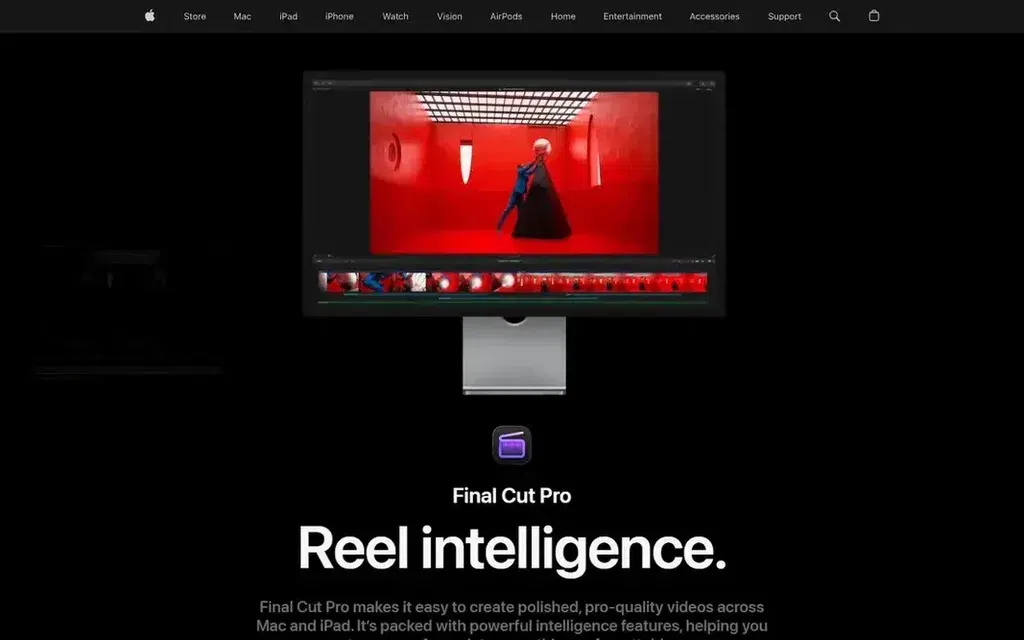
Final Cut Pro targets Mac and iPad pro editing. It suits editors already working in the Apple ecosystem who want a focused, quick editing environment for clips, and it fits mobile workflows on iPad along with desktop work.
Pricing for Final Cut Pro is not stated here, so ask the vendor for current figures. Free plan details: Not stated.
The main drawbacks: Apple systems only.
- Intelligence features built in
- Pro-quality creation on Mac and iPad
- Not geared toward Windows editors
Choose VEGAS Pro for Windows editing with AI and VFX. VEGAS Pro is professional video editing software for Windows from Boris FX, with AI tools, color grading, VFX and audio. On top of that, pick VEGAS Pro when you want a Windows-native editor with color, VFX and audio tools in one place.
Watch-outs: Dense interface for beginners.
Best features of VEGAS Pro: Made for Windows editors. From a buyer's view, since it is Windows-only, Mac users need an alternative for example Final Cut Pro. On top of that, the interface is dense for beginners, so casual editors may prefer Filmora or CapCut. VEGAS Pro shows no starting price here, so confirm the cost on the vendor site. On free options: Not stated.
- VFX and audio tools included
- AI tools and color grading
- Windows only
Choose CapCut for quick social media clip editing. CapCut is oriented toward social content, so long-form postproduction, deep color grading and in-depth audio mixing are better handled elsewhere.
Limits to weigh: Advanced color and audio tools are restricted.
Where it shines: AI-powered editing tools. Check the vendor site for CapCut pricing; none is listed in this comparison. CapCut has a free plan.
- Mobile and online editing
- Desktop
- Less suited to long-form postproduction
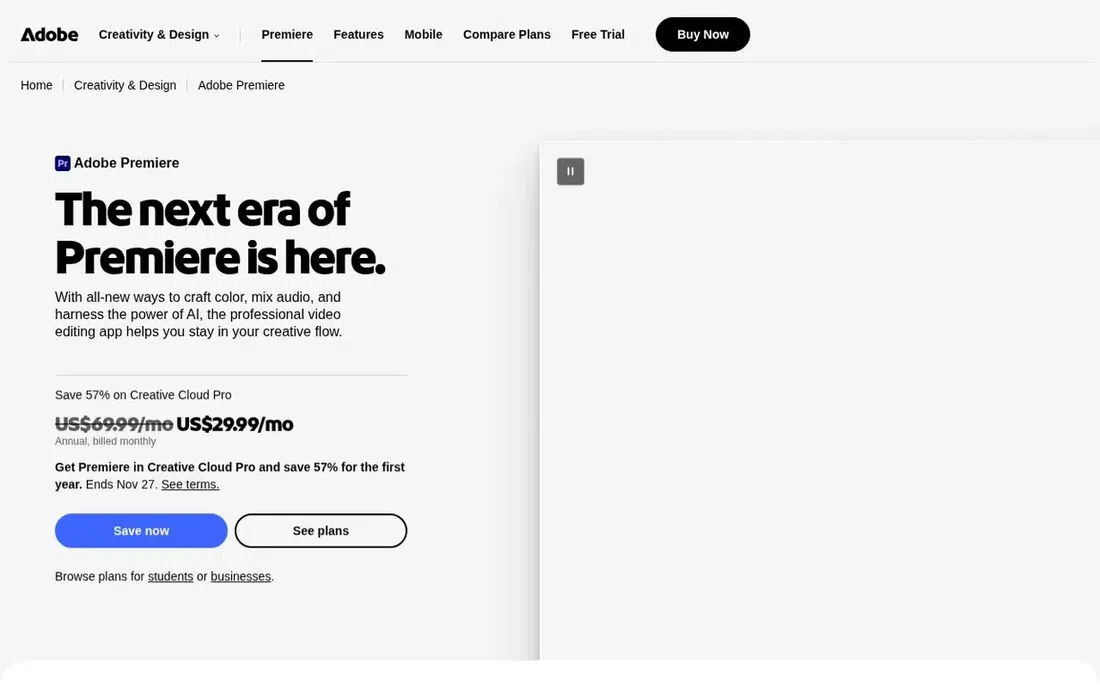
Pick Adobe Premiere Pro if this describes you: professional editing and postproduction. Adobe Premiere Pro is professional video editing and postproduction software.
Honest limits: Subscription-based access.
As for the details, if you primarily cut short social clips, a lighter editor for example CapCut may be a better fit. Choose Premiere Pro when you need a wide professional postproduction environment. Adobe Premiere Pro shows no starting price here, so confirm the cost on the vendor site. Trial and free access: Not stated.
- Effects
- Audio mixing and extended video
- Demanding on hardware
Filmora is a good fit for approachable AI-assisted editing. Filmora from Wondershare is AI-powered video editing software for desktop and mobile, with easy-to-learn timeline tools plus AI features, effects, captions and audio.
More specifically, choose Filmora when approachable, AI-assisted editing matters more than specialist depth. In daily use, editors who require very deep timeline control may also outgrow it. No starting price is listed for Filmora here; confirm pricing on the vendor site. Free plan details: Not stated.
The main drawbacks: Not a full color-grading suite.
- Desktop and mobile versions
- AI features
- Advanced users may want more depth
How we compared the tools
For each of the 5 tools we noted price, free plan or trial, fit for video editing clips software and the main limit, using vendor pages and documentation. Plan names, prices and limits change often. Treat the figures here as a starting point and verify them with the vendor. The order reflects how well each tool fits the most common buying scenario for video editing clips software, then price clarity, then free plan access. It is a starting point, not a verdict.
Questions to settle before buying
- Ask each vendor, from Final Cut Pro to Filmora, for a written quote; none of them publishes a starting price.
- Look at the free plan from CapCut closely: its caps decide whether it is usable for real work.
- Before choosing Final Cut Pro, weigh its main limit: Apple products only.
- A short pilot of VEGAS Pro with your real workflow tells you more than a feature table.
- Find out what support CapCut includes on your plan, and whether onboarding help costs extra.
FAQ
Do these tools publish their prices?
No. None of the tools, from Final Cut Pro to Filmora, shows a fixed starting price here, so budget time for quotes.
How are the tools for video editing clips software ordered?
Final Cut Pro sits first and Filmora last because the order follows typical fit for video editing clips software, then price clarity and free access. It is a judgement call, so read each profile for fit and limits.
Which options for video editing clips software have a free plan?
CapCut is the only tool in this list with a free plan. Free plans usually cap users, projects or features, so check the limits on the vendor page. All 5 picks in this video editing Clips software comparison list a starting price, free plan details and the main limits on their cards above.
Is Final Cut Pro the right pick for everyone comparing video editing clips software?
No single tool suits every team. Final Cut Pro comes first because it fits Mac and iPad pro editing, while VEGAS Pro suits Windows editing with AI and VFX and CapCut suits fast social media clip editing. Match the tool to your own size, budget and workflow before deciding.
Which video editing clips software is a good match for beginners?
This list starts with Final Cut Pro, which fits Mac and iPad pro editing. For other needs, VEGAS Pro is aimed at Windows editing with AI and VFX, and CapCut at quick social media clip editing. Check each tool's price and main limit first.
Sources
- https://www.apple.com/final-cut-pro
- https://www.vegascreativesoftware.com/us/vegas-pro
- https://www.capcut.com
- https://www.adobe.com/products/premiere.html
- https://filmora.wondershare.com