Choosing Video Translator Software in 2026: 6 Options Compared
6 options for the best video translator software, with entry costs, free tiers and the buyer each one serves. Plus the drawbacks of each tool. Details below.
- Editor's choice
 Synthesia
Business training and communication
Starts at$19 per monthVisit synthesia.ioFull review - Great alternativeElevenLabs Dubbing
Dubbing with expert support
Starts at$5 a monthVisit elevenlabs.ioFull review - Also consider
 HeyGen
Avatar-led translated videos
Starts at$29 per monthVisit heygen.comFull review
Direct answer
Synthesia is the first pick on this list for business training and communication. Listed starting prices: Synthesia from $19 per month, ElevenLabs Dubbing from $5 a month and HeyGen from $29 per month. Alternatives: ElevenLabs Dubbing for Dubbing with expert support, and HeyGen for Avatar-led translated videos. Prices, free plans and limits for all 6 tools follow.
TL;DR:
- This list starts with Synthesia, which is built for business training and communication.
- ElevenLabs Dubbing is the lowest-priced starter here at $5 per month.
- Only 4 of the 6 tools have a free plan (Synthesia, ElevenLabs Dubbing, HeyGen, Descript), so check the caps.
- Rask AI suits Dubbing with translation control.
- One limit worth knowing about HeyGen: avatar approach may not suit every brand.
Last checked November 2026. Prices and plan details were read from the vendors' own pages in November 2026; vendors change plans often, so confirm the current price on the vendor site before you buy.
Quick comparison
| Tool | Best for | Starts at | Free plan? | |
|---|---|---|---|---|
| Synthesia | Business training and communication | $19 per month | Yes | Visit |
| ElevenLabs Dubbing | Dubbing with expert support | $5 a month | Yes | Visit |
| HeyGen | Avatar-led translated videos | $29 per month | Yes | Visit |
 DeepL | Speech and text translation | $8.74 per month, billed annually | Free trial | Visit |
 Descript | Text-based editing with translation | $16 per person per month | Yes | Visit |
 Rask AI | Dubbing with translation control | $28 per month | Free trial | Visit |
The full video translator software list
This LinkVetted guide covers 6 options for video translator software. Each profile lists a starting price, free plan details, strengths and drawbacks, so you can drop poor fits quickly.
Synthesia was built for business training and communication. It fits organizations that require consistent internal or customer-facing videos translated and reproduced at scale.
Also, since output leans on AI presenters, verify that the visual style matches your brand before committing. Synthesia starts at: $19 per month. Synthesia offers a free plan.
Honest limits: Avatar-style output may feel formal for social content.
- Broad language coverage for corporate content
- Made for repeatable business video production
- Pitched at business use instead of casual creators
ElevenLabs Dubbing
Best for: Dubbing with expert support
ElevenLabs Dubbing was built for Dubbing with expert support. In daily use, if your videos are finished and the central task is making them speak another language well, this is a focused choice.
The main drawbacks: Narrower than a full video product.
It is a dubbing studio instead of an all-in-one editor, so recording, cutting and publishing happen elsewhere. Pick a combined editor and translator when you want one workspace from raw footage to final upload. Price to start with ElevenLabs Dubbing: $5 per month. ElevenLabs Dubbing offers a free plan.
- Access to bilingual dubbing experts
- Focused specifically on dubbing workflow
- Expert-assisted work may need more coordination
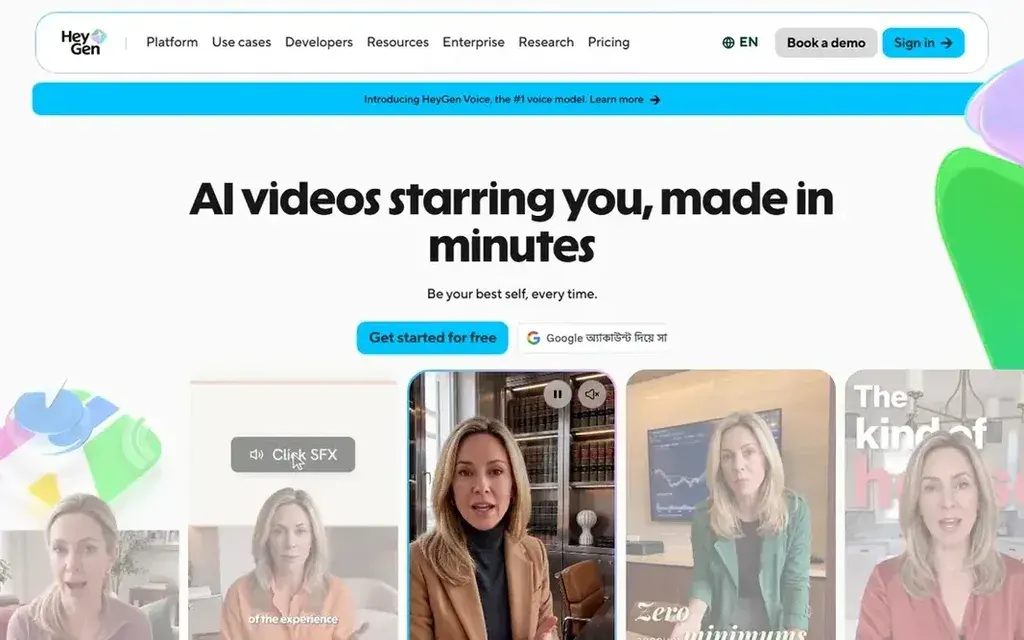
Where HeyGen fits: Avatar-led translated videos. HeyGen is an AI video system built around a Personal Avatar that reproduces your face and voice. So you can produce clear, confident videos without filming every time.
Watch-outs: Avatar approach may not suit every brand.
In practice, the avatar-first design is the central limit: if you have to translate existing footage of other people, an avatar tool is not the natural choice. More specifically, pick a dedicated dubbing tool instead when your source material is finished video you cannot refilm. For translation work, that means a familiar presenter can carry content into other languages. The starting price for HeyGen: $29 per month. HeyGen includes a free tier.
- Designed for creating videos without filming each time
- Clear fit for recurring presenter-style content
- Translation is one part of a broader video platform
Choose DeepL for speech and text translation. DeepL is an AI translation system that manages speech, text and media, with an API for integration into other systems. DeepL does not dub or edit video itself, so you still need a production tool to apply translations to footage.
That makes it a complement instead of a standalone answer for video localization. As for the details, choose a dubbing or editing system when you need finished translated video from one place. DeepL starts at: $8.74 per month, billed annually. On free options: Free trial.
Limits to weigh: Needs pairing with video tools for finished output.
- API available for integration
- Text and media
- Not a video editing or dubbing studio
Descript is built with text-based editing with translation in mind. Descript is an AI video and audio editor that makes editing as straightforward as editing text: record, transcribe, edit and publish in one place.
Best features of Descript: Makes subtitle and script work straightforward.
Downsides: Learning the workflow takes some time. Pick a specialized dubbing tool when translated voice output is the core requirement instead of editing convenience. As for the details, translation sits inside a bigger editing product, so it may not match a dedicated dubbing studio for voice replacement at scale. The starting price for Descript: $16 per person per month. You can start on Descript without paying.
- Edit video by editing transcribed text
- Edit and publish in one tool
- Translation is part of a broader editor
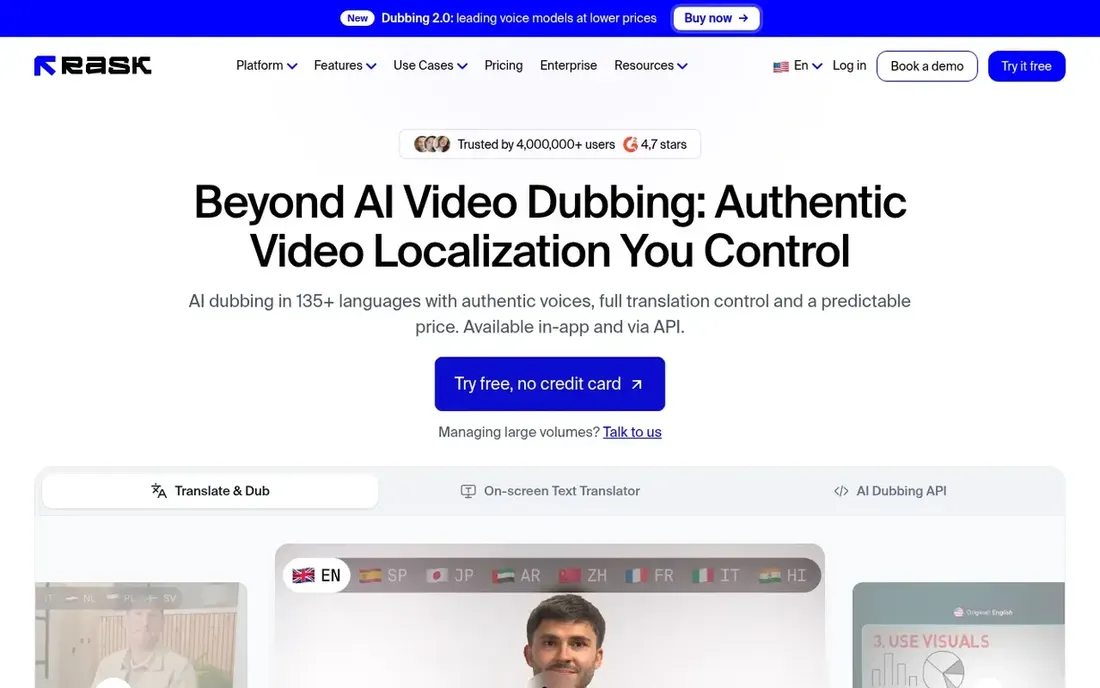
Where Rask AI fits: Dubbing with translation control. Rask AI is an AI dubbing and localization tool that emphasizes authentic voices, full translation control and a per-minute pricing model.
Watch-outs: Voice authenticity still needs checking per language.
Worth adding: since it is built around dubbing, it is not a full video editor, so caption styling or timeline editing may need another tool. The emphasis on control matters if you have to review and adjust translations instead of accept automatic output. What you pay to start with Rask AI: $28 per month. Free access: Free trial.
- Dubbing across a very broad language range
- Fixed price per minute model is simple to plan around
- Centered on dubbing instead of full editing
Our selection method
For each of the 6 tools we noted price, free plan or trial, fit for video translator software and the main limit, using vendor pages and documentation. Where a price is missing, the vendor does not list one publicly or ties it to a quote. Always confirm before budgeting. Position on the page reflects fit for a typical buyer first, with price clarity and free access breaking ties. Treat it as a guide, not a ruling.
What to confirm before you sign up
- Prices are a starting point; ElevenLabs Dubbing shows $5 per month to start, so verify what your seat count would cost.
- Look at free plan limits closely: Synthesia, ElevenLabs Dubbing, HeyGen and Descript have one, and the caps decide whether it is usable for real work.
- Run a trial of DeepL and Rask AI with real work before paying for a year; your own workflow is the best test.
- Before choosing Synthesia, weigh its main limit: pitched at business use rather than casual creators.
- Test the integrations you rely on with HeyGen before committing; some connectors sit on upper tiers.
- Add up seats, add-ons and usage charges for Rask AI before comparing it with cheaper entries.
FAQ
Is Synthesia the right pick for everyone comparing video translator software?
No single tool suits every team. Synthesia comes first because it fits business training and communication, while ElevenLabs Dubbing suits Dubbing with expert support and HeyGen suits Avatar-led translated videos. Match the tool to your own size, budget and workflow before deciding.
Can I translate a video that features my own face?
Yes, avatar products like HeyGen and Synthesia are built around AI presenters that can speak translated content. Match the tool to whether you can refilm or must reuse existing video.
Can I try these options before paying?
Often, yes. Synthesia, ElevenLabs Dubbing, HeyGen and Descript have a free plan and DeepL and Rask AI offer a free trial. Use your own data and a real task during the test, and check what the free tier or trial limits before you rely on it.
Do these tools publish their prices?
Yes. Every tool from Synthesia to Rask AI shows a starting price, though seats, add-ons and billing terms still change the final cost.
Which options for video translator software have a free plan?
Synthesia, ElevenLabs Dubbing, HeyGen and Descript offer a free plan in this list. Free plans usually cap users, projects or features, so check the limits on the vendor page. Several others offer a trial instead.
Sources
- https://www.synthesia.io
- https://elevenlabs.io/dubbing
- https://www.heygen.com
- https://www.deepl.com
- https://www.descript.com
- https://www.rask.ai