AI Ad Tools With Best Video Generation in 2026: 8 Tools Compared
We compared ai ad tools with best video generation for short ads and social campaigns, covering avatars, templates, voices and pricing, to help marketers.

- Editor's choice
 HeyGen
Avatar ads and spokesperson videos
Starts atSee websiteVisit heygen.comFull review - Great alternative
 Synthesia
Professional avatar explainers and ads
Starts atSee websiteVisit synthesia.ioFull review - Also consider
 Creatify
AI product ads from links
Starts atSee websiteVisit creatify.aiFull review
TL;DR:
- The best ai video ad generation platforms differ by use: avatars suit spokesperson ads, while text to video suits product and concept ads.
- HeyGen, Synthesia and Creatify lead for ad focused video generation, while Runway and InVideo suit creative and social ad variations.
- Check commercial use rights, voice licensing and platform ad policies before running AI video ads at scale.
- Short, clear ads with one message and one call to action outperform long AI videos that try to say everything.
- Free tiers are useful for testing style and voice, but paid plans are usually needed for watermark free, commercial ad exports.
Quick comparison
| Tool | Best for | Starts at | Free plan? | |
|---|---|---|---|---|
| HeyGen | Avatar ads and spokesperson videos | See website | Yes | Visit |
| Synthesia | Professional avatar explainers and ads | See website | Free trial | Visit |
| Creatify | AI product ads from links | See website | Free trial | Visit |
 Runway | Creative text to video ad visuals | See website | Yes | Visit |
 InVideo AI | Fast social ad videos from prompts | See website | Yes | Visit |
 Pictory | Ads from scripts and blog content | See website | Free trial | Visit |
 AdCreative.ai | Ad creatives and video variations | See website | Free trial | Visit |
 Lumen5 | Simple marketing videos from text | See website | Yes | Visit |
The best ai ad tools with best video generation
AI video generation for ads is not one tool type. Some tools create a realistic avatar spokesperson, some turn a product link into a short ad, and some generate cinematic clips from a text prompt. The tools below cover those main paths, and each can produce ads for social, search and video platforms when used with clear scripts and brand assets. We compared official product pages, pricing pages and feature descriptions, and we focused on video quality, ad templates, voices, editing, commercial rights and cost.
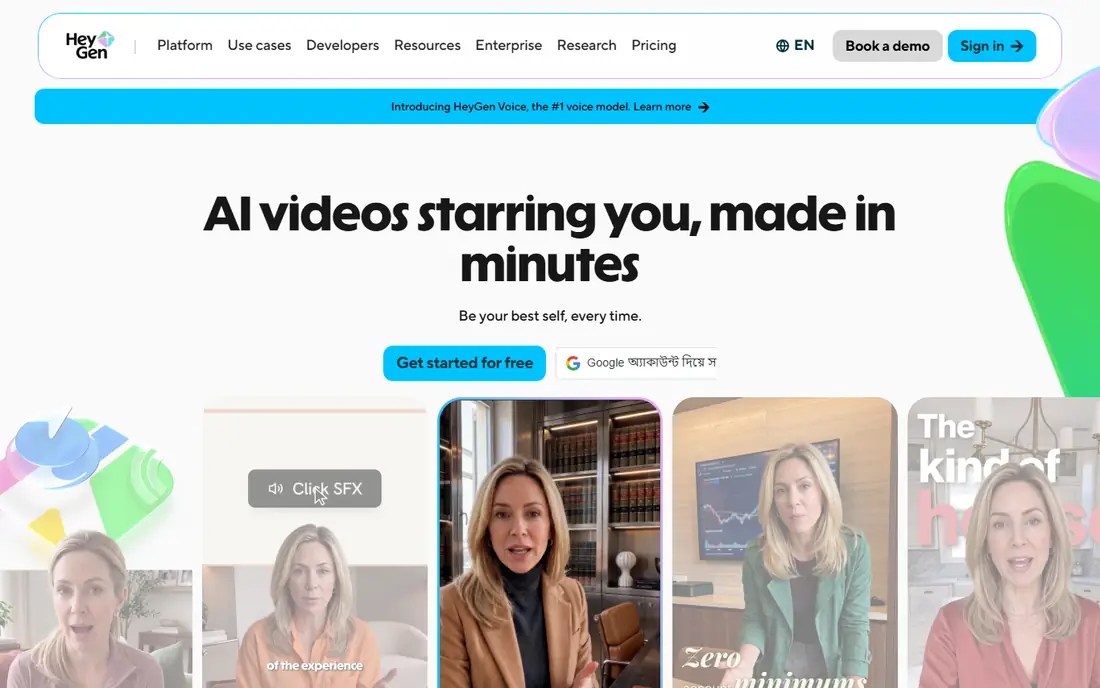
HeyGen is our pick for avatar led ads, where a spokesperson explains a product, offer or testimonial style message on camera. You can choose stock avatars, create a custom avatar, add a script, pick a voice and language, and export a short ad for social or video platforms. That workflow suits small businesses that cannot film a spokesperson for every offer or product update.
Avatar ads work best with short scripts, natural pauses and clear on screen text, since long avatar monologues can feel repetitive. Check voice and avatar licensing for commercial use, and test one ad with real viewers before scaling a campaign. For fast spokesperson ads in several languages, HeyGen is hard to beat.
- Realistic avatars and voice cloning options
- Templates for ads and social videos
- Multi language voices
- Avatar realism varies by plan and avatar type
- Paid credits limit video minutes
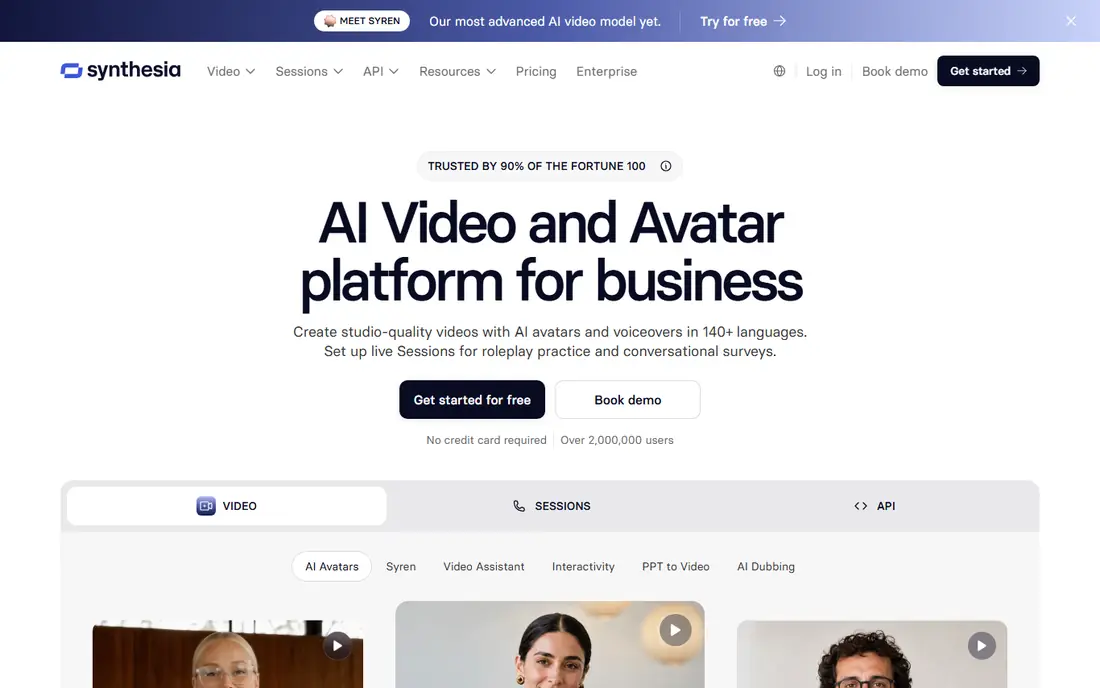
Synthesia suits professional, studio style ads and explainers, where a presenter delivers a clear message over branded slides, product images or screen captures. Avatars look polished, voices cover many languages, and templates help teams keep ads consistent across campaigns. Collaboration tools suit marketing teams that review scripts and videos together.
Synthesia is less of a cinematic text to video tool than Runway, so product beauty shots and dynamic scenes may need another tool or real footage. Use Synthesia when the message matters most, such as a service explainer, a launch announcement or a localized ad in several languages, and keep scripts tight for social attention spans.
- Polished avatars and studio style templates
- Strong multi language support
- Brand kits and collaboration
- Less suited to cinematic product visuals
- Paid plans needed for regular ad exports

Creatify is built for ecommerce and product ads. Paste a product link, and it pulls images, descriptions and reviews to build short video ads with avatars, voiceovers, captions and calls to action. Batch generation creates several variations for A/B testing, which helps advertisers find a winning hook without filming each version.
Output quality depends heavily on the source product page. Weak images or thin copy lead to weak ads, so improve product photos and descriptions before generating. Creatify is best for stores that need many short product ads quickly, especially for social platforms where testing several hooks matters more than one perfect video.
- Turns product links into short video ads
- AI avatars and voiceovers
- Batch variations for testing
- Output quality depends on product page images and copy
- Editing control is lighter than full editors
Runway is the creative pick for ad visuals that real footage cannot easily capture, such as stylized product scenes, fantasy settings or fast concept tests. Its text to video and image to video models generate short clips that can be edited into ads, with controls for style, camera motion and consistency. Agencies and creative teams use it to test ideas before committing to a full shoot.
Runway is not a plug and play ad builder. Clips need selection, editing, captions, voice and branding in another tool, and generation credits limit how many attempts you can make. Use Runway for visual ideas and hero clips, then finish the ad in a video editor or an ad focused tool such as Creatify or InVideo.
- Strong text to video and image to video generation
- Creative controls for style and motion
- Useful for concept ads
- Not an ad template tool
- Results need curation and editing
- Credits limit generation
InVideo AI turns a prompt or script into a complete social ad video, with stock clips, music, voiceover and captions. That speed suits marketers who need daily or weekly ad variations for Instagram, TikTok, YouTube Shorts and Facebook. Templates sized for each platform save reformatting time, and editing tools let you fix text, clips and timing after generation.
Free exports usually carry watermarks, and AI clip choices sometimes miss brand details, so review every ad before publishing. InVideo is best for high volume social testing, where speed and variation matter, rather than for a single cinematic brand film. Paid plans remove watermarks and add export and media options.
- Prompt to video workflow for social ads
- Stock media, voices and captions
- Templates for many platforms
- Free exports carry watermarks
- AI choices need review for brand accuracy
Pictory suits marketers who already have scripts, blog posts or product descriptions and want to turn them into short video ads. It selects stock visuals, adds captions and voiceover, and lets you edit scenes, text and timing in a simple timeline. That workflow is useful for repurposing written content into social and search video ads without filming.
Pictory is not primarily an avatar tool, so spokesperson ads are better in HeyGen or Synthesia. Visual choices also need review, since stock clips can feel generic if the script is vague. Write a tight, visual script first, with clear scenes and a single call to action, and Pictory will produce a usable ad much faster.
- Turns scripts and articles into videos
- Auto captions and stock visuals
- Simple editing for marketers
- Less avatar focused than HeyGen
- Creative control is lighter than Runway
AdCreative.ai focuses on generating and testing ad creatives at scale, including video variations, with scoring that predicts which creatives may perform better. Marketers upload brand assets, set a campaign goal, and receive multiple variations sized for major ad platforms. That testing approach suits performance marketers who run many ads and need fresh creatives often.
AdCreative is a creative generation suite, not a single cinematic video generator, so video depth differs from Runway. Provide strong brand assets, product images and clear copy, and treat scores as a guide, not a guarantee. Real campaign results should decide which variations to scale, after a fair test with similar budgets and audiences.
- Generates many ad creative variations
- Scoring and insights for creatives
- Platform sized outputs
- Video generation is part of a broader creative suite
- Best results need brand assets and testing
Lumen5 is a simple text to video tool for small teams that need marketing videos without video editing experience. Paste text or a link, choose a template, and Lumen5 builds a video with stock media, captions and music. That simplicity suits social posts, announcements and short product explainers, especially for teams without a dedicated video editor.
Advanced AI generation, avatar realism and cinematic control are lighter here than in Runway, HeyGen or Synthesia. Lumen5 is best when speed, simplicity and consistent social output matter most. Start with the free tier to test templates, then upgrade for watermark free exports and more media options.
- Easy text to video workflow
- Stock media and templates
- Good for small teams and social posts
- Less advanced AI generation than Runway
- Free plan limits and branding
How we picked these
We compared official product pages, pricing pages and feature descriptions for AI ad video tools that are available in October 2026. We favored tools that clearly support commercial ad use, that produce short form video suitable for social and video platforms, and that offer a free tier or trial for testing. We did not claim hands-on campaign testing with paid ad spend. Instead, we weighed video quality, ad templates, avatar and voice options, editing control, commercial rights and pricing, and we noted where each tool fits best in an ad workflow.
How to make AI video ads that actually convert
Start with one message per ad. A short ad should promise one benefit, show it clearly, and end with one call to action, such as shop now, sign up or learn more. AI tools make it tempting to add every feature, but viewers on social platforms decide in seconds whether to keep watching, so clarity beats completeness.
Next, match the tool to the ad type. Use avatar tools for spokesperson and explainer ads, product ad tools for ecommerce variations, and creative video tools for visual concepts. Always add real brand assets, such as product photos, logos and colors, and check that prices, claims and offers in the script are accurate. False claims in an AI ad are still false claims, and ad platforms can reject or penalize misleading creatives.
Finally, test and disclose honestly. Run several hooks, captions and calls to action with similar budgets, and scale only the winners based on real results. Follow each ad platform policy on AI generated content, disclose AI use where required, and keep human review in the loop for claims, pricing and sensitive topics. AI speeds up production, but human judgment still decides whether an ad is truthful and on brand.
FAQ
What are the best ai video ad generation platforms?
HeyGen and Synthesia lead for avatar ads, Creatify leads for product ads from links, and Runway leads for creative text to video visuals. InVideo AI and Pictory suit fast social ads from prompts or scripts, while AdCreative.ai suits testing many creative variations.
Can I use AI generated videos for paid ads?
Yes, in most cases, if you have commercial rights for the tool, voices, avatars and media used, and if the ad follows platform policies. Check the tool terms for commercial use, voice licensing and avatar consent, and follow ad platform rules on AI disclosure and claims.
Do AI video ads perform as well as filmed ads?
They can, for short, clear messages such as product demos, offers and explainers, especially when testing many variations. Filmed ads often still win for emotional brand stories, real customer testimonials and complex product demonstrations. Test both formats with real campaign data for your audience.
How long should an AI video ad be?
Most social video ads perform best between 15 and 30 seconds, with the main message in the first few seconds. Shorter cuts for Stories and Shorts, and longer cuts for YouTube and landing pages, can share the same core script and visuals.
Do I need video editing skills to use these tools?
No, not for most ad focused tools. HeyGen, Creatify, InVideo and Pictory handle much of the production from a script or product link. Basic editing still helps for captions, timing and brand details, and Runway works best with some editing skill for finishing clips into ads.
Are free AI video ad tools good enough for business use?
Free tiers are good for testing style, voices and formats, but they often add watermarks or limit minutes and commercial exports. Paid plans are usually needed for watermark free, commercial ad exports at scale, so budget for a paid plan once a format proves itself in testing.