Best AI Video Ad Creation Software in 2026: 9 Tools Compared
Compare the best ai video ad creation software for small teams, with avatar, stock, and editing tools that keep ads lawful and on brand. We compare plans,.
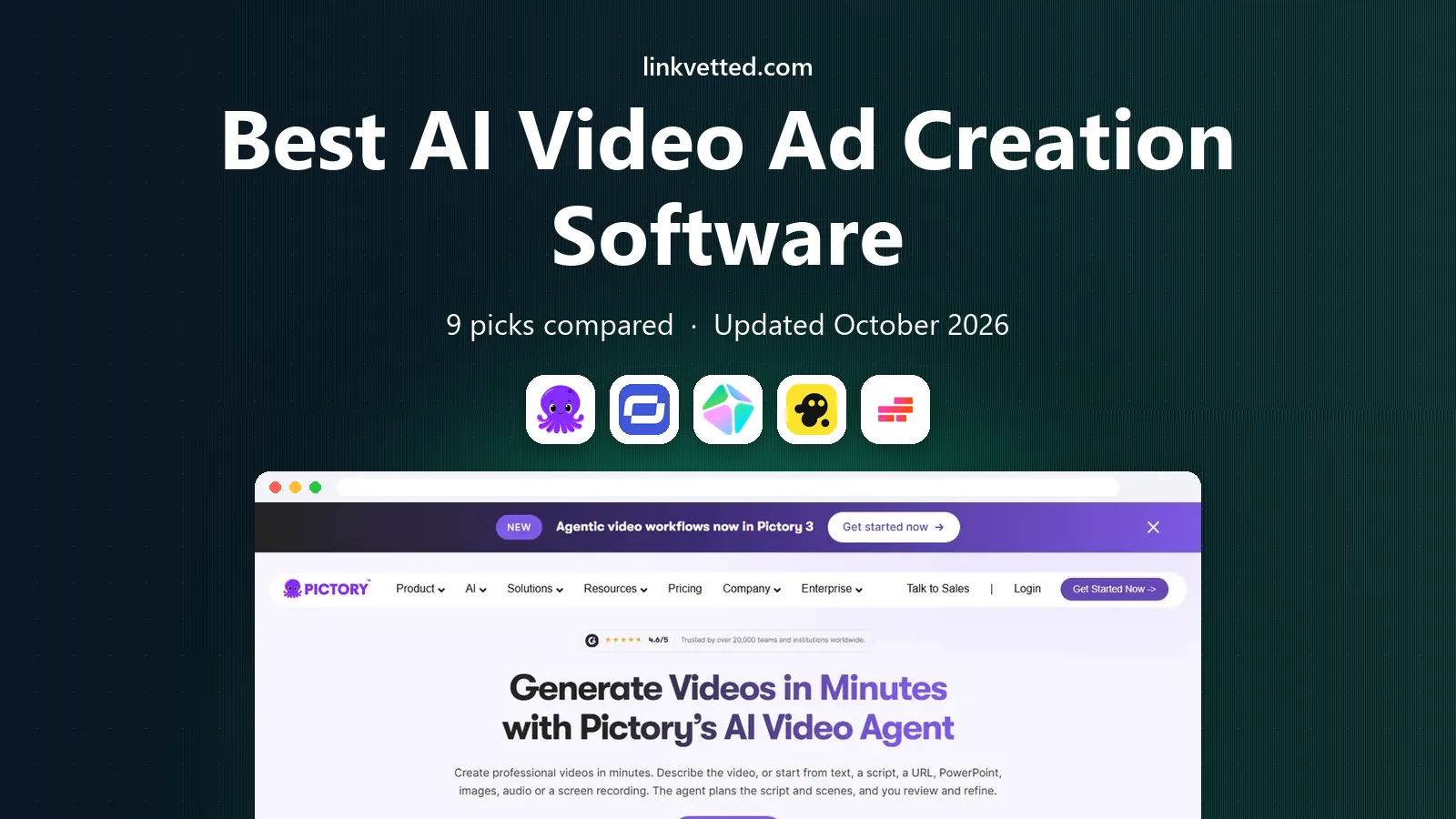
- Editor's choice
 Pictory
Teams turning blog posts and scripts into short ads
Starts at$25 per monthVisit pictory.aiFull review - Great alternative
 Synthesia
Teams that need a consistent presenter for ads and explainers
Starts at$29 per monthVisit synthesia.ioFull review - Also consider
 HeyGen
Teams that want avatar ads with localization
Starts at$29 per monthVisit heygen.comFull review
TL;DR:
- Use only footage, voices, and likenesses you have rights to use, and get consent for any real person shown.
- Avatar and voice tools need clear disclosure where required, and claims in ads must be true and provable.
- Stock-based tools suit fast product ads, while avatar tools suit spokesperson-style ads.
- Credit limits matter, because a cheap plan can run out mid-campaign.
Quick comparison
| Tool | Best for | Starts at | Free plan? | |
|---|---|---|---|---|
| Pictory | Teams turning blog posts and scripts into short ads | $25 per month | Free trial | Visit |
| Synthesia | Teams that need a consistent presenter for ads and explainers | $29 per month | Free trial | Visit |
| HeyGen | Teams that want avatar ads with localization | $29 per month | Yes | Visit |
 InVideo AI | Small teams that want prompt-to-video ads fast | $20 per month | Yes | Visit |
 Kapwing | Social teams that edit and resize ads for many platforms | $16 per month | Yes | Visit |
 Runway | Creative teams that need original generated footage | $15 per month | Yes | Visit |
 Lumen5 | Teams turning written content into video ads | See website | Yes | Visit |
 Animoto | Small firms that want simple slideshow-style ads | See website | Free trial | Visit |
 VEED.io | Teams that edit, subtitle, and polish ad videos | $18 per month | Yes | Visit |
The best AI video ad creation software
Use these tools for lawful ads only, with rights to every image, voice, and likeness, and with a human review of every claim before an ad goes live. We focused on fit for ordinary buyers, not only on feature counts.

This is the pick to shortlist first when fit matters more than a long feature list. Pictory is aimed at teams turning blog posts and scripts into short ads. Its clearest strength is script-to-video with stock footage and voiceover. It also offers clip tools for repurposing longer videos, and simple editing for fast social ads.
The trade-off is stock footage can look generic without careful selection, and voice and visual control is limited compared with filmed ads. Before you commit, check the plan that matches your size, confirm what support is included, and test the core workflow with a real example from your own work. That short test will tell you more than a feature list, and it will show whether the limits matter for your team.
- Script-to-video with stock footage and voiceover
- Clip tools for repurposing longer videos
- Simple editing for fast social ads
- Stock footage can look generic without careful selection
- Voice and visual control is limited compared with filmed ads
Synthesia
Best for: Teams that need a consistent presenter for ads and explainers

A different kind of buyer will get more from this next option. Synthesia is aimed at teams that need a consistent presenter for ads and explainers. Its clearest strength is avatar presenters in many languages. It also offers consistent presenter across many videos, and brand controls for business use.
The trade-off is avatar ads can feel less personal than filmed ads, and minute limits mean long campaigns need higher plans. Before you commit, check the plan that matches your size, confirm what support is included, and test the core workflow with a real example from your own work. That short test will tell you more than a feature list, and it will show whether the limits matter for your team.
- Avatar presenters in many languages
- Consistent presenter across many videos
- Brand controls for business use
- Avatar ads can feel less personal than filmed ads
- Minute limits mean long campaigns need higher plans
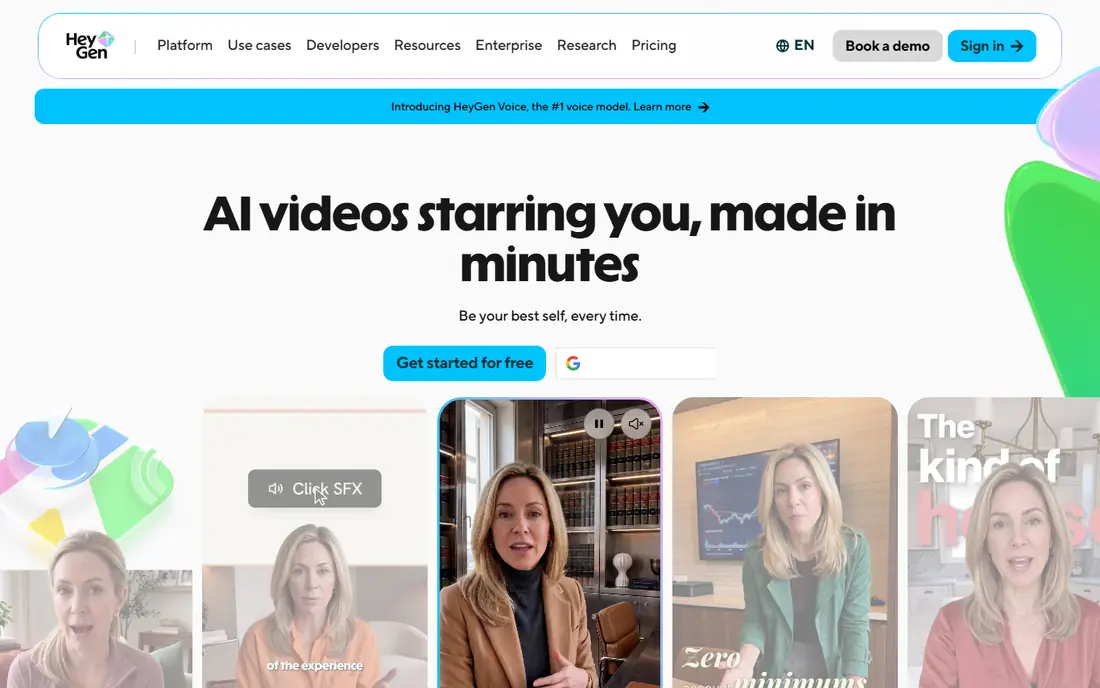
If your main worry is day-to-day workload, this option deserves a close look. HeyGen is aimed at teams that want avatar ads with localization. Its clearest strength is avatar video with translation and dubbing options. It also offers template workflows for short ads, and voice and avatar controls for brand consistency.
The trade-off is credit use varies by video length and quality, and avatar consent and disclosure rules must be checked for each use. Before you commit, check the plan that matches your size, confirm what support is included, and test the core workflow with a real example from your own work. That short test will tell you more than a feature list, and it will show whether the limits matter for your team.
- Avatar video with translation and dubbing options
- Template workflows for short ads
- Voice and avatar controls for brand consistency
- Credit use varies by video length and quality
- Avatar consent and disclosure rules must be checked for each use
Some buyers need depth in one area rather than breadth across many, and that is where this option fits. InVideo AI is aimed at small teams that want prompt-to-video ads fast. Its clearest strength is prompt-to-video with stock and generated clips. It also offers timeline editing after generation, and templates for common ad formats.
The trade-off is credit use varies by model and resolution, and generated clips need a human check for errors and claims. Before you commit, check the plan that matches your size, confirm what support is included, and test the core workflow with a real example from your own work. That short test will tell you more than a feature list, and it will show whether the limits matter for your team.
- Prompt-to-video with stock and generated clips
- Timeline editing after generation
- Templates for common ad formats
- Credit use varies by model and resolution
- Generated clips need a human check for errors and claims
For a smaller budget or a smaller team, this option keeps the scope workable. Kapwing is aimed at social teams that edit and resize ads for many platforms. Its clearest strength is browser editing with subtitles and resizing. It also offers templates for social ad sizes, and collaboration tools for small teams.
The trade-off is aI generation is lighter than specialist tools, and export and storage limits apply on lower plans. Before you commit, check the plan that matches your size, confirm what support is included, and test the core workflow with a real example from your own work. That short test will tell you more than a feature list, and it will show whether the limits matter for your team.
- Browser editing with subtitles and resizing
- Templates for social ad sizes
- Collaboration tools for small teams
- AI generation is lighter than specialist tools
- Export and storage limits apply on lower plans
This option suits buyers who want a familiar, widely used platform and plenty of outside help. Runway is aimed at creative teams that need original generated footage. Its clearest strength is generative video for original ad footage. It also offers editing tools alongside generation, and strong creative control for skilled users.
The trade-off is credit costs rise fast for many clips, and generated footage needs review for brand and legal fit. Before you commit, check the plan that matches your size, confirm what support is included, and test the core workflow with a real example from your own work. That short test will tell you more than a feature list, and it will show whether the limits matter for your team.
- Generative video for original ad footage
- Editing tools alongside generation
- Strong creative control for skilled users
- Credit costs rise fast for many clips
- Generated footage needs review for brand and legal fit
When growth is the plan, this option is worth weighing early. Lumen5 is aimed at teams turning written content into video ads. Its clearest strength is blog-to-video workflows with stock media. It also offers brand kits for colors and logos, and simple timeline for non-editors.
The trade-off is stock-led ads can look similar to rivals, and advanced editing needs a higher plan. Before you commit, check the plan that matches your size, confirm what support is included, and test the core workflow with a real example from your own work. That short test will tell you more than a feature list, and it will show whether the limits matter for your team.
- Blog-to-video workflows with stock media
- Brand kits for colors and logos
- Simple timeline for non-editors
- Stock-led ads can look similar to rivals
- Advanced editing needs a higher plan
A practical, less flashy choice can be the right call, and this option plays that role well. Animoto is aimed at small firms that want simple slideshow-style ads. Its clearest strength is simple drag-and-drop video creation. It also offers templates for product and local ads, and music and text tools for quick promos.
The trade-off is creative control is limited, and output suits simple ads more than cinematic work. Before you commit, check the plan that matches your size, confirm what support is included, and test the core workflow with a real example from your own work. That short test will tell you more than a feature list, and it will show whether the limits matter for your team.
- Simple drag-and-drop video creation
- Templates for product and local ads
- Music and text tools for quick promos
- Creative control is limited
- Output suits simple ads more than cinematic work
Close the shortlist with an option that fills a gap the others leave open. VEED.io is aimed at teams that edit, subtitle, and polish ad videos. Its clearest strength is browser editing with auto-subtitles. It also offers avatar and text-to-speech options, and resize and brand tools for social ads.
The trade-off is per-editor pricing adds up for larger teams, and aI features vary by plan and need a plan check. Before you commit, check the plan that matches your size, confirm what support is included, and test the core workflow with a real example from your own work. That short test will tell you more than a feature list, and it will show whether the limits matter for your team.
- Browser editing with auto-subtitles
- Avatar and text-to-speech options
- Resize and brand tools for social ads
- Per-editor pricing adds up for larger teams
- AI features vary by plan and need a plan check
How we picked these
We compared official feature pages, pricing pages, and app store listings, and we checked privacy policies and public reviews where they helped explain support, limits, and real-world use. We favored products that exist and work today, that fit the topic closely, and that offer a clear audience and a clear trade-off.
We did not claim hands-on testing that did not happen, and we did not add products that only partly fit the topic. Where a price varies by address, plan, or quote, we wrote See website rather than inventing a number, so you can verify the current figure on the vendor page before you buy.
How to make AI video ads that stay lawful and on brand
Get rights and consent first
Use only stock, music, voices, and avatars you are licensed to use, and get written consent from any real person whose face or voice appears. Keep a record of licenses and consents for each ad, because platforms and regulators may ask for proof. When in doubt, use your own footage or a clearly licensed library asset.
Check every claim and disclose AI use where required
Review prices, results, and product claims in the script before you publish, and remove any claim you cannot prove. Disclose AI presenters or voices where platform rules or local law require it, and avoid implying that an avatar is a real customer or expert. A short disclosure protects trust as well as compliance.
Keep a human in the final review
Watch the full ad, check captions, check brand names, and check that the visuals match the words. AI tools can misspell names, show the wrong product, or invent details, and those errors are easy to miss in a fast workflow. A final human check is the cheapest quality step in the whole process.
FAQ
What is the best ai video ad creation software for small teams?
InVideo AI and Pictory suit fast, low-cost ad creation, while Kapwing and VEED.io suit editing and resizing. HeyGen and Synthesia suit spokesperson-style ads, while Runway suits teams that need original generated footage.
What are the best ai video ad creation tools for social ads?
Kapwing, VEED.io, and InVideo AI are strong for social sizes, subtitles, and fast templates. Pictory and Lumen5 suit teams that start from written content, while Animoto suits simple product promos for local firms.
Do AI video ads need disclosure?
Disclosure rules depend on the platform, the format, and local law, and they change often. Avatar presenters, synthetic voices, and AI-generated people often need clear disclosure, so check current platform rules and keep a record of how each ad was made.
Can I use an AI avatar of a real person in an ad?
Only with that person's clear consent and a lawful basis for the use, and only within the scope they agreed to. Do not use a likeness or voice to imply an endorsement that was not given, and do not use AI to create misleading testimonials.
How much does AI video ad software cost?
Entry plans in this list start around $15 to $29 per month, with credit or minute limits that affect campaign volume. Higher plans add minutes, credits, brand controls, and team seats, so price the volume you will actually publish each month.