Best AI-Powered Video Ad Editing Software in 2026: 8 Tools Compared
Compare the best ai-powered video ad editing software for product ads, with URL-to-video tools, avatars, captions and ad-ready exports for brands in 2026.
- Editor's choice
 Creatify
Ad variations from a product URL
Starts at$15 per monthVisit creatify.aiFull review - Great alternative
 HeyGen
Presenter-led video ads
Starts at$29 per monthVisit heygen.comFull review - Also consider
 Pictory
Narrated marketing videos
Starts at$29 per monthVisit pictory.aiFull review
TL;DR:
- URL-to-video tools such as Creatify suit ad testing at volume, while HeyGen suits presenter-led ads with realistic avatars.
- Credit models decide true cost, so price by finished ad, not by monthly subscription alone.
- Captions, aspect ratios and a clear call to action matter more for paid social than fancy effects.
- Never present an AI actor as a real customer, and keep product claims in the script accurate to the product page.
Quick comparison
| Tool | Best for | Starts at | Free plan? | |
|---|---|---|---|---|
| Creatify | Ad variations from a product URL | $15 per month | Yes | Visit |
| HeyGen | Presenter-led video ads | $29 per month | Yes | Visit |
| Pictory | Narrated marketing videos | $29 per month | Yes | Visit |
 InVideo | Template and prompt-led ads | $9 per month | Yes | Visit |
 Synthesia | Polished avatar explainers | $29 per month | Yes | Visit |
 AdCreative.ai | Creatives tied to ad data | $39 per month | Yes | Visit |
 Pippit by CapCut | Social commerce product ads | $15 per month | Yes | Visit |
 Topview | Quick product URL to ad | $29 per month | Yes | Visit |
The best ai-powered video ad editing software
AI video ad tools turn a product link, a photo or a short script into a finished ad with voice, captions and music, often in minutes. That speed helps teams test many hooks, formats and audiences without a full shoot. We compared official pricing pages, feature pages and public reviews, and we favored tools with ad-ready exports, batch creation, caption support and a clear credit model. We also favored tools that keep the workflow honest: script product facts, never an AI customer or expert claim.

Creatify is built for ecommerce teams that need many ad variations from one product page. Paste a product URL, and it pulls images, benefits and reviews into draft ads with avatars, scripts and captions, which you can edit before export. Public summaries list a starter tier from $15 per month, with a free tier offering limited credits, and higher tiers adding more avatars, longer videos and faster rendering.
The catch is credit math. Creatify bills by started time blocks in some summaries, so a 20-second ad can cost more than you expect, and low-volume buyers may pay a high cost per finished minute. Test the cost of your exact ad length during the trial. For teams batching dozens of short product ads, Creatify remains a strong volume tool.
- Fast URL-to-ad workflow
- Many ad variations
- Ad launcher for Meta and TikTok
- Credit-based pricing needs care
- Video length limits on lower tiers
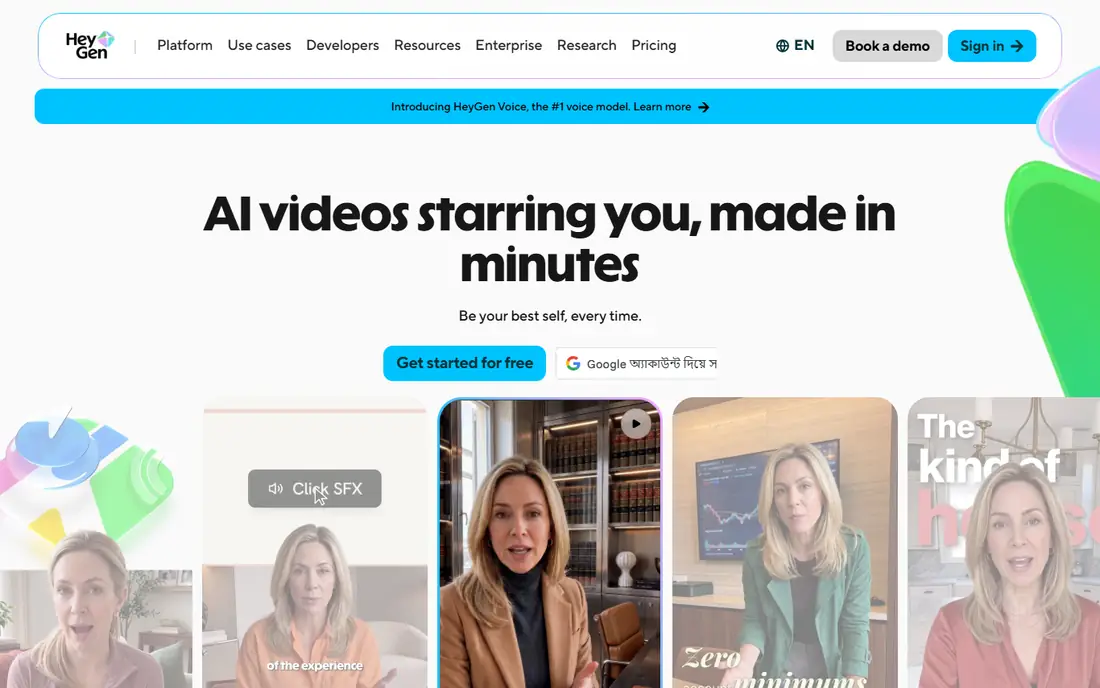
HeyGen suits presenter-led ads where a talking avatar carries the message, because its avatars look and sound more natural than many rivals in short clips. It covers translation with lip sync across many languages, voice cloning on creator plans and a free tier with a few videos per month. The creator plan is listed at $29 per month in public summaries, with 1080p export and voice cloning included.
The limit is credits. Avatar video consumes credits per minute, so a creator plan that looks generous can run out fast if you publish daily. Check how many finished minutes your plan actually yields before you commit. For a polished spokesperson ad or a localized version of one ad, HeyGen is a leading choice.
- Realistic avatars
- Translation with lip sync
- Many languages
- Credit limits on avatar video
- Heavy users hit ceilings fast

Pictory turns written content, blog posts and product pages into narrated marketing videos with stock footage, captions and voiceover. That workflow suits teams that already write product copy and want a video version without filming. The starter plan is listed at $29 per month in public summaries, with a free trial for testing the workflow.
The trade-off is presenter depth. Pictory does not match HeyGen on realistic avatars, and some outputs can feel template-driven if you do not customize visuals and script. For narrated product explainers, social clips and repurposed content, Pictory is efficient and easy to learn. For avatar-led UGC-style ads, Creatify or HeyGen fit better.
- Turns text and product pages into narrated video
- Stock footage library
- Captions
- Less avatar depth than HeyGen
- Template feel on some outputs
InVideo suits small teams that want a low entry price and a flexible editor. Public summaries list a basic tier from $9 per month, with an agent-led workflow that builds a video from a link or brief and an editable timeline for fixes. That combination helps teams that want AI drafting plus human control over the final cut, rather than a fully automatic output they cannot adjust.
The limit is scale. Batch creation is limited compared with Creatify, and output quality varies with the template and prompt you choose. Spend time on the brief and on the edit, rather than publishing the first draft. For a low-cost, editable ad tool, InVideo is a practical starting point.
- Low entry price
- Agent-led video from a link or brief
- Editable timeline
- Batch mode limited
- Quality varies by template and prompt
Synthesia is known for polished avatar explainers used in training, onboarding and product education, and that same polish works for brand-safe product ads. The starter plan is listed at $29 per month in public summaries, with a free tier offering limited minutes. Enterprise controls, including SSO and brand kits on higher tiers, help larger teams keep output consistent.
The catch is ad style. Synthesia avatars feel corporate and polished, which suits explainers more than raw UGC-style social ads. If your paid social strategy needs a casual creator feel, Creatify or Arcads-style actors may test better. For a clean, professional product explainer, Synthesia is a strong, reliable choice.
- Polished avatar presenters
- Enterprise controls
- Good for training and explainers
- Less UGC-style ad feel
- Credit model needs checking
AdCreative.ai suits teams that want creative generation tied to ad performance data, rather than video alone. It generates ad creatives, including video formats, and links them to Google and Meta data so teams can see which angles perform. The starter plan is listed at $39 per month in public summaries, with a free trial for testing.
The trade-off is video depth. AdCreative.ai is stronger on creative testing and scoring than on long-form video editing or realistic avatars, so teams that need a full video editor may pair it with another tool. For performance marketers who test many creatives and want data in the same workflow, it is a useful addition to the stack.
- Links creatives to Google and Meta performance data
- Batch creative generation
- Scoring
- Higher entry price
- Video depth less than dedicated video tools
Pippit, from CapCut, targets social commerce teams that sell through TikTok Shop, Shopify and Amazon. It turns a product link into short social ads in the formats those channels need, with CapCut editing links for further tweaks. Public summaries list a starter tier from $15 per month, with a free tier for testing the workflow.
The limit is ecosystem and pricing detail. Tier and credit details vary by region and plan, so confirm the total for your ad volume before you rely on a headline price. For teams already editing in CapCut and selling on social commerce channels, Pippit keeps the workflow in one place. For teams outside that ecosystem, Creatify may be more neutral.
- Product-link ads for TikTok Shop, Shopify and Amazon
- CapCut editing links
- Social formats
- Credit and tier details vary
- CapCut ecosystem lock-in
Topview suits teams that want a quick product URL to ad without learning a full editor. Paste a listing URL, choose an avatar and format, and export a short ad for paid social or a product page. Public summaries list pricing from around $29 per month, with a free credit allowance for testing.
The catch is editing depth. Topview is built for speed, not for a detailed timeline edit, so teams that need precise cuts, custom motion or complex layering will want InVideo or a traditional editor alongside it. For fast ad drafts and testing, Topview is efficient, and its simplicity helps small teams publish sooner.
- Fast product URL to ad
- Avatar options
- Simple workflow
- Credit-based pricing
- Less editing depth than InVideo
How we picked these
We compared official pricing pages, feature pages and public reviews, and we favored tools that produce ad-ready exports in social formats, support captions and voice, and offer batch creation or URL-to-video workflows. We gave weight to credit transparency, because a cheap subscription can become expensive per finished ad. We also favored tools that support honest scripting, since an AI actor must never be presented as a real customer.
How to test ads without wasting budget
Start with one product and five hooks, not five products and one hook, so you learn what message works before you scale. Keep the first three seconds clear: show the product, state the benefit and add captions, since many viewers watch without sound. Export in the aspect ratio each channel needs, 9:16 for Reels and TikTok and 1:1 or 4:5 for feeds, rather than cropping one format for all.
Track cost per finished ad and cost per result, not just views. A tool that makes 50 cheap ads that no one clicks is worse than a tool that makes 10 strong ads that convert. Keep the winning script and visuals, retire the rest, and always keep product claims tied to the product page, not to an AI actor's invented experience.
FAQ
What is AI video ad editing software?
It is software that turns a product link, photo or script into a finished video ad with voice, captions, music and avatars, often with batch creation for testing many variations. Human editing still matters for the final cut, script accuracy and brand fit.
How much does it cost per ad?
It depends on credits, not just the monthly plan. A $15 to $29 per month subscription can yield many short ads or only a few long ones, depending on credit consumption per minute and per video. Price your exact ad length and volume during a trial.
Can AI avatars replace real creators?
They can replace a presenter for explainers and product demos, but they should never be presented as real customers or reviewers. For testimonial-style ads, use real customers with permission, or label AI content clearly where platform rules require it.
Which tool is best for TikTok and Reels ads?
Creatify and Pippit suit short social commerce ads, while HeyGen suits presenter-led clips. Test both styles, because the winning format depends on your product, audience and channel, not on the tool alone.
Do I need video editing skill to use these tools?
No for basic output, since most tools generate a draft from a link or script. You will still need judgment on script, captions, product claims and the final edit, especially for paid ads that carry your brand.