Choosing Virtual Staging Software for Real Estate Photographers in 2026: 5 Options Compared
Compare 5 best virtual staging software for real estate photographers, with prices, free plans and who each fits. Verdicts stay brief and factual. Start here.
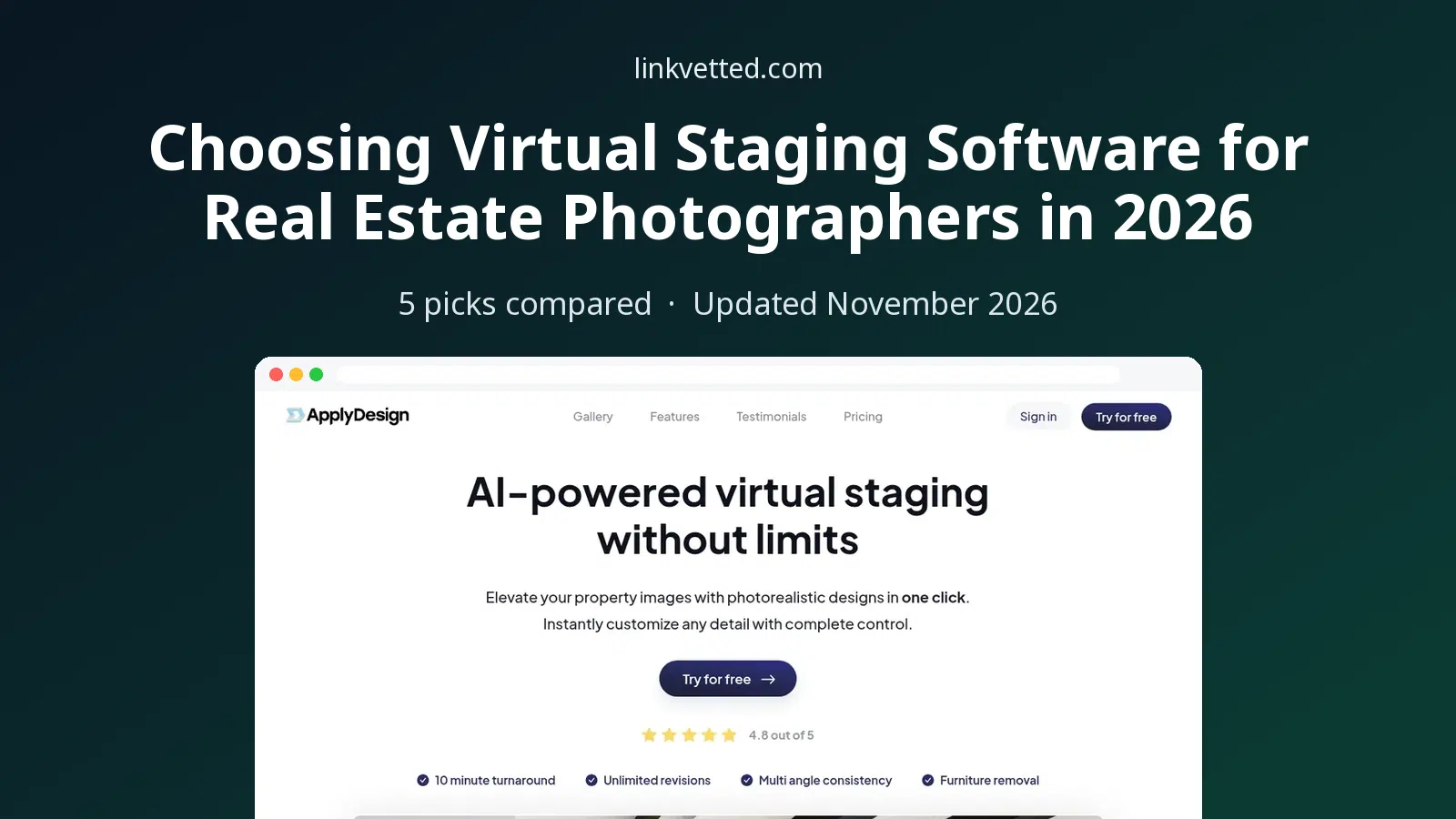
- Editor's choiceStyldod
MLS-oriented listing media module
Starts atSee websiteVisit styldod.comFull review - Great alternativeApply Design
AI staging with a large furniture library
Starts at$7 per imageVisit applydesign.ioFull review - Also consider
 BoxBrownie
Bundled editing and staging services
Starts at$1.60 per imageVisit boxbrownie.comFull review
Direct answer
Styldod comes first here, mainly for MLS-oriented listing media module. Listed starting prices: Apply Design from $7 per image, BoxBrownie from $1.60 per image and Virtual Staging AI from $16 per month. Alternatives: Apply Design for AI staging with a large furniture library, and BoxBrownie for bundled editing and staging services. The other 2 tools in the list cover narrower or pricier cases.
TL;DR:
- Styldod takes the first slot, best suited to MLS-oriented listing media module.
- The main caution on BoxBrownie: human process may add lead time.
- Virtual Staging AI is the one to check for quick one-click AI staging.
- Styldod, Virtual Staging AI and the 3 others all need a premium plan or a trial, since no free plan is listed.
- Starting prices begin at $16 per month with Virtual Staging AI.
Last checked November 2026. Prices and plan details were read from the vendors' own pages in November 2026; vendors change plans often, so confirm the current price on the vendor site before you buy.
Quick comparison
| Tool | Best for | Starts at | Free plan? | |
|---|---|---|---|---|
| Styldod | MLS-oriented listing media module | See website | Not stated | Visit |
| Apply Design | AI staging with a large furniture library | $7 per image | Free trial | Visit |
| BoxBrownie | Bundled editing and staging services | $1.60 per image | Not stated | Visit |
| CubiCasa | Floor plans alongside listing media | See website | Free trial | Visit |
 Virtual Staging AI | Quick one-click AI staging | $16 per month | No | Visit |
Tool-by-tool breakdown
If you are comparing virtual staging software for real estate photographers, this page covers 5 tools in one place: what each is best for, what it costs to start, whether it has a free plan, and the main limit to know about.
Styldod
Best for: MLS-oriented listing media module
Styldod serves MLS-oriented listing media module. Styldod presents an AI media module for listing creation geared toward MLS environments, helping keep agents and brokerages central whereas enhancing listing data.
Solo users should confirm whether the workflow fits their needs before committing. In daily use, since the homepage frames the product around MLS workflows, individual photographers may find it less direct than a standalone staging tool. Styldod shows no starting price here, so confirm the cost on the vendor site. Free plan details: Not stated.
Watch-outs: Less direct for individual photographers.
Upsides: Listing creation focus.
- Media module approach
- Aimed at MLS workflows
- Oriented to MLS organizations
Apply Design
Best for: AI staging with a large furniture library
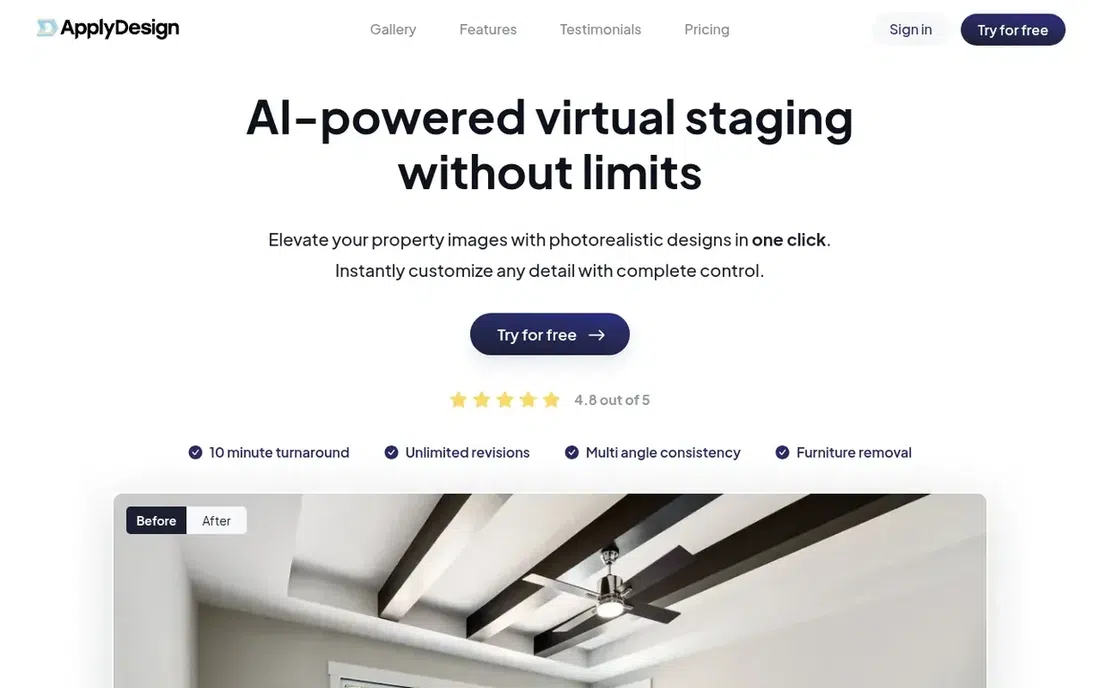
Pick Apply Design if this describes you: AI staging with a large furniture library. Apply Design is an AI virtual staging tool for real estate that produces photorealistic renders and gives you a large furniture library, with a stated render time of about ten minutes.
Where it falls short: Output needs review.
Also, as with any AI staging, unusual room shapes or lighting can produce artifacts that need review. On cost, Apply Design starts like this: $7 per image. On free options: Free trial.
- Photorealistic AI renders
- Fast stated render time
- AI may misread unusual layouts
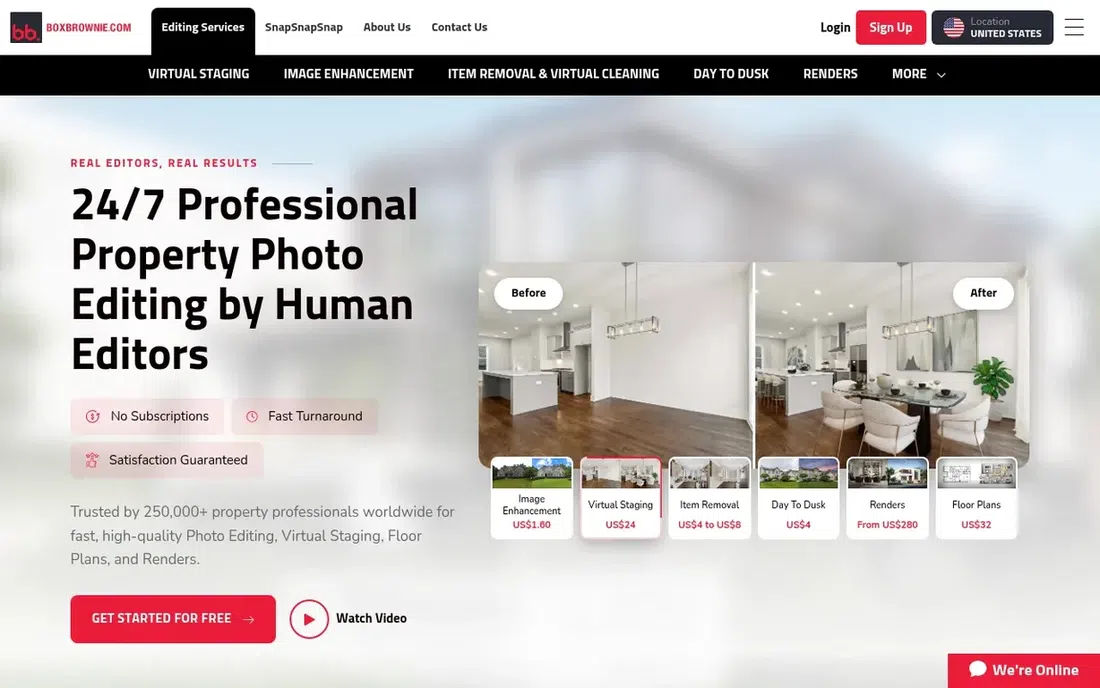
Where BoxBrownie fits: bundled editing and staging services. Photographers needing immediate self-serve output may prefer an AI-first tool.
Downsides: Less instant than pure AI.
As for the details, BoxBrownie is a real estate media service including photo editing, virtual staging, floor plans, clipping and CGI renders, with digital experts handling edits and a stated 24-hour turnaround. BoxBrownie starts at: $1.60 per image. Free options: Not stated.
- Staging plus photo editing
- Floor plans and renders
- Human process may add lead time
CubiCasa
Best for: Floor plans alongside listing media
Pick CubiCasa if this describes you: floor plans alongside listing media. CubiCasa produces floor plans from a smartphone scan, producing 2D and 3D plans through its iOS and Android app. Also, photographers seeking staging should combine it with a dedicated staging choice.
On top of that, CubiCasa is centered on floor plans instead of virtual staging. So it is not a substitute for a staging tool. CubiCasa shows no starting price here, so confirm the cost on the vendor site. On free options: Free trial.
Honest limits: Not a dedicated staging tool.
- Fast scan process
- 2D and 3D output
- Focus is floor plans
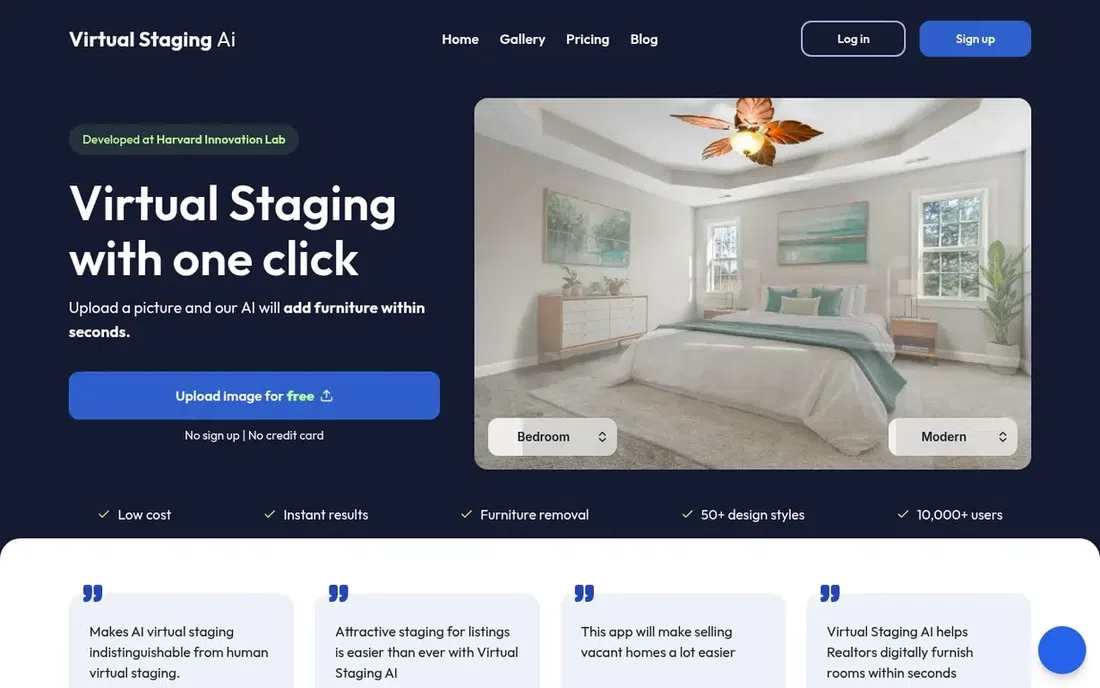
Virtual Staging AI was built for quick one-click AI staging. Virtual Staging AI is an AI-driven tool that stages listing photos with a single click, aiming for a very short turnaround and realistic furnishings. The homepage notes the technology was developed at a university innovation lab.
Since staging is automatic, complicated rooms or unusual architecture may need manual checks and occasional retouching. As for the details, photographers who require designer oversight or bundled editing services should consider a service-led choice instead. Virtual Staging AI cost at the entry level: $16 per month. Virtual Staging AI has no free plan.
Limits to weigh: AI output may need touch-ups.
- Realistic furnishings
- One-click AI workflow
- Restricted human review
Our selection method
We compared the tools on published pricing, free plan or trial availability, feature coverage for virtual staging software for real estate photographers, and the limits each vendor documents. Where a price is missing, the vendor does not list one publicly or ties it to a quote. Always confirm before budgeting. Order on the page follows fit for the typical buyer first, then price transparency and free access. Your own requirements should decide the final pick.
Pre-purchase checklist
- Ask Styldod and CubiCasa for a written quote, since no starting price is shown.
- Use real work to test the free trial from Apply Design and CubiCasa, rather than a demo project.
- Before choosing Styldod, weigh its main limit: oriented to MLS organizations.
- Involve the people who will use CubiCasa daily; a short pilot beats a long feature checklist.
- Price BoxBrownie for your actual team size; headline prices rarely include add-ons or overage.
FAQ
Do these tools publish their prices?
Not all of them. Styldod and CubiCasa publish no starting price, so expect a quote request for those. The rest, Apply Design included, show a starting price, though seats and billing terms still change the final cost.
How are the tools for virtual staging software for real estate photographers ordered?
Styldod sits first and Virtual Staging AI last because the order follows typical fit for virtual staging software for real estate photographers, then price clarity and free access. It is a judgement call, so read each profile for fit and limits.
Is AI virtual staging realistic enough for listings?
Modern AI staging tools aim for photorealistic furnishings, and plenty of produce convincing results for standard rooms. Unusual layouts or lighting can still produce artifacts, so review each image before delivery.
What is the cheapest option for virtual staging software for real estate photographers in this list?
On published monthly entry prices, Virtual Staging AI is the lowest here at $16 per month. Entry price is only part of the cost, because seats, add-ons and billing terms can change the total. For the full picture, the cards above cover all 5 entries of this virtual staging software for real estate photographers list, including price, free plan and limits.
Can I try these tools before paying?
Often, yes. Apply Design and CubiCasa offer a free trial. Use your own data and a real task during the test, and check what the free tier or trial limits before you rely on it.
Sources
- https://www.styldod.com
- https://www.applydesign.io
- https://www.boxbrownie.com
- https://www.cubi.casa
- https://www.virtualstagingai.app