Top 5 Listing Presentation Software for Real Estate Agents for 2026 (Prices and Free Plans)
5 best listing presentation software for real estate agents, compared on pricing, free plans and best-fit use. Concise write-ups of every option. Facts only.
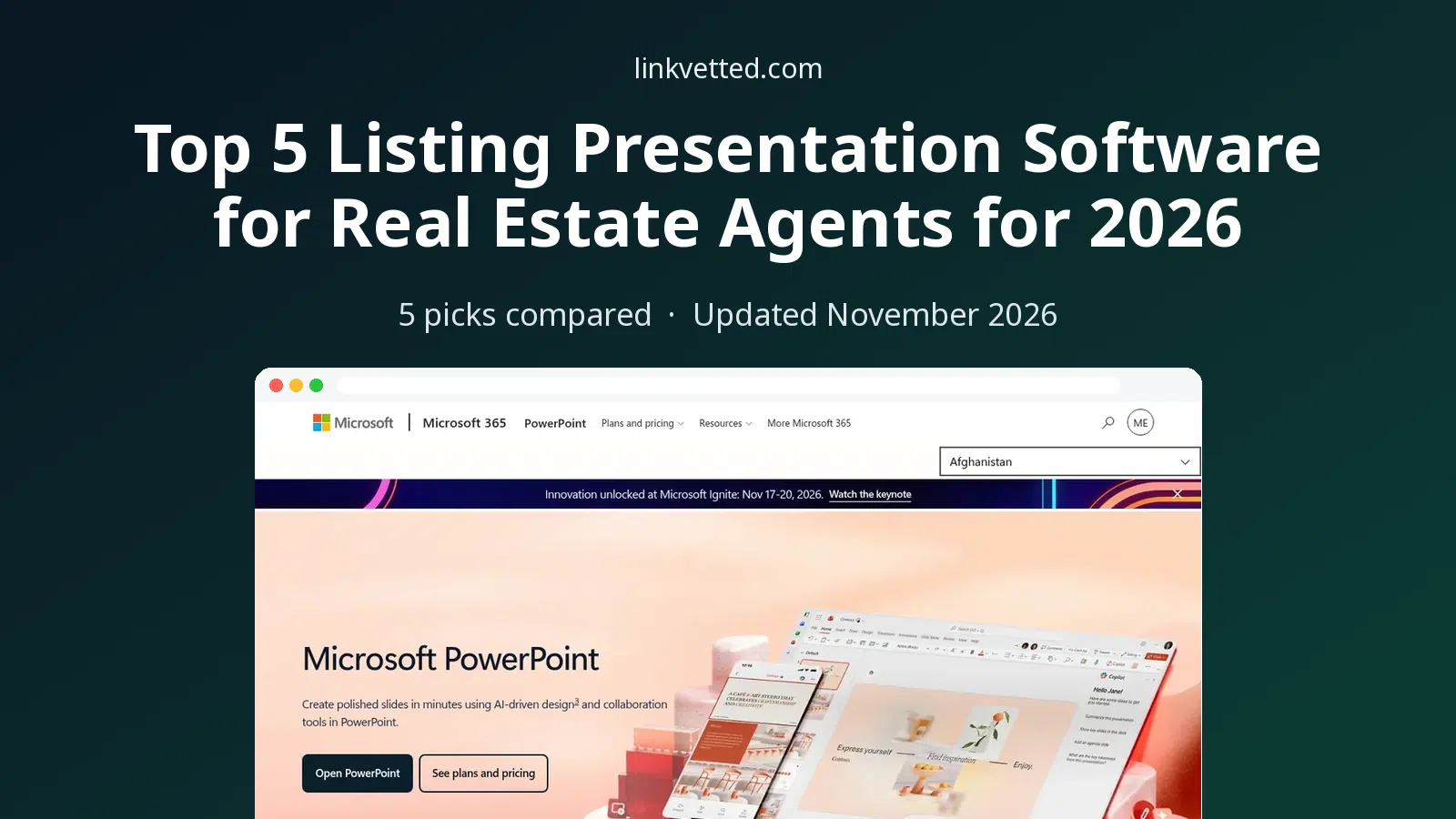
- Editor's choice
 Microsoft PowerPoint
In-depth, familiar slide control
Starts atSee websiteVisit microsoft.comFull review - Great alternativeLucidpress
Brand-controlled templates at scale
Starts at$12 a monthVisit lucidpress.comFull review - Also consider
 Canva
Quick, template-driven listing decks
Starts atSee websiteVisit canva.comFull review
Direct answer
Microsoft PowerPoint leads the list, best for in-depth, familiar slide control. Listed starting prices: Lucidpress from $12 a month, Beautiful.ai from $14.50 a month and Venngage from $10 a month. Lucidpress fits brand-controlled templates at scale; Canva fits quick, template-driven listing decks. The full list of 5 tools follows, with prices and free plan facts.
TL;DR:
- Microsoft PowerPoint is the opening pick, best for in-depth, familiar slide control.
- The lowest published monthly entry price here is $10 per month, from Venngage.
- Venngage suits Infographic-style listing visuals.
- 2 of 5 tools offer a free plan: Lucidpress, Venngage.
- What to know about Beautiful.ai first: less manual layout freedom.
Last checked November 2026. Prices and plan details were read from the vendors' own pages in November 2026; vendors change plans often, so confirm the current price on the vendor site before you buy.
Quick comparison
| Tool | Best for | Starts at | Free plan? | |
|---|---|---|---|---|
| Microsoft PowerPoint | In-depth, familiar slide control | See website | Not stated | Visit |
| Lucidpress | Brand-controlled templates at scale | $12 a month | Yes | Visit |
| Canva | Quick, template-driven listing decks | See website | Not stated | Visit |
 Beautiful.ai | On-brand decks for teams | $14.50 a month | Free trial | Visit |
| Venngage | Infographic-style listing visuals | $10 a month | Yes | Visit |
Our 5 listing presentation software for real estate agents
Choosing listing presentation software for real estate agents usually comes down to price, fit and limits. This LinkVetted guide sets 5 tools side by side on those three points, with the facts kept short and checkable.
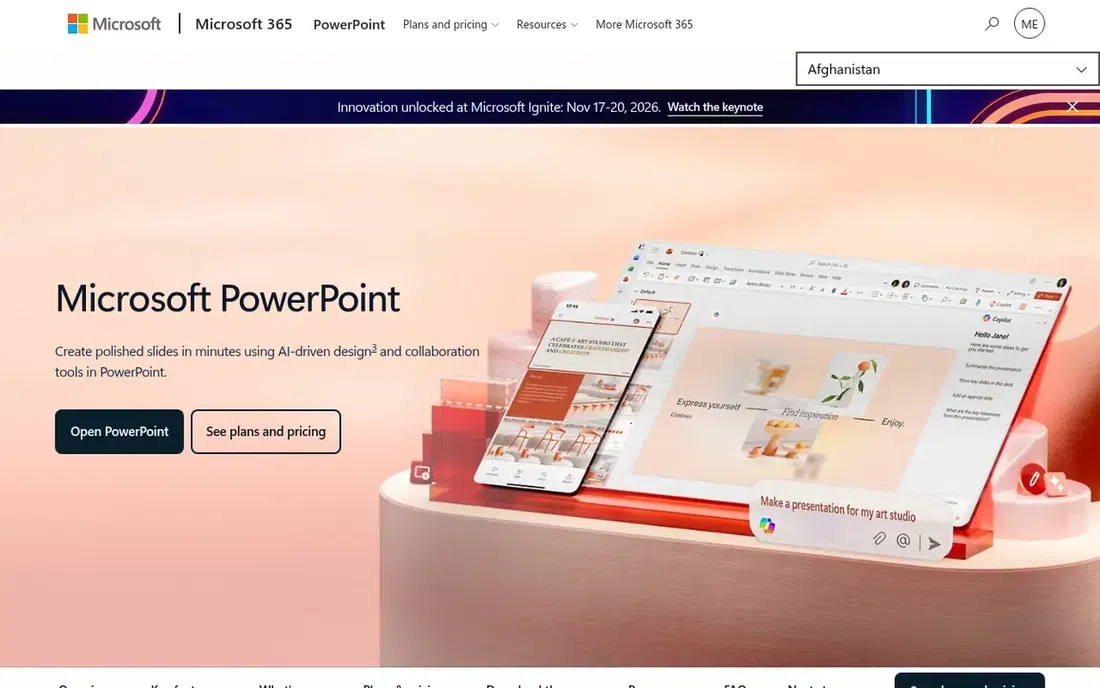
In short, Microsoft PowerPoint is for in-depth, familiar slide control. It fits those who already know the software and want a steady file format that clients and colleagues can open.
What to check first: Design work is manual.
Pick PowerPoint when control, familiarity and data-heavy slides outweigh speed of design. This comparison lists no price for Microsoft PowerPoint; ask the vendor. Trial and free access: Not stated.
- Deep slide and animation controls
- Widely used and understood
- Less template-driven than design tools
Lucidpress
Best for: Brand-controlled templates at scale
Lucidpress targets brand-controlled templates at scale. For real estate offices, this means agents can fill in listing details inside approved layouts.
Beyond that, agents who just need a fast deck may prefer Canva or PowerPoint. On top of that, setting up templates needs an initial investment of time, and the tool is broader than slide presentations. Lucidpress pricing: $12 per month. Free access exists with Lucidpress.
The main drawbacks: Template setup takes effort.
- Brand control for teams
- Turns designs into templates
- Less slide-centric than some tools
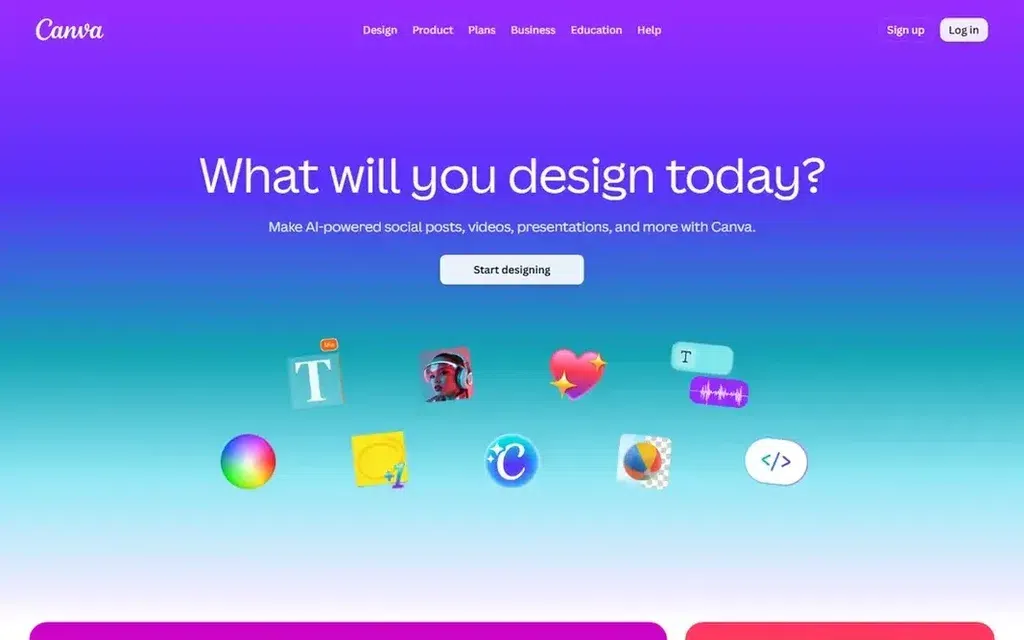
Choose Canva for quick, template-driven listing decks. Canva is an online graphic design tool for social posts, posters, presentations and more.
Where it falls short: Brand consistency needs setup.
Since Canva is a general design tool, it supplies less precise slide control than dedicated presentation software, and complicated animations are restricted. For real estate agents, its strength is speed: you can start from a presentation template, drop in property photos and market data, and produce a refined listing deck without design training. Pricing for Canva is not stated here, so ask the vendor for current figures. Free access: Not stated.
- Works for print and screen
- Large template library
- Advanced layout control is restricted
Beautiful.ai targets on-brand decks for teams. Beautiful.ai is an AI presentation system made for teams, keeping decks on-brand and ready to share. The guided approach means less freedom to place elements exactly where you want, which can frustrate agents with specific layout ideas.
In practice, agents working in a brokerage team can use it to keep listing presentations consistent across agents. Its guided layouts cut the design decisions needed, which helps agents who want professional-looking slides without adjusting every element. Beautiful.ai pricing: $14.50 per month. As for free access: Free trial.
The main drawbacks: Less manual layout freedom.
- AI-assisted slide layout
- Brand consistency controls
- Design choices are guided
Venngage
Best for: Infographic-style listing visuals
Pick Venngage if this describes you: Infographic-style listing visuals. Venngage is a professional infographic tool with a large library of templates made for companies.
Trade-offs to know: Slide flow is secondary.
In daily use, agents who require a complete presentation flow may prefer those tools. As for the details, agents can use it to turn market stats, neighborhood data and property flags into clear visual summaries that support a listing presentation. The starting price for Venngage: $10 per month. A free plan is available with Venngage.
- Large template collection
- Business-oriented designs
- Less suited to live presenting
How we built this list
The comparison looks at four things: starting price, free access, how well the feature set matches listing presentation software for real estate agents, and the main limit of each tool. Prices and plan limits come from vendor pages and can change, so confirm them on the vendor site before you buy. Position on the page reflects fit for a typical buyer first, with price clarity and free access breaking ties. Treat it as a guide, not a ruling.
Questions to settle before buying
- Ask Microsoft PowerPoint and Canva for a written quote, since no starting price is shown.
- Read the fine print on the free plans from Lucidpress and Venngage; seat, project and feature caps differ.
- Take the trial from Beautiful.ai and push a live task through it before you pay.
- Before choosing Microsoft PowerPoint, weigh its main limit: design work is manual.
- Confirm that Lucidpress connects to the apps your team already uses, on the plan you would actually buy.
- See whether Venngage offers onboarding or training, and whether it is included in the price.
FAQ
Can I try these tools before paying?
Often, yes. Lucidpress and Venngage have a free plan and Beautiful.ai offers a free trial. Use your own data and a real task during the test, and check what the free tier or trial limits before you rely on it.
Do these tools publish their prices?
Not all of them. Microsoft PowerPoint and Canva publish no starting price, so expect a quote request for those. The rest, Lucidpress included, show a starting price, though seats and billing terms still change the final cost.
Which options for listing presentation software for real estate agents have a free plan?
Lucidpress and Venngage offer a free plan in this list. Free plans usually cap users, projects or features, so check the limits on the vendor page. One other tool offers a trial instead.
How are the tools for listing presentation software for real estate agents ordered?
The order follows typical fit for listing presentation software for real estate agents, with Microsoft PowerPoint first and Venngage last, then price clarity and free access. It is editorial judgement, not a score, so another team could rank the tools differently.
Do I need separate software for flyers and social posts?
Not necessarily. Canva and Venngage handle both presentation-style visuals and marketing graphics. From a buyer's view, if your listing presentation is largely data visuals, Venngage is a solid fit.
Sources
- https://www.microsoft.com/microsoft-365/powerpoint
- https://www.lucidpress.com
- https://www.canva.com
- https://www.beautiful.ai
- https://venngage.com