Choosing Listing Presentation Software for Realtors in 2026: 6 Options Compared
6 best listing presentation software for realtors, compared on pricing, free plans and best-fit use. Every entry states what it lacks. Read the profiles.
- Editor's choice
 Microsoft PowerPoint
In-depth, completely custom listing decks
Starts atSee websiteVisit microsoft.comFull review - Great alternative
 Beautiful.ai
Quick, on-brand decks for teams
Starts at$14.50 a monthVisit beautiful.aiFull review - Also considerLucidpress
Brand-controlled listing templates for teams
Starts at$12 per monthVisit lucidpress.comFull review
Direct answer
Microsoft PowerPoint is the first pick on this list for in-depth, completely custom listing decks. Listed starting prices: Beautiful.ai from $14.50 a month, Lucidpress from $12 per month and Piktochart from $10 per member a month. If your case is different, Beautiful.ai suits quick, on-brand decks for teams and Lucidpress suits brand-controlled listing templates for teams. The full list of 6 tools follows, with prices and free plan facts.
TL;DR:
- Microsoft PowerPoint is the opening pick, best for in-depth, completely custom listing decks.
- Before buying Piktochart, weigh this: less known for live presenting.
- For the cheapest start, look at Piktochart: $10 per member per month.
- 2 of 6 tools offer a free plan: Lucidpress, Piktochart.
Last checked November 2026. Prices and plan details were read from the vendors' own pages in November 2026; vendors change plans often, so confirm the current price on the vendor site before you buy.
Quick comparison
| Tool | Best for | Starts at | Free plan? | |
|---|---|---|---|---|
| Microsoft PowerPoint | In-depth, completely custom listing decks | See website | Not stated | Visit |
| Beautiful.ai | Quick, on-brand decks for teams | $14.50 a month | Free trial | Visit |
| Lucidpress | Brand-controlled listing templates for teams | $12 per month | Yes | Visit |
 Piktochart | Data-rich visuals and infographic slides | $10 per member a month | Yes | Visit |
 Prezi | Interactive live listing meetings | See website | Not stated | Visit |
 Canva | Template-driven listing and marketing design | See website | Not stated | Visit |
The 6 tools in detail
Short on time? The summary and table above give the quick view of 6 listing presentation software for realtors, and the profiles that follow give the detail behind each entry.
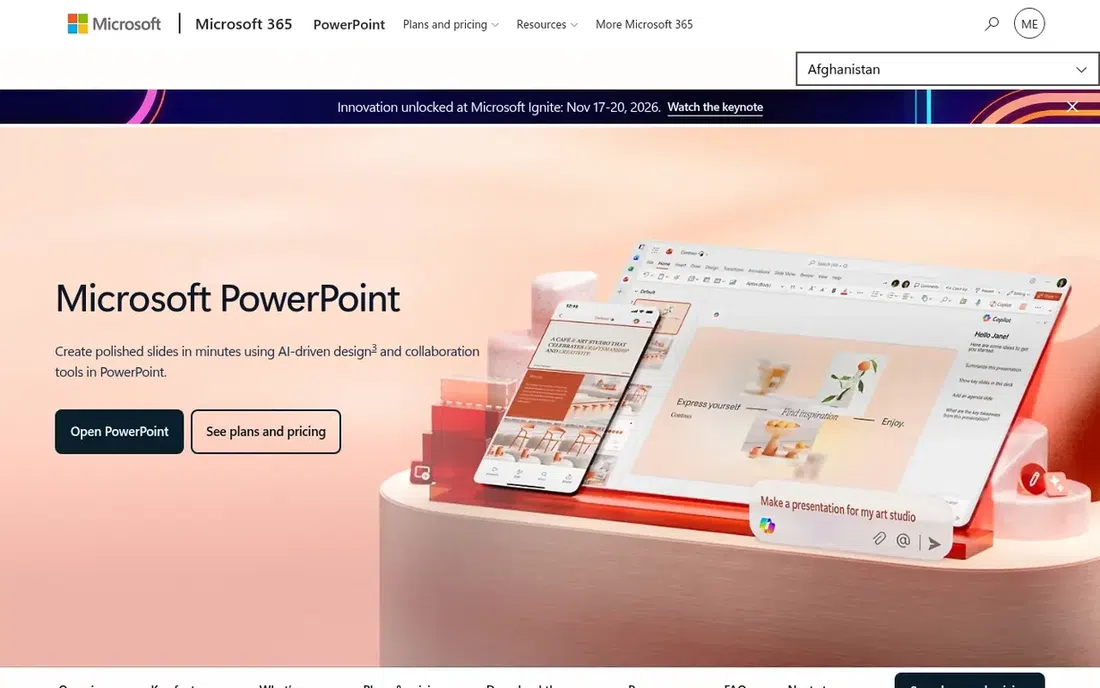
Microsoft PowerPoint is a good fit for in-depth, completely custom listing decks. Realtors who want full control over every element, from charts to transitions, will find it capable and familiar.
It fits agents and teams already working in Microsoft environments who want a dependable file format for sharing with clients and brokerages. This comparison lists no price for Microsoft PowerPoint; ask the vendor. On free options: Not stated.
Downsides: Collaboration is less fluid than web-first tools.
- Deep formatting and animation tools
- Works for straightforward slides or complicated pitch decks
- Design quality relies on your skill
Beautiful.ai is a good fit for quick, on-brand decks for teams. Beautiful.ai is an AI presentation system made for enterprise teams, keeping every deck on brand and ready to share across a company.
Drawbacks to consider: Best value displays in team settings.
For real estate teams, that means listing presentations that look consistent no matter which agent builds them. Entry price for Beautiful.ai: $14.50 per month. Free access: Free trial.
- Aimed at team sharing
- Keeps decks consistently on brand
- Less manual layout freedom
Lucidpress
Best for: Brand-controlled listing templates for teams
Lucidpress is a good fit for brand-controlled listing templates for teams. If you are a solo agent who chiefly needs to build and present decks rapidly, a presentation-first tool may serve you better. You design the master listing presentation once and let agents adapt it to each property.
Watch-outs: Template setup takes initial effort.
It is built around brand templates instead of live presentation delivery, so presenting features are secondary. That makes it a good fit for brokerages where multiple agents produce listing materials and consistency matters. What you pay to start with Lucidpress: $12 per month. Lucidpress offers a free plan.
- Turns designs into reusable templates
- Fits multi-agent brokerages
- Less centred on live presenting
Piktochart serves data-rich visuals and infographic slides. It suits agents who want listing decks that lean on clear visuals instead of text-heavy slides.
Drawbacks to consider: Templates lean toward infographics.
Its roots are in infographics, so slide delivery and speaker tools are less developed than in dedicated presentation products. Piktochart pricing: $10 per member per month. Piktochart includes a free tier.
- Capable for charts and infographics
- AI-assisted design studio
- Less known for live presenting
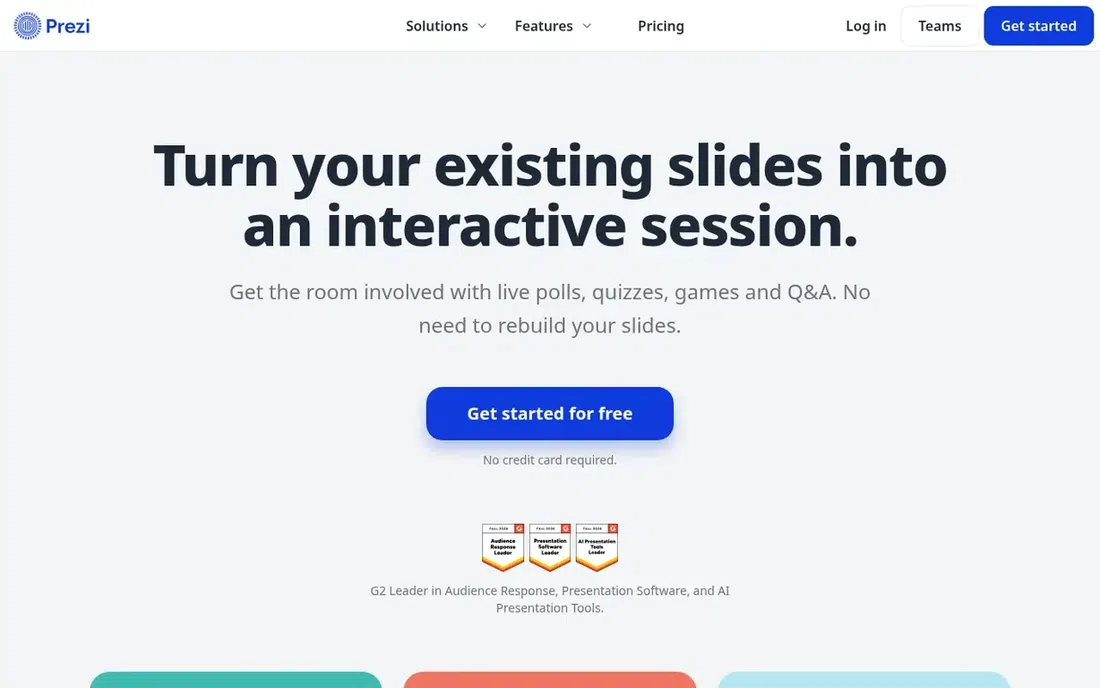
Pick Prezi if this describes you: interactive live listing meetings. Prezi is an interactive presentation system for educators, trainers and teams. It lets you bring existing slides or describe your content, run live polls and quizzes that attendees join from their phones, then share one link afterward.
In daily use, for realtors hosting buyer or seller seminars, that interactivity can make a listing meeting feel more engaging than a straight slide run. As for the details, choose a more straightforward tool if your priority is a fast, traditional listing deck instead of an interactive session. Pricing for Prezi is not stated here, so ask the vendor for current figures. Free access: Not stated.
Watch-outs: Unusual format can distract some audiences.
- Non-linear presentation style
- Zoomable
- Ramp-up time for the canvas approach
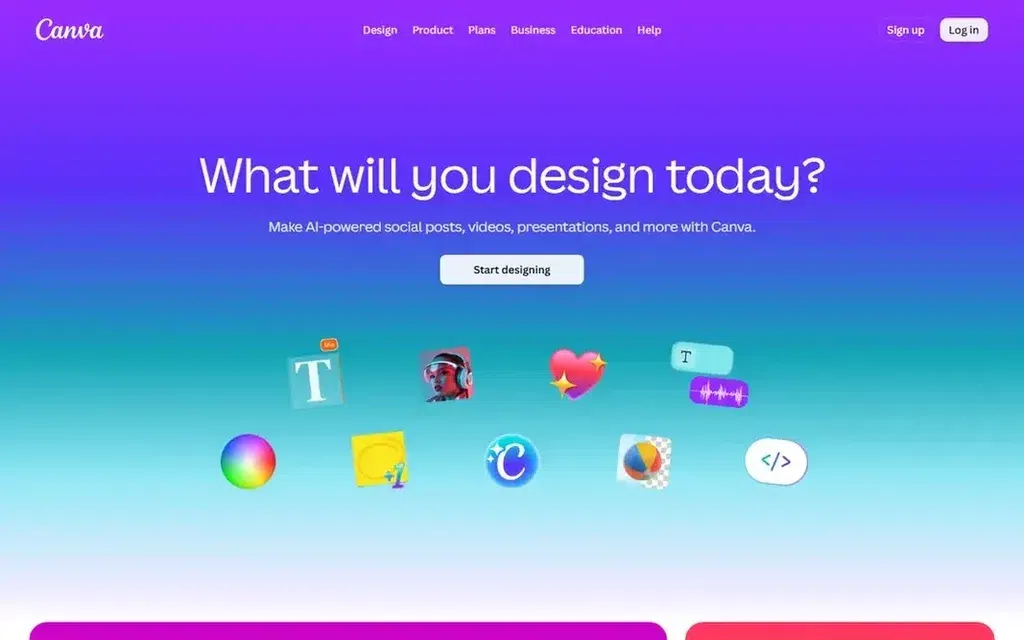
Canva is a good fit for template-driven listing and marketing design. Canva is an online graphic design tool for creating social posts, presentations, posters, videos, logos and more.
Points against: Advanced layout control is restricted.
Strengths: Straightforward drag-and-drop editing.
It suits agents who want to build attractive decks rapidly without design training and who like starting from ready-made layouts. This comparison lists no price for Canva; ask the vendor. As for free access: Not stated.
- Large template library
- Flyers and social posts
- Brand control can drift with numerous editors
Selection criteria
Questions to settle before buying
- Confirm the entry price on the vendor page. For Microsoft PowerPoint, Prezi and Canva that means a quote rather than a fixed price.
- Look at free plan limits closely: Lucidpress and Piktochart have one, and the caps decide whether it is usable for real work.
- Take the trial from Beautiful.ai and push a live task through it before you pay.
- Read the limits listed for Microsoft PowerPoint first: design quality relies on your skill.
- Look at the help docs and support options for Piktochart before you commit.
- Confirm the exact Microsoft PowerPoint plan that includes your must-have features.
FAQ
Do these tools publish their prices?
Not all of them. Microsoft PowerPoint, Prezi and Canva publish no starting price, so expect a quote request for those. The rest, Beautiful.ai included, show a starting price, though seats and billing terms still change the final cost.
Is Microsoft PowerPoint the right pick for everyone comparing listing presentation software for realtors?
No single tool suits every team. Microsoft PowerPoint comes first because it fits detailed, fully custom listing decks, while Beautiful.ai suits fast, on-brand decks for teams and Lucidpress suits brand-controlled listing templates for teams. Match the tool to your own size, budget and workflow before deciding.
Which tool is a good match for a realtor who is not a designer?
Microsoft PowerPoint comes first here and is built for in-depth, completely custom listing decks. Buyers with other needs may prefer Beautiful.ai (for quick, on-brand decks for teams) or Lucidpress (for brand-controlled listing templates for teams). Compare costs and limits first.
Can I try these tools before paying?
Often, yes. Lucidpress and Piktochart have a free plan and Beautiful.ai offers a free trial. Use your own data and a real task during the test, and check what the free tier or trial limits before you rely on it.
Which options for listing presentation software for realtors have a free plan?
Lucidpress and Piktochart offer a free plan in this list. Free plans usually cap users, projects or features, so check the limits on the vendor page. One other tool offers a trial instead.
Sources
- https://www.microsoft.com/microsoft-365/powerpoint
- https://www.beautiful.ai
- https://www.lucidpress.com
- https://piktochart.com
- https://prezi.com
- https://www.canva.com