Choosing Mockup Software for Packaging Designers in 2026: 6 Options Compared
Best mockup software for packaging designers in 2026: 6 contenders with entry costs and free tiers. Plain-spoken summaries throughout. See which fits.
- Editor's choiceAdobe Dimension
Approachable 3D package compositing
Starts atSee websiteVisit adobe.comFull review - Great alternativePackz
Packaging and label prepress editing
Starts atSee websiteVisit hybridsoftware.comFull review - Also consider
 KeyShot
Live 3D rendering and collaboration
Starts at$7.92 per monthVisit keyshot.comFull review
Direct answer
Adobe Dimension leads the list, best for approachable 3D package compositing. Listed starting prices: KeyShot from $7.92 per month. For a different need, Packz covers packaging and label prepress editing and KeyShot covers live 3D rendering and collaboration. The remaining 3 options are covered below with prices and limits.
TL;DR:
- Number one here is Adobe Dimension, a fit for approachable 3D package compositing.
- The cheapest monthly starting price in the list is $7.92 per month, offered by KeyShot.
- One limit worth knowing about Packz: narrow focus on prepress.
- Adobe Dimension, Substance 3D Painter and the 4 others all need a premium plan or a trial, since no free plan is listed.
- Substance 3D Painter suits live texturing of 3D assets.
Last checked November 2026. Prices and plan details were read from the vendors' own pages in November 2026; vendors change plans often, so confirm the current price on the vendor site before you buy.
Quick comparison
| Tool | Best for | Starts at | Free plan? | |
|---|---|---|---|---|
| Adobe Dimension | Approachable 3D package compositing | See website | Not stated | Visit |
| Packz | Packaging and label prepress editing | See website | Not stated | Visit |
| KeyShot | Live 3D rendering and collaboration | $7.92 per month | Free trial | Visit |
 Cinema 4D | Advanced 3D modeling and animation | See website | Not stated | Visit |
 Adobe Illustrator | Vector artwork and dieline creation | See website | Not stated | Visit |
| Substance 3D Painter | Live texturing of 3D assets | See website | Not stated | Visit |
The best mockup software for packaging designers
This LinkVetted guide covers 6 mockup software for packaging designers. Each profile lists a starting price, free plan details, strengths and drawbacks, so you can drop poor fits quickly.
Adobe Dimension
Best for: Approachable 3D package compositing
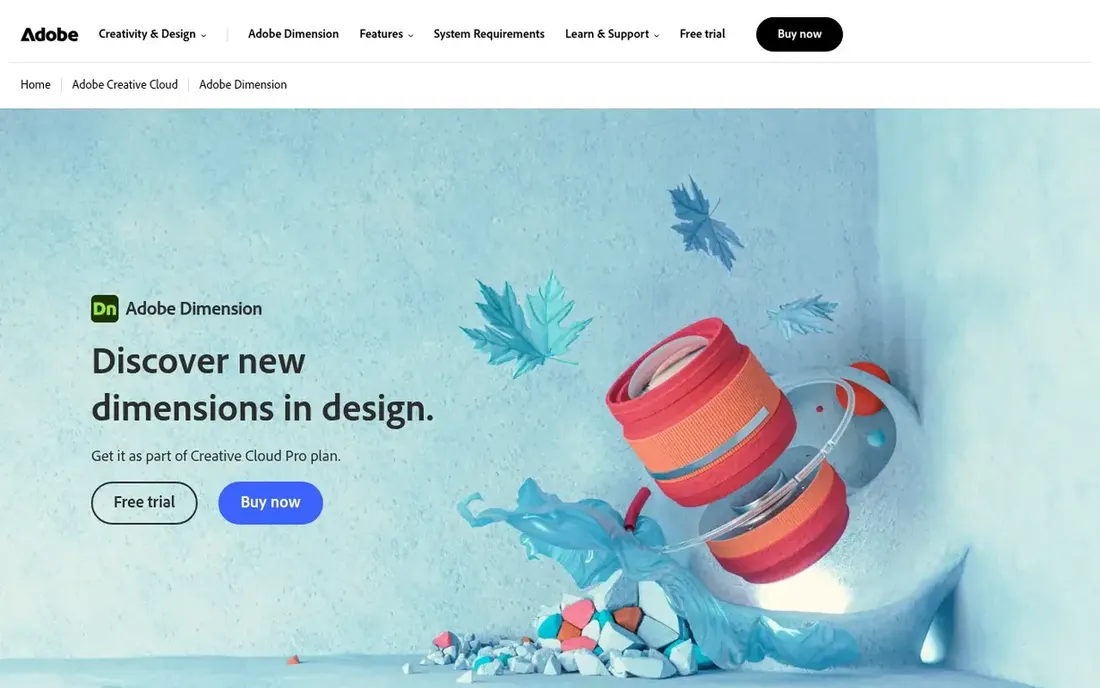
In short, Adobe Dimension is for approachable 3D package compositing. Adobe Dimension is a set of 2D and 3D compositing design tools with an approachable interface for photorealistic graphics.
The main drawbacks: Best within Adobe workflows.
Beyond that, Dimension is not a full modeling or animation suite, so complicated structural work may need another application. Adobe Dimension shows no starting price here, so confirm the cost on the vendor site. As for free access: Not stated.
- 2D and 3D compositing
- Approachable interface
- Restricted advanced modeling
Packz
Best for: Packaging and label prepress editing
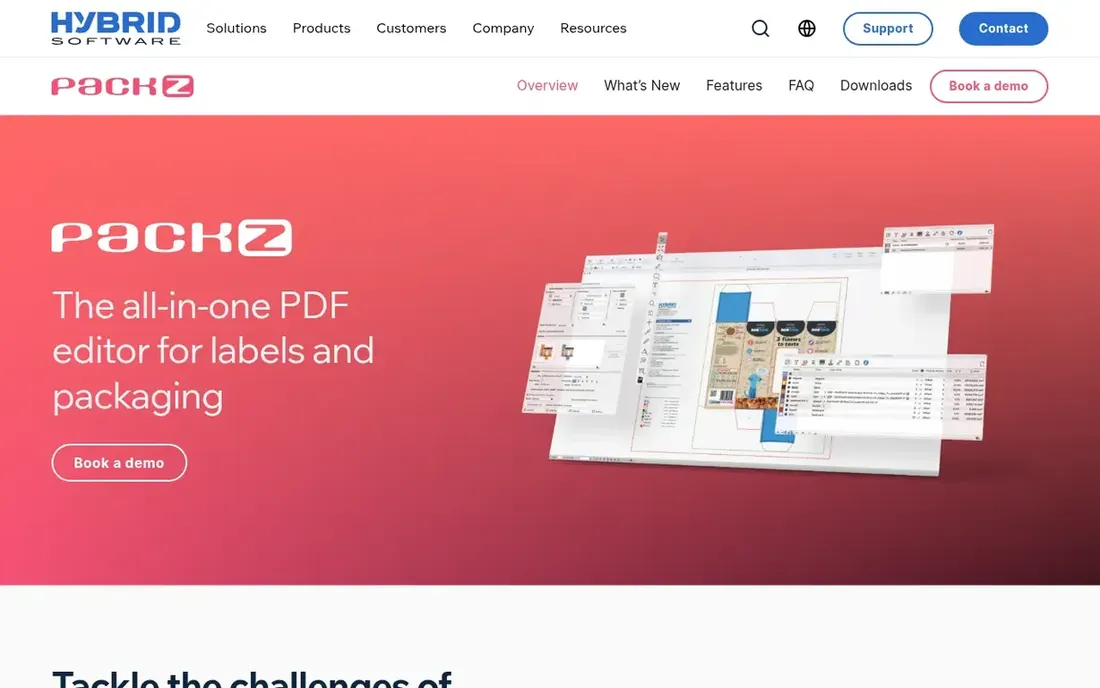
For packaging and label prepress editing, Packz is a natural candidate. It suits prepress operators and production-focused designers who require to refine PDF files before output.
More specifically, PACKZ is specialized for production workflows instead of concept mockups. Check the vendor site for Packz pricing; none is listed in this comparison. Free options: Not stated.
Downsides: Narrow focus on prepress.
- PDF editing made for packaging
- Supports digital and conventional printing
- Not a general design tool
In short, KeyShot is for live 3D rendering and collaboration. Its homepage describes live rendering technology that supports collaboration from concept to product launch for product design businesses. Worth adding: KeyShot renders models but does not replace vector artwork or structural design tools.
Points against: not a design editor.
Beyond that, designers without prepared 3D assets may have to build them elsewhere first. Worth adding: confirm hardware and workflow requirements on the vendor page. The starting price for KeyShot: $7.92 per month. Trial and free access: Free trial.
- Live rendering technology
- Collaboration from concept to launch
- Needs 3D assets to render
Cinema 4D is aimed squarely at advanced 3D modeling and animation. Cinema 4D from Maxon is a 3D modeling, animation and rendering application used in motion graphics and product visualization. Packaging designers can build in-depth structural mockups and animated reveals.
Also, Cinema 4D demands more training than compositing-focused tools and may exceed the needs of straightforward package mockups. Also, choose it when animation or complicated 3D scenes are part of the deliverable, and verify current features on the vendor site. Pricing for Cinema 4D is not stated here, so ask the vendor for current figures. As for free access: Not stated.
Where it shines: Adaptable scene setup.
Watch-outs: Steeper ramp-up time.
- Widely used in motion graphics
- Capable modeling and animation
- Overkill for straightforward mockups
Adobe Illustrator is aimed squarely at vector artwork and dieline creation. Adobe Illustrator is a vector graphics editor used widely for packaging artwork, logos and dielines.
As for the details, choose it for artwork and structure work, then pair it with a 3D renderer when client-facing realism matters. In daily use, Illustrator does not produce photorealistic 3D mockups on its own, so dimensional presentation needs another tool. Adobe Illustrator shows no starting price here, so confirm the cost on the vendor site. Free access: Not stated.
Drawbacks to consider: Needs separate rendering for realism.
- Industry-standard vector tools
- Precise path and text control
- Not a dedicated 3D mockup tool
Substance 3D Painter
Best for: Live texturing of 3D assets
Substance 3D Painter targets live texturing of 3D assets. Substance 3D Painter is a texturing tool, not a vector layout or rendering environment by itself.
Watch-outs: Needs 3D models to work on.
Best features of Substance 3D Painter: masks and UV mapping. Check the vendor site for Substance 3D Painter pricing; none is listed in this comparison. Free plan details: Not stated.
- Industry-standard 3D painting
- Live texturing
- Texturing only, not layout
Our selection method
For each of the 6 tools we noted price, free plan or trial, fit for mockup software for packaging designers and the main limit, using vendor pages and documentation. Seat minimums, billing terms and add-ons can move the real cost, so the starting prices here are a guide and not a quote. The ranking is editorial: typical fit first, then clear pricing, then free access. If your needs are unusual, read the profiles rather than relying on position.
A buyer's checklist
- Ask Adobe Dimension, Packz, Cinema 4D and others for a written quote, since no starting price is shown.
- Use real work to test the free trial from KeyShot, rather than a demo project.
- Before choosing Adobe Dimension, weigh its main limit: restricted advanced modeling.
- Total up the real monthly cost of Substance 3D Painter, including add-ons, extra users and usage-based fees.
- Confirm the exact KeyShot plan that includes your must-have features.
FAQ
How are the tools for mockup software for packaging designers ordered?
The order follows typical fit for mockup software for packaging designers, with Adobe Dimension first and Substance 3D Painter last, then price clarity and free access. It is editorial judgement, not a score, so another team could rank the tools differently.
Do these tools publish their prices?
Not all of them. Adobe Dimension, Packz, Cinema 4D and others publish no starting price, so expect a quote request for those. The rest, KeyShot included, show a starting price, though seats and billing terms still change the final cost.
What is the cheapest option for mockup software for packaging designers in this list?
On published monthly entry prices, KeyShot is the lowest here at $7.92 per month. Entry price is only part of the cost, because seats, add-ons and billing terms can change the total. Each of the 6 options in this Mockup software for packaging designers guide has its own card above with the price, free plan and limits.
Does any tool for mockup software for packaging designers here have a free plan?
A permanent free plan is not offered by Adobe Dimension, Substance 3D Painter or the other tools here. KeyShot offer a trial. Plan a short evaluation period instead.
Do packaging designers need both 2D and 3D mockup tools?
Some suites include both areas, but dedicated 3D tools commonly offer more solid rendering. Beyond that, confirm the handoff between tools before choosing.
Sources
- https://www.adobe.com/products/dimension.html
- https://www.hybridsoftware.com/products/packz
- https://www.keyshot.com
- https://www.maxon.net/en/cinema-4d
- https://www.adobe.com/products/illustrator.html
- https://www.adobe.com/products/substance3d-painter.html