Best Mockup Software for UI Designers for 2026: Our 6 Vetted Picks
Shortlisting the best mockup software for UI designers? 6 products compared on cost, free access and ideal buyer. Each pick lists its main limit. Decide faster.
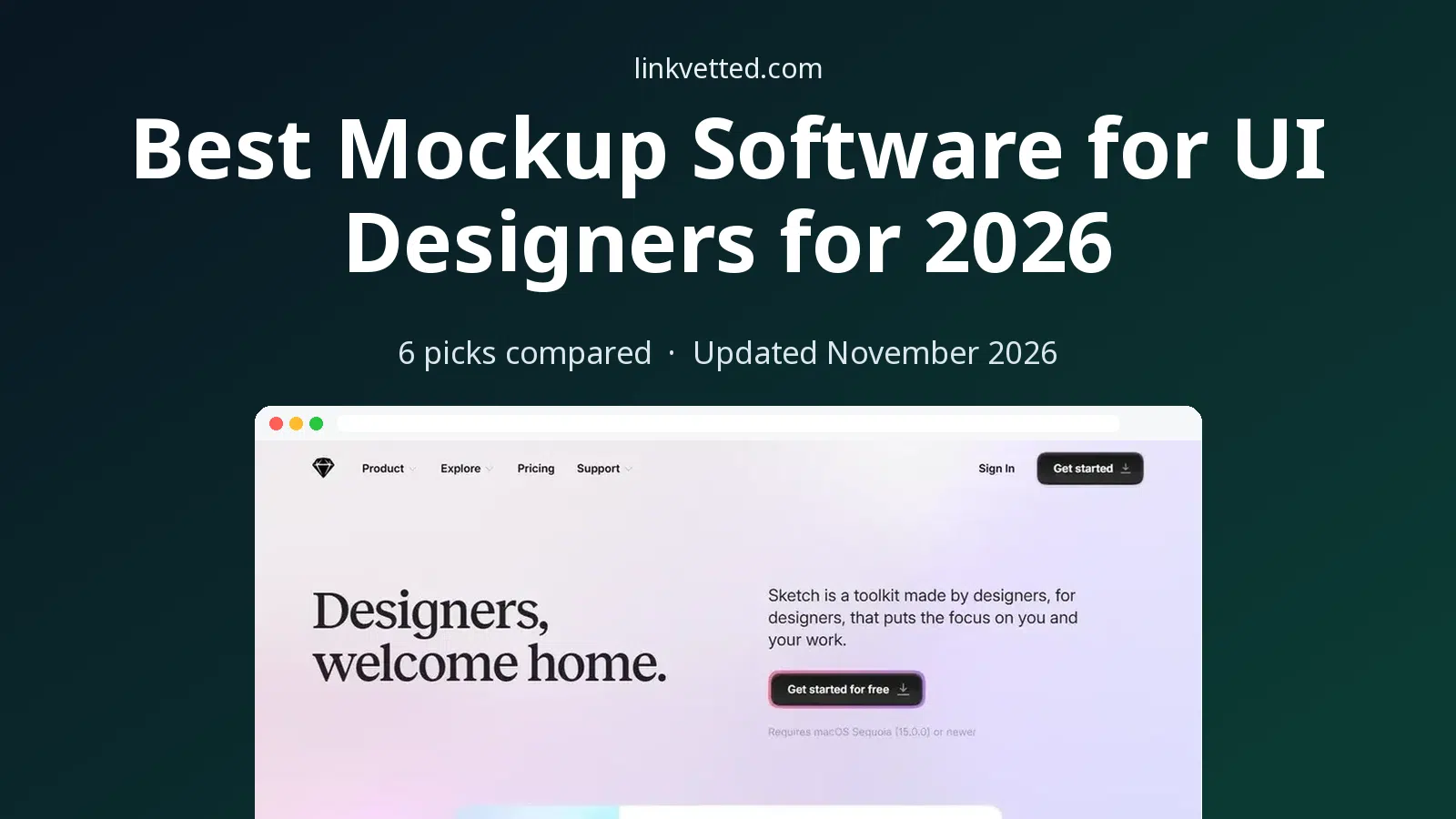
- Editor's choice
 Sketch
Designer-first Mac workflows
Starts at$12 per editor per monthVisit sketch.comFull review - Great alternative
 Adobe XD
Designers inside the Adobe ecosystem
Starts atSee websiteVisit adobe.comFull review - Also consider
 Figma
Collaborative end-to-end UI design
Starts at$3 a monthVisit figma.comFull review
Direct answer
This list puts Sketch first for designer-first Mac workflows. Listed starting prices: Sketch from $12 per editor per month, Figma from $3 a month and Framer from $10 per month. If your case is different, Adobe XD suits designers inside the Adobe ecosystem and Figma suits collaborative end-to-end UI design. The remaining 3 options are covered below with prices and limits.
TL;DR:
- The list opens with Sketch, aimed at designer-first Mac workflows.
- Framer, Marvel: these are the 2 tools out of 6 that offer a free plan.
- For the cheapest start, look at Figma: $3 per month.
- Framer comes with a trade-off: website-oriented instead of app UI.
Last checked November 2026. Prices and plan details were read from the vendors' own pages in November 2026; vendors change plans often, so confirm the current price on the vendor site before you buy.
Quick comparison
| Tool | Best for | Starts at | Free plan? | |
|---|---|---|---|---|
| Sketch | Designer-first Mac workflows | $12 per editor per month | Free trial | Visit |
| Adobe XD | Designers inside the Adobe ecosystem | See website | Not stated | Visit |
| Figma | Collaborative end-to-end UI design | $3 a month | Not stated | Visit |
 Framer | Design-to-launch website mockups | $10 per month | Yes | Visit |
 Balsamiq | Quick low-fidelity wireframing | $16 per editor a month | Free trial | Visit |
| Marvel | Prototyping and user testing in one place | See website | Yes | Visit |
Our 6 mockup software for UI designers
This LinkVetted guide covers 6 mockup software for UI designers. Each profile lists a starting price, free plan details, strengths and drawbacks, so you can drop poor fits quickly.
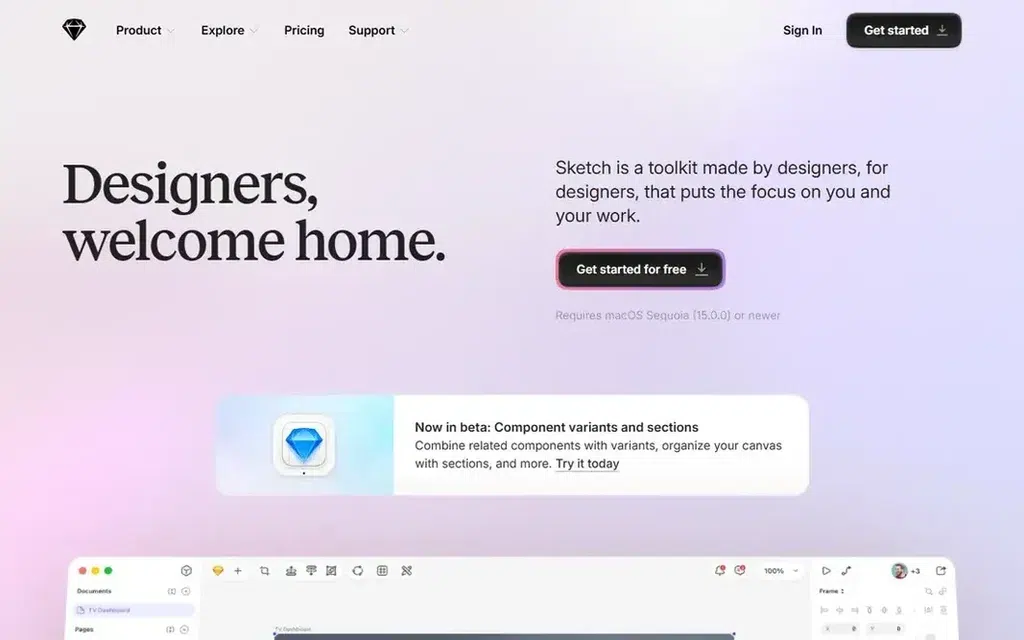
Choose Sketch for designer-first Mac workflows. Sketch describes itself as a tool for design, prototyping, collaboration and handoff, made by designers for designers. Its designer-first focus means teams that require a shared browser canvas for constant cross-functional editing may look elsewhere.
Honest limits: Mac-centric workflow.
If your workflow is built around Mac desktops and individual craft, Sketch is a natural fit. If live co-editing is central, compare it against a collaborative canvas tool. Price to start with Sketch: $12 per editor per month. As for free access: Free trial.
- Clean
- Prototype and handoff in one app
- Collaboration is less canvas-like than browser tools
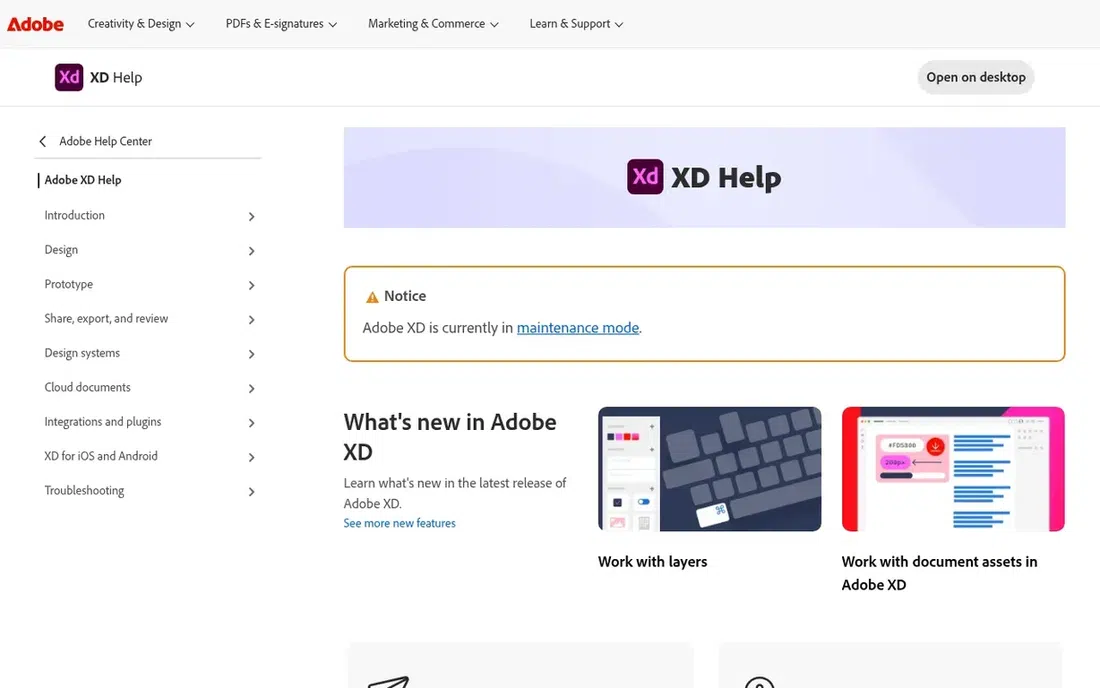
For designers inside the Adobe ecosystem, Adobe XD is a natural candidate. Consider XD when your studio is Adobe-centered; otherwise compare it with tools built around shared, browser-based editing before committing.
What to check first: Ecosystem lock-in for some teams.
Adobe XD is Adobe's tool for UI design and prototyping, pitched at designers who already work within Adobe's creative applications. Worth adding: teams not already invested in Adobe products may find fewer reasons to adopt it, and collaborative canvas workflows have become the default for numerous product groups. Adobe XD shows no starting price here, so confirm the cost on the vendor site. As for free access: Not stated.
- Suits alongside other Adobe creative tools
- Familiar to Adobe-trained designers
- Less momentum than newer collaborative tools
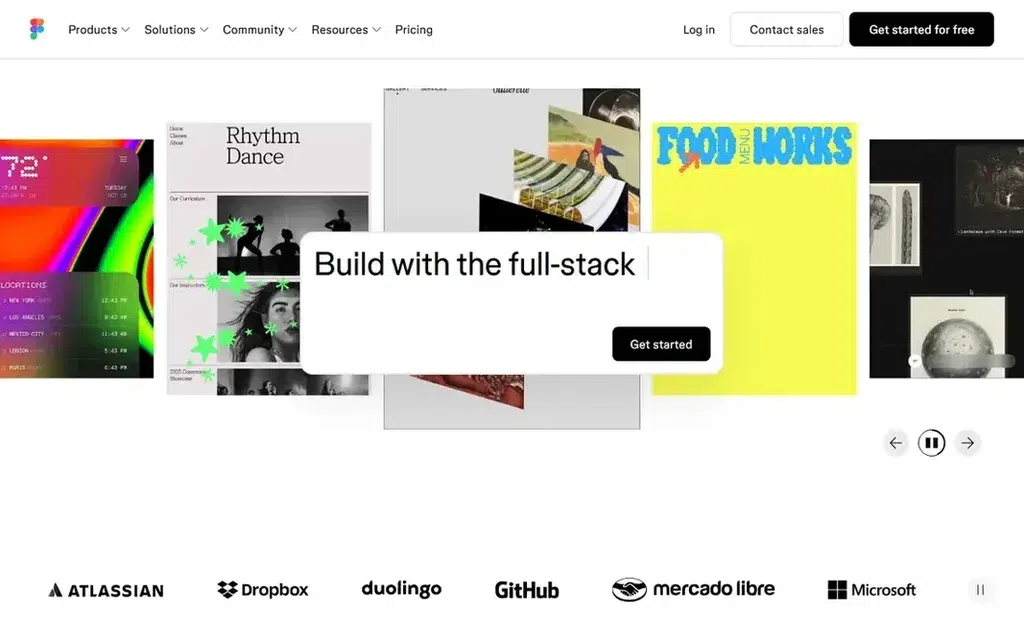
In short, Figma is for collaborative end-to-end UI design. Choose Figma when collaboration across design and development is the priority instead of single-purpose wireframing. Figma presents itself as a collaborative canvas where design, code and AI come together, taking a project from first idea to shipped product with the entire team in one place.
Highlights: Design.
On top of that, because so much lives in one workspace, teams with very specialized or offline requirements may prefer a lighter, more focused tool. Beyond that, for UI designers it works as a central mockup environment that also carries prototyping and handoff, which fits product teams that want fewer separate tools and a shared source of truth. Connectivity and file complexity can also matter on big projects. Figma pricing: $3 per month. Free plan details: Not stated.
Drawbacks to consider: Large files can feel heavy.
- Solid live team collaboration
- Moves from concept to production
- Browser-based work depends on connectivity
Think of Framer for design-to-launch website mockups. From a buyer's view, consider Framer when the end goal is a published site.
For product UI mockups that feed into an engineering build, a dedicated design tool is typically the better match. Framer starts at: $10 per month. Framer offers a free plan.
Downsides: Website-oriented instead of app UI.
- Design agent from idea to launch
- Analytics and SEO included
- Feature set goes beyond mockups
Balsamiq serves quick low-fidelity wireframing. The intentionally rough wireframe style means Balsamiq is not the place for refined, presentation-ready mockups.
It fits UI designers who want to explore structure and layout early, before visual detail distracts stakeholders, and who value speed over pixel-level fidelity. The starting price for Balsamiq: $16 per editor per month. Free access: Free trial.
The main drawbacks: Restricted visual polish.
- Low friction for non-designers too
- Deliberately straightforward wireframe style
- Not designed for high-fidelity mockups
Marvel
Best for: Prototyping and user testing in one place
Marvel serves Prototyping and user testing in one place. For highly in-depth visual design or complicated interaction logic, Marvel may feel less deep than dedicated design or prototyping applications.
Choose it when rapid prototyping and early user testing are the core need, and pair it with a more solid design tool if pixel-level craft is central to your work. Check the vendor site for Marvel pricing; none is listed in this comparison. Marvel includes a free tier.
Points against: Less depth for advanced visual design.
- Prototype and test together
- Design and inspect in one system
- A good match for straightforward flows
How the list was put together
LinkVetted looked at what each vendor publishes: pricing, plan limits, feature coverage for mockup software for UI designers and stated drawbacks. No hands-on testing is claimed. Figures are shown as the vendors publish them. Billing terms, seat minimums and add-ons can change the real cost. The ranking is editorial: typical fit first, then clear pricing, then free access. If your needs are unusual, read the profiles rather than relying on position.
Questions to settle before buying
- Get a written quote from Adobe XD and Marvel; the list shows no starting price for them.
- Check what the free option really includes: Framer and Marvel offer a free plan, and usage caps differ.
- Take the trial from Sketch and Balsamiq and push a live task through it before you pay.
- Before choosing Sketch, weigh its main limit: Mac-centric workflow.
- Run a one or two week pilot of Figma with the people who will use it every day.
- Ask Sketch whether prices are locked for the first term and what happens at renewal.
FAQ
How are the tools for mockup software for UI designers ordered?
The order follows typical fit for mockup software for UI designers, with Sketch first and Marvel last, then price clarity and free access. It is editorial judgement, not a score, so another team could rank the tools differently.
Can mockup software also publish a live website?
Framer is built around turning designs into published websites, with hosting, CMS and SEO included. From a buyer's view, if launch is the goal, confirm publishing and hosting details on the vendor site.
What is the cheapest option for mockup software for UI designers in this list?
On published monthly entry prices, Figma is the lowest here at $3 per month. Entry price is only part of the cost, because seats, add-ons and billing terms can change the total. All 6 picks in this Mockup software for UI designers comparison list a starting price, free plan details and the main limits on their cards above.
Do these tools publish their prices?
Not all of them. Adobe XD and Marvel publish no starting price, so expect a quote request for those. The rest, Sketch included, show a starting price, though seats and billing terms still change the final cost.
Is Sketch the right pick for everyone comparing mockup software for UI designers?
No single tool suits every team. Sketch comes first because it fits designer-first Mac workflows, while Adobe XD suits designers inside the Adobe ecosystem and Figma suits collaborative end-to-end UI design. Match the tool to your own size, budget and workflow before deciding.
Sources
- https://www.sketch.com
- https://www.adobe.com/products/xd.html
- https://www.figma.com
- https://www.framer.com
- https://balsamiq.com
- https://marvelapp.com