Choosing Photo Editing Software for Beginners Pc in 2026: 5 Options Compared
Searching for the best photo editing software for beginners pc? Here are 5 options with prices and free plans. Pros and cons for every tool. Compare quickly.
- Editor's choice
 Affinity Photo
Precision editing on a budget mindset
Starts atSee websiteVisit affinity.serif.comFull review - Great alternative
 Capture One
Precise raw handling and tethering
Starts atSee websiteVisit captureone.comFull review - Also considerAdobe Photoshop Elements
Guided editing for absolute beginners
Starts atSee websiteVisit adobe.comFull review
Direct answer
If you need precision editing on a budget mindset, Affinity Photo is the first tool to look at here. Listed starting prices: ON1 Photo RAW from $49.99. If your case is different, Capture One suits precise raw handling and tethering and Adobe Photoshop Elements suits guided editing for absolute beginners. Prices, free plans and limits for all 5 tools follow.
TL;DR:
- Number one here is Affinity Photo, a fit for precision editing on a budget mindset.
- What to know about Adobe Photoshop Elements first: less depth than full Photoshop.
- Skylum Luminar Neo fits AI-assisted editing with minimal effort.
- Pricing for Affinity Photo, Capture One, Adobe Photoshop Elements and Skylum Luminar Neo is quote-based, which adds a sales step before you can compare cost.
- Neither Affinity Photo nor Skylum Luminar Neo, nor any of the other 3 tools, has a permanent free plan; trials and quotes are the norm.
Last checked November 2026. Prices and plan details were read from the vendors' own pages in November 2026; vendors change plans often, so confirm the current price on the vendor site before you buy.
Quick comparison
| Tool | Best for | Starts at | Free plan? | |
|---|---|---|---|---|
| Affinity Photo | Precision editing on a budget mindset | See website | Not stated | Visit |
| Capture One | Precise raw handling and tethering | See website | Not stated | Visit |
| Adobe Photoshop Elements | Guided editing for absolute beginners | See website | Not stated | Visit |
 ON1 Photo RAW | All-in-one raw workflow for learners | $49.99 | Free trial | Visit |
| Skylum Luminar Neo | AI-assisted editing with minimal effort | See website | No | Visit |
Our 5 picks for photo editing software for beginners pc
Choosing photo editing software for beginners pc usually comes down to price, fit and limits. This LinkVetted guide sets 5 tools side by side on those three points, with the facts kept short and checkable.
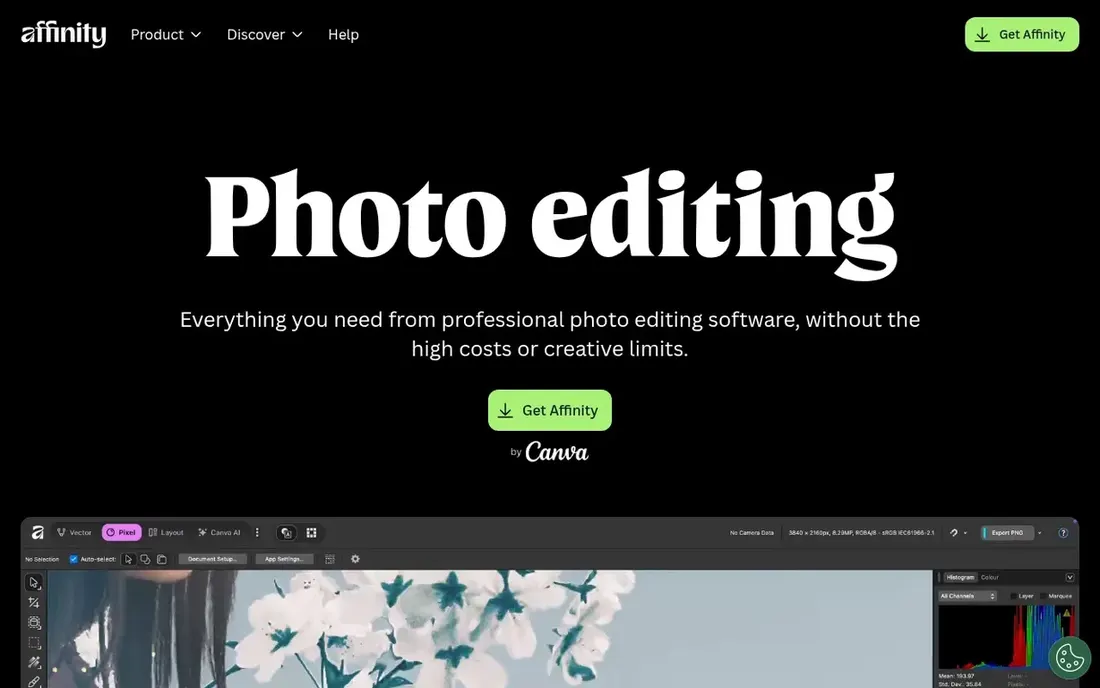
Affinity Photo makes the most sense for precision editing on a budget mindset. It manages raw processing, layered compositions and in-depth retouching.
Beginners who are comfortable exploring menus will find a capable workspace that does not ease away important controls, making it a solid fit for learners who want to grow into professional habits. Affinity Photo does not show a starting price in this comparison, so check the vendor site for current pricing. Trial and free access: Not stated.
Trade-offs to know: Fewer hand-holding wizards.
- Responsive performance
- Quick
- Dense interface for first-timers
Capture One was built for precise raw handling and tethering. Capture One is professional photo editing software centered on precision and control, with advanced editing tools, raw handling and tethering for studio work. As for the details, the interface and terminology target working photographers, so newcomers face a real adjustment period.
Beyond that, if you are still learning entry-level adjustments, start with a guided editor and revisit Capture One when raw precision becomes a priority. In practice, beginners with serious ambitions will find a rigorous environment for color, detail and capture workflows. No starting price is listed for Capture One here; confirm pricing on the vendor site. As for free access: Not stated.
Points against: Ramp-up time is significant.
- Feature-rich tethering capabilities
- Fine color and detail control
- Targeted at demanding photographers
Adobe Photoshop Elements
Best for: Guided editing for absolute beginners

Adobe Photoshop Elements is aimed squarely at guided editing for absolute beginners. Photoshop Elements is a consumer-focused editor that leans on automatic editing choices and step-by-step guidance, so newcomers can retouch, organize and share photos without memorizing tool panels. Worth adding: some advanced techniques found in professional editors are simplified or absent.
Where it is weaker: Adobe account setup required.
Adobe AI assists with typical adjustments. The guided approach can feel limiting once you outgrow presets and want layered, manual control. No starting price is listed for Adobe Photoshop Elements here; confirm pricing on the vendor site. As for free access: Not stated.
- Adobe AI features included
- Automatic editing choices
- Less depth than full Photoshop
ON1 Photo RAW targets all-in-one raw workflow for learners. ON1 Photo RAW is an all-in-one raw editor that merges editing, organizing and processing with AI assistance. Beginners shooting raw will appreciate having browsing, development and effects in a single application instead of stitching tools together.
Where it is weaker: Raw-centric focus may not suit casual snapshots.
The range of modules and settings means a real learning period before the workflow feels natural. If you want the simplest possible path to a finished image, a guided consumer editor will be less demanding. Entry price for ON1 Photo RAW: $49.99. Free access: Free trial.
- AI-powered processing
- Raw editing and organization combined
- Feature set takes time to learn
Skylum Luminar Neo
Best for: AI-assisted editing with minimal effort
In short, Skylum Luminar Neo is for AI-assisted editing with minimal effort. Beginners can apply adjustments and creative looks without deep knowledge of curves or masks.
Consider a precision editor if your goal is technical mastery instead of speed. More specifically, photographers who want exact control over every adjustment will feel constrained. Check the vendor site for Skylum Luminar Neo pricing; none is listed in this comparison. Skylum Luminar Neo does not include a free plan.
Points against: Less manual precision control.
- AI tools ease typical edits
- Straightforward interface for newcomers
- Heavy reliance on automatic results
How we compared the tools
We compared the tools on published pricing, free plan or trial availability, feature coverage for photo editing software for beginners pc, and the limits each vendor documents. Prices and plan limits come from vendor pages and can change, so confirm them on the vendor site before you buy. The order reflects how well each tool fits the most common buying scenario for photo editing software for beginners pc, then price clarity, then free plan access. It is a starting point, not a verdict.
What to confirm before you sign up
- Ask Affinity Photo, Capture One, Adobe Photoshop Elements and Skylum Luminar Neo for a written quote, since no starting price is shown.
- Use real work to test the free trial from ON1 Photo RAW, rather than a demo project.
- Read the limits listed for Affinity Photo first: fewer hand-holding wizards.
- Pick one real project and run it in Skylum Luminar Neo first; a small pilot shows fit faster than a checklist.
- Test the integrations you rely on with Capture One before committing; some connectors sit on upper tiers.
FAQ
Can I try these tools before paying?
Often, yes. ON1 Photo RAW offers a free trial. Use your own data and a real task during the test, and check what the free tier or trial limits before you rely on it. Each of the 5 options in this photo editing software for beginners Pc guide has its own card above with the price, free plan and limits.
Is Photoshop Elements simpler than Photoshop for beginners?
Yes, usually. Photoshop Elements is designed around automatic editing choices and step-by-step guidance, whereas Photoshop exposes the full professional toolset. Start with Elements if you want fast results, and move to Photoshop when you need deeper manual control.
Does any tool for photo editing software for beginners pc here have a free plan?
No tool in this list, Affinity Photo and Skylum Luminar Neo included, has a permanent free plan. ON1 Photo RAW offer a trial. Trials and quotes are the usual route, so plan a short evaluation period.
How are the tools for photo editing software for beginners pc ordered?
The order follows typical fit for photo editing software for beginners pc, with Affinity Photo first and Skylum Luminar Neo last, then price clarity and free access. It is editorial judgement, not a score, so another team could rank the tools differently.
Do these tools publish their prices?
Not all of them. Affinity Photo, Capture One, Adobe Photoshop Elements and Skylum Luminar Neo publish no starting price, so expect a quote request for those. The rest, ON1 Photo RAW included, show a starting price, though seats and billing terms still change the final cost.
Sources
- https://affinity.serif.com/en-us/photo
- https://www.captureone.com
- https://www.adobe.com/products/photoshop-elements.html
- https://www.on1.com/products/photo-raw
- https://skylum.com/luminar