Best Image Editing Software for Beginners for 2026: Our 5 Vetted Picks
Best image editing software for beginners in 2026: 5 contenders with entry costs and free tiers. Each pick lists its main limit. Quick comparison inside.
- Editor's choice
 Affinity Photo
Precision editing without subscription
Starts atSee websiteVisit affinity.serif.comFull review - Great alternative
 Pixlr
Browser-based fast edits
Starts at$2.49 a monthVisit pixlr.comFull review - Also consider
 Adobe Photoshop
Learning a professional standard
Starts atSee websiteVisit adobe.comFull review
Direct answer
Affinity Photo comes first here, mainly for precision editing without subscription. Listed starting prices: Pixlr from $2.49 a month. Pixlr fits browser-based fast edits; Adobe Photoshop fits learning a professional standard. Prices, free plans and limits for all 5 tools follow.
TL;DR:
- Affinity Photo is the opening pick, best for precision editing without subscription.
- Just one of the 5 tools, Fotor, has a free plan.
- Starting prices begin at $2.49 per month with Pixlr.
- Canva suits quick design without editing experience.
Last checked November 2026. Prices and plan details were read from the vendors' own pages in November 2026; vendors change plans often, so confirm the current price on the vendor site before you buy.
Quick comparison
| Tool | Best for | Starts at | Free plan? | |
|---|---|---|---|---|
| Affinity Photo | Precision editing without subscription | See website | Not stated | Visit |
| Pixlr | Browser-based fast edits | $2.49 a month | Not stated | Visit |
| Adobe Photoshop | Learning a professional standard | See website | Not stated | Visit |
 Fotor | Everyday online photo enhancement | See website | Yes | Visit |
 Canva | Fast design without editing experience | See website | Not stated | Visit |
Tool-by-tool breakdown
If you are comparing image editing software for beginners, this page covers 5 tools in one place: what each is best for, what it costs to start, whether it has a free plan, and the main limit to know about.
In short, Affinity Photo is for precision editing without subscription. Affinity Photo is a professional photo editor aimed at power and precision, as described on its homepage. It supplies advanced editing capabilities without a subscription, appealing to beginners who want room to grow and prefer a one-time purchase.
Choose Affinity Photo when you want professional features and ownership, or start with Photoshop Elements if you prefer step-by-step guidance. The interface is approachable for users with some editing experience, though complete newcomers may have to seek out tutorials. The ramp-up time is steeper than template-based tools, and beginners may find fewer built-in guided workflows. It rewards users who invest time in learning its tools. Affinity Photo does not show a starting price in this comparison, so check the vendor site for current pricing. Free options: Not stated.
Downsides: Steeper ramp-up time.
- Professional-grade tools
- One-time purchase model
- Fewer guided tutorials than Adobe
Pixlr is aimed squarely at browser-based fast edits. Pixlr is a free online AI photo editor and image generator that runs in the browser without installation. It supports editing, AI image generation, background removal, collages, and more.
Honest limits: Advanced features may need account.
From a buyer's view, beginners who require fast edits on any device will appreciate the accessibility. The AI features add convenience for typical tasks. It does well for quick, straightforward edits. The starting price for Pixlr: $2.49 per month. Free plan details: Not stated.
- No installation needed
- Variety of editing features
- Online dependency
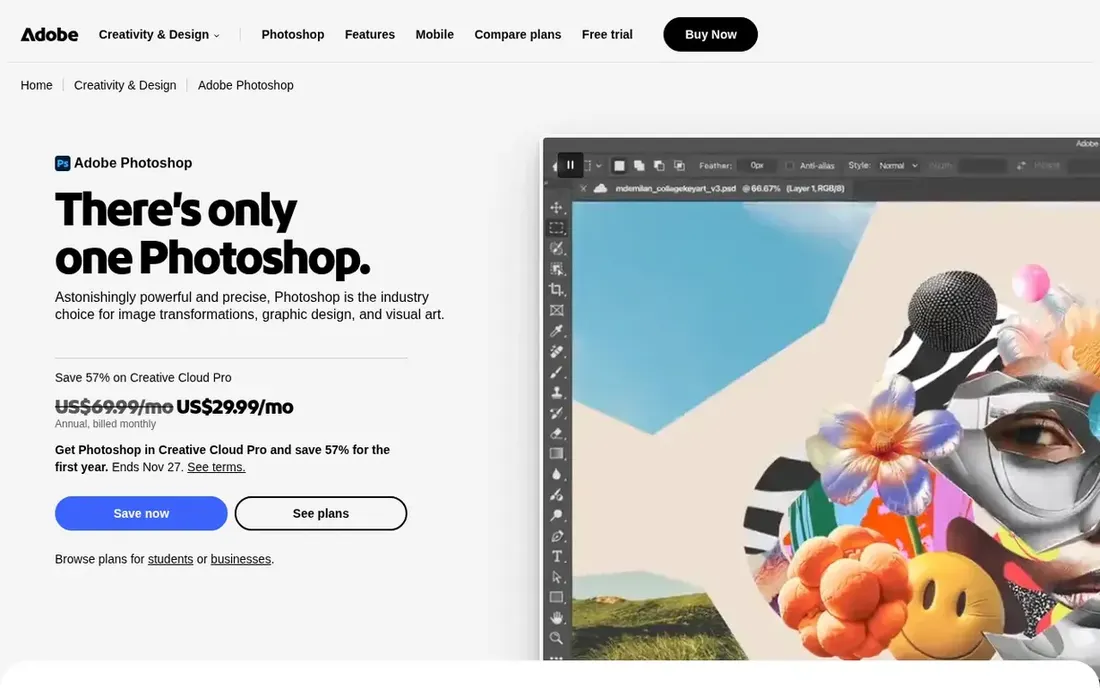
Adobe Photoshop was built for learning a professional standard. Adobe Photoshop is a full image editor used for photo retouching, compositing, and design. Its homepage flags fast ways to build custom scenes, make complicated edits, and combine images online or with the mobile app.
Limits to weigh: Steep ramp-up time.
In practice, beginners who want to build professional skills will find a deep toolset, though the interface can feel overwhelming at first. From a buyer's view, the depth of Photoshop includes a ramp-up time, and it may be more than casual editors need. This comparison lists no price for Adobe Photoshop; ask the vendor. Free access: Not stated.
- Deep feature set
- Solid learning resources
- Subscription required
Fotor is aimed squarely at everyday online photo enhancement. Fotor gives you fewer advanced editing capabilities than professional tools, so users needing precise color grading or complicated compositing may find it limiting.
Drawbacks to consider: Online-only workflow.
Its straightforward interface makes it accessible for beginners who require entry-level adjustments and creative touches without installing software. Fotor shows no starting price here, so confirm the cost on the vendor site. Fotor includes a free tier.
- Straightforward online editing
- Retouching and effects
- Restricted advanced controls
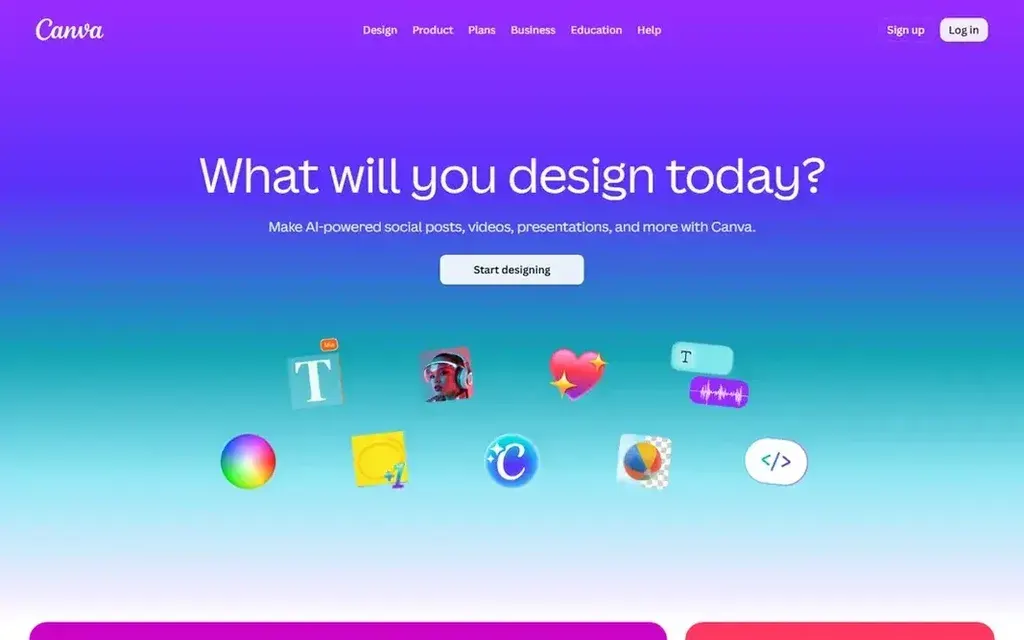
Canva serves fast design without editing experience. Users who require precise adjustments may outgrow it rapidly. Canva is an online visual suite for creating social media posts, presentations, posters, videos, and logos.
Its drag-and-drop interface and templates make it approachable for beginners who need refined results without deep editing knowledge. Worth adding: Canva is not a replacement for dedicated photo editors when it comes to advanced retouching or color grading. Canva shows no starting price here, so confirm the cost on the vendor site. Free options: Not stated.
Points against: Restricted advanced photo editing.
- Browser-based
- Template-driven workflow
- Design-focused instead of photo-first
How we chose
The comparison looks at four things: starting price, free access, how well the feature set matches image editing software for beginners, and the main limit of each tool. Seat minimums, billing terms and add-ons can move the real cost, so the starting prices here are a guide and not a quote. Tools are placed by general fit for image editing software for beginners, with price clarity and free access as tie-breakers. A different team can reasonably rank them differently.
What to check before you buy
- Get a written quote from Affinity Photo, Adobe Photoshop, Fotor and Canva; the list shows no starting price for them.
- Look at the free plan from Fotor closely: its caps decide whether it is usable for real work.
- Before choosing Affinity Photo, weigh its main limit: steeper ramp-up time.
- Price Affinity Photo for your actual team size; headline prices rarely include add-ons or overage.
- Involve the people who will use Adobe Photoshop daily; a short pilot beats a long feature checklist.
FAQ
Is Affinity Photo the right pick for everyone comparing image editing software for beginners?
No single tool suits every team. Affinity Photo comes first because it fits precision editing without subscription, while Pixlr suits browser-based quick edits and Adobe Photoshop suits learning a professional standard. Match the tool to your own size, budget and workflow before deciding.
How do I choose between Photoshop and Photoshop Elements as a beginner?
Photoshop Elements is built for simpler, guided editing with automatic choices, making it more approachable for beginners. Full Photoshop provides deeper professional capabilities but has a steeper ramp-up time.
Can I try these tools before paying?
Often, yes. Fotor has a free plan. Use your own data and a real task during the test, and check what the free tier or trial limits before you rely on it.
What is the cheapest option for image editing software for beginners in this list?
On published monthly entry prices, Pixlr is the lowest here at $2.49 per month. Entry price is only part of the cost, because seats, add-ons and billing terms can change the total.
Which options for image editing software for beginners have a free plan?
Fotor is the only tool in this list with a free plan. Free plans usually cap users, projects or features, so check the limits on the vendor page.
Sources
- https://affinity.serif.com/en-us/photo
- https://pixlr.com
- https://www.adobe.com/products/photoshop.html
- https://www.fotor.com
- https://www.canva.com