Best Image Annotation Tools in 2026: 10 Tools Compared
Find the best image annotation tools in 2026. We compare 10 image annotation software options for AI training data and computer vision teams. Learn more here.

- Editor's choice
 Labelbox
Production AI teams
Starts atSee websiteVisit labelbox.comFull review - Great alternative
 SuperAnnotate
Computer vision teams at scale
Starts atSee websiteVisit superannotate.comFull review - Also consider
 V7 Darwin
Teams needing medical and complex labelling
Starts atSee websiteVisit v7labs.comFull review
TL;DR:
- Labelbox, SuperAnnotate, and Encord suit production AI teams, while CVAT and Label Studio suit open source and research use.
- The best image annotation tool for your project depends on label types: boxes, polygons, segmentation, keypoints, or video.
- AI assisted labelling saves the most time on repetitive images, but human review still matters for edge cases and quality.
- Pricing often depends on seats, labels, or managed workforce use, so model your dataset size before you choose.
- Start with a small labelled sample, measure agreement between annotators, and only then scale to the full dataset.
Quick comparison
| Tool | Best for | Starts at | Free plan? | |
|---|---|---|---|---|
| Labelbox | Production AI teams | See website | Free trial | Visit |
| SuperAnnotate | Computer vision teams at scale | See website | Free trial | Visit |
| V7 Darwin | Teams needing medical and complex labelling | See website | Free trial | Visit |
 CVAT | Open source and research teams | Free | Yes | Visit |
 Label Studio | Teams wanting flexible open labelling | Free | Yes | Visit |
 Roboflow Annotate | Developers building vision models fast | Free | Yes | Visit |
 Encord | Enterprise AI data teams | See website | Free trial | Visit |
 Kili Technology | Teams needing quality focused labelling | See website | Free trial | Visit |
 Scale AI | Teams wanting managed labelling workforce | See website | Free trial | Visit |
 Dataloop | AI teams needing automation pipelines | See website | Free trial | Visit |
The best image annotation tools
We compared official feature pages, pricing, and public documentation for the best image annotation software, focusing on tools that AI teams use in 2026. The best image annotation tool in this guide is not just the one with the most label types, but the one that keeps quality high, exports cleanly to your training pipeline, and fits your budget at your dataset size.

Labelbox is a strong option for production AI teams. Its main strength is a strong platform with QA workflows. That matters because it saves time on the work you do every day, rather than adding another tool you have to manage. We compared its official feature pages, pricing, and public reviews, and it holds up as a real option for the buyers described here, not just a well known name.
We also noted model assisted labelling that speeds up large datasets. The main catch is enterprise pricing suits larger teams best. Try the free tier or trial first and check that the limits match your volume before you pay.
- Strong labelling platform
- QA workflows
- Model assist
- Enterprise pricing for larger teams
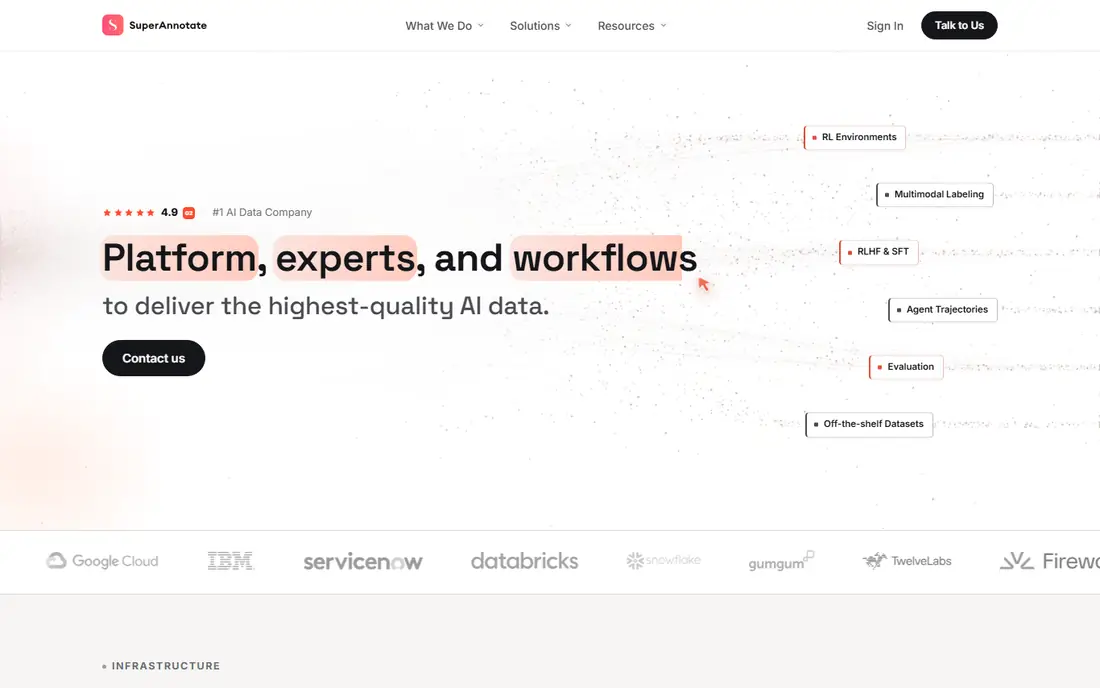
For computer vision teams at scale, SuperAnnotate deserves a close look. Its main strength is a good editor with automation and project tools. That matters because it saves time on the work you do every day, rather than adding another tool you have to manage. We compared its official feature pages, pricing, and public reviews, and it holds up as a real option for the buyers described here, not just a well known name.
On the plus side, automation that helps on large image sets. The trade-off is pricing varies by project scale, so get a quote early. That balance suits many teams, but it is worth testing with your real workload first.
- Good annotation editor
- Automation
- Project management
- Pricing varies by project scale
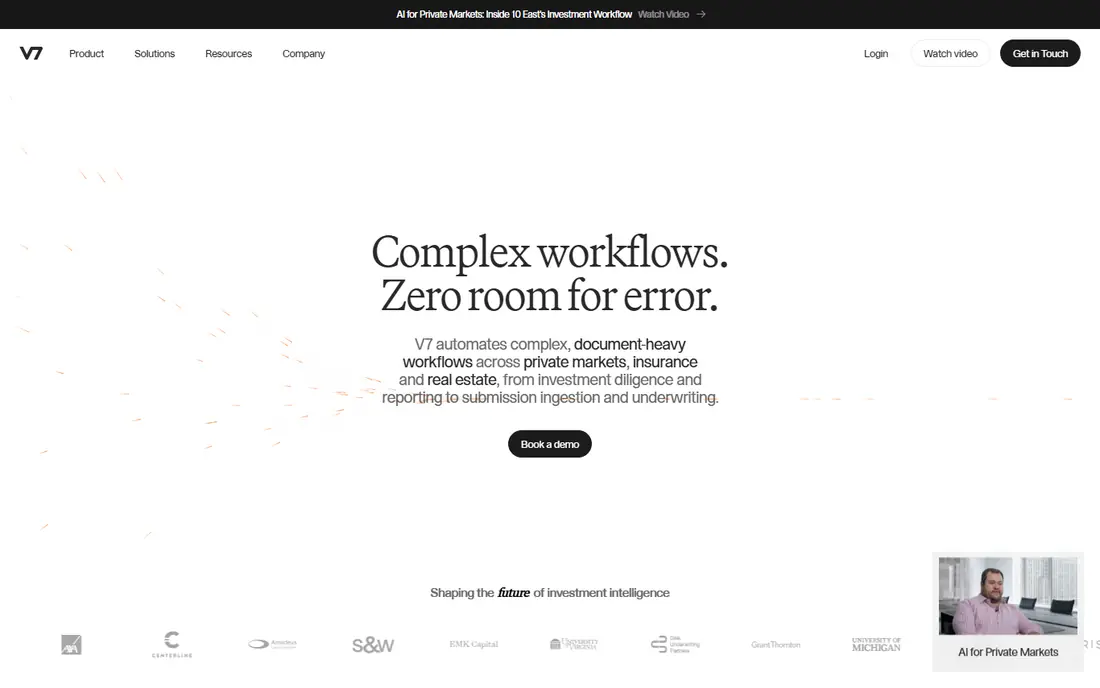
V7 Darwin works well when you need teams needing complex segmentation labelling handled without a lot of setup. Its main strength is strong segmentation tools with AI assist. That matters because it saves time on the work you do every day, rather than adding another tool you have to manage. We compared its official feature pages, pricing, and public reviews, and it holds up as a real option for the buyers described here, not just a well known name.
Another point in its favour is workflow tools that help manage review and quality. Still, the enterprise focus and pricing suit larger teams. A short trial with your own data will tell you more than any feature list can.
- Strong segmentation
- AI assist
- Workflow tools
- Enterprise focus and pricing
If your team fits open source and research teams, CVAT is worth shortlisting. Its main strength is open source labelling with many label types. That matters because it saves time on the work you do every day, rather than adding another tool you have to manage. We compared its official feature pages, pricing, and public reviews, and it holds up as a real option for the buyers described here, not just a well known name.
We found self hosting that gives full control over data useful in practice. The downside is setup and maintenance need real effort. If that limit is not a problem for you, it is a sensible choice.
- Open source
- Many label types
- Self hosted
- Setup and maintenance need effort
Label Studio stands out for teams wanting flexible open labelling thanks to a focused feature set. Its main strength is flexible configuration for many data types. That matters because it saves time on the work you do every day, rather than adding another tool you have to manage. We compared its official feature pages, pricing, and public reviews, and it holds up as a real option for the buyers described here, not just a well known name.
It also offers open source use with a managed cloud option. The catch to watch is the managed cloud costs extra and setup takes effort. Compare that limit against your busiest week, not an average week.
- Flexible labelling config
- Many data types
- Open source
- Managed cloud costs extra
- Setup effort
Teams dealing with developers building vision models fast often land on Roboflow Annotate for good reason. Its main strength is annotation plus model training in one workflow. That matters because it saves time on the work you do every day, rather than adding another tool you have to manage. We compared its official feature pages, pricing, and public reviews, and it holds up as a real option for the buyers described here, not just a well known name.
Beyond the headline features, dataset tools that simplify versioning and export. The drawback is the free plan limits larger datasets. For many buyers that is acceptable, but check it before signing up.
- Easy annotation plus model training
- Dataset tools
- Free plan limits for larger datasets
Encord is built with enterprise AI data teams in mind, and that focus shows in daily use. Its main strength is strong data curation alongside annotation. That matters because it saves time on the work you do every day, rather than adding another tool you have to manage. We compared its official feature pages, pricing, and public reviews, and it holds up as a real option for the buyers described here, not just a well known name.
We also liked QA tools that help catch label errors early. The honest weakness is enterprise pricing suits larger organisations. Run a small pilot first to see whether it matters for your use case.
- Strong data curation
- Annotation
- QA
- Enterprise pricing
When teams needing quality focused labelling is the priority, Kili Technology is a practical place to start. Its main strength is quality workflows with consensus and review. That matters because it saves time on the work you do every day, rather than adding another tool you have to manage. We compared its official feature pages, pricing, and public reviews, and it holds up as a real option for the buyers described here, not just a well known name.
In addition, many label types for image and video work. The limitation is pricing by quote can make early budgeting harder. That may be fine at first, yet it can matter as you grow.
- Quality workflows
- Many label types
- Integrations
- Pricing by quote for larger use
Scale AI appeals to teams wanting a managed labelling workforce who want clear pricing and a fast start. Its main strength is a managed workforce for large scale labelling. That matters because it saves time on the work you do every day, rather than adding another tool you have to manage. We compared its official feature pages, pricing, and public reviews, and it holds up as a real option for the buyers described here, not just a well known name.
A further strength is quality systems built for production datasets. The catch is managed pricing and less DIY control than self serve tools. Weigh that against the time it saves your team each week.
- Managed workforce
- Large scale
- Quality systems
- Managed service pricing
- Less DIY control
A good fit for AI teams needing automation pipelines, Dataloop keeps the core workflow simple. Its main strength is automation pipelines that link labelling to model work. That matters because it saves time on the work you do every day, rather than adding another tool you have to manage. We compared its official feature pages, pricing, and public reviews, and it holds up as a real option for the buyers described here, not just a well known name.
Finally, dataset management alongside annotation. The weakness is the learning curve can be steep for new teams. If you can live with that, the overall package is easy to recommend.
- Automation pipelines
- Annotation
- Dataset management
- Learning curve for new teams
How we picked these
We checked label types, AI assisted labelling, quality review workflows, collaboration, video support, and export formats. We also looked at whether a tool can be self hosted, whether it offers a free tier, and whether pricing is clear or quote based. Tools that only edited images, with no real annotation workflow, were left out.
How to Choose Image Annotation Software
List your label types first. Boxes suit object detection, polygons and segmentation suit precise outlines, and keypoints suit pose or landmark work. The best image annotation software for your project must support your exact types well, not just list them. Test each type on your own images, including hard cases such as small objects and occlusions.
Test AI assist on your own data, not a demo set. Model assisted labelling can cut time sharply on repetitive images, but gains vary by domain, especially for medical, industrial, or unusual images. Measure time per label and error rate on a sample, and check whether corrections are easy. If AI suggestions need constant fixing, they may not save time.
Plan quality control before you scale. Use consensus labelling, review queues, and clear guidelines with examples for edge cases. Measure agreement between annotators on a small sample, fix the guidelines where they disagree, and only then scale. Poor labels waste training time and produce models that fail in the real world, however large the dataset is.
Check exports and pipeline fit. Your tool should export in formats your training code accepts, such as COCO, Pascal VOC, or YOLO, without manual conversion. Test a full export and training run early, including class names and image paths. A beautiful editor that exports badly will cost more time than it saves.
FAQ
What is the best image annotation tool for beginners?
Roboflow Annotate, Label Studio, and CVAT are good starting points, because they offer free tiers or open source use and clear editors. Roboflow is easiest if you also want model training, while Label Studio and CVAT give more control. Start with a small dataset and learn one label type well.
What is the best image annotation software for large teams?
Labelbox, SuperAnnotate, Encord, and V7 Darwin suit larger teams, with QA workflows, automation, and project management. They cost more, often by quote, but they handle scale and quality better. Get a quote based on your dataset size and seat count before comparing.
Should I use open source annotation tools?
Open source tools such as CVAT and Label Studio work well if you have engineering time for setup, hosting, and maintenance. They give control and low licence costs, but you own operations and support. Managed tools cost more yet save that time, which suits teams without spare engineering capacity.
What label types do I need?
It depends on your model: boxes for detection, polygons or masks for segmentation, keypoints for pose, and polylines for lanes or boundaries. Choose a tool that handles your main type well and exports it cleanly. Adding a label type later is easier than fixing a large dataset labelled the wrong way.
How much do image annotation tools cost?
Costs range from free open source tools to quote based enterprise platforms and managed workforce services, which is why several entries here say See website. Model costs on seats, dataset size, and whether you need managed labour. Start with a small sample to estimate cost per label accurately.
Sources
- https://labelbox.com/pricing/
- https://www.superannotate.com/pricing
- https://www.v7labs.com/pricing
- https://www.cvat.ai/pricing
- https://labelstud.io/pricing
- https://roboflow.com/pricing
- https://encord.com/pricing
- https://kili-technology.com/pricing
- https://scale.com/pricing
- https://dataloop.ai/pricing