Best Professional Image Editing Software (2026): 6 Picks Checked on Vendor Pages
Need the best professional image editing software? We compare 6 tools on cost, free access and who each suits. Short verdicts, no fluff. Updated November 2026.
- Editor's choiceACDSee Photo Studio
Editing plus digital asset management
Starts atSee websiteVisit acdsee.comFull review - Great alternative
 Affinity Photo
Precision photo editing without subscriptions
Starts atSee websiteVisit affinity.serif.comFull review - Also considerSkylum Luminar Neo
AI-assisted editing for quicker results
Starts atSee websiteVisit skylum.comFull review
Direct answer
ACDSee Photo Studio leads the list, best for editing plus digital asset management. Listed starting prices: ON1 Photo RAW from $49.99. Look at Affinity Photo for precision photo editing without subscriptions, and at Skylum Luminar Neo for AI-assisted editing for quicker results. The remaining 3 options are covered below with prices and limits.
TL;DR:
- Number one here is ACDSee Photo Studio, a fit for editing plus digital asset management.
- Expect to ask for a quote from ACDSee Photo Studio, Affinity Photo, Skylum Luminar Neo and others; the other tools show a starting price.
- ACDSee Photo Studio, Adobe Lightroom and the 4 others all need a premium plan or a trial, since no free plan is listed.
- Adobe Lightroom fits Photo editing and organizing across devices.
Last checked November 2026. Prices and plan details were read from the vendors' own pages in November 2026; vendors change plans often, so confirm the current price on the vendor site before you buy.
Quick comparison
| Tool | Best for | Starts at | Free plan? | |
|---|---|---|---|---|
| ACDSee Photo Studio | Editing plus digital asset management | See website | Not stated | Visit |
| Affinity Photo | Precision photo editing without subscriptions | See website | Not stated | Visit |
| Skylum Luminar Neo | AI-assisted editing for quicker results | See website | No | Visit |
 Adobe Photoshop | Layered editing, compositing and retouching | See website | Not stated | Visit |
 ON1 Photo RAW | All-in-one RAW editing with AI tools | $49.99 | Free trial | Visit |
 Adobe Lightroom | Photo editing and organizing across devices | See website | Not stated | Visit |
6 options for professional image editing software in detail
LinkVetted put together this guide to professional image editing software for readers who want a clear shortlist without reading every vendor page. It compares 6 tools on starting price, free plans, who each one suits and where each one falls short.
ACDSee Photo Studio
Best for: Editing plus digital asset management
ACDSee Photo Studio works best for editing plus digital asset management. The combination of editing and catalog tools makes it a practical hub for busy libraries. In daily use, if your priority is advanced creative compositing instead of asset management, a specialized editor is the better fit.
As for the details, the breadth of features means the interface can feel dense. The design and compositing tools are not as deep as those in a dedicated graphics editor. It is also less associated with graphic design workflows. ACDSee Photo Studio shows no starting price here, so confirm the cost on the vendor site. Trial and free access: Not stated.
Downsides: Less known for design work.
- Layered editing and RAW support
- All-in-one workflow for large libraries
- Interface can feel dense
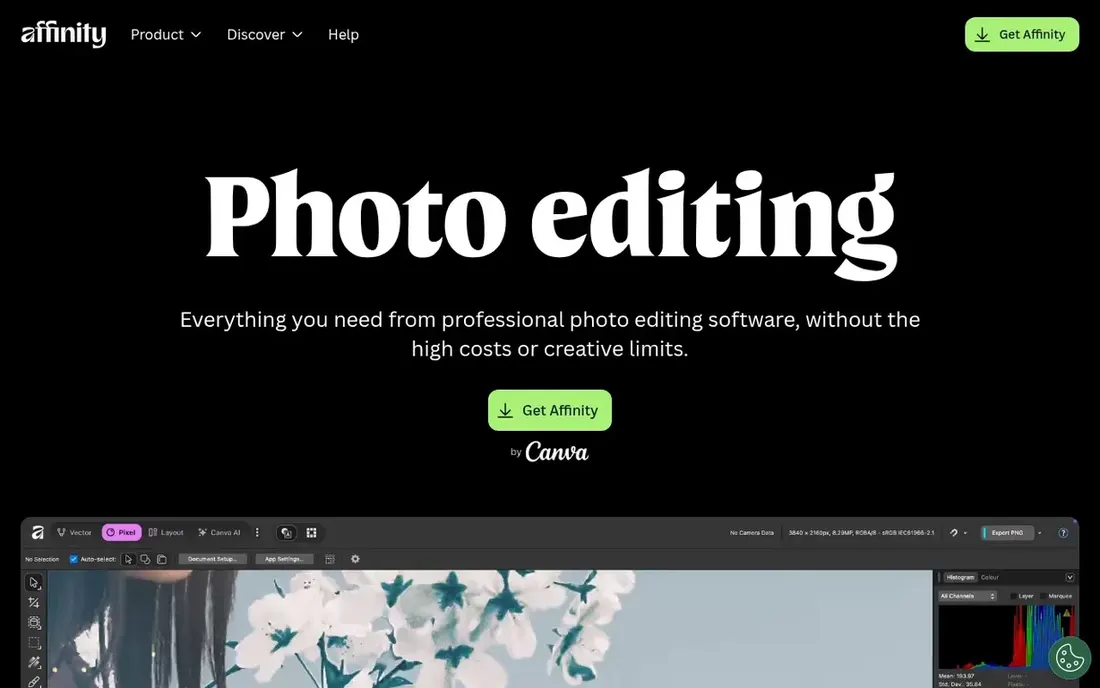
Affinity Photo is designed for precision photo editing without subscriptions. It offers a serious editing environment for retouching, RAW development and layered work. It appeals to photographers and designers who want a focused alternative to subscription-only suites.
Best features of Affinity Photo: Capable value positioning.
What to check first: Smaller ecosystem of plugins.
If cataloging and library management are central to your workflow, a tool built around asset management like ACDSee Photo Studio may serve you better. From a buyer's view, the ecosystem around it is smaller than the largest editing products. So some external plugins and integrations may be restricted. It also leans toward editing instead of large-scale photo organization. Check the vendor site for Affinity Photo pricing; none is listed in this comparison. Free options: Not stated.
- Responsive editing tools
- Focused professional feature set
- Fewer built-in organizational tools
Skylum Luminar Neo
Best for: AI-assisted editing for quicker results
Skylum Luminar Neo makes the most sense for AI-assisted editing for quicker results. Luminar Neo is photo editing software for PC and Mac that uses AI to help photographers edit images as they imagine them, with a straightforward interface geared toward making complicated adjustments quicker.
As for the details, the emphasis on automation means fewer granular manual controls than professional pixel editors offer, and layered compositing is restricted. Check the vendor site for Skylum Luminar Neo pricing; none is listed in this comparison. Skylum Luminar Neo has no free plan.
Watch-outs: Limited layered compositing.
Best features of Skylum Luminar Neo: Available for PC and Mac.
- Approachable interface
- Straightforward
- Fewer manual precision controls
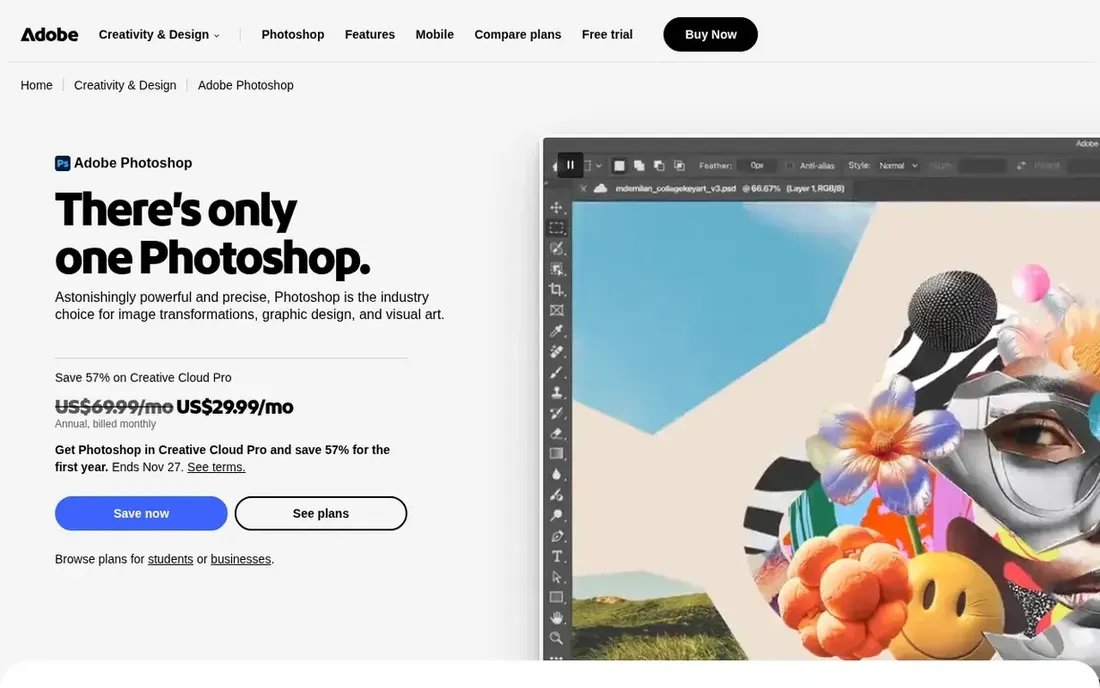
Adobe Photoshop makes the most sense for layered editing, compositing and retouching. Adobe Photoshop is the long-standing reference for layered image editing, combining retouching, compositing and design tools in one application. Its homepage flags fast ways to produce custom scenes, make complicated edits and combine images, whether online or through the mobile app.
For everyday use, if your work is largely culling, correcting and organizing large photo libraries, a dedicated RAW workflow tool like Lightroom may be a better daily driver. Access is tied to a subscription instead of a one-time purchase, which matters for anyone avoiding recurring costs. This comparison lists no price for Adobe Photoshop; ask the vendor. Free options: Not stated.
Watch-outs: Steep ramp-up time for newcomers.
- Deep layer and selection tools
- Deals with complicated composite scenes
- Subscription-based access
ON1 Photo RAW targets all-in-one RAW editing with AI tools. Its layered compositing and design capabilities are less broad than those of a dedicated pixel editor, so complicated retouching may need a second tool.
What works well: Editing.
Trade-offs to know: Fewer advanced compositing tools.
The surrounding plugin and integration ecosystem is also smaller than the largest products. Starting cost for ON1 Photo RAW: $49.99. Trial and free access: Free trial.
- AI-powered raw adjustments
- One-time purchase model
- Smaller plugin ecosystem
Adobe Lightroom works best for Photo editing and organizing across devices. If you want a single application that handles both layered editing and organization, a combined suite like ACDSee Photo Studio may be worth considering. Beyond that, Adobe Lightroom is aimed at professional photographers and enthusiasts who want to edit and organize photos from anywhere, with editing and library tools available on desktop, web and mobile.
Its homepage emphasizes making excellent photos wherever you are, which suits photographers who move between devices and need their catalog and adjustments to follow them. It does well as the hub for culling, correcting and delivering large volumes of images. As for the details, access is subscription-based, which some buyers prefer to avoid. Adobe Lightroom does not show a starting price in this comparison, so check the vendor site for current pricing. Free options: Not stated.
Limits to weigh: Subscription-based access.
- Web and mobile
- Works on desktop
- Restricted layered compositing
How these tools were picked
The comparison looks at four things: starting price, free access, how well the feature set matches professional image editing software, and the main limit of each tool. Plan names, prices and limits change often. Treat the figures here as a starting point and verify them with the vendor. The sequence is a judgement call: typical use case first, then pricing transparency, then free access. Use the profiles to check fit.
Things to verify first
- Ask ACDSee Photo Studio, Affinity Photo, Skylum Luminar Neo and others for a written quote, since no starting price is shown.
- Use real work to test the free trial from ON1 Photo RAW, rather than a demo project.
- Before choosing ACDSee Photo Studio, weigh its main limit: interface can feel dense.
- Check how data leaves ACDSee Photo Studio: formats, limits and whether exports are available on every plan.
- List the apps you already depend on and check that Skylum Luminar Neo supports each one on the plan you would buy.
FAQ
Which professional image editor is a good match for layered compositing?
The first pick on this list is ACDSee Photo Studio, because it suits editing plus digital asset management. Affinity Photo is better for precision photo editing without subscriptions, and Skylum Luminar Neo for AI-assisted editing for quicker results. Check price and limits against your own needs before choosing.
Do these tools publish their prices?
Not all of them. ACDSee Photo Studio, Affinity Photo, Skylum Luminar Neo and others publish no starting price, so expect a quote request for those. The rest, ON1 Photo RAW included, show a starting price, though seats and billing terms still change the final cost.
Is ACDSee Photo Studio the right pick for everyone comparing professional image editing software?
No single tool suits every team. ACDSee Photo Studio comes first because it fits editing plus digital asset management, while Affinity Photo suits precision photo editing without subscriptions and Skylum Luminar Neo suits AI-assisted editing for faster results. Match the tool to your own size, budget and workflow before deciding.
How are the tools for professional image editing software ordered?
The order follows typical fit for professional image editing software, with ACDSee Photo Studio first and Adobe Lightroom last, then price clarity and free access. It is editorial judgement, not a score, so another team could rank the tools differently.
Does any tool for professional image editing software here have a free plan?
A permanent free plan is not offered by ACDSee Photo Studio, Adobe Lightroom or the other tools here. ON1 Photo RAW offer a trial. Plan a short evaluation period instead.
Sources
- https://www.acdsee.com/en/products/photo-studio-ultimate
- https://affinity.serif.com/en-us/photo
- https://skylum.com/luminar
- https://www.adobe.com/products/photoshop.html
- https://www.on1.com/products/photo-raw
- https://www.adobe.com/products/photoshop-lightroom.html