Best Professional Video Editing Software in 2026: 8 Compared
We compare the best professional video editing software on price, color tools, collaboration, speed, and which platform each editor runs on best for pro work.
- Editor's choice
 DaVinci Resolve
Color grading and free pro editing
Starts atFreeVisit blackmagicdesign.comFull review - Great alternative
 Adobe Premiere Pro
Agency and Adobe teams
Starts at$22.99 per monthVisit adobe.comFull review - Also consider
 Final Cut Pro
Fast Mac editing
Starts at$299.99Visit apple.comFull review
TL;DR:
- DaVinci Resolve offers the most professional power for free, with Studio adding advanced AI and HDR tools for $295 one time.
- Premiere Pro wins for agency teams that already live in Adobe apps and share projects across editors.
- Final Cut Pro is fastest on Apple silicon, but it is Mac only and uses a different timeline model.
- Check GPU, storage speed, and export formats before you judge an editor, because hardware limits show up fast on 4K work.
Quick comparison
| Tool | Best for | Starts at | Free plan? | |
|---|---|---|---|---|
| DaVinci Resolve | Color grading and free pro editing | Free | Yes | Visit |
| Adobe Premiere Pro | Agency and Adobe teams | $22.99 per month | Free trial | Visit |
| Final Cut Pro | Fast Mac editing | $299.99 | Free trial | Visit |
 Avid Media Composer | Film and broadcast pipelines | See website | Free trial | Visit |
 Wondershare Filmora | Creators who want speed | $49.99 per year | Free trial | Visit |
 CyberLink PowerDirector | Feature-rich enthusiast editing | $79.99 per year | Free trial | Visit |
 CapCut | Short-form social video | Free | Yes | Visit |
 Descript | Talking-head and podcast video | $16 per month | Yes | Visit |
The best professional video editing software
Professional editing is about speed under deadline, color control, and clean handoffs to sound and delivery. Free tools can cut a simple video, but professional work needs reliable media handling and export control. Our pick for most solo professionals is DaVinci Resolve Studio, because the free version is already deep and the paid upgrade is a one-time cost.
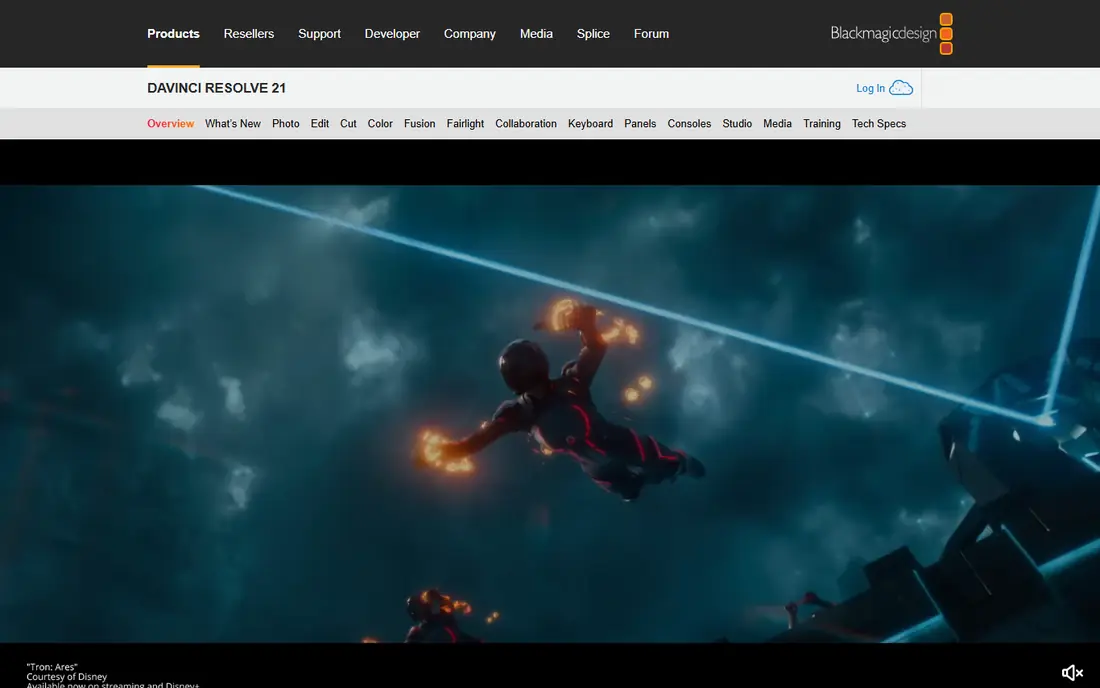
For many readers, this is the practical starting point. DaVinci Resolve combines editing and color grading in one app, with node-based color tools used on many professional productions. Its strengths include f, u, and l.
On the other side, s and t. Those limits set the boundary for who should buy it. Check plan details and limits for your exact use case before you commit, and pick another option here if they affect you.
- F
- U
- L
- L
- E
- D
- I
- T
- I
- N
- G
- ,
- C
- O
- L
- O
- R
- ,
- E
- F
- F
- E
- C
- T
- S
- ,
- A
- N
- D
- A
- U
- D
- I
- O
- P
- A
- G
- E
- S
- N
- O
- W
- A
- T
- E
- R
- M
- A
- R
- K
- O
- N
- F
- R
- E
- E
- E
- X
- P
- O
- R
- T
- S
- S
- T
- U
- D
- I
- O
- I
- S
- $
- 2
- 9
- 5
- O
- N
- E
- T
- I
- M
- E
- S
- T
- E
- E
- P
- L
- E
- A
- R
- N
- I
- N
- G
- C
- U
- R
- V
- E
- G
- P
- U
- -
- H
- E
- A
- V
- Y
- O
- N
- 4
- K
- W
- O
- R
- K
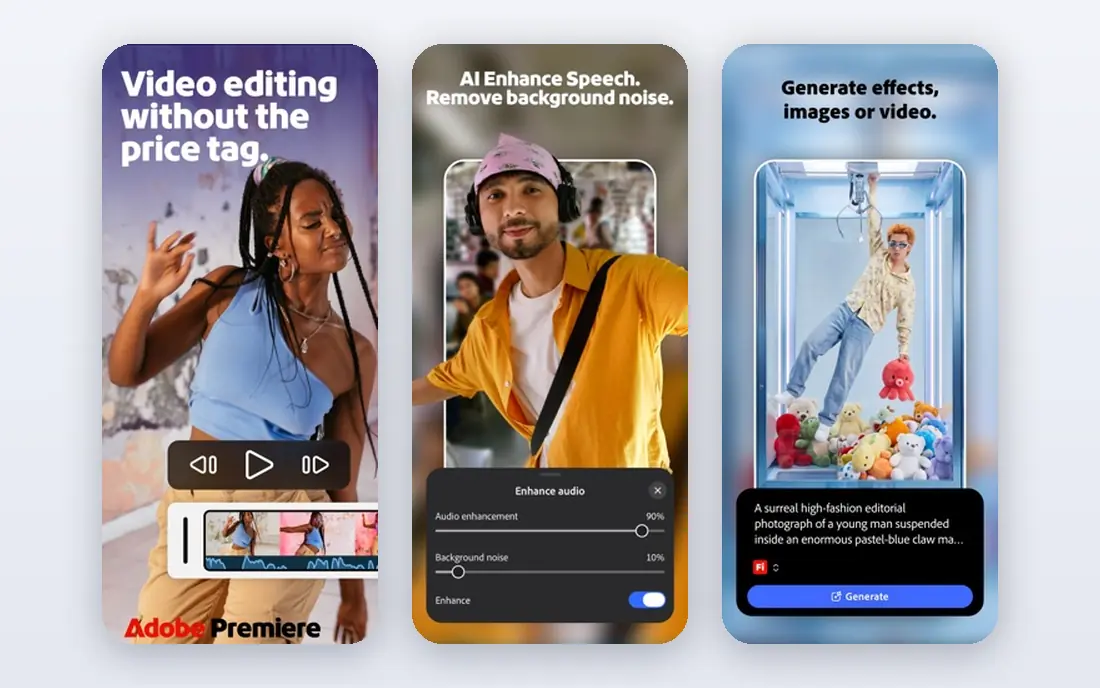
If your main concern is value for money, start your shortlist here. Premiere Pro is the agency standard for many teams, because projects move cleanly between Premiere Pro, After Effects, and Audition. Its strengths include d, e, and e.
On the other side, s and u. Those limits set the boundary for who should buy it. Check plan details and limits for your exact use case before you commit, and pick another option here if they affect you.
- D
- E
- E
- P
- A
- D
- O
- B
- E
- I
- N
- T
- E
- G
- R
- A
- T
- I
- O
- N
- S
- H
- A
- R
- E
- D
- P
- R
- O
- J
- E
- C
- T
- S
- A
- N
- D
- F
- R
- A
- M
- E
- .
- I
- O
- W
- I
- D
- E
- P
- L
- U
- G
- I
- N
- S
- U
- P
- P
- O
- R
- T
- S
- U
- B
- S
- C
- R
- I
- P
- T
- I
- O
- N
- O
- N
- L
- Y
- N
- E
- E
- D
- S
- A
- S
- T
- R
- O
- N
- G
- M
- A
- C
- H
- I
- N
- E
- F
- O
- R
- 4
- K
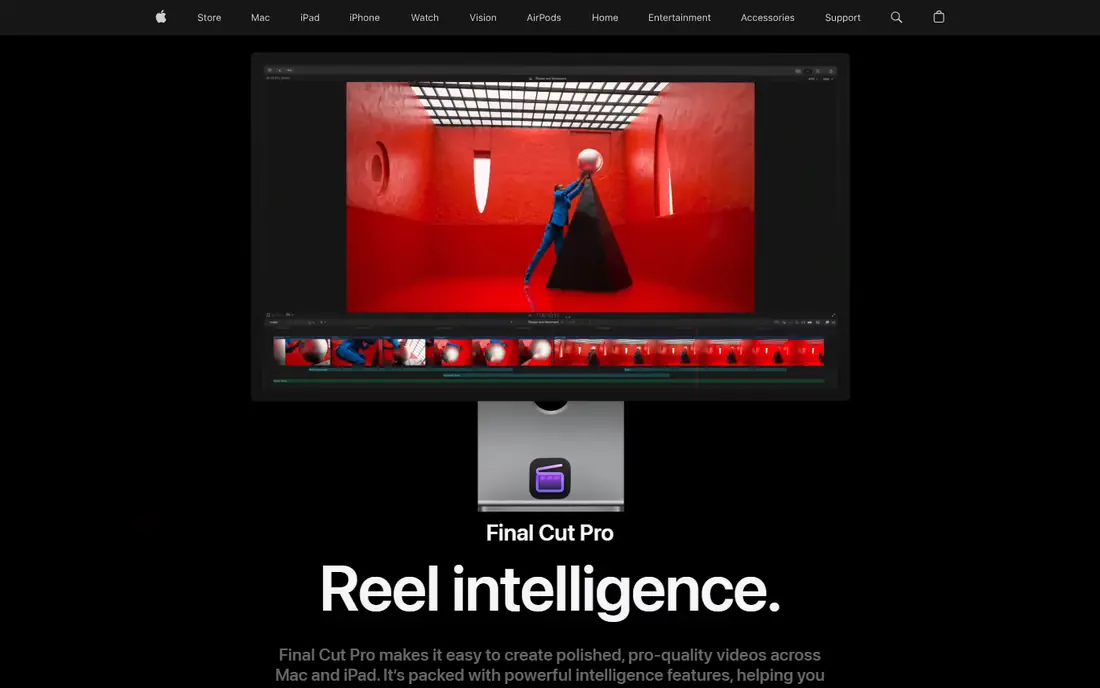
This option suits people who want a clear, focused job done well. Final Cut Pro uses a magnetic timeline that keeps clips connected, which speeds up solo edits on Mac hardware. Its strengths include v, e, and r.
On the other side, m and a. Those limits set the boundary for who should buy it. Check plan details and limits for your exact use case before you commit, and pick another option here if they affect you.
- V
- E
- R
- Y
- F
- A
- S
- T
- O
- N
- A
- P
- P
- L
- E
- S
- I
- L
- I
- C
- O
- N
- M
- A
- G
- N
- E
- T
- I
- C
- T
- I
- M
- E
- L
- I
- N
- E
- O
- N
- E
- -
- T
- I
- M
- E
- M
- A
- C
- P
- R
- I
- C
- E
- M
- A
- C
- O
- N
- L
- Y
- T
- I
- M
- E
- L
- I
- N
- E
- M
- O
- D
- E
- L
- T
- A
- K
- E
- S
- A
- D
- J
- U
- S
- T
- M
- E
- N
- T
Buyers who care most about flexibility tend to land here. Media Composer remains the choice in many broadcast and film post houses, where shared media and strict workflows matter. Its strengths include b, r, and o.
On the other side, h and i. Those limits set the boundary for who should buy it. Check plan details and limits for your exact use case before you commit, and pick another option here if they affect you.
- B
- R
- O
- A
- D
- C
- A
- S
- T
- A
- N
- D
- F
- I
- L
- M
- S
- T
- A
- N
- D
- A
- R
- D
- S
- T
- R
- O
- N
- G
- M
- E
- D
- I
- A
- M
- A
- N
- A
- G
- E
- M
- E
- N
- T
- S
- H
- A
- R
- E
- D
- P
- R
- O
- J
- E
- C
- T
- T
- O
- O
- L
- S
- H
- I
- G
- H
- E
- R
- L
- E
- A
- R
- N
- I
- N
- G
- C
- U
- R
- V
- E
- P
- R
- I
- C
- I
- N
- G
- I
- S
- C
- O
- M
- P
- L
- E
- X
Start here if you want a well-known name with plenty of support material. Filmora suits creators who need polished videos fast, with templates that cut setup time on social and YouTube work. Its strengths include t, e, and m.
On the other side, f and r. Those limits set the boundary for who should buy it. Check plan details and limits for your exact use case before you commit, and pick another option here if they affect you.
- T
- E
- M
- P
- L
- A
- T
- E
- S
- A
- N
- D
- A
- I
- H
- E
- L
- P
- E
- R
- S
- E
- A
- S
- Y
- T
- I
- T
- L
- E
- S
- A
- N
- D
- E
- F
- F
- E
- C
- T
- S
- L
- O
- W
- L
- E
- A
- R
- N
- I
- N
- G
- C
- U
- R
- V
- E
- F
- R
- E
- E
- E
- X
- P
- O
- R
- T
- S
- A
- R
- E
- W
- A
- T
- E
- R
- M
- A
- R
- K
- E
- D
- L
- E
- S
- S
- C
- O
- L
- O
- R
- D
- E
- P
- T
- H
- T
- H
- A
- N
- R
- E
- S
- O
- L
- V
- E
A strong fit for readers who want depth rather than a bare-bones tool. PowerDirector packs a large effect and template library into a mid-price editor, which helps solo creators cover many video types. Its strengths include m, a, and n.
On the other side, c and r. Those limits set the boundary for who should buy it. Check plan details and limits for your exact use case before you commit, and pick another option here if they affect you.
- M
- A
- N
- Y
- E
- F
- F
- E
- C
- T
- S
- A
- N
- D
- A
- I
- T
- O
- O
- L
- S
- 3
- 6
- 5
- P
- L
- A
- N
- A
- D
- D
- S
- S
- T
- O
- C
- K
- C
- O
- N
- T
- E
- N
- T
- G
- O
- O
- D
- V
- A
- L
- U
- E
- C
- R
- O
- W
- D
- E
- D
- I
- N
- T
- E
- R
- F
- A
- C
- E
- L
- E
- S
- S
- U
- S
- E
- D
- I
- N
- P
- R
- O
- S
- T
- U
- D
- I
- O
- S
Consider this when the cheapest option would leave an important gap. CapCut is built for short-form video, with auto-captions and templates that speed up TikTok and Reels edits. Its strengths include f, a, and s.
On the other side, b and a. Those limits set the boundary for who should buy it. Check plan details and limits for your exact use case before you commit, and pick another option here if they affect you.
- F
- A
- S
- T
- C
- A
- P
- T
- I
- O
- N
- S
- A
- N
- D
- T
- E
- M
- P
- L
- A
- T
- E
- S
- W
- O
- R
- K
- S
- O
- N
- D
- E
- S
- K
- T
- O
- P
- A
- N
- D
- M
- O
- B
- I
- L
- E
- E
- A
- S
- Y
- S
- O
- C
- I
- A
- L
- E
- X
- P
- O
- R
- T
- S
- B
- A
- S
- I
- C
- C
- O
- L
- O
- R
- A
- N
- D
- A
- U
- D
- I
- O
- T
- O
- O
- L
- S
- P
- R
- O
- F
- E
- A
- T
- U
- R
- E
- S
- N
- E
- E
- D
- A
- S
- U
- B
- S
- C
- R
- I
- P
- T
- I
- O
- N
The appeal here is a balance of price, features, and ease of use. Descript lets you cut a talking-head video by deleting words in a transcript, which is far faster than scrubbing a timeline. Its strengths include e, d, and i.
On the other side, w and e. Those limits set the boundary for who should buy it. Check plan details and limits for your exact use case before you commit, and pick another option here if they affect you.
- E
- D
- I
- T
- V
- I
- D
- E
- O
- B
- Y
- E
- D
- I
- T
- I
- N
- G
- T
- E
- X
- T
- S
- T
- R
- O
- N
- G
- T
- R
- A
- N
- S
- C
- R
- I
- P
- T
- I
- O
- N
- E
- A
- S
- Y
- F
- I
- L
- L
- E
- R
- -
- W
- O
- R
- D
- R
- E
- M
- O
- V
- A
- L
- W
- E
- A
- K
- F
- O
- R
- V
- I
- S
- U
- A
- L
- L
- Y
- C
- O
- M
- P
- L
- E
- X
- E
- D
- I
- T
- S
- T
- I
- M
- E
- L
- I
- N
- E
- C
- O
- N
- T
- R
- O
- L
- I
- S
- L
- I
- M
- I
- T
- E
- D
How we picked these
We compared official feature pages, current pricing pages, app store listings, and public reviews for each product. We checked that each product is still offered in the United States, that its homepage loads, and that it fits the topic rather than a nearby category. Where a price could not be confirmed on the vendor site at the time of writing, we used See website rather than guessing.
How to choose a professional editor
Start with your delivery work. A colorist needs node-based grading and HDR tools, while an agency editor needs shared projects, captions, and fast social exports. A documentary editor needs strong media organization and transcription. Match the editor to the job you do most, not to the feature list that looks longest.
Next, test with your own footage. Import a real project, cut a sequence, add titles and color, and export at your delivery size. Watch for dropped frames, slow renders, and export errors. Also check the cost over three years, because a subscription can cost more than a one-time purchase even when the monthly price looks low.
FAQ
What is the top professional video editing software for professionals?
DaVinci Resolve, Adobe Premiere Pro, Final Cut Pro, and Avid Media Composer are the main professional choices. Resolve leads on color and free access, Premiere Pro leads on Adobe collaboration, Final Cut Pro leads on Mac speed, and Media Composer leads on broadcast and film pipelines.
Is DaVinci Resolve really free for professional work?
Yes, the free version includes full editing, color, effects, and audio pages with no watermark. Studio adds AI tools, multi-GPU support, and advanced HDR features for $295 one time. Many professionals work in the free version for years.
Which editor is best for teams?
Premiere Pro and Media Composer are strongest for shared projects and larger teams, with Frame.io and bin locking tools in their ecosystems. Resolve also supports collaboration with a database setup, but it needs more planning for a team.
Do I need a powerful computer for professional editing?
For 4K and above, yes. A strong GPU, fast storage, and enough RAM matter more than the editor brand. Use proxy media if your machine struggles, and test your exact codec before you commit to a project.
Is Final Cut Pro better than Premiere Pro?
On Apple silicon, Final Cut Pro often exports faster and feels smoother for solo editors. Premiere Pro is better for cross-platform teams and for editors who use After Effects and Audition. Platform and team needs usually decide it.
Sources
- https://www.adobe.com/products/premiere.html
- https://www.blackmagicdesign.com/products/davinciresolve
- https://www.apple.com/final-cut-pro/
- https://www.avid.com/media-composer
- https://filmora.wondershare.com
- https://www.cyberlink.com/products/powerdirector-video-editing-software
- https://www.capcut.com
- https://www.descript.com