Top 6 Image Editing Software for Recoloring for 2026 (Prices and Free Plans)
6 products for the best image editing software for recoloring, ranked by fit, with starting costs and free tiers. Strengths and weak spots are spelled out.
- Editor's choice
 CorelDRAW
Recoloring vector and layout projects
Starts atPricing on requestVisit coreldraw.comFull review - Great alternative
 Corel PaintShop Pro
Accessible photo recoloring for hobbyists
Starts atPricing on requestVisit paintshoppro.comFull review - Also consider
 Adobe Photoshop
In-depth selective recoloring of photos
Starts atPricing on requestVisit adobe.comFull review
Direct answer
CorelDRAW leads the list, best for Recoloring vector and layout projects. If your case is different, Corel PaintShop Pro suits accessible photo recoloring for hobbyists and Adobe Photoshop suits in-depth selective recoloring of photos. Free plan facts and limits for all 6 tools follow. None of these vendors publish plan prices, so pricing is on request for every option.
TL;DR:
- Number one here is CorelDRAW, a fit for Recoloring vector and layout projects.
- No starting price is shown for any of the 6 tools, CorelDRAW and Affinity Photo included, so plan time for sales calls.
- Affinity Photo fits precision photo recoloring without subscriptions.
- Before buying Adobe Illustrator, weigh this: not designed for photo editing.
Last checked November 2026. Pricing on request: vendors did not publish plan prices when this guide was last checked (November 2026), so ask each vendor for a written quote.
Quick comparison
| Tool | Best for | Starts at | Free plan? | |
|---|---|---|---|---|
| CorelDRAW | Recoloring vector and layout projects | Pricing on request | Not stated | Visit |
| Corel PaintShop Pro | Accessible photo recoloring for hobbyists | Pricing on request | Not stated | Visit |
| Adobe Photoshop | In-depth selective recoloring of photos | Pricing on request | Not stated | Visit |
 Adobe Illustrator | Recoloring vector graphics and logos | Pricing on request | Not stated | Visit |
 GIMP | Open-source recoloring on any budget | Pricing on request | Not stated | Visit |
 Affinity Photo | Precision photo recoloring without subscriptions | Pricing on request | Not stated | Visit |
Image Editing Software for Recoloring, one by one
If you are comparing image editing software for recoloring, this page covers 6 tools in one place: what each is best for, what it costs to start, whether it has a free plan, and the main limit to know about.
CorelDRAW targets Recoloring vector and layout projects. Designers already deep in Adobe workflows may find switching disruptive. CorelDRAW is graphic design and vector software used for logos, posters, drafting and prototypes.
In practice, for recoloring, it does well on vector artwork and layout elements where you have to change fills and outlines consistently. It is not the primary choice for pixel-level photo recoloring, where dedicated photo editors are more solid. No starting price is listed for CorelDRAW here; confirm pricing on the vendor site. On free options: Not stated.
The main drawbacks: Interface differs from Adobe tools.
- Also spans technical illustration
- Suited to logos and posters
- Less concentrated on photo retouching
Think of Corel PaintShop Pro for accessible photo recoloring for hobbyists. Corel PaintShop Pro is a photo editing application from Corel targeted at everyday editing tasks. It contains the selection and color tools needed to recolor parts of an image.
The vendor gives you tutorials and videos to help users learn. It lacks some of the depth and integration of industry-standard editors, which can matter for advanced or collaborative work. Corel PaintShop Pro shows no starting price here, so confirm the cost on the vendor site. Free plan details: Not stated.
Watch-outs: Less industry-standard than Photoshop.
- Tutorials and learning resources
- Deals with common retouching tasks
- Advanced workflows can feel restricted
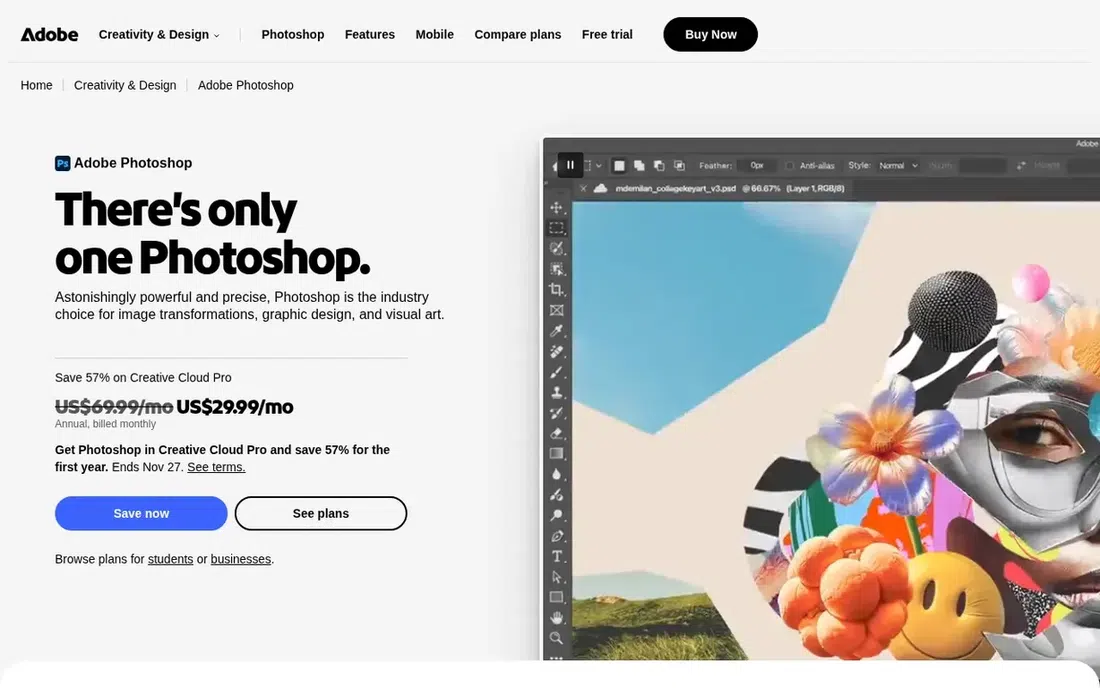
For detailed selective recoloring of photos, Adobe Photoshop is a natural candidate. You can isolate a subject and shift its hue while leaving the rest untouched.
In daily use, the ramp-up time is real, and the subscription model may not appeal to occasional users. In daily use, if you only need straightforward color swaps, a lighter editor can be enough. No starting price is listed for Adobe Photoshop here; confirm pricing on the vendor site. Free plan details: Not stated.
Watch-outs: Subscription required.
- Layered selections and masks
- Works online and on mobile
- Feature set can feel dense
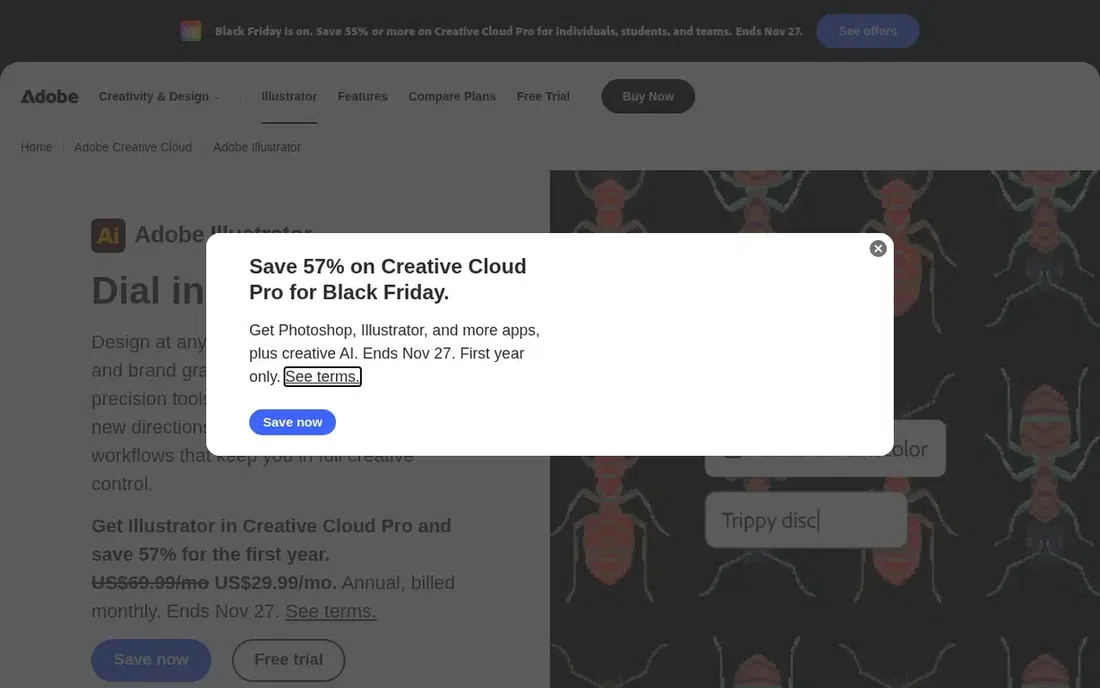
Adobe Illustrator is aimed squarely at Recoloring vector graphics and logos. Pick Illustrator when your recoloring targets are shapes, type and logos.
What to check first: Not made for photo editing.
For recoloring, it excels when the source is vector: you can select shapes and swap fills and strokes cleanly. It is not the right tool for recoloring photographic images, where raster editors do better. This comparison lists no price for Adobe Illustrator; ask the vendor. Free access: Not stated.
- Vector-native editing
- Generative vector features
- Needs vector workflow knowledge
In short, GIMP is for open-source recoloring on any budget. Its open-source nature appeals to users who like to customize their tools.
What to check first: Interface can feel unfamiliar.
Choose GIMP when cost is a priority and you are comfortable learning a different workflow. No starting price is listed for GIMP here; confirm pricing on the vendor site. As for free access: Not stated.
- Free and open source
- Broad color and selection tools
- Fewer refined presets
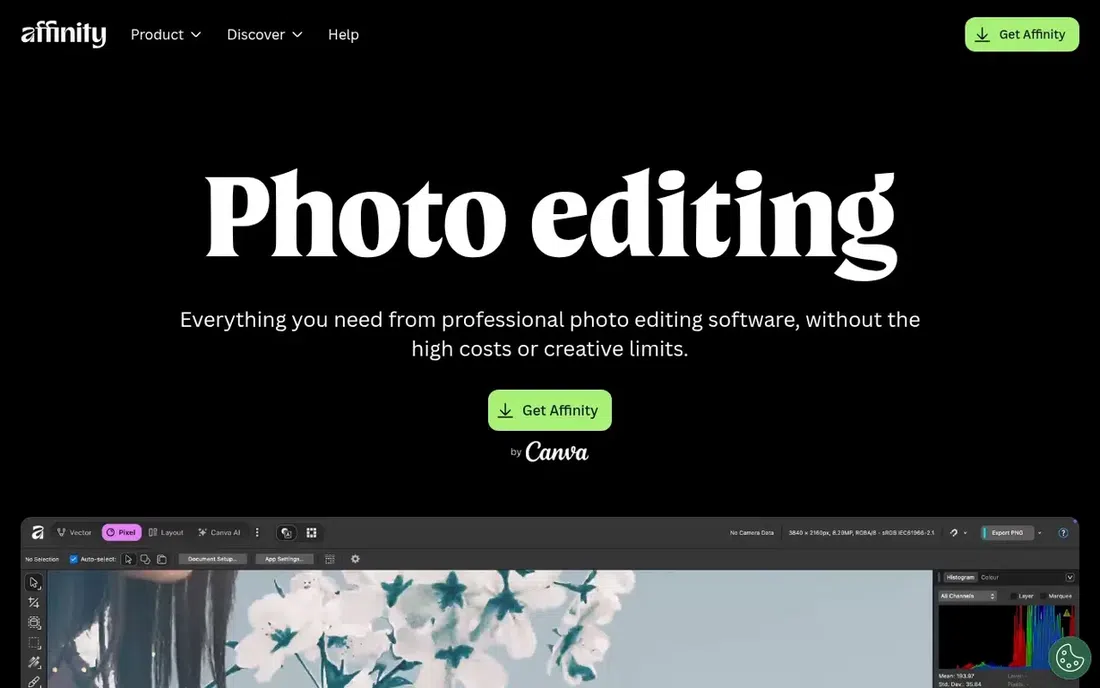
Affinity Photo is a good fit for precision photo recoloring without subscriptions. Affinity Photo is a professional photo editor concentrated on precision and speed. Its ecosystem of plugins and learning resources is smaller than Photoshop's, so niche workflows may need workarounds.
From a buyer's view, otherwise Affinity Photo handles most recoloring tasks well. Beyond that, if you depend on broad external integrations, consider Photoshop instead. Affinity Photo does not show a starting price in this comparison, so check the vendor site for current pricing. As for free access: Not stated.
The main drawbacks: Fewer external integrations.
- Precise selection and masking
- Professional photo editing tools
- Smaller ecosystem of tutorials
What went into this list
The comparison looks at four things: starting price, free access, how well the feature set matches image editing software for recoloring, and the main limit of each tool. Where a price is missing, the vendor does not list one publicly or ties it to a quote. Always confirm before budgeting. Tools are placed by general fit for image editing software for recoloring, with price clarity and free access as tie-breakers. A different team can reasonably rank them differently.
A buyer's checklist
- Confirm the entry price with every vendor: no tool from CorelDRAW to Affinity Photo shows a fixed starting price.
- Before choosing CorelDRAW, weigh its main limit: less centred on photo retouching.
- Test the integrations you rely on with CorelDRAW before committing; some connectors sit on upper tiers.
- Involve the people who will use Adobe Illustrator daily; a short pilot beats a long feature checklist.
- See whether Corel PaintShop Pro offers onboarding or training, and whether it is included in the price.
FAQ
Can I try these tools before paying?
Not by default. None of the tools, from CorelDRAW to Affinity Photo, lists a free plan or a free trial here, so ask each vendor for a demo before committing.
How are the tools for image editing software for recoloring ordered?
CorelDRAW sits first and Affinity Photo last because the order follows typical fit for image editing software for recoloring, then price clarity and free access. It is a judgement call, so read each profile for fit and limits.
Which editor is a good match for recoloring a single object in a photo?
The first pick on this list is CorelDRAW, because it suits Recoloring vector and layout projects. Corel PaintShop Pro is better for accessible photo recoloring for hobbyists, and Adobe Photoshop for in-depth selective recoloring of photos. Check price and limits against your own needs before choosing.
Can I recolor vector logos with these tools?
Adobe Illustrator and CorelDRAW are aimed at vector artwork, so changing fills and strokes is straightforward. For everyday use, Photo editors like Photoshop can also deal with vectors but are less natural for logo palettes.
Does any tool for image editing software for recoloring here have a free plan?
No tool in this list, CorelDRAW and Affinity Photo included, has a permanent free plan. Trials and quotes are the usual route, so plan a short evaluation period.
Is CorelDRAW the right pick for everyone comparing image editing software for recoloring?
No single tool suits every team. CorelDRAW comes first because it fits Recoloring vector and layout projects, while Corel PaintShop Pro suits accessible photo recoloring for hobbyists and Adobe Photoshop suits detailed selective recoloring of photos. Match the tool to your own size, budget and workflow before deciding.
Sources
- https://www.coreldraw.com
- https://www.paintshoppro.com
- https://www.adobe.com/products/photoshop.html
- https://www.adobe.com/products/illustrator.html
- https://www.gimp.org
- https://affinity.serif.com/en-us/photo