Top 6 Image Editor Software for 2026 (Prices and Free Plans)
Need the best image editor software? We compare 6 tools on cost, free access and who each suits. The weak spots sit next to the strengths. Pick with confidence.
- Editor's choice
 Corel PaintShop Pro
Accessible editing for hobbyists
Starts atSee websiteVisit paintshoppro.comFull review - Great alternative
 ON1 Photo RAW
All-in-one RAW editing and organization
Starts at$49.99Visit on1.comFull review - Also consider
 Capture One
Studio and tethered RAW workflows
Starts atSee websiteVisit captureone.comFull review
Direct answer
Corel PaintShop Pro comes first here, mainly for accessible editing for hobbyists. Listed starting prices: ON1 Photo RAW from $49.99. Alternatives: ON1 Photo RAW for all-in-one RAW editing and organization, and Capture One for Studio and tethered RAW workflows. The full list of 6 tools follows, with prices and free plan facts.
TL;DR:
- This list starts with Corel PaintShop Pro, which is built for accessible editing for hobbyists.
- Corel PaintShop Pro, Capture One, Adobe Photoshop and others: pricing is by quote only, so plan time for a sales conversation.
- Corel PaintShop Pro, Affinity Photo and the 4 others all need a premium plan or a trial, since no free plan is listed.
- Before buying Capture One, weigh this: ramp-up time for new users.
- Affinity Photo is the one to check for precise editing with solid value.
Last checked November 2026. Prices and plan details were read from the vendors' own pages in November 2026; vendors change plans often, so confirm the current price on the vendor site before you buy.
Quick comparison
| Tool | Best for | Starts at | Free plan? | |
|---|---|---|---|---|
| Corel PaintShop Pro | Accessible editing for hobbyists | See website | Not stated | Visit |
| ON1 Photo RAW | All-in-one RAW editing and organization | $49.99 | Free trial | Visit |
| Capture One | Studio and tethered RAW workflows | See website | Not stated | Visit |
 Adobe Photoshop | Broadest all-around image editing | See website | Not stated | Visit |
 Adobe Lightroom | Photo organization and non-destructive editing | See website | Not stated | Visit |
 Affinity Photo | Precise editing with capable value | See website | Not stated | Visit |
Tool-by-tool breakdown
LinkVetted put together this guide to image editor software for readers who want a clear shortlist without reading every vendor page. It compares 6 tools on starting price, free plans, who each one suits and where each one falls short.
Where Corel PaintShop Pro fits: accessible editing for hobbyists. Corel PaintShop Pro is a photo editing application from Corel geared toward enthusiasts and small teams. Its official site supplies product information, updates, tutorials and videos, suggesting a focus on guided learning.
The main drawbacks: Less depth for advanced retouching.
Beyond that, PaintShop Pro is usually less deep than professional retouching suites for advanced compositing and color-critical work. Its workflow is oriented toward Windows users. As for the details, if you need broad raw tethering or cross-platform team collaboration, look elsewhere. It remains a practical pick for everyday editing and design projects. This comparison lists no price for Corel PaintShop Pro; ask the vendor. Free plan details: Not stated.
- Friendly interface for newcomers
- Broad range of tutorials and learning resources
- Windows-focused workflow
ON1 Photo RAW is designed for all-in-one RAW editing and organization. Its homepage describes AI-powered raw editing with pro-level quality and a one-time purchase model. Users who require deep plugin ecosystems or industry-standard collaboration may prefer other choices.
Where it falls short: Fewer integrations than major suites.
It is a solid fit for individual photographers seeking a self-contained raw editor. ON1 Photo RAW has a smaller community and fewer external integrations than the largest editing suites, which can matter for team workflows. Starting cost for ON1 Photo RAW: $49.99. Trial and free access: Free trial.
- One-time purchase choice
- Merges editing and organizing
- Smaller user community
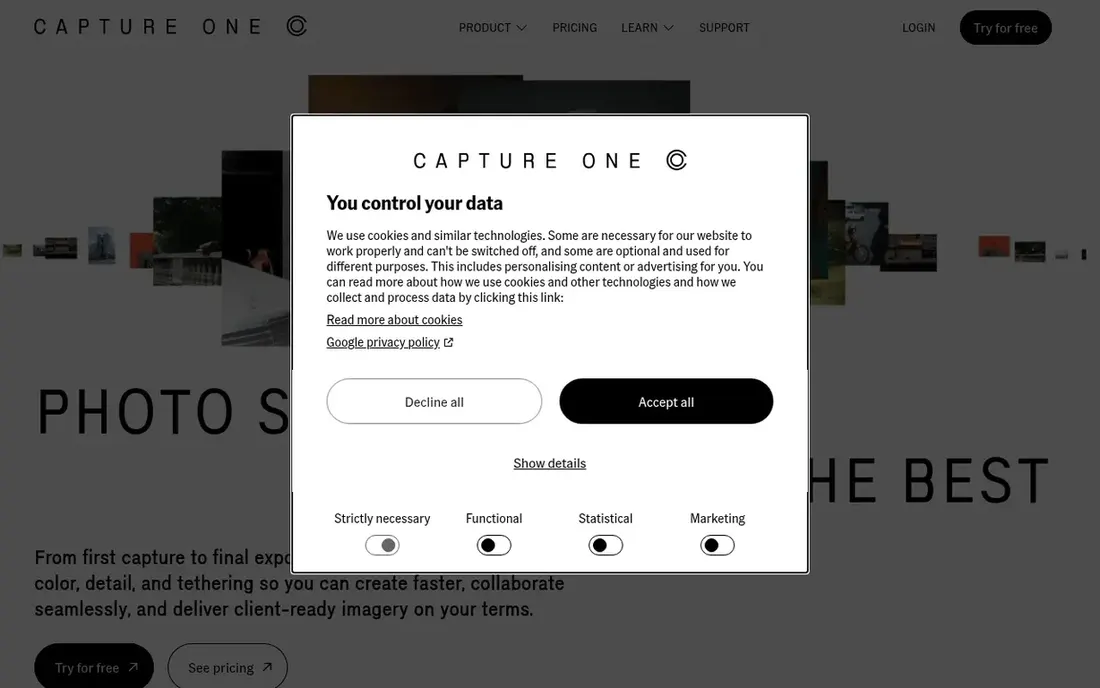
Capture One is a good fit for Studio and tethered RAW workflows. Photographers who seldom shoot tethered or work chiefly with layered composites may find more straightforward tools sufficient. Pick it when RAW quality and live capture are priorities.
Honest limits: Ramp-up time for new users.
In practice, Capture One is professional photo editing software aimed at photographers who demand precision and control. Its homepage emphasizes advanced editing tools, smooth RAW handling and capable tethering, which fits studio, portrait and commercial shooters who need a stable connection to the camera during a session. This comparison lists no price for Capture One; ask the vendor. As for free access: Not stated.
- Precise color and exposure control
- Capable tethering capabilities
- Less suited to general design work
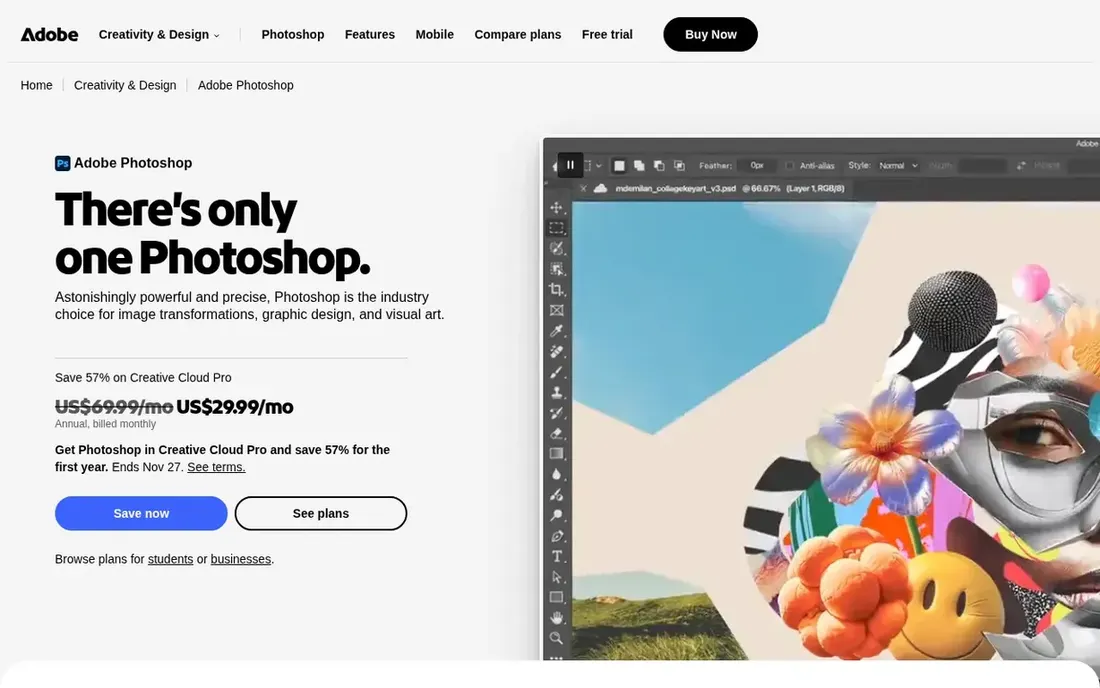
In short, Adobe Photoshop is for broadest all-around image editing. It suits designers, retouchers and photographers who require deep control over layers, masks and selections and who value a large, mature toolset over simplicity.
Strengths: Solid layer and selection workflow.
If you chiefly organize and develop raw files, a dedicated workflow tool may be more efficient. Pricing for Adobe Photoshop is not stated here, so ask the vendor for current figures. On free options: Not stated.
Drawbacks to consider: Can feel complicated for beginners.
- Broad editing and compositing tools
- Web and mobile access
- Subscription-based access
Adobe Lightroom makes the most sense for Photo organization and non-destructive editing. Adobe Lightroom is built for photographers who need to edit and organize photos across desktop, web and mobile.
Its homepage notes that it helps professionals and enthusiasts make excellent photos from anywhere through editing and organizing. From a buyer's view, access is subscription-based, which may not suit everyone. Adobe Lightroom does not show a starting price in this comparison, so check the vendor site for current pricing. As for free access: Not stated.
Watch-outs: Subscription-based access. Highlights: Works on desktop.
- Web and mobile
- Editing and organizing in one app
- Less precise for complicated compositing
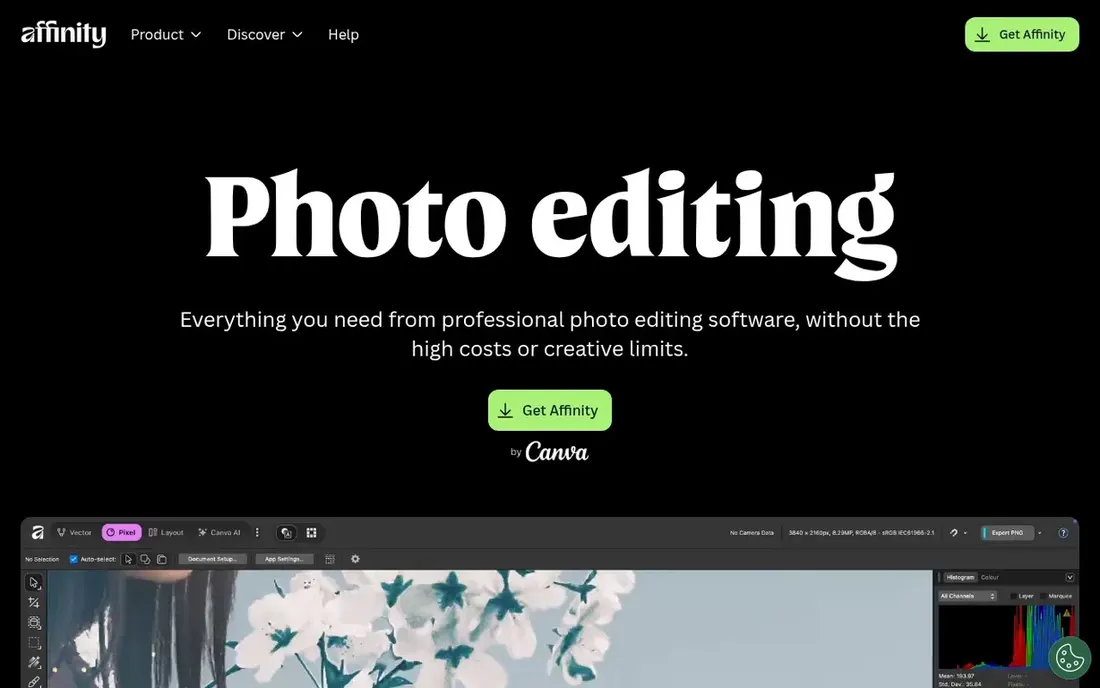
Affinity Photo is a good fit for precise editing with capable value. It targets photographers and designers who want advanced retouching, compositing and raw development without a subscription.
Where it is weaker: Smaller ecosystem than Adobe.
On top of that, if your work relies on broad plugin libraries or shared cloud workflows, consider alternatives. Worth adding: otherwise, it is a solid choice for precise, value-oriented editing. Affinity Photo does not show a starting price in this comparison, so check the vendor site for current pricing. On free options: Not stated.
- One-time purchase model
- Professional-level editing tools
- Fewer external integrations
Our selection method
What to confirm before you sign up
- Get a written quote from Corel PaintShop Pro, Capture One, Adobe Photoshop and others; the list shows no starting price for them.
- Run a trial of ON1 Photo RAW with real work before paying for a year; your own workflow is the best test.
- Before choosing Corel PaintShop Pro, weigh its main limit: less depth for advanced retouching.
- Pick one real project and run it in Affinity Photo first; a small pilot shows fit faster than a checklist.
- Ask Adobe Photoshop about contract length, onboarding fees and user minimums before you sign.
FAQ
How are the tools for image editor software ordered?
The order follows typical fit for image editor software, with Corel PaintShop Pro first and Affinity Photo last, then price clarity and free access. It is editorial judgement, not a score, so another team could rank the tools differently.
Does any tool for image editor software here have a free plan?
No tool in this list, Corel PaintShop Pro and Affinity Photo included, has a permanent free plan. ON1 Photo RAW offer a trial. Trials and quotes are the usual route, so plan a short evaluation period.
Do I need a subscription for professional image editing?
Not necessarily. Some editors, for example Affinity Photo and ON1 Photo RAW, are positioned around one-time purchase models, whereas Adobe tools use subscriptions.
Can I try these options before paying?
Often, yes. ON1 Photo RAW offers a free trial. Use your own data and a real task during the test, and check what the free tier or trial limits before you rely on it. Each of the 6 options in this image editor software guide has its own card above with the price, free plan and limits.
Is Corel PaintShop Pro the right pick for everyone comparing image editor software?
No single tool suits every team. Corel PaintShop Pro comes first because it fits accessible editing for hobbyists, while ON1 Photo RAW suits all-in-one RAW editing and organization and Capture One suits Studio and tethered RAW workflows. Match the tool to your own size, budget and workflow before deciding.
What is the difference between Lightroom and Photoshop?
Lightroom concentrates on organizing, developing and syncing photos across devices, whereas Photoshop offers deeper layered editing and compositing. Numerous photographers use both together for a complete workflow.
Sources
- https://www.paintshoppro.com
- https://www.on1.com/products/photo-raw
- https://www.captureone.com
- https://www.adobe.com/products/photoshop.html
- https://www.adobe.com/products/photoshop-lightroom.html
- https://affinity.serif.com/en-us/photo