Best AR WYSIWYG Editor Software in 2026: 8 Editors Compared
Compare the best ar wysiwyg editor software for no-code WebAR, product viewers, and campaigns, with pricing and limits in this 2026 guide for marketers.
- Editor's choice
 ZapWorks
No-code WebAR campaigns
Starts atSee websiteVisit zap.worksFull review - Great alternative
 Adobe Aero
Simple mobile AR scenes
Starts atFreeVisit adobe.comFull review - Also consider
 Blippar
Brand WebAR campaigns
Starts atSee websiteVisit blippar.comFull review
TL;DR:
- WYSIWYG here means drag and drop AR building in a browser, not writing code for every scene.
- ZapWorks and Blippar suit marketing campaigns, while Adobe Aero suits simple mobile AR scenes.
- Check tracking type before you buy: image, face, world, and surface tracking suit different projects.
- WebAR removes app installs, but device support, loading time, and 3D file size still decide whether an experience feels good.
Quick comparison
| Tool | Best for | Starts at | Free plan? | |
|---|---|---|---|---|
| ZapWorks | No-code WebAR campaigns | See website | Free trial | Visit |
| Adobe Aero | Simple mobile AR scenes | Free | Yes | Visit |
| Blippar | Brand WebAR campaigns | See website | Free trial | Visit |
 Overly | Simple WebAR for small teams | See website | Free trial | Visit |
 MyWebAR | No-code WebAR projects | See website | Free trial | Visit |
 PlugXR | No-code AR for business teams | See website | Free trial | Visit |
 Vectary | 3D and AR product viewers | Free | Yes | Visit |
 Zakeke | Ecommerce 3D and AR viewers | See website | Free trial | Visit |
The best AR WYSIWYG editor software
An AR WYSIWYG editor lets you place 3D models, images, text, and buttons in a scene and preview the result as a viewer will see it, without coding each interaction. The editors below range from simple mobile tools to full WebAR platforms, so the best pick depends on audience, tracking needs, and budget.
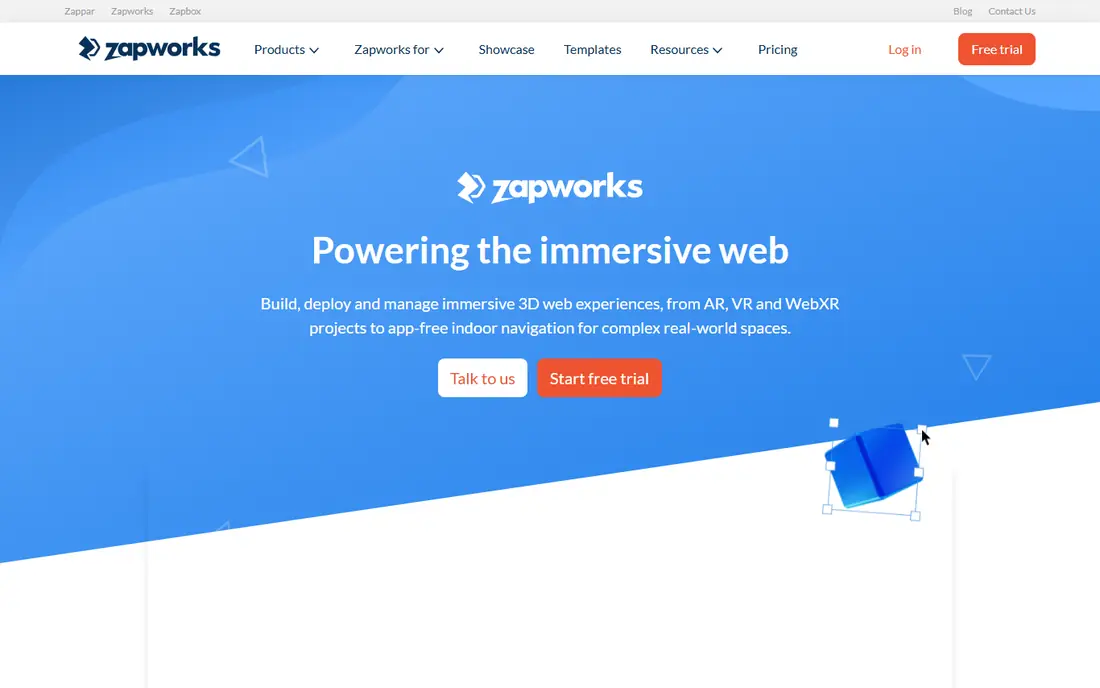
ZapWorks, from Zappar, is one of the most complete WebAR platforms for teams that want both no-code building and developer options. The Designer lets marketers build simple experiences by dragging in content, while Mattercraft offers a browser editor with animation and scripting for more complex projects. Universal AR SDKs extend the same work to Unity, Three.js, and other frameworks.
We like it for brand campaigns, packaging, and product visualization where reach matters more than app downloads. The main caution is cost: commercial Pro plans are priced for campaigns, not casual experiments, so test with a trial and a small pilot before a large rollout.
- No-code Designer plus Mattercraft editor
- Image, face, world, and surface tracking
- WebAR without app installs
- Pro pricing is high for small campaigns
- Advanced SDK work needs developer skills

Adobe Aero lets you build AR scenes on a phone or tablet by placing 3D models, images, and animations in a real space, then previewing them through the camera. It is free and approachable, and it fits designers who already use Adobe tools and want to try AR without a platform contract.
It is best for simple scenes, prototypes, and creative projects. Teams that need WebAR links, analytics, image tracking at scale, or campaign management will need a dedicated WebAR platform instead, since Aero is not built as a campaign system.
- Free mobile app
- Visual scene building
- Works with Adobe Creative Cloud assets
- Mobile focused, less suited to large WebAR campaigns
- Feature depth is limited
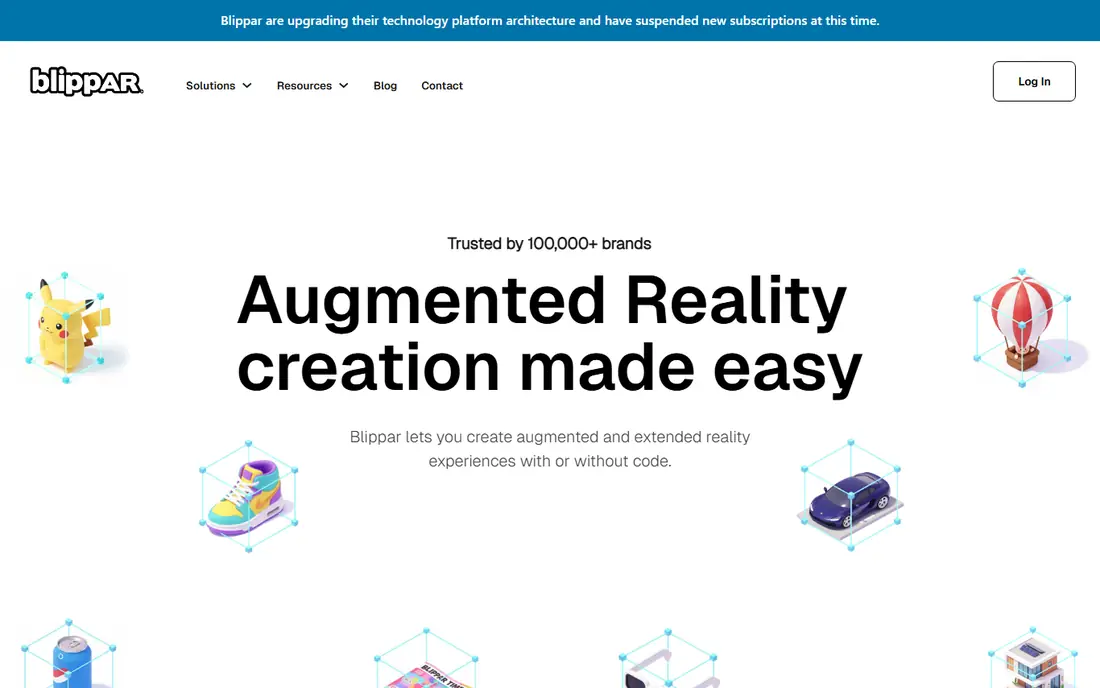
Blippar is a WebAR platform used by brands and agencies for campaigns, packaging, and product experiences that open in a browser. Its studio lets non developers build scenes with drag and drop tools, while tracking options cover image targets, faces, and world placement.
We would shortlist it for marketing teams that want a proven campaign platform with support. Smaller teams should check trial limits and commercial pricing early, since campaign costs can rise with views, features, and support needs.
- No-code WebAR studio
- Strong brand and agency history
- Image and world tracking
- Pricing is quote based for larger use
- Advanced projects may need agency help
Overly offers a straightforward WebAR builder for small teams, educators, and local businesses. You can create an experience, share it with a QR code or link, and let viewers open it in a browser without installing an app. That simplicity is the point for a menu, a poster, a property tour, or a small product demo.
Larger campaigns with complex tracking, analytics, and developer extensions may outgrow Overly. For a first WebAR project with a clear, simple goal, it is an easy and low risk place to start.
- Simple no-code WebAR builder
- QR based sharing
- Good for small business projects
- Less depth than large campaign platforms
- Enterprise features are limited
MyWebAR is a no-code WebAR platform that lets users build experiences in a browser editor and publish them as links or QR codes. Templates and drag and drop tools help beginners get a first scene working quickly, while tracking options cover common image and world use cases.
It suits creators, educators, and small businesses that want WebAR without code. Check commercial plan limits and view allowances before a public campaign, and keep 3D models optimized, since large files slow loading on phones.
- No-code editor with templates
- Image and world tracking
- Browser based viewing
- Paid plans needed for commercial use
- Performance depends on 3D file size
PlugXR is a no-code AR platform aimed at business teams in retail, real estate, training, and manufacturing. Its creator lets users build AR experiences with templates, publish them to web or app, and track views and interactions. That business focus makes it useful for product demos, training aids, and showroom content.
The learning curve is moderate, and teams should budget time for a first pilot. For a business that wants AR as a regular sales or training tool rather than a one off stunt, PlugXR is worth a trial.
- No-code AR creator for web and app
- Templates for business use
- Analytics included
- Interface takes time to learn
- Pricing is quote based for larger teams
Vectary is a browser based 3D design tool with AR viewing, which suits product designers and ecommerce teams that need to model a product and let customers view it in AR. You can design in the browser, share a link, and let viewers place the model in their own space on a supported phone.
It is not a full campaign platform with image tracking workflows and agency tools, so marketing teams should check that fit. For product visualization, though, the combination of modeling and AR viewing in one browser tool is a real advantage.
- Browser 3D modeling and AR viewing
- Free plan for basic projects
- Good for product design
- More of a 3D tool than a full AR campaign platform
- Advanced features need paid plans
Zakeke is built for ecommerce: a visual configurator lets shoppers customize products with text and images, while 3D and AR viewers let them inspect the result before buying. Virtual try on options cover categories such as eyewear and apparel, where fit and appearance drive returns.
It fits online stores that want fewer returns and more confident purchases. Setup takes work, since good 3D models and product data are required, and pricing should be checked against store size and feature needs before a commitment.
- Product configurator plus AR viewer
- Virtual try on options
- Ecommerce integrations
- Pricing scales with store size and features
- Setup needs product photos and 3D models
How we picked these
We compared official feature pages, pricing pages, and public reviews for AR tools with visual, no-code or low-code editors in 2026. We excluded code only SDKs and closed platforms with no current hosted editor, and we favored tools that publish a trial or free plan. We did not claim hands-on testing. Where pricing was not published, we wrote See website rather than guessing.
How to choose an AR WYSIWYG editor
Start with the viewer journey. Will people scan a QR code on packaging, open a link from social media, or use an app you control. WebAR suits the first two, because it removes an install step. App based AR suits training and industrial use, where a controlled device and offline access matter more.
Tracking, content, and measurement
Check tracking first: image tracking suits posters and packaging, face tracking suits filters, and world tracking suits placing furniture or products in a room. Then check content: 3D file formats, size limits, and whether you can import models from your design tools. Finally check measurement: views, scans, dwell time, and conversions tell you whether an experience worked, not just whether it loaded.
Testing on real phones
Test every experience on low end and mid range phones, not just a flagship device. Loading time, lighting, and camera quality vary widely, and a scene that looks smooth in an editor can stutter on a real phone. Keep models small, test in the actual location, and have a fallback such as a video or image view for devices that cannot run AR well.
FAQ
What does WYSIWYG mean for AR software?
WYSIWYG means what you see is what you get: you drag content into a scene in an editor and preview it as a viewer will see it, rather than writing code to place each object. Most tools on this list still offer code options for advanced work, but the visual editor is the main way to build.
Do viewers need to install an app for WebAR?
No, for WebAR experiences. Viewers open a link or scan a QR code in a browser on a supported phone, and the AR experience runs in the browser. App based AR, by contrast, requires a download, which can reduce reach but may offer more control.
What is the difference between image tracking and world tracking?
Image tracking anchors AR content to a printed image, such as a poster or package. World tracking places content in a physical space using the phone camera and sensors, such as putting a chair in a room. Choose based on whether your content belongs on a printed item or in a space.
Can I build AR without 3D modeling skills?
Yes, for simple projects. No-code editors offer templates, stock models, and image based content that beginners can use. Custom product AR still needs good 3D models, so factor modeling time or cost into a product viewer project.
How much does AR WYSIWYG software cost?
Costs range from free tools such as Adobe Aero to campaign platforms with monthly plans in the hundreds of dollars and quote based enterprise pricing. Small projects can often start on a trial or free plan, while public campaigns should be priced by views, features, and support needs.