Best AR WYSIWYG Editor Software for Remote Teams (2026): 5 Picks Checked on Vendor Pages
Best AR WYSIWYG editor software for remote teams: 5 contenders ranked by fit, with entry costs and free tiers. Plain-spoken summaries throughout. Details below.
- Editor's choiceTiptap
Custom collaboration and document infrastructure
Starts at$49 a monthVisit tiptap.devFull review - Great alternativeFroala Editor
Clean design and simple JavaScript integration
Starts at$719 a yearVisit froala.comFull review - Also considerCKEditor
Collaborative editing with full documentation
Starts at$144 a monthVisit ckeditor.comFull review
Direct answer
Start with Tiptap if you need custom collaboration and document infrastructure. Listed starting prices: Tiptap from $49 a month, Froala Editor from $719 a year and CKEditor from $144 a month. Alternatives: Froala Editor for clean design and simple JavaScript integration, and CKEditor for collaborative editing with full documentation. Details, prices and limits for the rest of the 5 tools are below.
TL;DR:
- The list opens with Tiptap, aimed at custom collaboration and document infrastructure.
- Starting prices begin at $49 per month with Tiptap.
- ProseMirror suits structured text editing components.
- Check the limits for Tiptap before you commit: wide feature set needs evaluation.
Last checked November 2026. Prices and plan details were read from the vendors' own pages in November 2026; vendors change plans often, so confirm the current price on the vendor site before you buy.
Quick comparison
| Tool | Best for | Starts at | Free plan? | |
|---|---|---|---|---|
| Tiptap | Custom collaboration and document infrastructure | $49 a month | Free trial | Visit |
| Froala Editor | Clean design and simple JavaScript integration | $719 a year | Free trial | Visit |
| CKEditor | Collaborative editing with full documentation | $144 a month | Yes | Visit |
| TinyMCE | Feature-rich editor with wide integrations | $79 a month | Yes | Visit |
| ProseMirror | Structured text editing components | See website | Not stated | Visit |
AR WYSIWYG Editor Software for Remote Teams, one by one
If you are comparing AR WYSIWYG editor software for remote teams, this page covers 5 tools in one place: what each is best for, what it costs to start, whether it has a free plan, and the main limit to know about.
Tiptap
Best for: Custom collaboration and document infrastructure
Tiptap is designed for custom collaboration and document infrastructure. Tiptap is an open source rich text editor and document infrastructure offering collaboration, Word conversion, comments and AI. Its homepage notes deployment in Tiptap Cloud or on-premises and lists SOC 2, GDPR and HIPAA.
For everyday use, remote teams that require to build document workflows with collaboration and compliance considerations can evaluate Tiptap for their stack. In practice, choose Tiptap when collaboration, conversion and deployment adaptability are central to the product. Tiptap pricing: $49 per month. Free options: Free trial.
Where it is weaker: Custom builds need development time.
- Cloud or on-premises deployment
- Word conversion and AI features
- Wide feature set needs evaluation
Froala Editor
Best for: Clean design and simple JavaScript integration
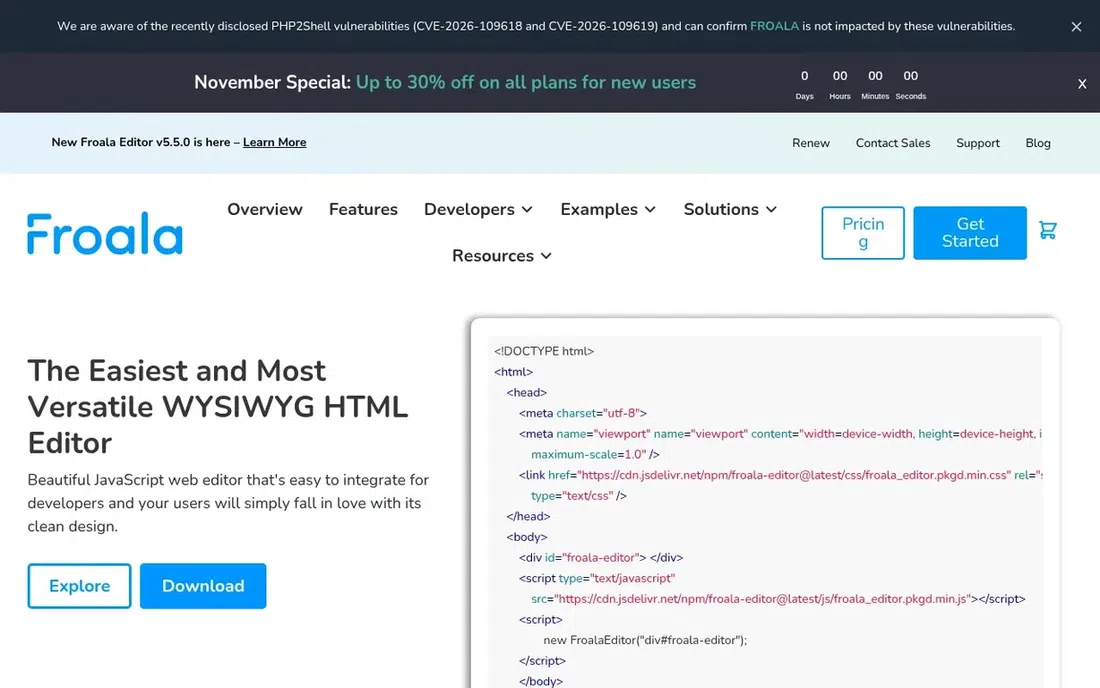
Froala Editor targets clean design and simple JavaScript integration. Froala Editor is a WYSIWYG HTML editor built as a JavaScript editor with a clean design. More specifically, choose Froala when design quality and straightforward developer integration are priorities.
Watch-outs: May need extras for advanced workflows.
On top of that, for advanced content workflows, other choices may offer more documented depth. More specifically, remote teams that want a refined editing surface without a heavy setup can evaluate Froala against their integration needs. The starting price for Froala Editor: $719 per year. Free plan details: Free trial.
- Straightforward JavaScript integration
- Clean user interface
- Fewer collaboration details on homepage
CKEditor
Best for: Collaborative editing with full documentation
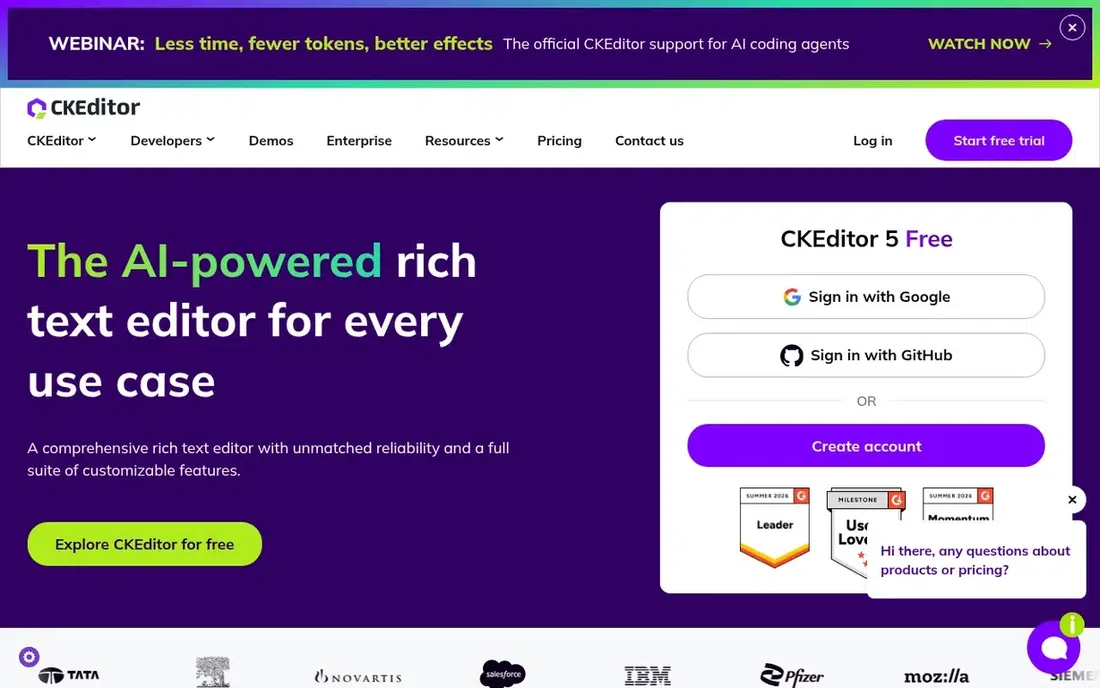
Pick CKEditor if this describes you: collaborative editing with full documentation. CKEditor is a WYSIWYG HTML editor that emphasizes collaborative rich text editing. Its homepage describes a rock-solid editor with a deep feature list, full documentation and support, which suits remote teams that require shared editing and clear reference material.
Watch-outs: Collaboration setup needs planning.
Teams that value documented behavior and collaboration can contain it in their shortlist. Beyond that, the broad feature surface can be more than a small team needs, and collaboration features need planning before rollout. On cost, CKEditor starts like this: $144 per month. CKEditor has a free plan.
- Full documentation and support
- Collaborative rich text editing
- Feature depth may overwhelm straightforward use cases
TinyMCE
Best for: Feature-rich editor with wide integrations
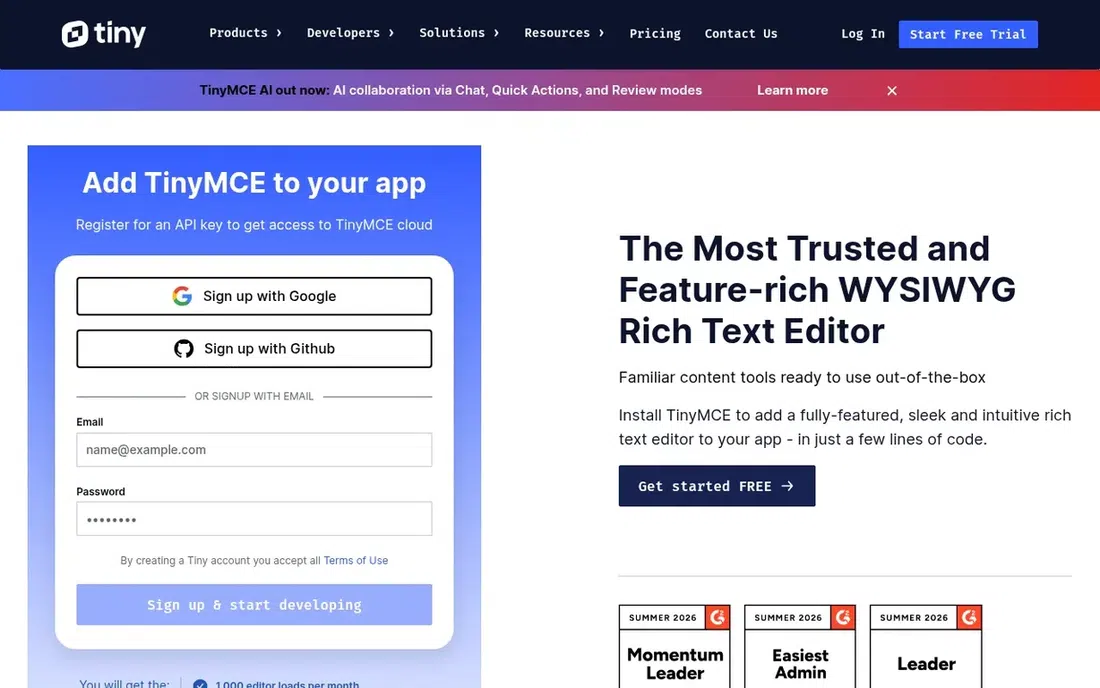
TinyMCE is aimed squarely at feature-rich editor with wide integrations. TinyMCE is a WYSIWYG rich text editor targeted at web development teams that require a wide feature set.
As for the details, the editor is presented as feature-rich. So teams that require plenty of formatting and content controls can evaluate it against their requirements. TinyMCE cost at the entry level: $79 per month. A free plan is available with TinyMCE.
Limits to weigh: Advanced features add complexity.
- Broad feature set
- Smooth integrations
- Can be heavy for straightforward needs
ProseMirror
Best for: Structured text editing components
ProseMirror is designed for structured text editing components. Teams with solid front-end skills can use it as the base for a tailored editing experience.
ProseMirror is developer-oriented and does not present itself as a turnkey editor, so implementation effort is required. No starting price is listed for ProseMirror here; confirm pricing on the vendor site. Free plan details: Not stated.
Downsides: Needs custom implementation work.
- Adaptable foundation for custom editors
- Structured text editing model
- Low-level and developer-focused
Selection criteria
Each tool was reviewed on what its vendor publishes: price, plan limits, core features and stated drawbacks. We did not run hands-on tests. Seat minimums, billing terms and add-ons can move the real cost, so the starting prices here are a guide and not a quote. The order reflects how well each tool fits the most common buying scenario for AR WYSIWYG editor software for remote teams, then price clarity, then free plan access. It is a starting point, not a verdict.
Pre-purchase checklist
- Confirm the entry price on the vendor page. For ProseMirror that means a quote rather than a fixed price.
- Read the fine print on the free plans from CKEditor and TinyMCE; seat, project and feature caps differ.
- Run a trial of Tiptap and Froala Editor with real work before paying for a year; your own workflow is the best test.
- Before choosing Tiptap, weigh its main limit: wide feature set needs evaluation.
- Confirm the exact Tiptap plan that includes your must-have features.
- Run a one or two week pilot of Froala Editor with the people who will use it every day.
FAQ
How are the tools for AR WYSIWYG editor software for remote teams ordered?
The order follows typical fit for AR WYSIWYG editor software for remote teams, with Tiptap first and ProseMirror last, then price clarity and free access. It is editorial judgement, not a score, so another team could rank the tools differently.
Which WYSIWYG editor is a good match for remote teams that require collaboration?
For most readers this guide would start with Tiptap, built for custom collaboration and document infrastructure. Froala Editor is the alternative for clean design and simple JavaScript integration, and CKEditor for collaborative editing with full documentation. The right answer depends on budget and workflow.
Is Tiptap the right pick for everyone comparing AR WYSIWYG editor software for remote teams?
No single tool suits every team. Tiptap comes first because it fits custom collaboration and document infrastructure, while Froala Editor suits clean design and easy JavaScript integration and CKEditor suits collaborative editing with full documentation. Match the tool to your own size, budget and workflow before deciding.
Which options for AR WYSIWYG editor software for remote teams have a free plan?
CKEditor and TinyMCE offer a free plan in this list. Free plans usually cap users, projects or features, so check the limits on the vendor page. Several others offer a trial instead.
Do these tools publish their prices?
Not all of them. ProseMirror publishes no starting price, so expect a quote request for it. The rest, Tiptap included, show a starting price, though seats and billing terms still change the final cost.
Sources
- https://tiptap.dev
- https://froala.com
- https://ckeditor.com
- https://www.tiny.cloud
- https://prosemirror.net