Best Body Editor App in 2026: 8 Apps Compared
Compare the best body editor app options for legitimate photo retouching of your own photos, with free tiers, current pricing and honest editing limits.
- Editor's choice
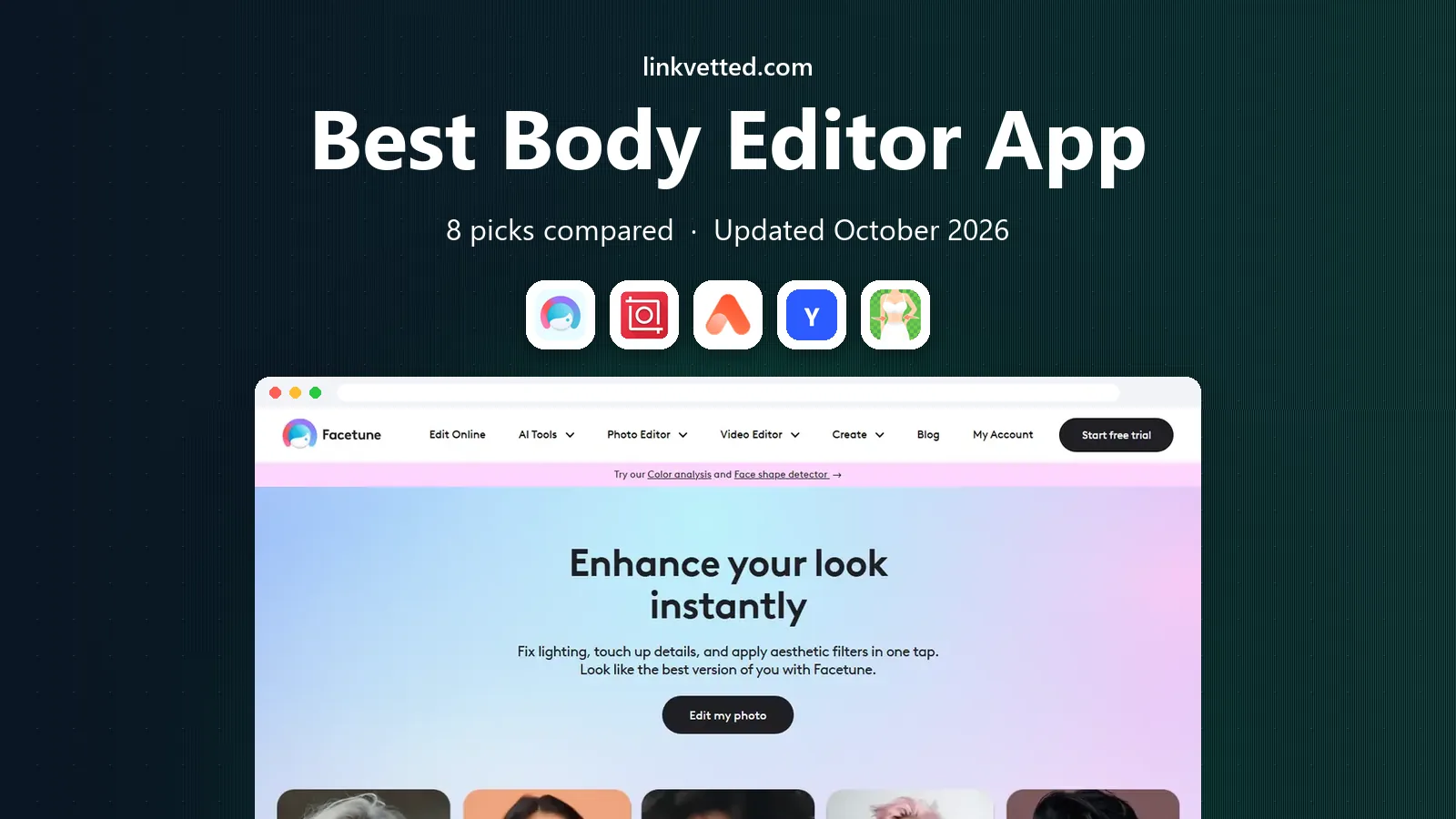
 Facetune
Detailed manual retouching
Starts atFreeVisit facetuneapp.comFull review - Great alternative
 Peachy
Quick face and body retouching
Starts atFreeVisit inshot.comFull review - Also consider
 AirBrush
Simple one tap retouching
Starts atFreeVisit airbrush.comFull review
TL;DR:
- Facetune offers the deepest manual retouching controls, while Peachy and AirBrush suit quick, one tap edits of your own portraits.
- Most apps here are free to download, but the best retouching tools sit behind a subscription or in app purchases.
- Edit only your own photos, or photos you have permission to edit, and keep an untouched original before you make changes.
- Heavy edits can look unnatural at full size, so check your edit at the size people will actually see it.
Quick comparison
| Tool | Best for | Starts at | Free plan? | |
|---|---|---|---|---|
| Facetune | Detailed manual retouching | Free | Yes | Visit |
| Peachy | Quick face and body retouching | Free | Yes | Visit |
| AirBrush | Simple one tap retouching | Free | Yes | Visit |
 YouCam Perfect | All in one selfie editing | Free | Yes | Visit |
 RetouchMe | Professional style retouching service | See website | Yes | Visit |
 BeautyPlus | Filters plus retouching | Free | Yes | Visit |
 PrettyUp | Video and photo retouching | Free | Yes | Visit |
 PhotoDirector | Full photo editing with retouching | Free | Yes | Visit |
The best body editor app
The best body editing apps in this list are legitimate photo editors for retouching your own portraits and photos. They are not tools for editing images of other people without consent, and they should never be used to create misleading or non consensual images. We compared official app listings and pricing pages for apps live in October 2026, and we focused on editors with clear retouching, reshape and skin tools for your own photos.

Facetune remains the most complete mobile retoucher for people who want control. You can smooth skin, adjust details, reshape with manual sliders and edit video as well as stills, which few rivals do well. AI headshot tools can turn a selfie into a cleaner profile photo, and the manual controls suit users who want subtle changes rather than a heavy filter.
The free tier is limited, and most of the tools you will actually want sit behind a subscription. That makes Facetune best for people who edit often, such as creators and professionals. If you edit once in a while, pair the free tier with a simpler free app below, and keep edits light so the result still looks like you.
- Precise manual controls for skin, shape and details
- Video editing included
- AI headshot features
- Best features need a subscription
- Free tier is limited
Peachy, from the makers of InShot, narrows the job to face and body retouching, which saves time when that is all a photo needs. You can smooth skin, adjust body shape, remove small blemishes and apply a one tap glow, then export directly for sharing. The interface is simple, so beginners can get a usable edit without learning a full photo editor.
Free exports may carry watermarks, and unlimited or advanced features need payment. Peachy is best for quick edits of your own portraits before posting, not for detailed professional retouching. As with every app here, use it on your own photos, keep an original copy, and check the result at full size before you share it.
- Focused retouching toolkit
- One tap glow options
- Easy export to social apps
- Some exports carry watermarks on the free tier
- Advanced features need payment

AirBrush is the easiest app on this list for a newcomer. One tap tools smooth skin, brighten eyes and add light makeup effects, and the interface stays friendly even if you have never edited a photo before. It suits quick selfie edits where you want a cleaner look without spending ten minutes on sliders.
The simplicity is also the limit. If you want precise reshape control or detailed manual work, Facetune offers more. AirBrush is best when speed matters and the edit is light. For a natural result, use the lowest strength that gives the effect you want, and compare with the original before you save.
- Very easy interface
- One tap retouching and makeup tools
- Good for beginners
- Manual control is thinner than Facetune
- Best tools need a subscription
YouCam Perfect combines selfie retouching with filters, collage tools, animation and background effects, so it suits people who want one app for several kinds of edits. Body and face tools sit alongside beauty filters, which makes it easy to finish a photo in one place. The app is updated often, with new seasonal effects and templates.
The breadth can feel busy, and many of the stronger features need a subscription. If you mainly want retouching, a focused app such as Peachy or AirBrush may be faster. If you want retouching plus filters and creative effects in one app, YouCam Perfect is a strong all rounder.
- Large filter and effect library
- Body and face tools plus collage and animation
- Regular updates
- Many features need a subscription
- Interface can feel busy
RetouchMe works differently from the other apps here, because your edit request goes to a retoucher rather than only to an automatic filter. You pick the changes you want, such as skin cleanup or body shaping, and a retoucher applies them. That human step can give a more natural result than an automatic tool, especially for tricky photos.
The trade-offs are time and cost. Edits are not instant, and pricing depends on what you request. RetouchMe is best for an important photo, such as a profile or portfolio shot, where you want a careful edit. For everyday selfies, an instant app will be faster and cheaper.
- Human retouchers handle edits
- Detailed request options
- Natural looking results when used lightly
- Edits take time to return
- Costs depend on the edits you request
BeautyPlus pairs retouching tools with a large filter and makeup library, which suits social sharing. You can smooth skin, adjust features, add makeup effects and apply a filter in one flow, then share directly. The app is popular for quick, stylised edits where a polished look matters more than a natural one.
The risk is overdoing it. Strong filters and heavy retouching can look unnatural, especially in daylight photos or at full size. Use BeautyPlus lightly for a natural result, or embrace a stylised look only when that is clearly the intent. As always, edit your own photos, and keep an original.
- Wide filter library
- Retouching plus makeup tools
- Easy sharing
- Strong filters can look unnatural
- Best features need a subscription
PrettyUp stands out because it retouches video as well as photos, which matters for creators who post short clips. Face and body tools apply across frames, so a short video can get the same cleanup as a still photo. That makes it useful for social video, where a photo only editor would not help.
Video editing is heavier on older phones, and free exports may carry watermarks. Paid plans remove those limits and add more tools. If you mainly edit photos, Facetune or Peachy will be simpler. If you edit video often, PrettyUp is worth trying.
- Retouching for video as well as photos
- Face and body tools
- Useful for creators
- Free exports may carry watermarks
- Heavy on older phones
PhotoDirector, from CyberLink, is a full photo editor that includes retouching alongside colour, layers, background tools and AI features. That breadth suits people who want to edit a photo from start to finish in one app, including exposure, colour and cropping, not just body retouching. Desktop and mobile versions help if you move between devices.
Because retouching is one part of a larger app, it is less focused than Facetune or Peachy for quick portrait work. The learning curve is also higher. If you want a complete editor and you are happy to learn it, PhotoDirector is a strong choice. If you only want quick retouching, a focused app will be faster.
- Full editing suite, not just retouching
- Layers, colour and AI tools
- Desktop and mobile versions
- Retouching is one part of a larger app
- Full features need a subscription
How we picked these
We compared official app listings and pricing pages for editors live in October 2026, and we checked that each app offers real retouching tools for your own photos. We only included legitimate photo editors from known developers, and we left out any app marketed for editing images of other people without consent. Where pricing was not clearly published, we wrote See website rather than guess.
How to edit responsibly and well
Edit your own photos, or photos you have clear permission to edit. Keep an untouched original, so you can compare and revert if an edit goes too far. That habit also protects you if you later need the original for print or for a professional use.
Keep edits natural
Use the lowest strength that achieves the effect you want, and check the result at full size and at posting size. Skin texture, background lines and shadows often reveal heavy edits first. If a background line bends or skin looks flat, pull the edit back. A light edit that still looks like you will age better than a heavy edit that looks like someone else.
Privacy and sharing
Check what an app does with your photos, especially if it processes them online rather than on your phone. Read the privacy prompts before you allow photo access, and avoid uploading photos of children or other people to an editor without a clear reason and permission. When in doubt, edit locally and keep the original private.
FAQ
What is the best free body editing app?
Peachy and AirBrush offer the best free starting points for quick retouching, while Facetune offers deeper tools behind a subscription. The best free body editing app depends on whether you want one tap edits or manual control. Start free, test on your own photos, and only pay if you edit often.
What are the best body editing apps for photos?
Facetune is best for detailed manual work, Peachy is best for quick focused retouching, and PhotoDirector is best if you also want full photo editing. AirBrush and YouCam Perfect suit beginners who want simple tools and filters. Try two apps on the same photo to see which style you prefer.
Can I edit videos with a body editor app?
Yes, Facetune and PrettyUp both offer video retouching, which is useful for short clips. Video edits take more processing power and storage than photo edits, so test on a short clip first. Free video exports may carry watermarks on some apps.
Is it okay to edit photos of other people?
Only with their permission, and only for a purpose they have agreed to. Editing images of other people without consent, especially to change their appearance in misleading ways, can harm them and breach platform rules. This list covers legitimate editors for your own photos, and we recommend keeping edits honest and consensual.
Do body editor apps keep my photos private?
It depends on the app. Some apps edit locally on your phone, while others process photos online. Check the privacy policy and permission prompts for each app, and avoid uploading sensitive photos to a service you do not trust. Keeping an original and deleting uploads you no longer need are good habits.