Best Wysiwyg Editor for React (2026): 6 Picks Checked on Vendor Pages
Need the best wysiwyg editor for react? We compare 6 tools on cost, free access and who each suits. Concise write-ups of every option. Checked this month.
- Editor's choiceFroala Editor
Clean design with straightforward developer integration
Starts at$719 a yearVisit froala.comFull review - Great alternativeQuill
Light open-source editing with a modular API
Starts atSee websiteVisit quilljs.comFull review - Also considerTinyMCE
Teams wanting a feature-rich ready-made editor
Starts at$79 a monthVisit tiny.cloudFull review
Direct answer
Froala Editor is the first pick on this list for clean design with simple developer integration. Listed starting prices: Froala Editor from $719 a year, TinyMCE from $79 a month and CKEditor 5 from $144 a month. Quill is the stronger choice for light open-source editing with a modular API, while TinyMCE suits teams wanting a feature-rich ready-made editor. The full list of 6 tools follows, with prices and free plan facts.
TL;DR:
- This list starts with Froala Editor, which is built for clean design with straightforward developer integration.
- Before buying CKEditor 5, weigh this: complicated setup for advanced cases.
- For the cheapest start, look at Tiptap: $49 per month.
- Slate fits fully configurable React rich text frameworks.
Last checked November 2026. Prices and plan details were read from the vendors' own pages in November 2026; vendors change plans often, so confirm the current price on the vendor site before you buy.
Quick comparison
| Tool | Best for | Starts at | Free plan? | |
|---|---|---|---|---|
| Froala Editor | Clean design with straightforward developer integration | $719 a year | Free trial | Visit |
| Quill | Light open-source editing with a modular API | See website | Not stated | Visit |
| TinyMCE | Teams wanting a feature-rich ready-made editor | $79 a month | Yes | Visit |
| CKEditor 5 | Collaborative rich text editing in teams | $144 a month | Yes | Visit |
| Tiptap | Extensible open-source editor with collaboration choices | $49 a month | Free trial | Visit |
| Slate | Completely configurable React rich text frameworks | See website | Not stated | Visit |
Wysiwyg Editor for React compared in detail
LinkVetted put together this guide to wysiwyg editor for react for readers who want a clear shortlist without reading every vendor page. It compares 6 tools on starting price, free plans, who each one suits and where each one falls short.
Froala Editor
Best for: Clean design with straightforward developer integration
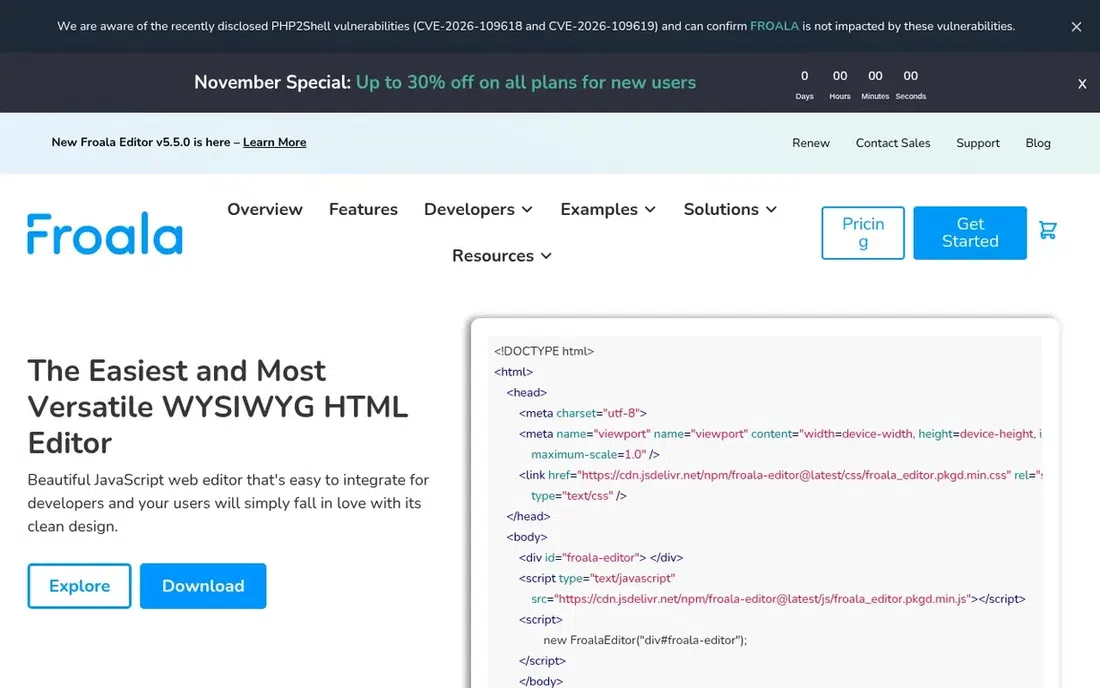
Froala Editor is a good fit for clean design with straightforward developer integration. Froala Editor is a JavaScript WYSIWYG HTML editor that emphasizes a clean design and simple integration for developers.
Drawbacks to consider: Less emphasis on deep collaboration.
Strengths: Decent default user experience. Its focus is on presentation and integration instead of deep collaborative infrastructure. So teams with complex multi-user editing requirements should compare CKEditor 5 or Tiptap. The starting price for Froala Editor: $719 per year. Free access: Free trial.
- Clean design
- Simple integration
- Customization may need extras
Quill
Best for: Light open-source editing with a modular API
Pick Quill if this describes you: light open-source editing with a modular API. It suits React projects that want a compact, well-known editor core and are comfortable adding modules for additional behavior.
Teams needing those features from day one should look at Tiptap or CKEditor 5 instead. Check the vendor site for Quill pricing; none is listed in this comparison. Free access: Not stated.
The main drawbacks: Custom modules need development.
- Open source
- Modular architecture
- Fewer built-in enterprise features
TinyMCE
Best for: Teams wanting a feature-rich ready-made editor
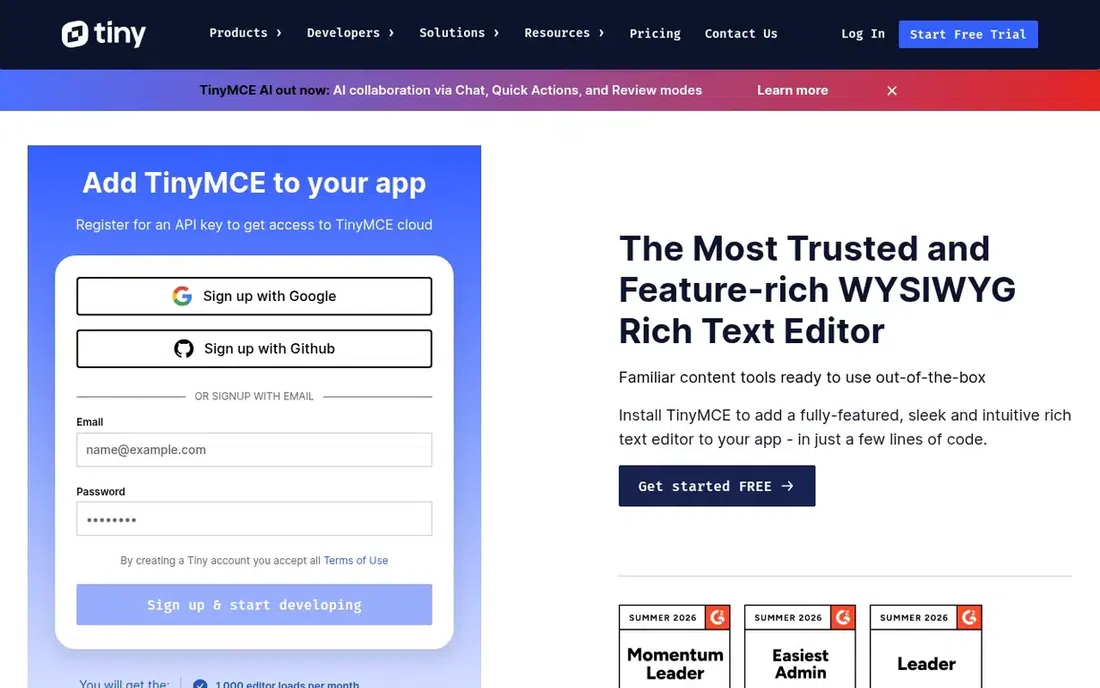
TinyMCE serves teams wanting a feature-rich ready-made editor. In a React app it gives you a packaged editing experience with AI-powered tools and integrations, which fits product teams that want solid editing behavior without building it from scratch.
More specifically, since it is a full editor instead of a bare framework, customization beyond the documented choices can take more effort. The surface area is bigger than a lightweight alternative. TinyMCE starts at: $79 per month. TinyMCE has a free plan.
Downsides: Advanced features may need configuration.
- Smooth integrations
- Wide feature set
- Heavier than minimal frameworks
CKEditor 5
Best for: Collaborative rich text editing in teams
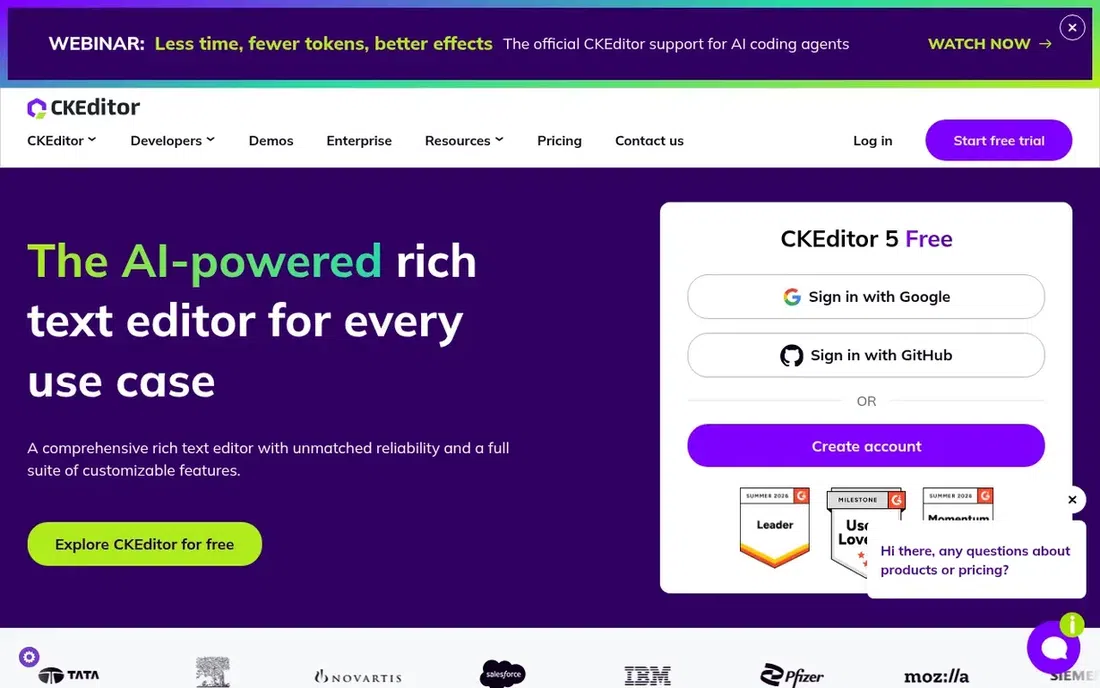
CKEditor 5 serves collaborative rich text editing in teams. CKEditor 5 is a WYSIWYG HTML editor built around collaborative rich text editing, with a wide feature set and full documentation.
The breadth of features means more configuration and a steeper ramp-up time for straightforward use cases. On cost, CKEditor 5 starts like this: $144 per month. CKEditor 5 offers a free plan.
Limits to weigh: Large feature surface to learn.
- Collaborative editing support
- Full documentation
- Complicated setup for advanced cases
Tiptap
Best for: Extensible open-source editor with collaboration choices
Where Tiptap fits: Extensible open-source editor with collaboration choices. It suits React teams that want an adaptable foundation and are comfortable composing features through extensions.
Downsides: More assembly required.
Worth adding: teams wanting a complete editor with minimal assembly may prefer TinyMCE or CKEditor 5. Tiptap starts at: $49 per month. Trial and free access: Free trial.
- Open source core
- Collaboration and comments
- Feature set relies on extensions
Slate
Best for: Completely configurable React rich text frameworks
Slate was built for completely configurable React rich text frameworks. If your requirements are conventional, a packaged editor for example CKEditor 5 or TinyMCE will normally get you there with less engineering effort.
As for the details, almost everything beyond the core is your responsibility, including toolbar behavior, serialization choices and collaboration. Slate is described as a fully configurable framework for building rich text editors, with guidance for building editors using React and TypeScript. Check the vendor site for Slate pricing; none is listed in this comparison. On free options: Not stated.
Where it is weaker: Needs solid editor knowledge.
- Fully configurable
- React and TypeScript friendly
- You build most features
What went into this list
The comparison looks at four things: starting price, free access, how well the feature set matches wysiwyg editor for react, and the main limit of each tool. Where a vendor does not publish a price, the entry says quote. Where a price depends on seats or billing term, the entry says so. We ordered the tools by general fit, then by how clearly pricing is shown, then by free access. A buyer with unusual needs may reorder them.
Before you commit
- Ask Quill and Slate for a written quote, since no starting price is shown.
- Check what the free option really includes: TinyMCE and CKEditor 5 offer a free plan, and usage caps differ.
- Take the trial from Froala Editor and Tiptap and push a live task through it before you pay.
- Before choosing Froala Editor, weigh its main limit: less emphasis on deep collaboration.
- Run a one or two week pilot of Froala Editor with the people who will use it every day.
- Test how quickly Tiptap answers a pre-sales question; it hints at how support will feel later.
FAQ
Can I try these tools before paying?
Often, yes. TinyMCE and CKEditor 5 have a free plan and Froala Editor and Tiptap offer a free trial. Use your own data and a real task during the test, and check what the free tier or trial limits before you rely on it.
What is the cheapest option for wysiwyg editor for react in this list?
On published monthly entry prices, Tiptap is the lowest here at $49 per month. Entry price is only part of the cost, because seats, add-ons and billing terms can change the total.
Which options for wysiwyg editor for react have a free plan?
On this list, TinyMCE and CKEditor 5 include a free plan. Caps on seats, usage or features are common, so test the free plan against your real workload. Several others offer a trial instead.
How are the tools for wysiwyg editor for react ordered?
Froala Editor sits first and Slate last because the order follows typical fit for wysiwyg editor for react, then price clarity and free access. It is a judgement call, so read each profile for fit and limits.
Are open-source editors right for production React apps?
Yes, multiple choices here have open-source cores, including Tiptap, Quill and Slate. The key is to confirm that the features you need are available in the edition you plan to use and that you can maintain any custom modules.
Sources
- https://froala.com
- https://quilljs.com
- https://www.tiny.cloud
- https://ckeditor.com
- https://tiptap.dev
- https://www.slatejs.org