The 5 Best Audio Editor Software in 2026, Ranked
Shortlisting the best audio editor software? 5 products compared on cost, free access and ideal buyer. Each listing flags where it falls short. Easy to scan.
- Editor's choiceFL Studio
Music creation, mixing and mastering
Starts atPricing on requestVisit image-line.comFull review - Great alternativeAbleton Live
Experimental sound design and live workflows
Starts atPricing on requestVisit ableton.comFull review - Also consider
 Adobe Audition
In-depth waveform and spectral editing
Starts atPricing on requestVisit adobe.comFull review
Direct answer
FL Studio comes first here, mainly for music creation, mixing and mastering. Look at Ableton Live for experimental sound design and live workflows, and at Adobe Audition for detailed waveform and spectral editing. Free plan facts and limits for all 5 tools follow. None of these vendors publish plan prices, so pricing is on request for every option.
TL;DR:
- FL Studio takes the first slot, best suited to music creation, mixing and mastering.
- The main caution on Ableton Live: production-focused instead of post.
- No starting price is shown for any of the 5 tools, FL Studio and Pro Tools included, so plan time for sales calls.
- Pro Tools suits professional recording and mixing.
- None of the 5 tools, from FL Studio to Pro Tools, has a free plan, so budget for a subscription or use a trial.
Last checked November 2026. Pricing on request: vendors did not publish plan prices when this guide was last checked (November 2026), so ask each vendor for a written quote.
Quick comparison
| Tool | Best for | Starts at | Free plan? | |
|---|---|---|---|---|
| FL Studio | Music creation, mixing and mastering | Pricing on request | Not stated | Visit |
| Ableton Live | Experimental sound design and live workflows | Pricing on request | Not stated | Visit |
| Adobe Audition | In-depth waveform and spectral editing | Pricing on request | Not stated | Visit |
 Logic Pro | Music creation on Mac and iPad | Pricing on request | Not stated | Visit |
 Pro Tools | Professional recording and mixing | Pricing on request | Not stated | Visit |
Tool-by-tool breakdown
If you are comparing audio editor software, this page covers 5 tools in one place: what each is best for, what it costs to start, whether it has a free plan, and the main limit to know about.
FL Studio
Best for: Music creation, mixing and mastering
Think of FL Studio for music creation, mixing and mastering. Consider it when beat-making and full-track production are your primary tasks. In daily use, the vendor also states that it includes lifetime free updates.
As for the details, FL Studio by Image-Line is music production software for creating, arranging, recording, editing, mixing and mastering. It spans the full path from initial idea to finished track, which makes it a fit for beatmakers and producers who want one environment for the entire process. Pricing for FL Studio is not stated here, so ask the vendor for current figures. On free options: Not stated.
Honest limits: Music-first focus.
- Lifetime free updates stated
- Arrange and record
- Edition differences to check
Ableton Live
Best for: Experimental sound design and live workflows
Ableton Live makes the most sense for experimental sound design and live workflows. Pick Live when creative sound design and production are the priority.
It fits producers and performers who want to shape sounds creatively and move rapidly from idea to arrangement. Ableton Live does not show a starting price in this comparison, so check the vendor site for current pricing. Free plan details: Not stated.
Honest limits: Production-focused instead of post.
- Precision mixing effects
- Workflow improvements for ideas
- Dense interface for new users
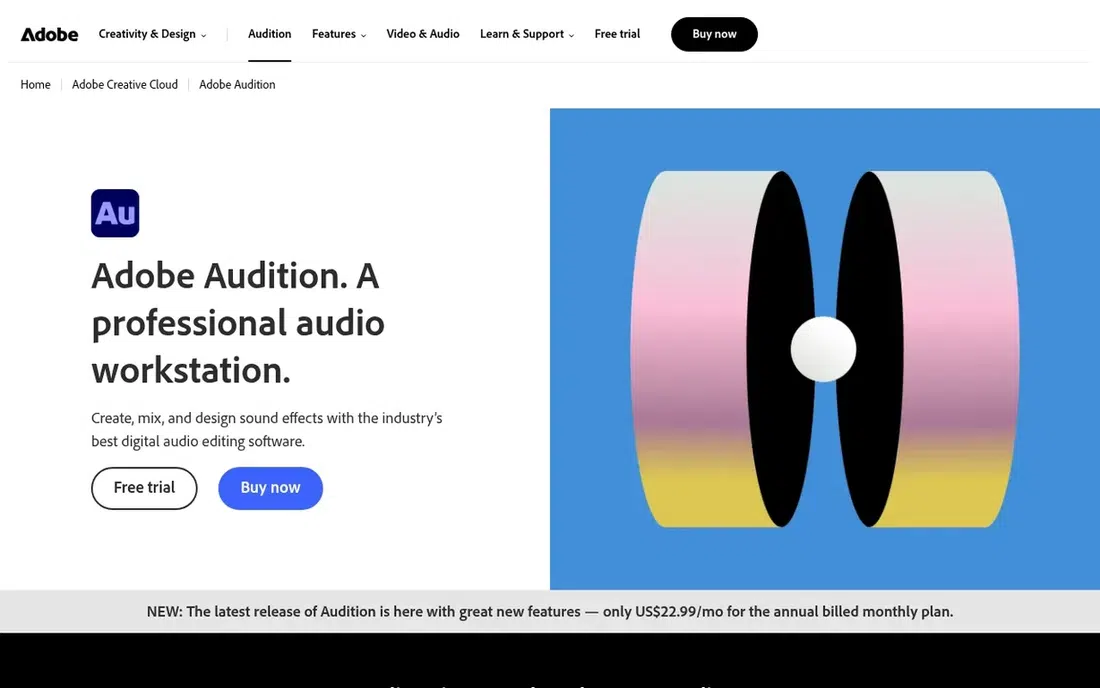
Where Adobe Audition fits: in-depth waveform and spectral editing. Adobe Audition is audio recording and editing software built around a thorough toolset that bundles multitrack, waveform and spectral display. For everyday use, if you only have to trim clips or record a fast voice track, a lighter editor may be simpler to learn.
As for the details, consider it when spectral repair and precise editing matter more than simplicity. As for the details, since Audition is positioned inside Adobe's ecosystem, it makes most sense for people already working with those tools. This comparison lists no price for Adobe Audition; ask the vendor. Trial and free access: Not stated.
Where it is weaker: Heavier than straightforward editors.
- Thorough editing toolset
- Multitrack
- Subscription-based access
Logic Pro makes the most sense for music creation on Mac and iPad. Choose it when songwriting and beat-making are central to your work and you want editing and mixing in the same environment.
Points against: Apple products only.
On top of that, if you already work on Apple hardware, it keeps creation and editing close together. Logic Pro is Apple's music creation environment for Mac and iPad, with features for songwriting, beat-making, editing and mixing. No starting price is listed for Logic Pro here; confirm pricing on the vendor site. Free access: Not stated.
- Songwriting and beat-making features
- Runs on Mac and iPad
- Music-first instead of post-focused
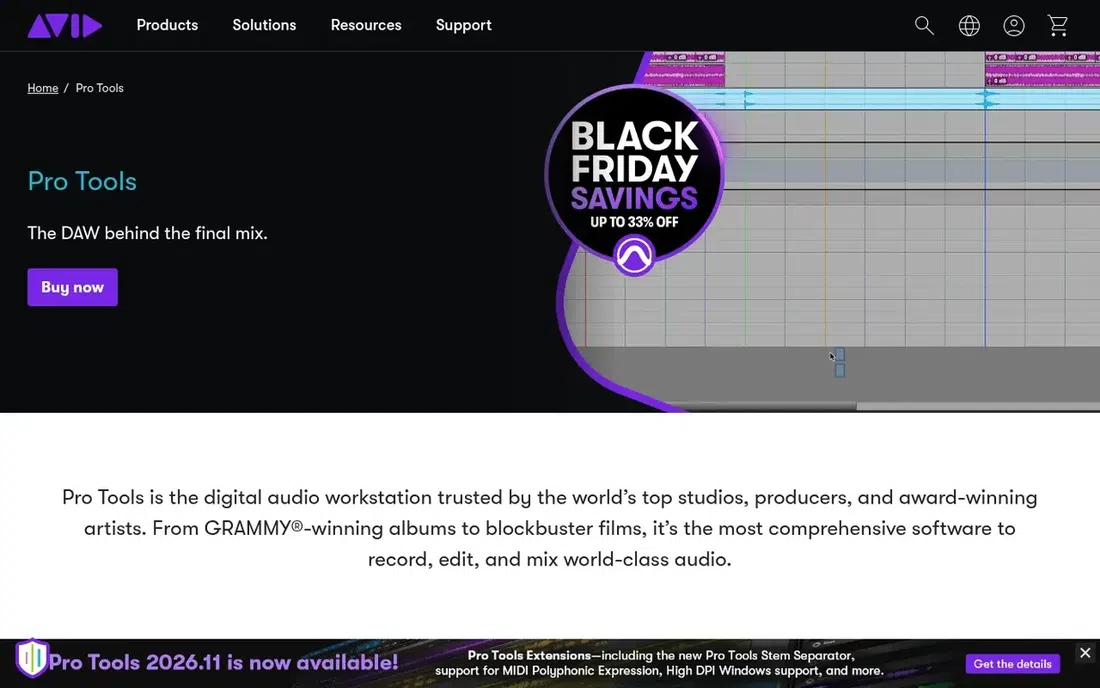
Pro Tools makes the most sense for professional recording and mixing. The depth that makes Pro Tools capable also makes it slower to learn than more straightforward editors, and its workflow assumes a production context.
Check the vendor site for Pro Tools pricing; none is listed in this comparison. On free options: Not stated.
Watch-outs: Deeper ramp-up time.
- Edit and mix workflows
- Used for music and film sound
- Targeted at studio workflows
How these tools were picked
The comparison looks at four things: starting price, free access, how well the feature set matches audio editor software, and the main limit of each tool. Where a price is missing, the vendor does not list one publicly or ties it to a quote. Always confirm before budgeting. Position on the page reflects fit for a typical buyer first, with price clarity and free access breaking ties. Treat it as a guide, not a ruling.
What to check before you buy
- Ask each vendor, from FL Studio to Pro Tools, for a written quote; none of them publishes a starting price.
- Read the limits listed for FL Studio first: music-first focus.
- Confirm the exact FL Studio plan that includes your must-have features.
- Run a one or two week pilot of Ableton Live with the people who will use it every day.
- Ask whether Logic Pro integrates with your current software, and whether that comes standard or as an add-on.
FAQ
Do these tools publish their prices?
No. None of the tools, from FL Studio to Pro Tools, shows a fixed starting price here, so budget time for quotes.
Can I try these options before paying?
Not by default. None of the tools, from FL Studio to Pro Tools, lists a free plan or a free trial here, so ask each vendor for a demo before committing.
Is FL Studio the right pick for everyone comparing audio editor software?
No single tool suits every team. FL Studio comes first because it fits music creation, mixing and mastering, while Ableton Live suits experimental sound design and live workflows and Adobe Audition suits detailed waveform and spectral editing. Match the tool to your own size, budget and workflow before deciding.
How are the tools for audio editor software ordered?
FL Studio sits first and Pro Tools last because the order follows typical fit for audio editor software, then price clarity and free access. It is a judgement call, so read each profile for fit and limits.
Sources
- https://www.image-line.com/fl-studio
- https://www.ableton.com/en/live
- https://www.adobe.com/products/audition.html
- https://www.apple.com/logic-pro
- https://www.avid.com/pro-tools