The 5 Best Audio Editing Software Online in 2026, Ranked
5 products for the best audio editing software online, ranked by fit, with starting costs and free tiers. Plain-spoken summaries throughout. Facts only.
- Editor's choice
 Audacity
Free open source recording and editing
Starts atSee websiteVisit audacityteam.orgFull review - Great alternative
 Descript
Text-based audio and video editing
Starts at$16 per person a monthVisit descript.comFull review - Also considerAvid Pro Tools
Professional recording, editing, and mixing
Starts atSee websiteVisit avid.comFull review
Direct answer
For free open source recording and editing, Audacity is where this list starts. Listed starting prices: Descript from $16 per person a month. Descript is better for text-based audio and video editing, and Avid Pro Tools is better for professional recording, editing, and mixing. Details, prices and limits for the rest of the 5 tools are below.
TL;DR:
- Audacity takes the first slot, best suited to free open source recording and editing.
- For music production and experimental sound design, Ableton Live is worth a look.
- One limit worth knowing about Adobe Audition: subscription-based desktop software, not browser-only.
- Starting prices begin at $16 per person per month with Descript.
Last checked November 2026. Prices and plan details were read from the vendors' own pages in November 2026; vendors change plans often, so confirm the current price on the vendor site before you buy.
Quick comparison
| Tool | Best for | Starts at | Free plan? | |
|---|---|---|---|---|
| Audacity | Free open source recording and editing | See website | Not stated | Visit |
| Descript | Text-based audio and video editing | $16 per person a month | Yes | Visit |
| Avid Pro Tools | Professional recording, editing, and mixing | See website | Not stated | Visit |
 Adobe Audition | In-depth multitrack and spectral editing | See website | Not stated | Visit |
| Ableton Live | Music production and experimental sound design | See website | Not stated | Visit |
5 options for audio editing software online in detail
If you are comparing audio editing software online, this page covers 5 tools in one place: what each is best for, what it costs to start, whether it has a free plan, and the main limit to know about.
Audacity serves free open source recording and editing. Audacity is a free, open source audio editor and recorder. It manages typical tasks like recording, trimming, noise reduction, and exporting files, which makes it a practical starting point for students, hobbyists, and anyone who needs entry-level editing without a subscription.
Honest limits: Interface feels utilitarian.
It runs as desktop software and works across typical systems. From a buyer's view, Audacity is not designed for advanced music production or spectral editing at the level of a full DAW. Its interface is functional instead of refined, and complicated projects can become unwieldy. On top of that, if you need multitrack polish, text-based editing, or professional mixing, step up to a dedicated workstation or editor. Audacity does not show a starting price in this comparison, so check the vendor site for current pricing. Free access: Not stated.
- Free and open source
- Records and edits audio
- Fewer advanced production features
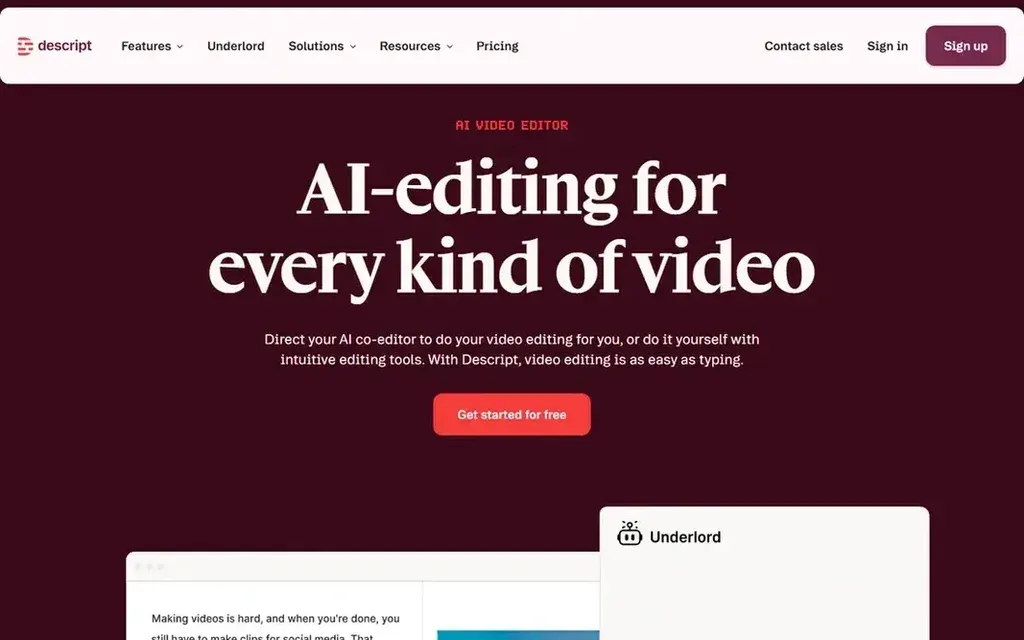
Descript is designed for text-based audio and video editing. Descript is an AI video and audio editor that makes editing as simple as editing text. Also, you record or import media, let it transcribe, then cut words in the transcript to cut them from the audio.
That makes it a natural fit for podcasters, interviewers, and creators who want quick rough cuts and clean spoken-word content without scrubbing waveforms for hours. For everyday use, since the workflow centers on transcripts, Descript is less suited to music production, sound design, or precise spectral repair. Starting cost for Descript: $16 per person per month. You can start on Descript without paying.
Honest limits: Text-first approach may feel limiting for deep sound design.
- Edit audio by editing transcribed text
- Deals with both audio and video projects
- Best results rely on clean transcription
Avid Pro Tools
Best for: Professional recording, editing, and mixing
Avid Pro Tools makes the most sense for professional recording, editing, and mixing. Avid Pro Tools is a professional digital audio workstation for recording, editing, composing, and mixing music, audio, and sound for film and television. It is targeted at engineers and post-production teams who require a dependable, in-depth environment for complicated sessions.
Worth adding: choose it when professional mixing and post-production are the core of your work. The toolset includes the full path from capture through mix. Check the vendor site for Avid Pro Tools pricing; none is listed in this comparison. Free options: Not stated.
What to check first: Overkill for straightforward editing tasks.
- Aimed at music, film
- Recording, editing, composing
- Heavier ramp-up time
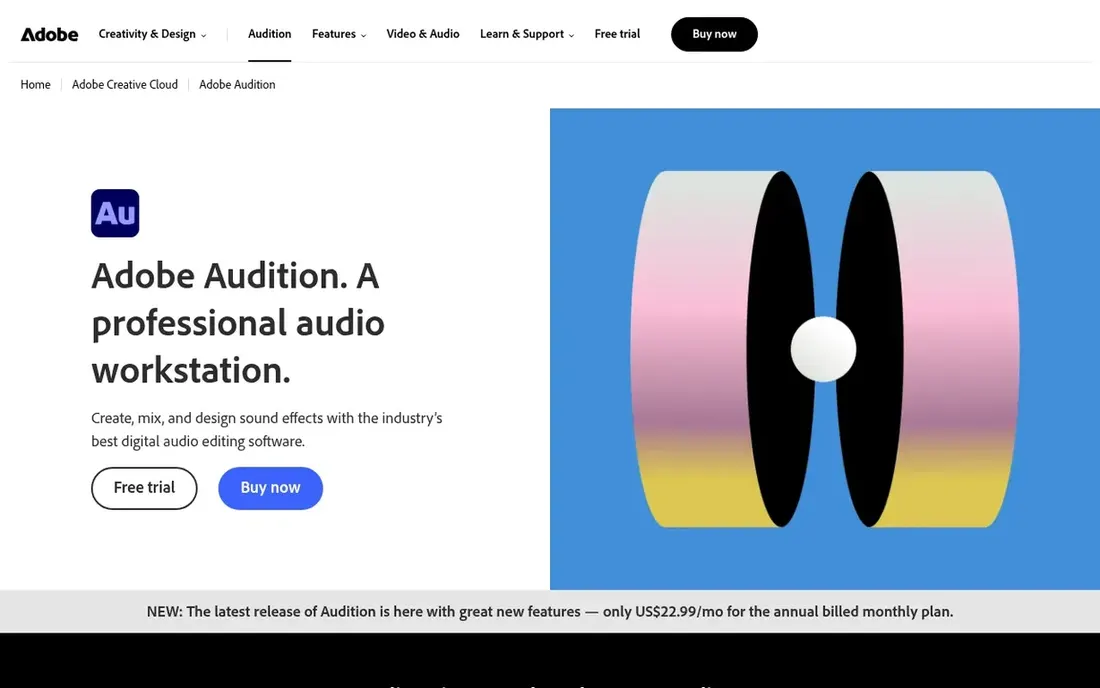
Adobe Audition makes the most sense for in-depth multitrack and spectral editing. Adobe Audition is audio recording and editing software built around a thorough toolset that comes with multitrack, waveform, and spectral display. That combination makes it a solid fit for podcasters, video editors, and sound designers who require to clean up recordings, remove noise, and assemble layered sessions.
Where it falls short: Subscription-based desktop software, not browser-only.
As for the details, Audition is desktop software instead of a purely online editor, so it fits people who want a full workstation. Its depth can feel heavy for straightforward trimming or transcription work. No starting price is listed for Adobe Audition here; confirm pricing on the vendor site. Free options: Not stated.
- Designed for recording, mixing
- Suits podcast and post-production workflows
- Dense interface takes time to learn
Ableton Live
Best for: Music production and experimental sound design
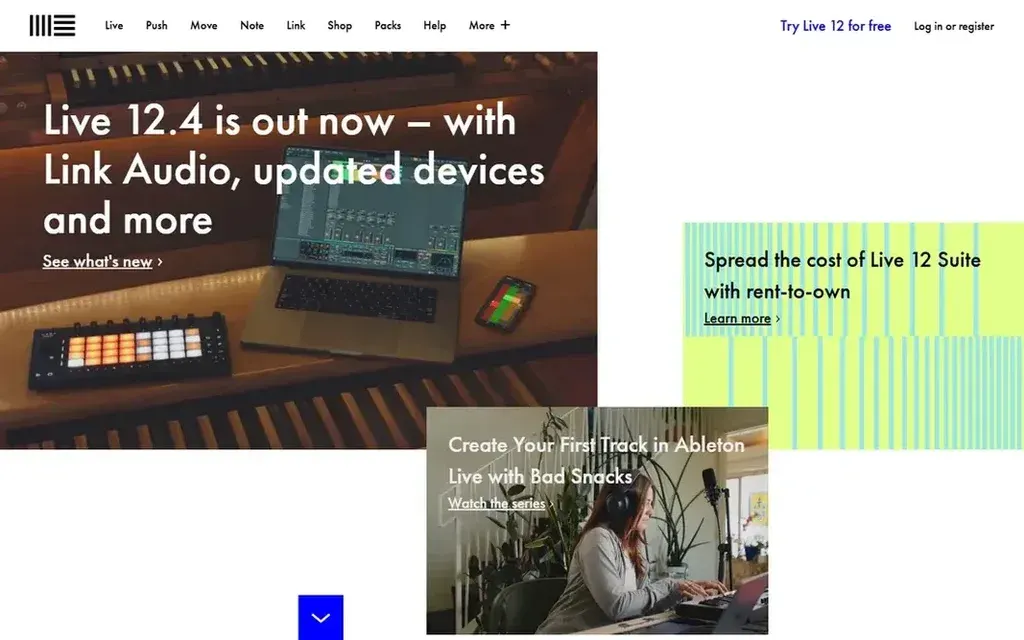
Where Ableton Live fits: music production and experimental sound design. Ableton Live is a digital audio workstation known for its approach to music creation, with experimental sound design tools, precision mixing effects, and workflow improvements pitched at bringing ideas into focus.
It appeals to producers, composers, and performers who want to sketch ideas rapidly and then arrange them into finished tracks. Pricing for Ableton Live is not stated here, so ask the vendor for current figures. As for free access: Not stated.
Trade-offs to know: Ramp-up time for newcomers to DAWs.
- Capable sound design and mixing effects
- Session and arrangement views for composing
- Not concentrated on spoken-word editing
What went into this list
LinkVetted looked at what each vendor publishes: pricing, plan limits, feature coverage for audio editing software online and stated drawbacks. No hands-on testing is claimed. Treat prices as a snapshot: vendors change plans often, so check the vendor site for the figure that applies today. The sequence is a judgement call: typical use case first, then pricing transparency, then free access. Use the profiles to check fit.
A buyer's checklist
- Get a written quote from Audacity, Avid Pro Tools, Adobe Audition and Ableton Live; the list shows no starting price for them.
- Test the free plan from Descript against your real workload before relying on it.
- Read the limits listed for Audacity first: interface feels utilitarian.
- Confirm the exact Descript plan that includes your must-have features.
- Get the contract term, renewal terms and any onboarding fees from Ableton Live in writing.
FAQ
Which options for audio editing software online have a free plan?
Descript is the only tool in this list with a free plan. Free plans usually cap users, projects or features, so check the limits on the vendor page. Each of the 5 options in this audio editing software online guide has its own card above with the price, free plan and limits.
How are the tools for audio editing software online ordered?
Audacity sits first and Ableton Live last because the order follows typical fit for audio editing software online, then price clarity and free access. It is a judgement call, so read each profile for fit and limits.
Can I edit audio entirely online without installing software?
Check each vendor page to confirm whether a browser choice exists for your needs. If portability matters most, prioritize tools that explicitly support online editing.
Can I try these tools before paying?
Often, yes. Descript has a free plan. Use your own data and a real task during the test, and check what the free tier or trial limits before you rely on it.
Do these tools publish their prices?
Not all of them. Audacity, Avid Pro Tools, Adobe Audition and Ableton Live publish no starting price, so expect a quote request for those. The rest, Descript included, show a starting price, though seats and billing terms still change the final cost.
Sources
- https://www.audacityteam.org
- https://www.descript.com
- https://www.avid.com/pro-tools
- https://www.adobe.com/products/audition.html
- https://www.ableton.com/en/live