Audio Editing Software for Remote Teams in 2026: The 6 Best Options Side by Side
6 products for the best audio editing software for remote teams, ranked by fit, with starting costs and free tiers. The catches are listed up front. No hype.
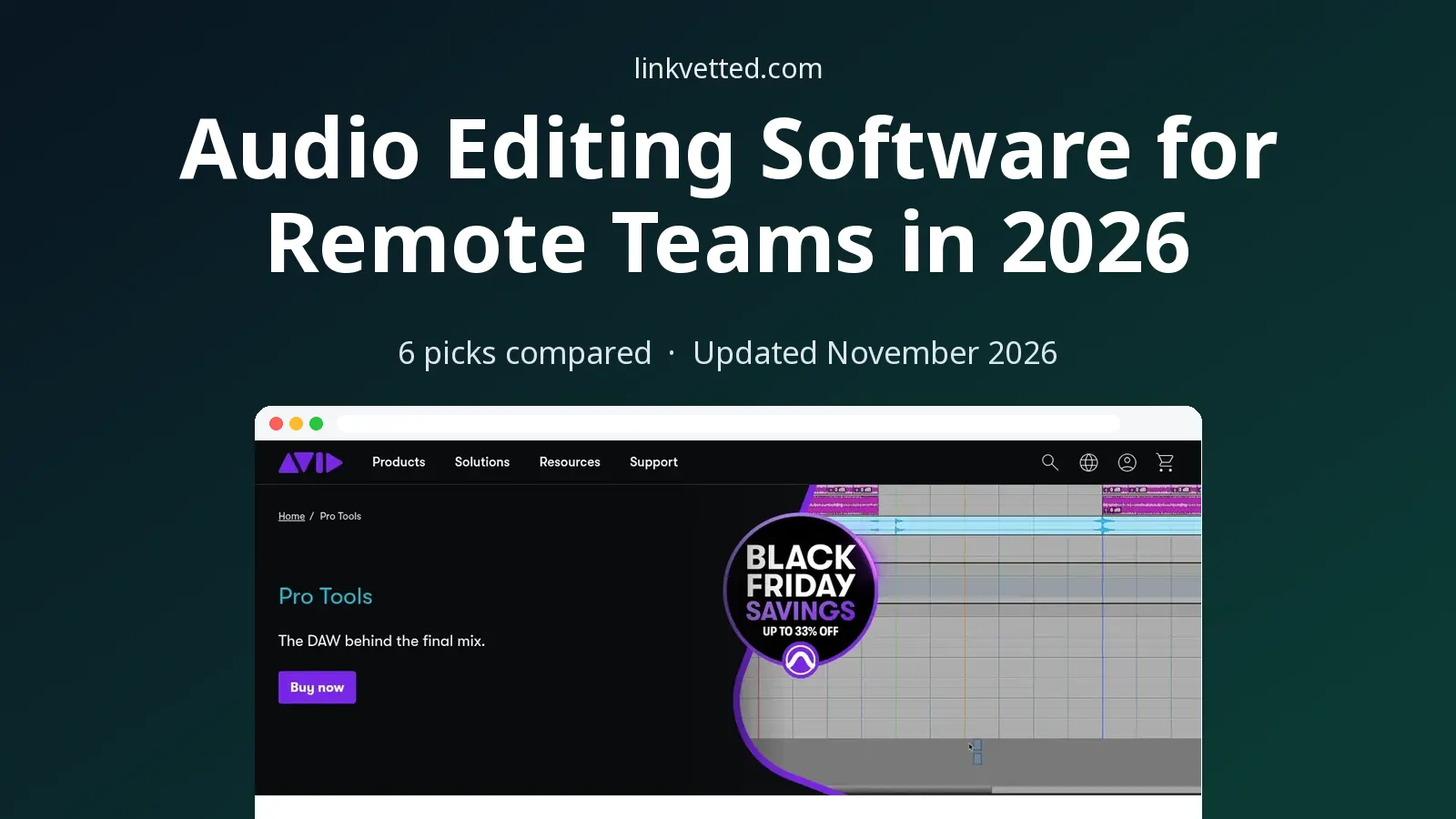
- Editor's choiceAvid Pro Tools
Professional recording, editing and mixing
Starts atSee websiteVisit avid.comFull review - Great alternativeApple Logic Pro
Mac and iPad music creation
Starts atSee websiteVisit apple.comFull review - Also consider
 Audacity
Open source recording and entry-level editing
Starts atSee websiteVisit audacityteam.orgFull review
Direct answer
Avid Pro Tools is the first pick on this list for professional recording, editing and mixing. Listed starting prices: Descript from $16 per person a month. For a different need, Apple Logic Pro covers Mac and iPad music creation and Audacity covers open source recording and entry-level editing. The remaining 3 options are covered below with prices and limits.
TL;DR:
- Avid Pro Tools sits first on this list: professional recording, editing and mixing.
- The main caution on Avid Pro Tools: heavy setup for casual teams.
- Descript stands alone as the one tool in this list with a free plan.
- Descript fits text-based editing and transcription.
Last checked November 2026. Prices and plan details were read from the vendors' own pages in November 2026; vendors change plans often, so confirm the current price on the vendor site before you buy.
Quick comparison
| Tool | Best for | Starts at | Free plan? | |
|---|---|---|---|---|
| Avid Pro Tools | Professional recording, editing and mixing | See website | Not stated | Visit |
| Apple Logic Pro | Mac and iPad music creation | See website | Not stated | Visit |
| Audacity | Open source recording and entry-level editing | See website | Not stated | Visit |
| Ableton Live | Experimental sound design and music workflows | See website | Not stated | Visit |
 Adobe Audition | In-depth multitrack and spectral editing | See website | Not stated | Visit |
 Descript | Text-based editing and transcription | $16 per person a month | Yes | Visit |
The best audio editing software for remote teams
LinkVetted put together this guide to audio editing software for remote teams for readers who want a clear shortlist without reading every vendor page. It compares 6 tools on starting price, free plans, who each one suits and where each one falls short.
Avid Pro Tools
Best for: Professional recording, editing and mixing
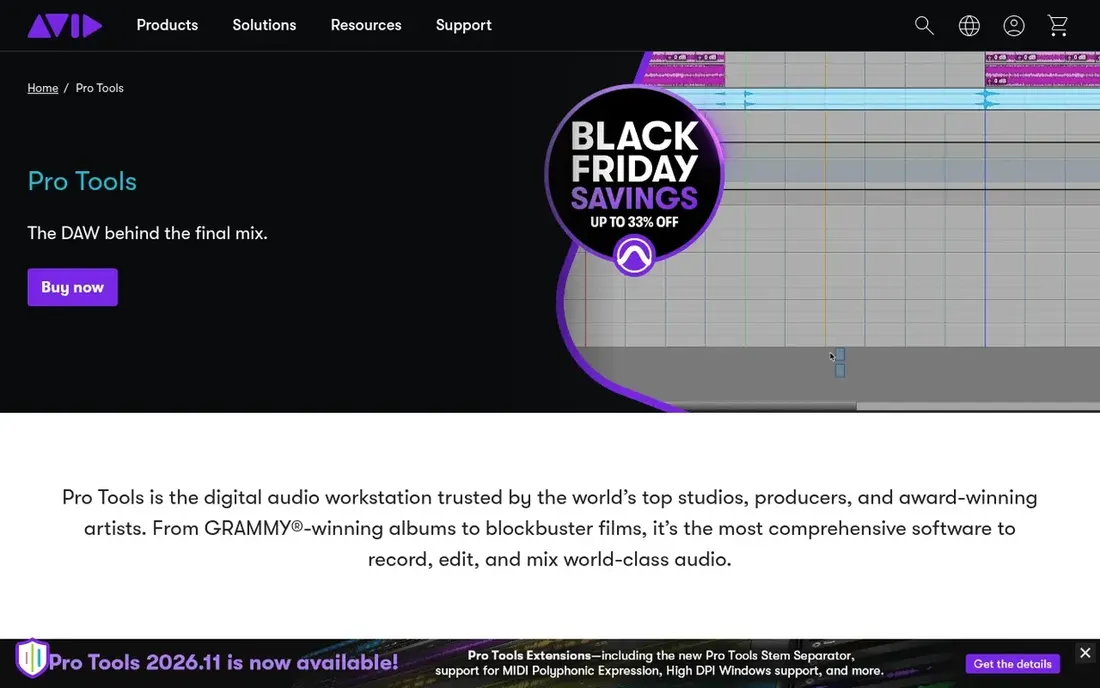
Avid Pro Tools works best for professional recording, editing and mixing. Avid Pro Tools is described as a professional digital audio workstation for recording, editing, composing and mixing music, audio and sound for film and television.
Points against: Heavy setup for casual teams.
Choose it when professional audio post is the core of the work instead of an occasional task. No starting price is listed for Avid Pro Tools here; confirm pricing on the vendor site. Trial and free access: Not stated.
- Deep editing and composition features
- Designed for recording and mixing
- Complicated for straightforward podcast edits
Apple Logic Pro
Best for: Mac and iPad music creation
Apple Logic Pro is a good fit for Mac and iPad music creation. Logic Pro is Apple's music creation environment for Mac and iPad, with features for songwriting, beat-making, editing and mixing. For everyday use, pick Logic Pro when music creation is the priority and the team is Apple-based.
Where it falls short: Apple hardware required.
Worth adding: remote teams already working in the Apple ecosystem may appreciate moving between devices whereas keeping projects consistent. The app includes composition through to a finished mix for music-led audio work. This comparison lists no price for Apple Logic Pro; ask the vendor. As for free access: Not stated.
- Songwriting and beat-making features
- Runs on Mac and iPad
- Music focus over dialogue cleanup
Audacity serves open source recording and basic editing. Audacity is a free, open source audio editor and recorder. As for the details, Audacity is not a full production suite, so complicated multitrack mixing or advanced restoration may push teams elsewhere.
Downsides: Entry-level compared to full DAWs.
As for the details, remote teams that require a straightforward way to record voice, trim clips and apply entry-level edits can standardize on it without licensing complexity. Its open source nature makes it simple for contributors to install and start working from a shared set of instructions. As for the details, very large projects can become unwieldy. Check the vendor site for Audacity pricing; none is listed in this comparison. Trial and free access: Not stated.
- Records and edits audio
- Simple starting point for teams
- Restricted advanced mixing features
Ableton Live
Best for: Experimental sound design and music workflows
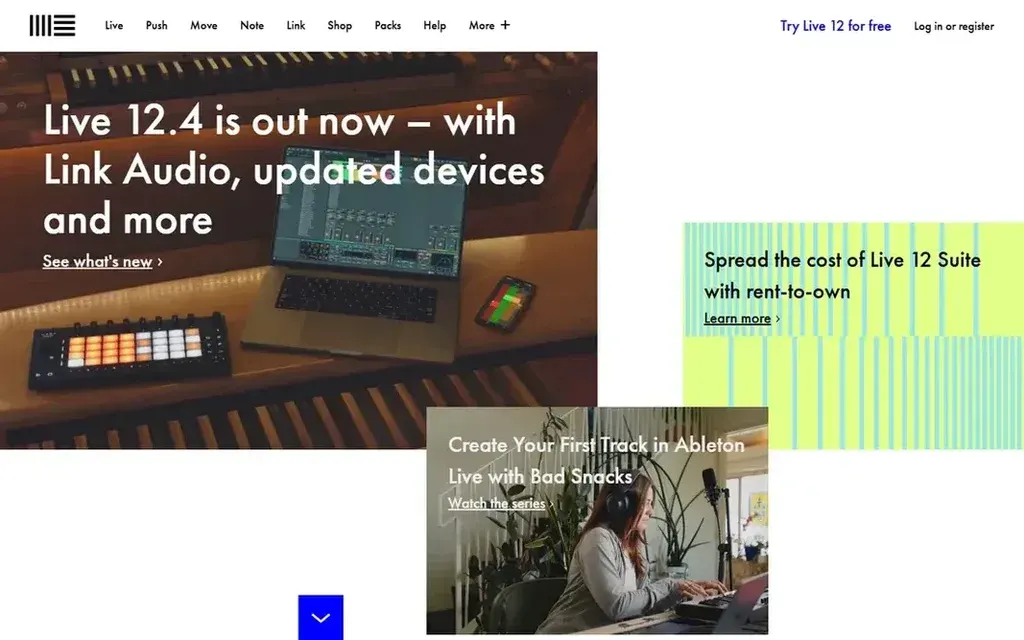
Ableton Live is aimed squarely at experimental sound design and music workflows. Ableton Live is a digital audio workstation known for experimental sound design tools, precision mixing effects and workflow improvements targeted at bringing ideas into focus.
The main drawbacks: Music-first focus over spoken word.
Ableton Live shows no starting price here, so confirm the cost on the vendor site. Free plan details: Not stated.
- Fits music and creative audio work
- Workflow improvements for idea capture
- Ramp-up time for non-musicians
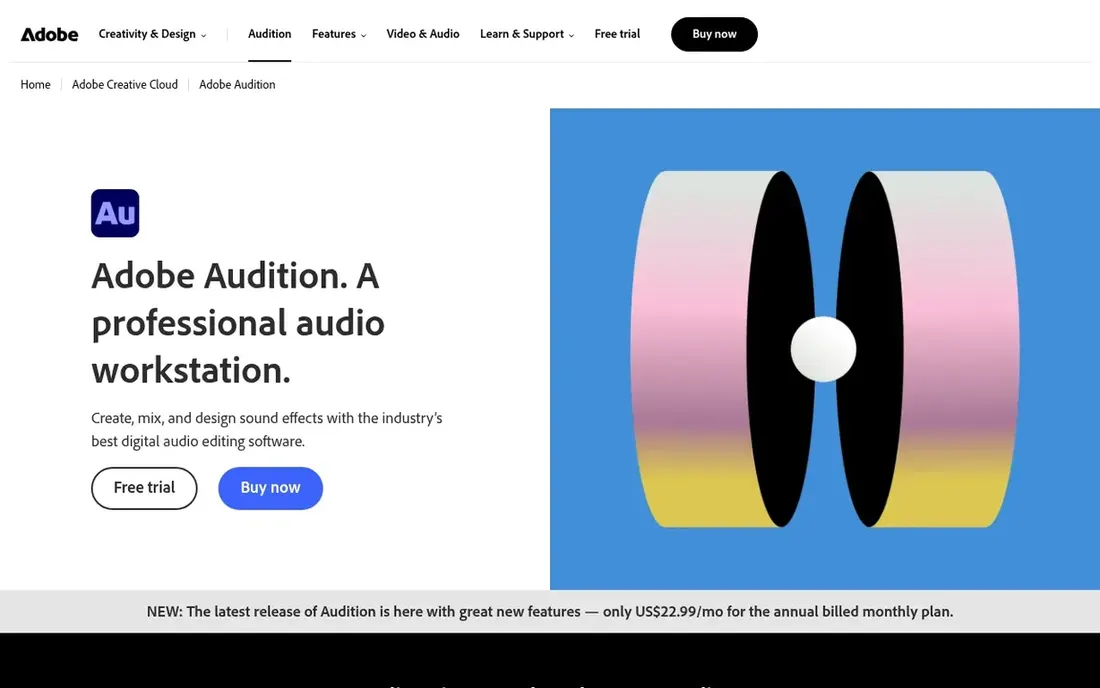
Think of Adobe Audition for in-depth multitrack and spectral editing. Adobe Audition is audio recording and editing software built around a thorough toolset that comes with multitrack, waveform and spectral display.
Watch-outs: Dense interface for beginners.
The combination of views lets editors move between arranging clips and cleaning up problem frequencies, which helps when multiple people contribute recordings from different setups. Also, the interface is deep, so new team members may need onboarding before they can edit confidently. Adobe Audition shows no starting price here, so confirm the cost on the vendor site. On free options: Not stated.
- Multitrack
- Suits mixed audio and video workflows
- Subscription-based access
Choose Descript for text-based editing and transcription. Remote teams producing podcasts, interviews or training audio may find the text-based approach cuts back-and-forth, since collaborators can review a transcript rather than scrubbing through a timeline. In daily use, teams needing spectral repair or deep mixing should look at a dedicated editor.
On top of that, text-based editing relies on transcript quality, and music or heavily layered sound design sits outside its central strength. On top of that, pick Descript when spoken-word speed and shared review matter most. Descript cost at the entry level: $16 per person per month. Descript offers a free plan.
Best features of Descript: transcribe and publish in one tool.
Honest limits: Depends on transcript accuracy.
- Record
- Accelerates spoken-word workflows
- Less suited to music production
How we chose
Each tool was reviewed on what its vendor publishes: price, plan limits, core features and stated drawbacks. We did not run hands-on tests. Treat prices as a snapshot: vendors change plans often, so check the vendor site for the figure that applies today. Tools are placed by general fit for audio editing software for remote teams, with price clarity and free access as tie-breakers. A different team can reasonably rank them differently.
Pre-purchase checklist
- Confirm the entry price on the vendor page. For Avid Pro Tools, Apple Logic Pro, Audacity and others that means a quote rather than a fixed price.
- Test the free plan from Descript against your real workload before relying on it.
- Before choosing Avid Pro Tools, weigh its main limit: heavy setup for casual teams.
- Price Apple Logic Pro for your actual team size; headline prices rarely include add-ons or overage.
- Let daily users try Audacity on real work; their feedback beats any feature checklist.
FAQ
Is a free or open source editor enough for a remote team?
Audacity is an open source recorder and editor that includes entry-level recording and trimming. Teams needing advanced restoration, mixing or text-based editing may outgrow it and should compare the other choices.
Which options for audio editing software for remote teams have a free plan?
Descript is the only tool in this list with a free plan. Free plans usually cap users, projects or features, so check the limits on the vendor page.
What is the cheapest option for audio editing software for remote teams in this list?
On published monthly entry prices, Descript is the lowest here at $16 per person per month. Entry price is only part of the cost, because seats, add-ons and billing terms can change the total.
Do these tools publish their prices?
Not all of them. Avid Pro Tools, Apple Logic Pro, Audacity and others publish no starting price, so expect a quote request for those. The rest, Descript included, show a starting price, though seats and billing terms still change the final cost.
How are the tools for audio editing software for remote teams ordered?
The order follows typical fit for audio editing software for remote teams, with Avid Pro Tools first and Descript last, then price clarity and free access. It is editorial judgement, not a score, so another team could rank the tools differently.
Sources
- https://www.avid.com/pro-tools
- https://www.apple.com/logic-pro
- https://www.audacityteam.org
- https://www.ableton.com/en/live
- https://www.adobe.com/products/audition.html
- https://www.descript.com