Choosing Audio Editing Software for Video Editors in 2026: 5 Options Compared
Best audio editing software for video editors: 5 contenders ranked by fit, with entry costs and free tiers. Each pick comes with its main catch. Decide faster.
- Editor's choiceAvid Pro Tools
Film and television sound work
Starts atPricing on requestVisit avid.comFull review - Great alternative
 DaVinci Resolve
All-in-one editing and audio post
Starts atPricing on requestVisit blackmagicdesign.comFull review - Also considerSteinberg Nuendo
Post production audio workflows
Starts atPricing on requestVisit steinberg.netFull review
Direct answer
Avid Pro Tools is the first pick on this list for film and television sound work. For a different need, DaVinci Resolve covers all-in-one editing and audio post and Steinberg Nuendo covers post production audio workflows. The full list of 5 tools follows, with free plan facts. None of these vendors publish plan prices, so pricing is on request for every option.
TL;DR:
- This list starts with Avid Pro Tools, which is built for film and television sound work.
- Adobe Premiere Pro is the one to check for audio mixing inside the video timeline.
- Before buying Steinberg Nuendo, weigh this: needs separate video editing setup.
- No starting price is shown for any of the 5 tools, Avid Pro Tools and Adobe Premiere Pro included, so plan time for sales calls.
- None of the 5 tools, from Avid Pro Tools to Adobe Premiere Pro, has a free plan, so budget for a subscription or use a trial.
Last checked November 2026. Pricing on request: vendors did not publish plan prices when this guide was last checked (November 2026), so ask each vendor for a written quote.
Quick comparison
| Tool | Best for | Starts at | Free plan? | |
|---|---|---|---|---|
| Avid Pro Tools | Film and television sound work | Pricing on request | Not stated | Visit |
| DaVinci Resolve | All-in-one editing and audio post | Pricing on request | Not stated | Visit |
| Steinberg Nuendo | Post production audio workflows | Pricing on request | Not stated | Visit |
 Adobe Audition | Dedicated audio repair and mixing | Pricing on request | Not stated | Visit |
 Adobe Premiere Pro | Audio mixing inside the video timeline | Pricing on request | Not stated | Visit |
Every option for audio editing software for video editors explained
If you are comparing audio editing software for video editors, this page covers 5 tools in one place: what each is best for, what it costs to start, whether it has a free plan, and the main limit to know about.
Avid Pro Tools
Best for: Film and television sound work
For film and television sound work, Avid Pro Tools is a natural candidate. Editors doing fast dialogue fixes may find it heavier than needed.
In practice, Avid Pro Tools is a professional digital audio workstation for recording, editing, composing and mixing music, audio, and sound for film and television. Video editors working on narrative or broadcast projects commonly encounter it as the audio counterpart to the edit. Avid Pro Tools does not show a starting price in this comparison, so check the vendor site for current pricing. As for free access: Not stated.
Drawbacks to consider: Audio-first design assumes a separate video workflow.
- Professional digital audio workstation
- Made for recording
- Deeper ramp-up time for casual editors
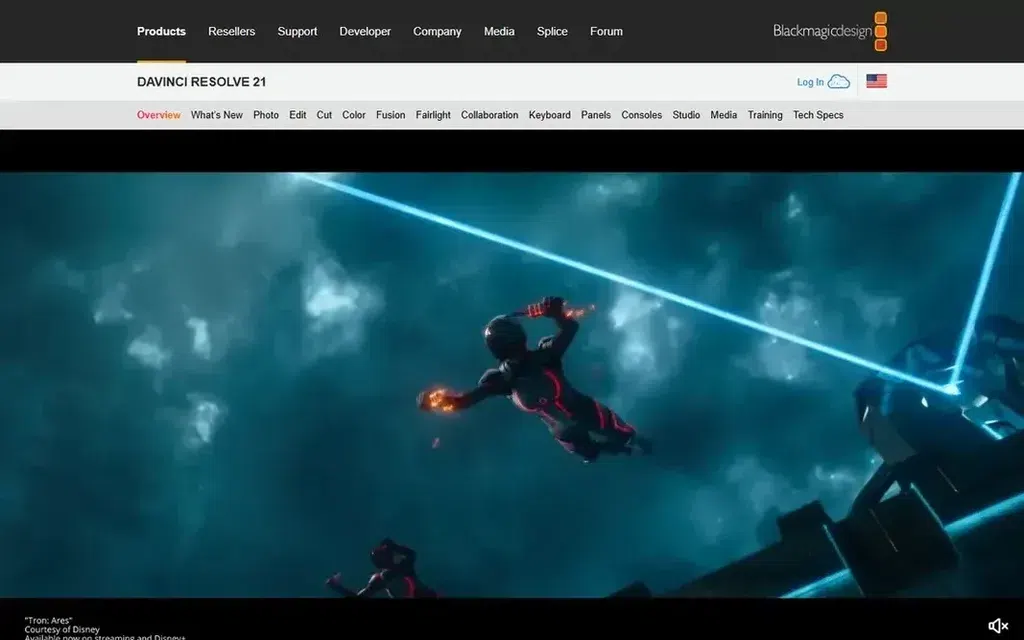
DaVinci Resolve serves all-in-one editing and audio post. DaVinci Resolve merges professional video editing, color correction, visual effects and audio post production in a single application, with free and premium versions for Mac, Windows and Linux.
In practice, if your work is primarily audio, a focused application may be more straightforward. More specifically, for video editors, that means audio work happens in the same environment as the picture, which cuts file shuffling. DaVinci Resolve shows no starting price here, so confirm the cost on the vendor site. Free plan details: Not stated.
Where it falls short: Audio workflow is tied to the overall application.
- Windows and Linux
- Color and audio post in one application
- Wide feature set takes time to learn
Steinberg Nuendo
Best for: Post production audio workflows
Steinberg Nuendo serves post production audio workflows. Video editors usually meet it on the audio side of a bigger production, where dialogue, effects and music are assembled and mixed. Beyond that, Nuendo assumes a separate video editing workflow and a committed audio setup.
So it is more than most solo editors need for routine cleanup. Those wanting audio inside the video application may prefer a bundled choice. No starting price is listed for Steinberg Nuendo here; confirm pricing on the vendor site. Free options: Not stated.
Limits to weigh: Specialized toolset for general editors.
- Established audio post production environment
- Designed around professional sound workflows
- Needs separate video editing setup
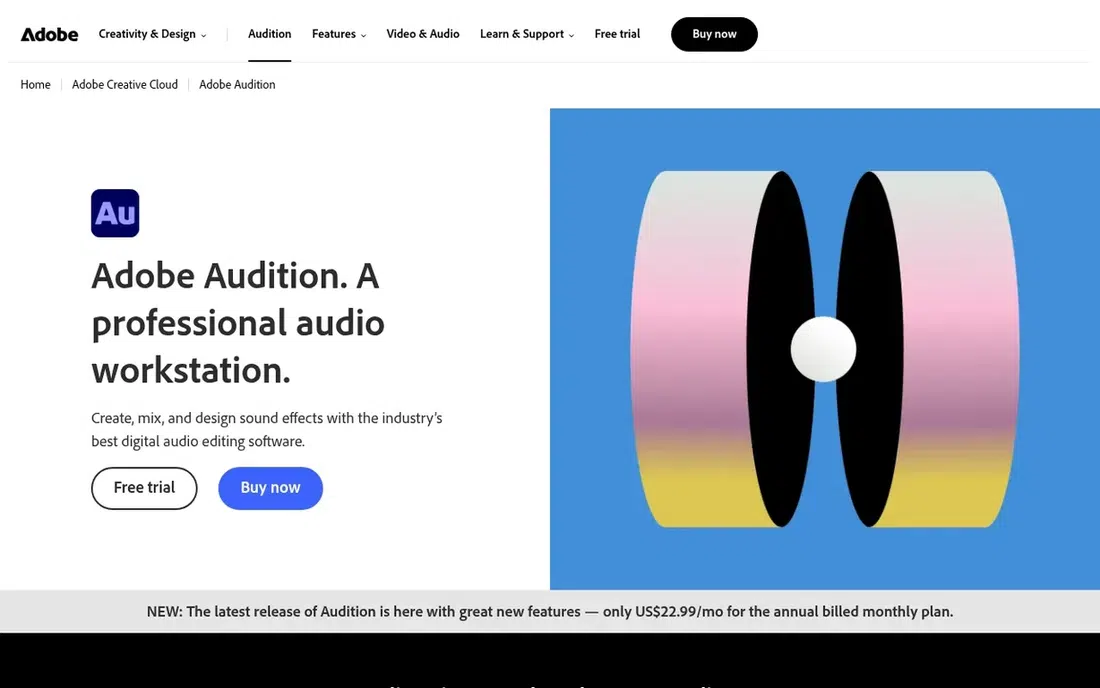
Think of Adobe Audition for dedicated audio repair and mixing. Choose Audition when audio repair and in-depth mixing are central to the job. As for the details, for video editors, that combination makes it a natural place to clean up dialogue, reshape problem frequencies and assemble a finished mix.
Worth adding: since it is a dedicated audio application, it sits apart from the video timeline, so round trips are part of the workflow. Adobe Audition is audio recording and editing software built around a full toolset that comes with multitrack, waveform and spectral display. Adobe Audition does not show a starting price in this comparison, so check the vendor site for current pricing. On free options: Not stated.
What to check first: Separate application from video editing.
- Multitrack
- Aimed at recording and editing audio content
- Centred on audio instead of picture
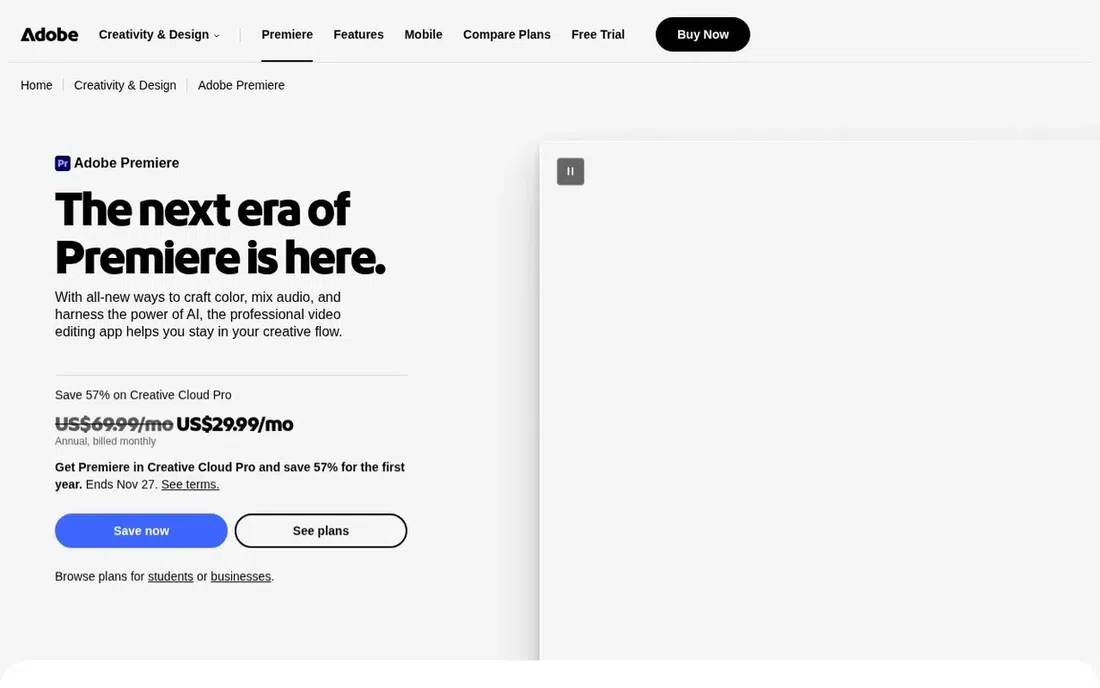
Adobe Premiere Pro is built with audio mixing inside the video timeline in mind. Adobe Premiere Pro is professional video editing and postproduction software for editing and trimming video, adding effects, mixing audio and more.
Honest limits: Audio depth is tied to the editing timeline.
Worth adding: pick Premiere Pro when convenience inside the edit matters most. Adobe Premiere Pro shows no starting price here, so confirm the cost on the vendor site. Free options: Not stated.
- Professional video editing and postproduction
- Add effects and mix audio
- Deep repair work may need another tool
How we compared the tools
LinkVetted looked at what each vendor publishes: pricing, plan limits, feature coverage for audio editing software for video editors and stated drawbacks. No hands-on testing is claimed. Figures are shown as the vendors publish them. Billing terms, seat minimums and add-ons can change the real cost. The order reflects how well each tool fits the most common buying scenario for audio editing software for video editors, then price clarity, then free plan access. It is a starting point, not a verdict.
Before you commit
- Request quotes from Avid Pro Tools, Adobe Premiere Pro and the others; the list shows no fixed prices.
- Before choosing Avid Pro Tools, weigh its main limit: audio-first design assumes a separate video workflow.
- Confirm that DaVinci Resolve connects to the apps your team already uses, on the plan you would actually buy.
- Confirm you can export your data from Adobe Premiere Pro, so leaving later does not mean losing records.
- Confirm minimum seats and billing terms with Steinberg Nuendo before you commit to an annual plan.
FAQ
Do video editors need a separate audio application?
Timeline audio tools in video editors manage everyday mixing, but dialogue repair, spectral editing and complicated multitrack work frequently benefit from a dedicated audio application. The right answer relies on how much of your work is audio-focused.
What suits film and television sound work?
Avid Pro Tools and Steinberg Nuendo are both associated with professional post production audio. They assume a defined handoff from the video edit and a dedicated audio workflow, which fits bigger productions.
Can I try these tools before paying?
Not by default. None of the tools, from Avid Pro Tools to Adobe Premiere Pro, lists a free plan or a free trial here, so ask each vendor for a demo before committing.
Does any tool for audio editing software for video editors here have a free plan?
No tool in this list, Avid Pro Tools and Adobe Premiere Pro included, has a permanent free plan. Trials and quotes are the usual route, so plan a short evaluation period.
How are the tools for audio editing software for video editors ordered?
Avid Pro Tools sits first and Adobe Premiere Pro last because the order follows typical fit for audio editing software for video editors, then price clarity and free access. It is a judgement call, so read each profile for fit and limits.
Is Avid Pro Tools the right pick for everyone comparing audio editing software for video editors?
No single tool suits every team. Avid Pro Tools comes first because it fits film and television sound work, while DaVinci Resolve suits all-in-one editing and audio post and Steinberg Nuendo suits post production audio workflows. Match the tool to your own size, budget and workflow before deciding.
Sources
- https://www.avid.com/pro-tools
- https://www.blackmagicdesign.com/products/davinciresolve
- https://www.steinberg.net/nuendo
- https://www.adobe.com/products/audition.html
- https://www.adobe.com/products/premiere.html