Choosing Animation Software for Stickman in 2026: 5 Options Compared
Searching for the best Animation software for stickman? Here are 5 options with prices and free plans. Costs and caveats sit beside each pick. Straight answers.
- Editor's choice
 Clip Studio Paint
Drawing focused animation and illustration
Starts atPricing on requestVisit clipstudio.netFull review - Great alternative
 TVPaint Animation
Traditional frame by frame drawing
Starts atPricing on requestVisit tvpaint.comFull review - Also consider
 Adobe Animate
Drawing and tweening straightforward characters
Starts atPricing on requestVisit adobe.comFull review
Direct answer
Clip Studio Paint leads the list, best for drawing focused animation and illustration. If your case is different, TVPaint Animation suits traditional frame by frame drawing and Adobe Animate suits drawing and tweening straightforward characters. Free plan facts and limits for all 5 tools follow. None of these vendors publish plan prices, so pricing is on request for every option.
TL;DR:
- Clip Studio Paint takes the first slot, best suited to drawing focused animation and illustration.
- Toon Boom Harmony suits end to end 2D studio production.
- Neither Clip Studio Paint nor Toon Boom Harmony, nor any of the other 3 tools, has a permanent free plan; trials and quotes are the norm.
- Clip Studio Paint comes with a trade-off: Animation tools are secondary to drawing.
- Clip Studio Paint, Toon Boom Harmony and the 3 others all sell by quote; expect sales conversations before you see a price.
Last checked November 2026. Pricing on request: vendors did not publish plan prices when this guide was last checked (November 2026), so ask each vendor for a written quote.
Quick comparison
| Tool | Best for | Starts at | Free plan? | |
|---|---|---|---|---|
| Clip Studio Paint | Drawing focused animation and illustration | Pricing on request | Not stated | Visit |
| TVPaint Animation | Traditional frame by frame drawing | Pricing on request | Not stated | Visit |
| Adobe Animate | Drawing and tweening straightforward characters | Pricing on request | Not stated | Visit |
 Adobe After Effects | Compositing and motion graphics polish | Pricing on request | Not stated | Visit |
 Toon Boom Harmony | End to end 2D studio production | Pricing on request | Not stated | Visit |
The full Animation software for stickman list
LinkVetted put together this guide to Animation software for stickman for readers who want a clear shortlist without reading every vendor page. It compares 5 tools on starting price, free plans, who each one suits and where each one falls short.
Where Clip Studio Paint fits: drawing focused animation and illustration. Clip Studio Paint is a paint application for digital illustration, comics and animation, with a focus on straightforward to use brushes and convenient features. It runs on computers, tablets and phones.
Its animation features support shorter sequences better than complicated production pipelines, so long rigged projects may outgrow it. In daily use, choose a dedicated animation package when timing, rigging and compositing become central to the work. Pricing for Clip Studio Paint is not stated here, so ask the vendor for current figures. As for free access: Not stated.
Drawbacks to consider: Animation tools are secondary to drawing.
- Solid brush and drawing tools
- Available across computer and mobile devices
- Advanced timeline work is restricted
Think of TVPaint Animation for traditional frame by frame drawing. If you want to build one stickman skeleton and animate it through reusable controls, a rigging oriented tool is the better fit.
The main drawbacks: Concentrated on raster drawing.
Pricing for TVPaint Animation is not stated here, so ask the vendor for current figures. As for free access: Not stated.
- Made for 2D animation
- Serves students
- Rigging is not its emphasis
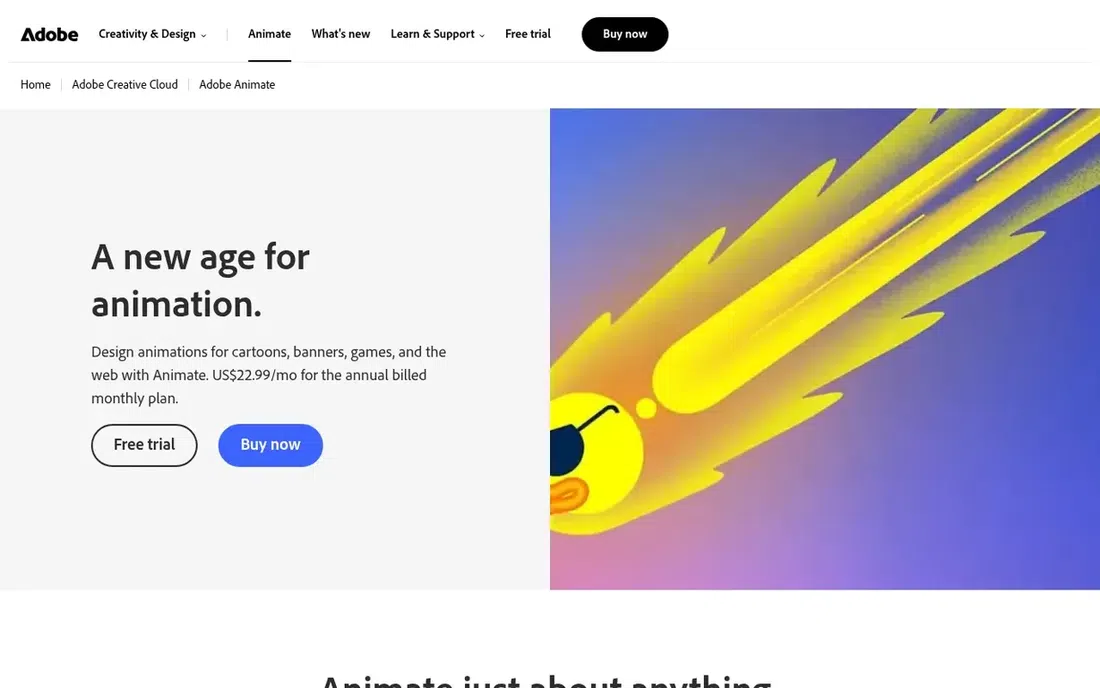
Adobe Animate serves drawing and tweening straightforward characters. Its homepage flags tools for puppet design and tweening, which suit stickman work where a handful of drawn poses are reused across scenes.
Trade-offs to know: Interface can feel dense for beginners.
If your stickman project is largely puppet based and you want a dedicated character animation pipeline, a rigging focused tool may suit you better. Adobe Animate shows no starting price here, so confirm the cost on the vendor site. Free plan details: Not stated.
- Frame by frame drawing tools
- Exports GIFs and cartoons
- Subscription based access
For compositing and motion graphics polish, Adobe After Effects is a natural candidate. Adobe After Effects is motion graphics software for designing movement for film, TV, video and web.
Trade-offs to know: Best paired with a drawing app.
It is not built primarily for drawing characters, but it excels at compositing, layering and polishing stickman scenes once artwork exists. No starting price is listed for Adobe After Effects here; confirm pricing on the vendor site. Free plan details: Not stated.
- Motion graphics and compositing
- Used for film, TV
- Not a drawing first animation tool
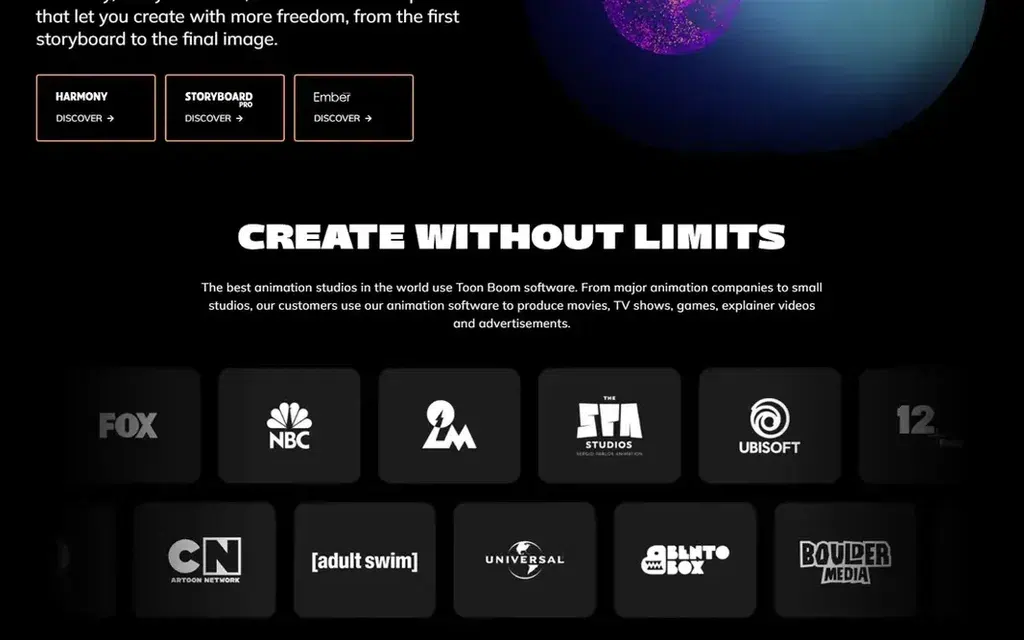
Toon Boom Harmony is a good fit for end to end 2D studio production. For stickman projects that grow into series or studio work, it supplies a complete pipeline including drawing, rigging and compositing in one environment. Harmony carries a ramp-up time that can overwhelm someone making a short stickman clip.
Its depth is the point, but if you only need fast frame by frame doodles, a lighter drawing focused tool will get you moving quicker. Worth adding: Toon Boom Harmony is described as a feature-rich end to end 2D animation software that lets animators build art in every style. Toon Boom Harmony does not show a starting price in this comparison, so check the vendor site for current pricing. Free options: Not stated.
Points against: Steeper ramp-up time.
- Full 2D animation pipeline
- Rigging and compositing in one tool
- Heavier than needed for fast clips
How we compared the tools
We compared the tools on published pricing, free plan or trial availability, feature coverage for Animation software for stickman, and the limits each vendor documents. Where a vendor does not publish a price, the entry says quote. Where a price depends on seats or billing term, the entry says so. Tools are placed by general fit for Animation software for stickman, with price clarity and free access as tie-breakers. A different team can reasonably rank them differently.
What to check before you buy
- Confirm the entry price with every vendor: no tool from Clip Studio Paint to Toon Boom Harmony shows a fixed starting price.
- Before choosing Clip Studio Paint, weigh its main limit: Animation tools are secondary to drawing.
- Confirm the exact Adobe Animate plan that includes your must-have features.
- Check the support hours and onboarding help TVPaint Animation offers; smaller vendors vary a lot here.
- Confirm you can export your data from Clip Studio Paint, so leaving later does not mean losing records.
FAQ
Do I need After Effects for stickman animation?
Not necessarily. After Effects is most solid for compositing and motion graphics polish instead of drawing. Plenty of animators draw in another program and use it only to assemble and finish the sequence.
Do these tools publish their prices?
No. None of the tools, from Clip Studio Paint to Toon Boom Harmony, shows a fixed starting price here, so budget time for quotes.
Can I try these tools before paying?
Not by default. None of the tools, from Clip Studio Paint to Toon Boom Harmony, lists a free plan or a free trial here, so ask each vendor for a demo before committing.
Does any tool for Animation software for stickman here have a free plan?
No tool in this list, Clip Studio Paint and Toon Boom Harmony included, has a permanent free plan. Trials and quotes are the usual route, so plan a short evaluation period.
How are the tools for Animation software for stickman ordered?
Clip Studio Paint sits first and Toon Boom Harmony last because the order follows typical fit for Animation software for stickman, then price clarity and free access. It is a judgement call, so read each profile for fit and limits.
Sources
- https://www.clipstudio.net
- https://www.tvpaint.com
- https://www.adobe.com/products/animate.html
- https://www.adobe.com/products/aftereffects.html
- https://www.toonboom.com/products/harmony