Choosing Alternatives to Grok Video Generation in 2026: 5 Options Compared
Need the best alternatives to grok video generation? We compare 5 tools on cost, free access and who each suits. Short verdicts, no fluff. Prices included.
- Editor's choice
 HeyGen
Personal avatar videos without repeated filming
Starts at$29 a monthVisit heygen.comFull review - Great alternative
 Synthesia
Business communication and training video
Starts at$19 a monthVisit synthesia.ioFull review - Also consider
 Google Veo
Cinematic text-to-video from Google DeepMind
Starts atSee websiteVisit deepmind.googleFull review
Direct answer
Start with HeyGen if you need personal avatar videos without repeated filming. Listed starting prices: HeyGen from $29 a month, Synthesia from $19 a month and Pika from $10 a month. Look at Synthesia for business communication and training video, and at Google Veo for cinematic text-to-video from Google DeepMind. The full list of 5 tools follows, with prices and free plan facts.
TL;DR:
- Number one here is HeyGen, a fit for personal avatar videos without repeated filming.
- For the cheapest start, look at Pika: $10 per month.
- Pika suits one product for several video models.
- 3 of 5 tools offer a free plan: HeyGen, Synthesia, Pika.
Last checked November 2026. Prices and plan details were read from the vendors' own pages in November 2026; vendors change plans often, so confirm the current price on the vendor site before you buy.
Quick comparison
| Tool | Best for | Starts at | Free plan? | |
|---|---|---|---|---|
| HeyGen | Personal avatar videos without repeated filming | $29 a month | Yes | Visit |
| Synthesia | Business communication and training video | $19 a month | Yes | Visit |
| Google Veo | Cinematic text-to-video from Google DeepMind | See website | Not stated | Visit |
 Luma Dream Machine | Iterative creative agent workflow for professionals | See website | Not stated | Visit |
 Pika | One system for several video models | $10 a month | Yes | Visit |
Tool-by-tool breakdown
This LinkVetted guide covers 5 options for Grok Video Generation. Each profile lists a starting price, free plan details, strengths and drawbacks, so you can drop poor fits quickly.
Choose HeyGen for personal avatar videos without repeated filming. HeyGen centers on creating AI videos with a personal avatar, using your face and voice so you can produce clear, confident videos without filming every time.
Also, pick a prompt-driven model instead if your priority is imaginative footage instead of a presenter. Setting up an avatar also takes some initial effort before you see results. Entry price for HeyGen: $29 per month. Free access exists with HeyGen.
Strengths: confident presentation. Trade-offs to know: Centred on avatar video, not cinematic scenes.
- Personal avatar with your face and voice
- Geared toward clear
- Avatar setup needs initial effort
Synthesia works best for business communication and training video. Synthesia is made for corporate communication instead of artistic or experimental video, so creative studios may find it limiting.
Points against: Targeted at corporate instead of artistic video.
Its strength is repeatable, structured content, not cinematic motion. On cost, Synthesia starts like this: $19 per month. You can start on Synthesia without paying.
- Supports training and upskilling content
- Designed for business video use cases
- Less suited to experimental creative clips
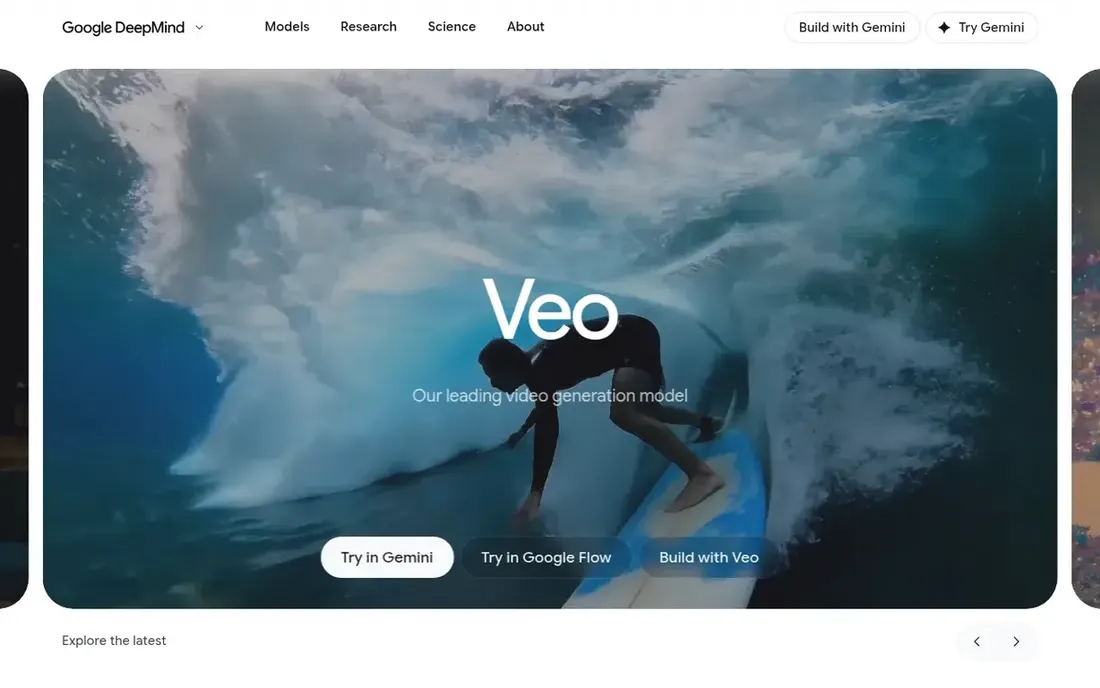
For cinematic text-to-video from Google DeepMind, Google Veo is a natural candidate. Beyond that, availability and capabilities can change between versions, so check the current documentation before committing.
Also, Veo is a research-driven model instead of a full editing suite, so workflows around it may need other tools for assembly and finishing. If motion quality and visual fidelity matter more than template-driven editing, Veo is a natural first stop among alternatives to Grok video generation. Google Veo shows no starting price here, so confirm the cost on the vendor site. Free plan details: Not stated.
What to check first: Access and features can shift between versions.
- Backed by DeepMind research
- Suits prompt-driven creative work
- Less suited to avatar or business video
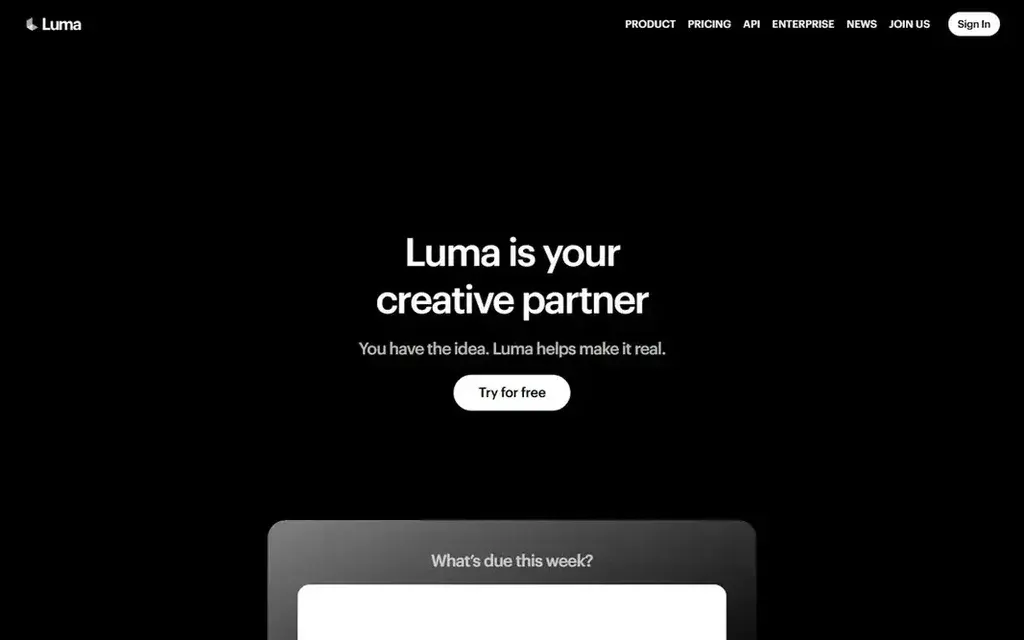
Luma Dream Machine makes the most sense for Iterative creative agent workflow for professionals. Luma Dream Machine is positioned by Luma as a creative agent for professionals, with a workflow that spans planning, generating, iterating, and refining while keeping context across each stage. That iterative framing makes it a strong fit for concept development and visual exploration.
Watch-outs: Agent-style workflow takes some learning.
It is also not targeted at avatar-led corporate video. For everyday use, choose a dedicated business video system instead if your central need is a presenter speaking a script. Luma Dream Machine shows no starting price here, so confirm the cost on the vendor site. On free options: Not stated.
Where it shines: Keeps context across stages.
- Refine cycles
- Made for plan, create
- Not centred on avatar presenters

Pika is designed for one product for several video models. Pika describes itself as AI creative tools for video, image, and audio, and its page notes that several models, including Seedance, Kling, Veo, and Wan, can be used within one creative product.
It is a creative product first, not a business training suite. On top of that, pick an avatar-focused tool instead if you need scripted presenter video at scale. Pika starts at: $10 per month. Pika includes a free tier.
The main drawbacks: Less concentrated on enterprise training video.
- Single creative workspace
- Multiple video models in one place
- Model availability may change over time
Selection criteria
Selection started from tools commonly considered for Grok Video Generation, then narrowed to 5 that have clear pricing information or a clear quote process. Where a price is missing, the vendor does not list one publicly or ties it to a quote. Always confirm before budgeting. Order on the page follows fit for the typical buyer first, then price transparency and free access. Your own requirements should decide the final pick.
Before you commit
- Get a written quote from Google Veo and Luma Dream Machine; the list shows no starting price for them.
- Read the fine print on the free plans from HeyGen, Synthesia and Pika; seat, project and feature caps differ.
- Before choosing HeyGen, weigh its main limit: concentrated on avatar video, not cinematic scenes.
- Look at the help docs and support options for Luma Dream Machine before you commit.
- Test the integrations you rely on with Google Veo before committing; some connectors sit on upper tiers.
FAQ
Do these tools publish their prices?
Not all of them. Google Veo and Luma Dream Machine publish no starting price, so expect a quote request for those. The rest, HeyGen included, show a starting price, though seats and billing terms still change the final cost.
What is the cheapest option for Grok Video Generation in this list?
On published monthly entry prices, Pika is the lowest here at $10 per month. Entry price is only part of the cost, because seats, add-ons and billing terms can change the total.
Can I try these tools before paying?
Often, yes. HeyGen, Synthesia and Pika have a free plan. Use your own data and a real task during the test, and check what the free tier or trial limits before you rely on it.
Which alternative is best for business and training video?
The first pick on this list is HeyGen, because it suits personal avatar videos without repeated filming. Synthesia is better for business communication and training video, and Google Veo for cinematic text-to-video from Google DeepMind. Check price and limits against your own needs before choosing.
Is HeyGen the right pick for everyone comparing Grok Video Generation?
No single tool suits every team. HeyGen comes first because it fits personal avatar videos without repeated filming, while Synthesia suits business communication and training video and Google Veo suits cinematic text-to-video from Google DeepMind. Match the tool to your own size, budget and workflow before deciding.
Sources
- https://www.heygen.com
- https://www.synthesia.io
- https://deepmind.google/technologies/veo
- https://lumalabs.ai/dream-machine
- https://pika.art