Best Free Alternatives to Grok AI in 2026: 8 Tools Compared
Find the best free alternatives to grok ai, including ChatGPT, Claude, Gemini, Perplexity, and DeepSeek, with free-plan limits and the best pick for each job.
- Editor's choice
 ChatGPT
Everyday writing and ideas
Starts atFreeVisit chatgpt.comFull review - Great alternative
 Claude
Long documents and careful writing
Starts atFreeVisit claude.aiFull review - Also consider
 Google Gemini
Google users and multimodal help
Starts atFreeVisit gemini.google.comFull review
TL;DR:
- ChatGPT and Gemini are the strongest free all-rounders for everyday questions, writing, and ideas.
- Claude free suits long documents and careful writing, while Perplexity suits research with sources you can check.
- DeepSeek free suits reasoning and coding questions, but check current limits before heavy use.
- No free plan is unlimited, so pairing two tools covers most days better than relying on one.
Quick comparison
| Tool | Best for | Starts at | Free plan? | |
|---|---|---|---|---|
| ChatGPT | Everyday writing and ideas | Free | Yes | Visit |
| Claude | Long documents and careful writing | Free | Yes | Visit |
| Google Gemini | Google users and multimodal help | Free | Yes | Visit |
 Perplexity | Research with sources | Free | Yes | Visit |
 DeepSeek | Reasoning and coding questions | Free | Yes | Visit |
 Microsoft Copilot | Windows and Microsoft 365 users | Free | Yes | Visit |
 Meta AI | Social app users and quick answers | Free | Yes | Visit |
 Mistral Le Chat | Fast European alternative | Free | Yes | Visit |
The best Free Alternatives to Grok AI
Grok is known for fast, conversational answers and current discussion, but several free tools cover the same everyday jobs, often with stronger writing, coding, or research tools. We compared official feature pages, pricing pages, and app store listings to build this shortlist.
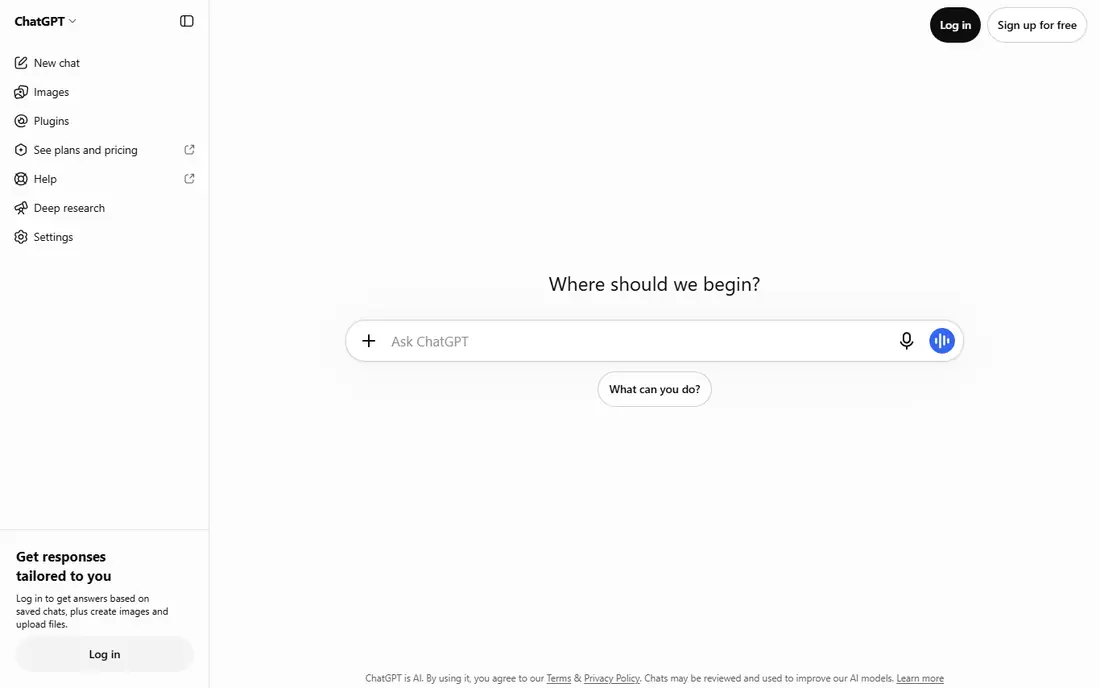
ChatGPT suits most people who want one free general assistant. ChatGPT answers questions, drafts text, explains topics, and helps with code in a single chat window. Its breadth makes it a safe first stop for writing, planning, and learning.
The free tier mixes models and limits, so heavy daily use can hit a cap. The free tier is free, with Plus listed from about $20 per month for higher limits. Our shortlist came from official feature pages, pricing pages, and public reviews, not from claimed hands-on use.
Before you commit, test ChatGPT with a real task from your own work, not a demo file. Check how it handles everyday writing and ideas, whether the result holds up at full size or in a real workflow, and whether the starting price of free still makes sense once you add the features you actually need.
- Broad general ability
- Writing, coding, and image help
- Large user base
- Free model limits
- Newest features may need Plus
Claude suits writers, students, and developers working with long files. Claude handles long documents, careful rewrites, and code review with a clear, structured style. Long-context handling helps when you paste a full article, report, or code file.
Free use is measured over a rolling window, so long sessions can pause. The free tier is free, with Pro plans available for higher use. We checked official pricing and feature pages before including this option, and we note its limits honestly below.
Before you commit, test Claude with a real task from your own work, not a demo file. Check how it handles long documents and careful writing, whether the result holds up at full size or in a real workflow, and whether the starting price of free still makes sense once you add the features you actually need.
- Strong long-document handling
- Careful tone
- Code explanations
- Free usage window limits
- Fewer plug-ins than some rivals
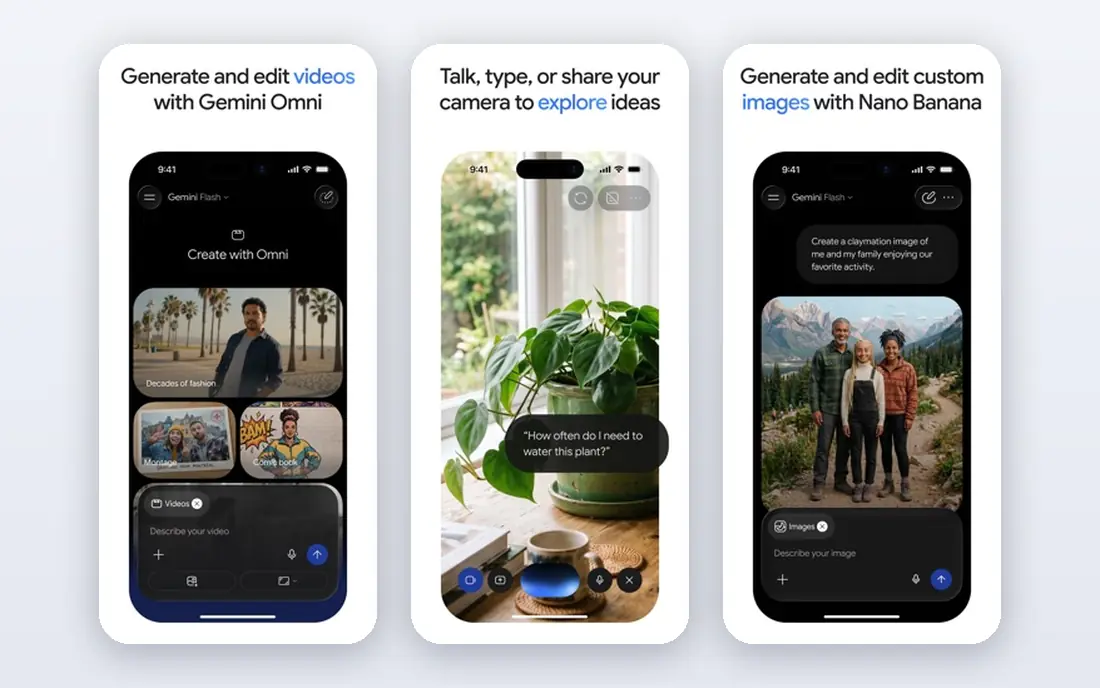
Google Gemini suits people who already use Gmail, Docs, and Drive. Gemini works as a general assistant and links well to Google services for docs, mail, and research. Google integration is handy for summarizing a doc or drafting inside Workspace.
It feels less focused than Claude for very long writing tasks. The free tier is free, with a paid tier available for higher limits and newer models. We compared official feature pages, pricing pages, and app store listings for this pick, rather than claiming hands-on use.
Before you commit, test Google Gemini with a real task from your own work, not a demo file. Check how it handles google users and multimodal help, whether the result holds up at full size or in a real workflow, and whether the starting price of free still makes sense once you add the features you actually need.
- Google app links
- Image and voice help
- Research tools
- Limits vary by model
- Best inside Google services
Perplexity suits researchers, students, and anyone who must check facts. Perplexity searches the web and returns an answer with sources you can open. Citations make it easier to verify a claim than a plain chat answer.
Free advanced search limits apply, and sources still need a human check. The free tier is free, with a paid tier for more advanced searches. Our shortlist came from official feature pages, pricing pages, and public reviews, not from claimed hands-on use.
Before you commit, test Perplexity with a real task from your own work, not a demo file. Check how it handles research with sources, whether the result holds up at full size or in a real workflow, and whether the starting price of free still makes sense once you add the features you actually need.
- Answers with cited sources
- Current web search
- Follow-up questions
- Free advanced searches limited
- Less suited to long creative writing
DeepSeek suits developers and technical users who want free reasoning help. DeepSeek chat handles reasoning problems and coding questions with step-by-step explanations. Reasoning strength stands out for maths, logic, and code problems.
The interface is plainer than ChatGPT or Gemini, and heavy use can slow down. Chat access is free, with API use billed separately for developers. We checked official pricing and feature pages before including this option, and we note its limits honestly below.
Before you commit, test DeepSeek with a real task from your own work, not a demo file. Check how it handles reasoning and coding questions, whether the result holds up at full size or in a real workflow, and whether the starting price of free still makes sense once you add the features you actually need.
- Strong reasoning
- Coding help
- Free chat access
- Interface is plainer
- Peak-time limits can occur
Microsoft Copilot suits Windows users and Microsoft 365 households. Copilot answers questions, drafts text, and helps inside Microsoft apps and Edge. The Windows and Edge links make it easy to reach without opening a new app.
It is less compelling outside Microsoft services, and top features need a paid plan. The free tier is free, with Microsoft 365 Copilot as a separate paid option. We compared official feature pages, pricing pages, and app store listings for this pick, rather than claiming hands-on use.
Before you commit, test Microsoft Copilot with a real task from your own work, not a demo file. Check how it handles windows and microsoft 365 users, whether the result holds up at full size or in a real workflow, and whether the starting price of free still makes sense once you add the features you actually need.
- Windows and Edge links
- Microsoft 365 help
- Web search
- Best inside Microsoft apps
- Some features need a paid plan
Meta AI suits people who already spend time in Meta apps. Meta AI answers questions and creates images inside WhatsApp, Instagram, Facebook, and its own app. Being inside apps you already open makes quick questions very easy.
It is not the best choice for long documents, coding projects, or deep research. Access through Meta apps is free, with no separate subscription for basic chat. Our shortlist came from official feature pages, pricing pages, and public reviews, not from claimed hands-on use.
Before you commit, test Meta AI with a real task from your own work, not a demo file. Check how it handles social app users and quick answers, whether the result holds up at full size or in a real workflow, and whether the starting price of free still makes sense once you add the features you actually need.
- Built into WhatsApp, Instagram, and Facebook
- Image help
- Free access
- Less suited to long work documents
- Social app context
Mistral Le Chat suits users who want a fast, simple chat outside the big US labs. Le Chat from Mistral answers questions, searches the web, and handles voice and image tasks. Speed and a clean chat window make it pleasant for short daily questions.
Its app and plug-in ecosystem is smaller than the largest rivals. A free tier is available, with paid plans for higher limits. We checked official pricing and feature pages before including this option, and we note its limits honestly below.
Before you commit, test Mistral Le Chat with a real task from your own work, not a demo file. Check how it handles fast european alternative, whether the result holds up at full size or in a real workflow, and whether the starting price of free still makes sense once you add the features you actually need.
- Fast answers
- Web search
- Voice and image options
- Smaller ecosystem than ChatGPT or Gemini
How we picked these
We started with products that exist and work in October 2026 and truly fit the topic, then we compared official feature pages, pricing pages, app store listings, and privacy terms. We kept a mix of well-known leaders and strong smaller options, and we left out products that did not fit, had unclear pricing, or raised safety concerns we could not resolve.
We also weighted the details that affect daily use, such as free-plan limits, total cost at real usage levels, and honest weaknesses. Where a price could not be verified from the vendor site or app store, we wrote See website rather than guessing a number.
How to Pick a Free Grok Alternative
Start with the job, not the brand. A general chat tool covers writing and ideas, a research tool covers current facts with sources, and a coding tool covers code and technical questions. Try your real task in two tools and compare the answers, since free models and limits change often. Keep private, sensitive, or client-confidential details out of free chats unless you have checked the privacy terms.
Watch the limits that matter to you. Some free plans limit messages in a rolling window, some limit the newest model, and some limit file uploads or image generation. A tool that feels generous for short chats can feel tight for long documents. If you hit a limit daily, that is the signal to try a second free tool or a paid plan, rather than forcing one tool to do every job.
A final check before you pay is to read the cancellation, data export, and refund terms in full. A tool that is easy to leave is often easier to trust, since you can test it without feeling locked in. Keep a note of the renewal date, the plan limits, and the support route, so a small problem does not become a billing surprise later.
FAQ
What are the best free grok ai alternatives for everyday use?
ChatGPT and Gemini are the easiest free starting points for everyday questions, drafting, and ideas. Both offer a free tier, and both cover text, images, and voice in some form, with limits that vary by plan.
What is a free alternative to grok ai for research?
Perplexity is a strong free choice for research, because it returns answers with sources you can open and check. Use it when a fact, date, or quote matters, and still open the source for important claims.
Which free ai alternatives to grok suit coding?
Claude free and DeepSeek both suit coding and technical questions, with Claude often stronger for long code explanations and DeepSeek strong for reasoning. Test both on your own code, since free model access changes.
Can I use these tools without paying?
Yes, each tool in this list offers a free tier or free access, but none is unlimited. Check the current plan page for message limits, model access, and feature limits before you build a daily habit around one tool.
Do free AI chats keep my data private?
Privacy terms differ by tool and plan, and free tiers may use conversations to improve models unless you change a setting. Avoid sharing passwords, health details, financial account details, or other sensitive information in a free chat.