Best AI Avatar Software for Video Generation in 2026: 8 Products Compared
Looking for the best ai avatar software for video generation? We compare 8 tools for presenter videos, training, and multilingual clips. Updated for 2026.

- Editor's choice
 HeyGen
Realistic marketing avatars
Starts at$29 per monthVisit heygen.comFull review - Great alternative
 Synthesia
Enterprise training videos
Starts at$29 per monthVisit synthesia.ioFull review - Also consider
 Colossyan
Budget training videos
Starts at$27 per monthVisit colossyan.comFull review
TL;DR:
- HeyGen suits fast marketing and multilingual clips, while Synthesia suits governed training at larger scale.
- Most tools charge by credits or minutes, so compare cost per finished minute, not just the monthly plan price.
- Free plans are useful for tests, but they often add watermarks and limit commercial use.
- Check likeness consent, voice cloning rules, and data use before you create an avatar of a real person.
Quick comparison
| Tool | Best for | Starts at | Free plan? | |
|---|---|---|---|---|
| HeyGen | Realistic marketing avatars | $29 per month | Yes | Visit |
| Synthesia | Enterprise training videos | $29 per month | Yes | Visit |
| Colossyan | Budget training videos | $27 per month | Yes | Visit |
 D-ID | Photo avatars and API use | $5.90 per month | Free trial | Visit |
 Elai | Deck and document to video | $23 per month | Yes | Visit |
 VEED | Avatars inside a video editor | See website | Yes | Visit |
 Captions | Short form avatar ads | See website | Yes | Visit |
 Creatify | Product URL to avatar ads | $39 per month | Yes | Visit |
The best AI avatar software for video generation
We compared official feature pages, pricing pages, and public reviews to find avatar tools that produce usable presenter videos today, with clear limits on credits and commercial use.

HeyGen is a strong first choice for marketing, product demos, and social clips. Its avatars look natural in short presenter videos, and its translation tools can dub an existing video into many languages while keeping the speaker voice close to the original. Templates and batch tools help teams produce several variants from one script.
Credit math needs attention. Premium avatar videos use more credits per minute, and edits that re-render a scene can cost again. Map your monthly videos, length, and avatar tier before choosing Creator, Pro, or Business plans on the vendor site.
- Strong avatar realism
- Video translation into many languages
- Batch and template workflows
- Credit use rises fast with premium avatars
- Re-rendering scenes can spend credits again
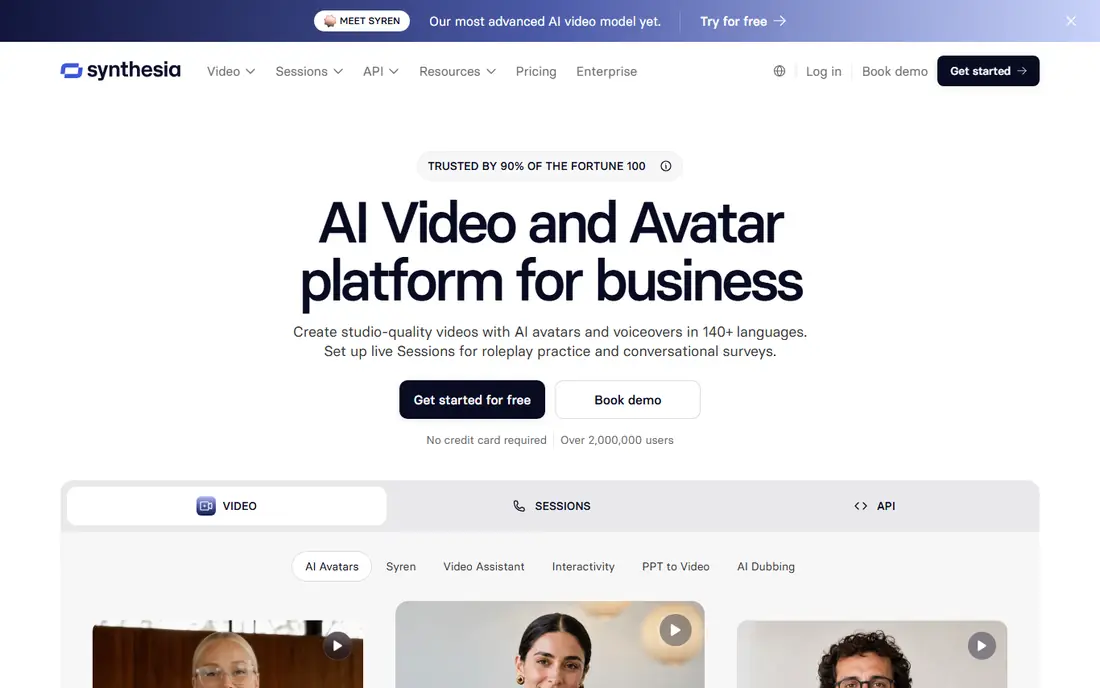
Synthesia suits training, onboarding, and compliance videos at scale. You write a script, pick an avatar and voice, build multi scene videos, and update text without re-recording a presenter. That text to video workflow saves time when policies or product steps change.
Smaller teams should check the free and starter limits, since free videos are watermarked and paid plans meter minutes through credits. For enterprise learning teams that need governance and LMS exports, Synthesia offers the deepest controls in this list.
- Large avatar and language library
- Strong governance on enterprise plans
- Multi scene editor
- SCORM and single sign on sit on higher plans
- Per minute credit caps affect iteration

Colossyan is a practical pick for freelancers and small training teams that want avatar video without enterprise pricing. It offers a solid avatar set, text to video editing, and interactive elements such as branching and quizzes for learning content. That learning focus sets it apart from ad focused tools.
It will not match HeyGen for marketing realism or Synthesia for enterprise governance. For course creators and internal training teams on a budget, Colossyan balances price, avatars, and learning features well.
- Lower entry cost than Synthesia
- Interactive branching and quizzes
- SCORM on higher plans
- Avatar library is smaller than HeyGen or Synthesia
- Advanced features need higher tiers
D-ID is the lowest cost way to test photo based avatar video. You can animate a photo with a script and voice, or use its API to build avatar video into your own product. That API focus suits developers who want talking heads inside an app or workflow.
Check license terms carefully. The entry Lite plan is listed for personal use, so commercial projects need a higher plan. Photo quality also affects results, so use clear, front facing photos for best lip sync.
- Very low entry price
- Photo based talking avatars
- Developer API for custom workflows
- Entry plan is personal use only in current listings
- Avatar realism varies by photo quality
Elai suits teams that already have decks, documents, or web pages and want to turn them into presenter videos. You can import a presentation, add an avatar, and produce a narrated video without filming. That document to video path saves time for training and internal updates.
It is less suited to high end marketing ads that need many avatar styles and advanced editing. For straightforward explainer and training videos from existing material, Elai offers clear value at a low price.
- Turns slides, PDFs, and URLs into avatar videos
- Low entry price
- Simple editor
- Avatar range is narrower than larger rivals
- Free plan is very limited
VEED suits creators who want avatars inside a real editor, not a separate avatar app. You can add an avatar clip, cut it with b-roll, add captions, and export a finished video in one workspace. That full edit path helps social and training creators who need more than a talking head.
Specialist avatar realism and enterprise governance are thinner than HeyGen or Synthesia. If your main need is editing plus a simple avatar presenter, VEED keeps the workflow in one place. Check current avatar credit limits on the vendor pricing page.
- Full video editor beside avatars
- Captions and templates
- Easy sharing and export
- Avatar features are part of a broader editor, not a specialist avatar platform
- Credit limits vary by plan
Captions suits short form ads and social videos where an avatar presenter needs to hook viewers fast. Its workflow is built for quick creation, captions, and mobile viewing, which fits ads and product clips better than long courses. Creators who already use Captions for editing will find avatars a natural add on.
Long training programs with branching, quizzes, and LMS exports are better served by Colossyan or Synthesia. For short avatar ads, Captions offers speed and a familiar creator workflow.
- Short form video tools and avatars
- Fast mobile friendly workflow
- Captions built in
- Best for short clips, not long training courses
- Pricing and credits vary by plan
Creatify suits e-commerce teams that need many ad variants fast. You paste a product URL or image, pick avatars and scripts, and generate several ad versions for testing. That batch approach helps teams test hooks, offers, and formats without filming each variant.
It is not a training platform, and generated ads still need review for claims, pricing, and brand tone. For product ads at volume, Creatify can cut production time, but keep a human in the loop before spend goes live.
- Turns a product URL into avatar ad variants
- Large avatar set
- Batch ad creation
- Focused on ads, not training
- Ad quality needs human review before publishing
How we picked these
We compared official feature pages, pricing pages, and public reviews for avatar video tools that are live today and truly generate presenter videos. We favored tools with a clear avatar library, script to video editing, and published credit or minute limits, and we mixed marketing, training, API, and editor focused options. We also noted watermark and commercial use limits on free plans.
We did not claim hands-on testing. Where pricing varied by billing period, we used monthly list prices from vendor pages and public pricing summaries for October 2026, and advised readers to confirm credits before paying annually. Only create avatars of real people with clear consent, and follow each vendor policy on likeness, voice cloning, and disclosure for AI generated video.
What to check before you subscribe
Count finished minutes, not plan minutes
Credits, minutes, and renders are counted differently across tools. Estimate your monthly finished minutes, avatar tier, and re-edits, then compare cost per finished minute. A low plan price can still be costly if premium avatars burn credits fast.
Test realism on your script
Run the same script through two tools with your target avatar style, voice, and length. Watch lip sync, pacing, and hand movement on a phone and a desktop. A tool that looks good in a demo may feel stiff on your actual script.
Check commercial rights and watermarks
Free plans often watermark exports or limit commercial use. Confirm that your paid plan allows the ads, courses, or client work you plan to sell, and check whether avatar likeness rights cover that use.
Plan disclosure and consent
Tell viewers when a video uses an AI presenter if your platform, client, or industry requires it, and get written consent before cloning a real person's face or voice. Keep consent records with the project, since avatar misuse can create legal and trust risks.
FAQ
Are AI avatar videos good enough for training?
Yes, for many internal training, onboarding, and explainer videos, especially when scripts change often. They suit clear presenter delivery, while live filming still suits hands on demos, emotional stories, and complex physical tasks.
Can I create an avatar of myself?
Yes, on paid plans from several tools, by recording video or photos and following the vendor consent steps. Check the plan that includes personal avatars, the recording requirements, and how your likeness data is stored and deleted.
Do AI avatar tools support many languages?
Yes. HeyGen, Synthesia, Colossyan, and others support many languages and voices, and HeyGen also offers video translation. Test a language you actually need, since voice quality varies by language and voice.
How much does an AI avatar video cost?
It depends on length, avatar tier, and edits. Entry plans in this list start from about $6 to $39 per month, with credits or minutes included. Model your monthly finished minutes to get a true cost, rather than comparing headline prices alone.
Can I use free plan videos for business?
Often no, or only with watermarks and limits. Free plans from HeyGen and Synthesia watermark exports, and some entry plans limit commercial use. Read the license for your plan before using a free video in an ad or paid course.
Should I disclose that a video uses an AI avatar?
In many cases yes, especially for ads, training that presents a person as real, and regulated content. Check platform rules, client contracts, and local disclosure rules, and add a clear note when in doubt.