The 6 Best 3D Video Editing Software in 2026, Ranked
Best 3D video editing software, compared. 6 tools with published prices, free plans and limits. Strengths and weak spots are spelled out. Straight answers.
- Editor's choice
 DaVinci Resolve
All-in-one editing, color, VFX, and audio
Starts atPricing on requestVisit blackmagicdesign.comFull review - Great alternative
 VEGAS Pro
Video editing with audio and music tools
Starts atPricing on requestVisit vegascreativesoftware.comFull review - Also considerLightWave 3D
3D modeling, animation, and VFX
Starts atPricing on requestVisit lightwave3d.comFull review
Direct answer
Start with DaVinci Resolve if you need all-in-one editing, color, VFX, and audio. VEGAS Pro is the stronger choice for video editing with audio and music tools, while LightWave 3D suits 3D modeling, animation, and VFX. All 6 tools are compared below on fit, free plan and limits. None of these vendors publish plan prices, so pricing is on request for every option.
TL;DR:
- DaVinci Resolve is the opening pick, best for all-in-one editing, color, VFX, and audio.
- Check the limits for DaVinci Resolve before you commit: advanced VFX may require dedicated 3D tools.
- No starting price is shown for any of the 6 tools, DaVinci Resolve and Adobe Premiere Pro included, so plan time for sales calls.
- For professional video editing and post-production, Adobe Premiere Pro is worth a look.
Last checked November 2026. Pricing on request: vendors did not publish plan prices when this guide was last checked (November 2026), so ask each vendor for a written quote.
Quick comparison
| Tool | Best for | Starts at | Free plan? | |
|---|---|---|---|---|
| DaVinci Resolve | All-in-one editing, color, VFX, and audio | Pricing on request | Not stated | Visit |
| VEGAS Pro | Video editing with audio and music tools | Pricing on request | Not stated | Visit |
| LightWave 3D | 3D modeling, animation, and VFX | Pricing on request | Not stated | Visit |
 Cinema 4D | Dedicated 3D modeling and animation | Pricing on request | Not stated | Visit |
 Adobe After Effects | Motion graphics and 3D compositing | Pricing on request | Not stated | Visit |
 Adobe Premiere Pro | Professional video editing and post-production | Pricing on request | Not stated | Visit |
The full 3D video editing software list
This LinkVetted guide covers 6 options for 3D video editing software. Each profile lists a starting price, free plan details, strengths and drawbacks, so you can drop poor fits quickly.
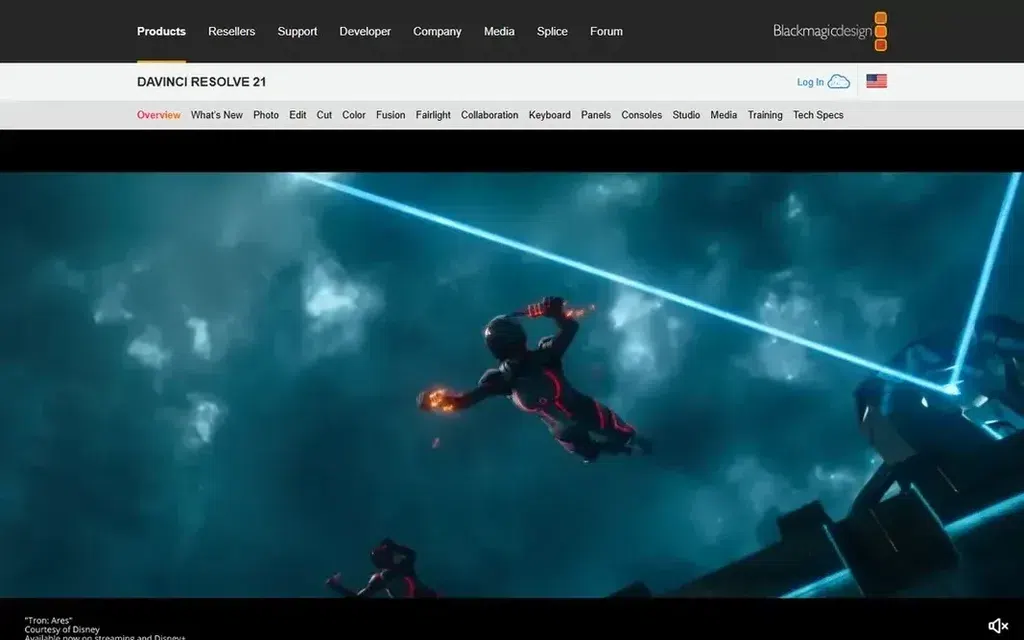
DaVinci Resolve is built with all-in-one editing, color, VFX, and audio in mind. DaVinci Resolve is a professional video editing application that integrates color correction, visual effects, and audio post-production in a single tool. It is available for Mac, Windows, and Linux, with free and premium versions.
Trade-offs to know: Can be resource-intensive for complicated projects.
Whereas DaVinci Resolve contains VFX tools, it is not a full 3D modeling or animation suite, so complicated 3D work may still need Cinema 4D or similar. Its deep feature set can overwhelm newcomers. Check the vendor site for DaVinci Resolve pricing; none is listed in this comparison. Free access: Not stated.
- Color correction, VFX
- Available for Mac, Windows, Linux
- Advanced VFX may need dedicated 3D tools
VEGAS Pro is built with video editing with audio and music tools in mind. VEGAS Pro is professional video editing software from Boris FX, part of a suite that contains audio production in Sound Forge and music creation with ACID Pro. VEGAS Pro does not bundle dedicated 3D modeling or animation capabilities, so 3D tasks need separate software.
It is available only on Windows, which may limit Mac users. Choose it for editing and audio work instead of 3D content creation. VEGAS Pro does not show a starting price in this comparison, so check the vendor site for current pricing. Trial and free access: Not stated.
Watch-outs: Windows-only product.
- Professional video editing features
- Integrated audio production tools
- Restricted native 3D modeling
LightWave 3D
Best for: 3D modeling, animation, and VFX
For 3D modeling, animation, and VFX, LightWave 3D is a natural candidate. LightWave 3D is professional 3D modeling, animation, visual effects, and rendering software for artists, designers, and studios. It provides a thorough toolset for creating 3D content and is available for Windows and Mac.
From a buyer's view, pick it for dedicated 3D work instead of integrated video editing. LightWave 3D is not a video editing application, so it must be combined with an editor for full projects. No starting price is listed for LightWave 3D here; confirm pricing on the vendor site. Free options: Not stated.
Where it is weaker: Smaller community compared with some alternatives.
- Professional modeling and animation tools
- Available for Windows and Mac
- Ramp-up time for new users

Cinema 4D makes the most sense for dedicated 3D modeling and animation. Cinema 4D is a professional 3D modeling, animation, and rendering application from Maxon. It is widely used in motion graphics, visual effects, and design workflows.
Worth adding: Cinema 4D is not a video editor, so it must be paired with editing software for full post-production. Its depth and cost make it less a strong match for casual users. Cinema 4D shows no starting price here, so confirm the cost on the vendor site. Free access: Not stated.
The main drawbacks: Steep ramp-up time for beginners.
- Supports rendering and simulation workflows
- Widely used for motion graphics integration
- Can be costly for individual artists
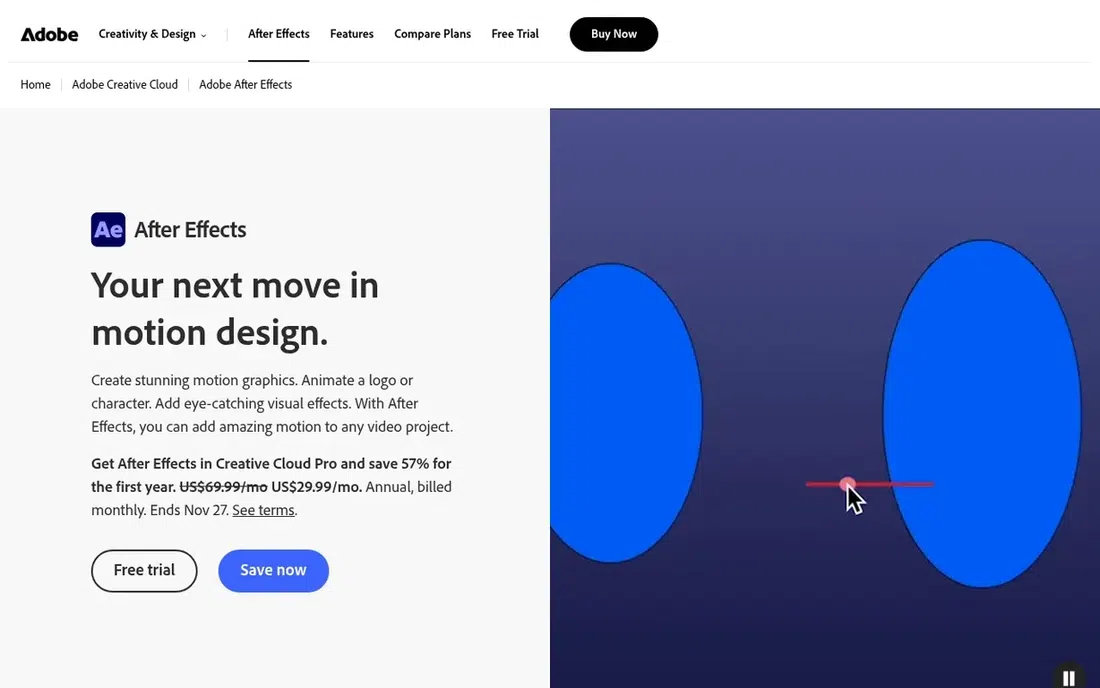
Where Adobe After Effects fits: motion graphics and 3D compositing. Adobe After Effects is a motion graphics application that lets you design for film, TV, video, and web. It supports 3D layers and compositing, making it a typical choice for adding 3D elements to video projects.
Its subscription model and ramp-up time may also deter casual users. Choose it for motion graphics and compositing instead of full 3D animation. Adobe After Effects does not show a starting price in this comparison, so check the vendor site for current pricing. Free plan details: Not stated.
Where it falls short: Can be demanding on system resources.
- Web design
- Supports 3D layers and integration with other Adobe apps
- Subscription-based pricing
Adobe Premiere Pro targets professional video editing and post-production. Adobe Premiere Pro is professional video editing software for editing, trimming, adding effects, mixing audio, and more. It is part of the Adobe ecosystem and connects with After Effects for motion graphics and 3D compositing.
Downsides: Subscription-based pricing.
Premiere Pro does not contain dedicated 3D modeling or animation tools, so 3D work is usually done in After Effects or Cinema 4D. Its subscription model may not suit everyone. No starting price is listed for Adobe Premiere Pro here; confirm pricing on the vendor site. As for free access: Not stated.
- Audio mixing, more
- Solid editing and trimming tools
- Restricted native 3D modeling capabilities
How we chose
Selection started from tools commonly considered for 3D video editing software, then narrowed to 6 that have clear pricing information or a clear quote process. Where a price is missing, the vendor does not list one publicly or ties it to a quote. Always confirm before budgeting. Order on the page follows fit for the typical buyer first, then price transparency and free access. Your own requirements should decide the final pick.
Questions to settle before buying
- Request quotes from DaVinci Resolve, Adobe Premiere Pro and the others; the list shows no fixed prices.
- Read the limits listed for DaVinci Resolve first: advanced VFX may need dedicated 3D tools.
- Involve the people who will use Adobe Premiere Pro daily; a short pilot beats a long feature checklist.
- Find out what support DaVinci Resolve includes on your plan, and whether onboarding help costs extra.
- Check whether the features you need in Adobe After Effects sit on the entry plan or only on higher tiers.
FAQ
Do these tools publish their prices?
No. None of the tools, from DaVinci Resolve to Adobe Premiere Pro, shows a fixed starting price here, so budget time for quotes.
How are the tools for 3D video editing software ordered?
The order follows typical fit for 3D video editing software, with DaVinci Resolve first and Adobe Premiere Pro last, then price clarity and free access. It is editorial judgement, not a score, so another team could rank the tools differently.
Can I try these options before paying?
Not by default. None of the tools, from DaVinci Resolve to Adobe Premiere Pro, lists a free plan or a free trial here, so ask each vendor for a demo before committing. All 6 picks in this 3D video editing software comparison list a starting price, free plan details and the main limits on their cards above.
Does any tool for 3D video editing software here have a free plan?
No tool in this list, DaVinci Resolve and Adobe Premiere Pro included, has a permanent free plan. Trials and quotes are the usual route, so plan a short evaluation period.
Sources
- https://www.blackmagicdesign.com/products/davinciresolve
- https://www.vegascreativesoftware.com
- https://www.lightwave3d.com
- https://www.maxon.net/en/cinema-4d
- https://www.adobe.com/products/aftereffects.html
- https://www.adobe.com/products/premiere.html