The 6 Best 3D Packaging Software in 2026, Ranked
Comparing the best 3D packaging software? 6 contenders, each with entry cost, free tier and best-fit buyer. Caveats come with every verdict. Straight answers.
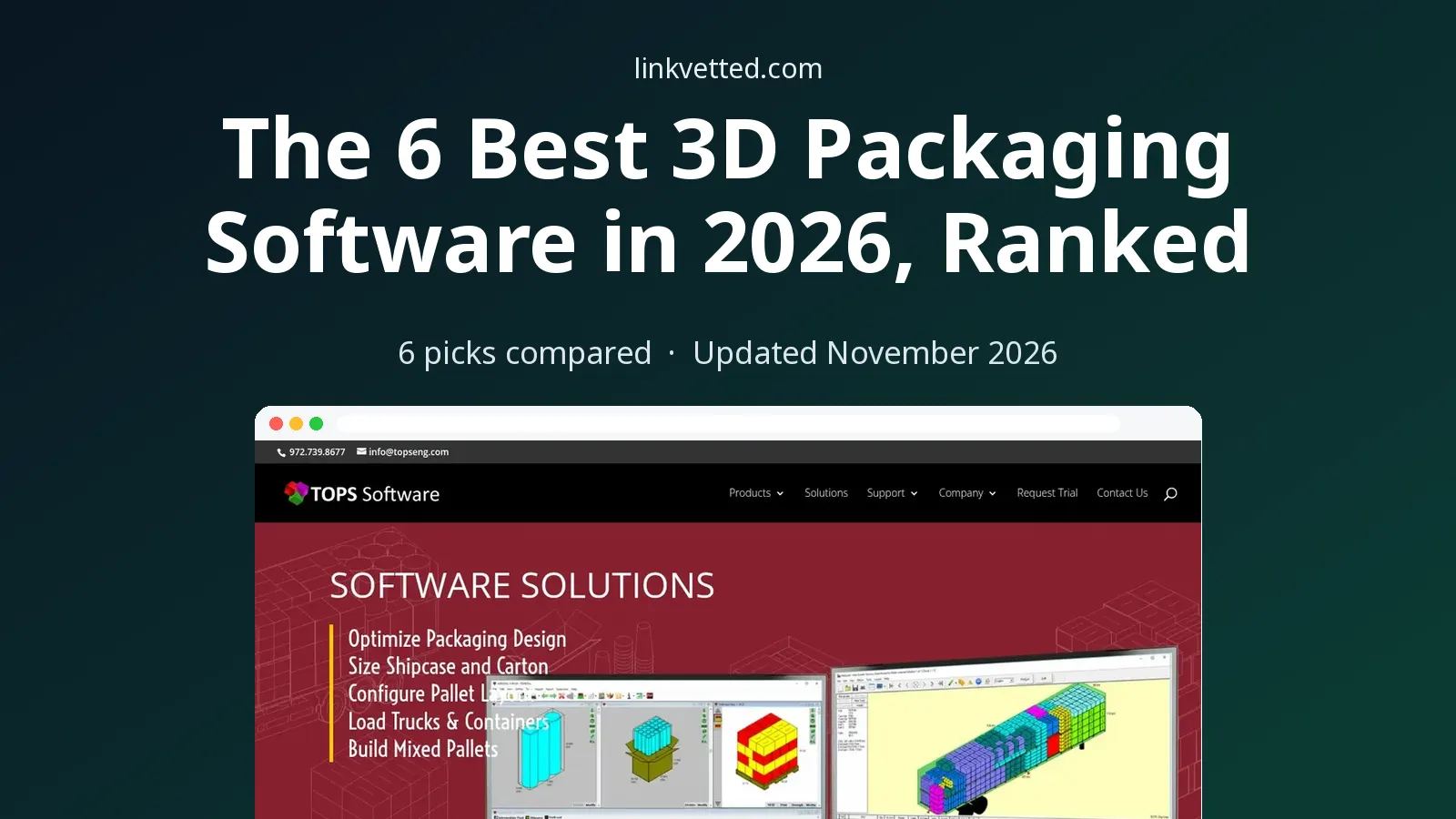
- Editor's choice
 Cinema 4D
Advanced 3D modeling and animation
Starts atSee websiteVisit maxon.netFull review - Great alternativeEngView Package & Die Designer
Packaging CAD/CAM design
Starts atSee websiteVisit engview.comFull review - Also considerTOPS
Pallet and container loading optimization
Starts atSee websiteVisit topseng.comFull review
Direct answer
This list puts Cinema 4D first for advanced 3D modeling and animation. Listed starting prices: KeyShot from $7.92 per month. If your case is different, EngView Package & Die Designer suits packaging CAD/CAM design and TOPS suits pallet and container loading optimization. The full list of 6 tools follows, with prices and free plan facts.
TL;DR:
- Top of the list is Cinema 4D, which targets advanced 3D modeling and animation.
- The lowest published monthly entry price here is $7.92 per month, from KeyShot.
- Esko ArtPro+ suits packaging production professionals.
- Check the limits for Pacdora before you commit: less suited for production prepress.
- Only Pacdora offers a free plan among these 6 tools.
Last checked November 2026. Prices and plan details were read from the vendors' own pages in November 2026; vendors change plans often, so confirm the current price on the vendor site before you buy.
Quick comparison
| Tool | Best for | Starts at | Free plan? | |
|---|---|---|---|---|
| Cinema 4D | Advanced 3D modeling and animation | See website | Not stated | Visit |
| EngView Package & Die Designer | Packaging CAD/CAM design | See website | Not stated | Visit |
| TOPS | Pallet and container loading optimization | See website | Not stated | Visit |
| Pacdora | Fast 3D mockups and templates | See website | Yes | Visit |
 KeyShot | Photorealistic 3D rendering | $7.92 per month | Free trial | Visit |
| Esko ArtPro+ | Packaging production professionals | See website | Not stated | Visit |
3D Packaging Software, one by one
LinkVetted put together this guide to 3D packaging software for readers who want a clear shortlist without reading every vendor page. It compares 6 tools on starting price, free plans, who each one suits and where each one falls short.
Cinema 4D was built for advanced 3D modeling and animation. Cinema 4D is a professional 3D modeling, animation, and rendering application used across industries. It supplies solid tools for creating in-depth 3D scenes and animations, making it a good match for high-end packaging visualizations and motion graphics.
Cinema 4D is not tailored to packaging design, so it lacks dedicated dieline or prepress features. It may be overkill for straightforward mockups, but for complicated animations and visual effects, it is a solid choice when combined with packaging-specific tools. This comparison lists no price for Cinema 4D; ask the vendor. Free access: Not stated.
Watch-outs: General-purpose, not packaging-specific.
- Widely used in motion graphics
- Adaptable for creative projects
- Complicated for beginners
EngView Package & Die Designer
Best for: Packaging CAD/CAM design
EngView Package & Die Designer is designed for packaging CAD/CAM design. The software is technical and may be overkill for straightforward design tasks.
Honest limits: Steeper ramp-up time for non-engineers.
Pricing for EngView Package & Die Designer is not stated here, so ask the vendor for current figures. Free options: Not stated.
- Specialized CAD/CAM for packaging
- Used in packaging manufacturing
- Restricted rendering capabilities
TOPS
Best for: Pallet and container loading optimization
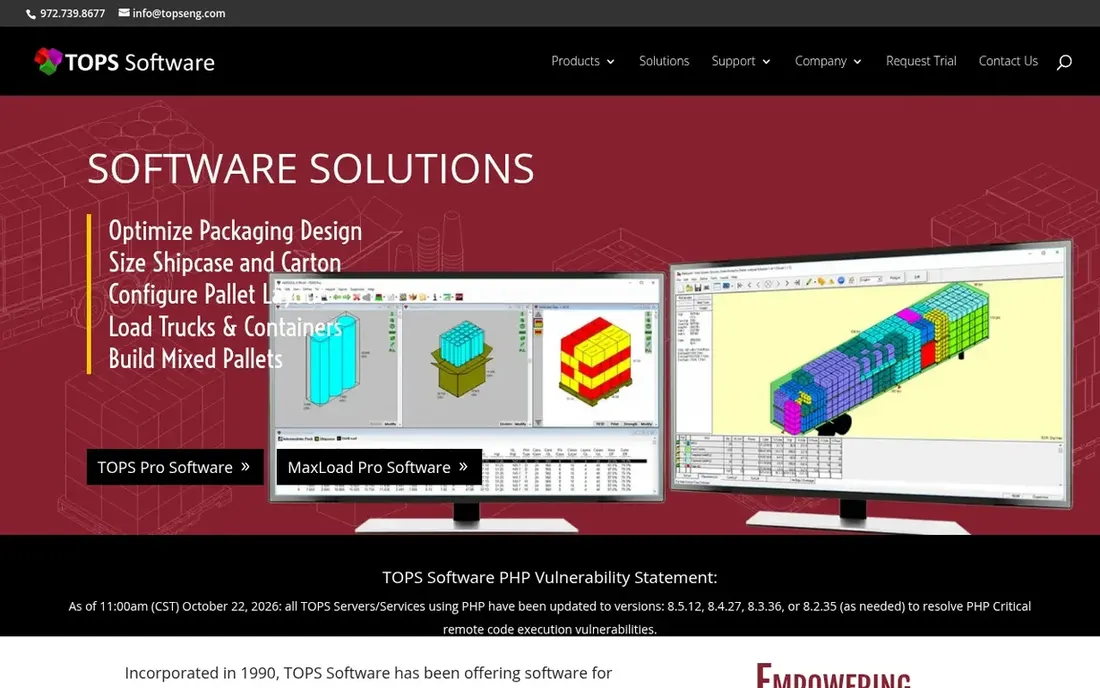
In short, TOPS is for pallet and container loading optimization. TOPS is not intended for creating 3D visualizations or packaging designs. In practice, TOPS offers software for product and package size optimization, pallet layout, and truck and container loading.
It helps logistics teams boost efficiency by planning how packaged goods fit into pallets and containers. This tool is a strong match for supply chain professionals looking to cut waste and maximize space utilization. This comparison lists no price for TOPS; ask the vendor. Trial and free access: Not stated.
Points against: Centred on logistics instead of visuals.
- Boosts pallet and truck loading efficiency
- Optimizes product and package sizes
- Not a design tool
Pacdora
Best for: Fast 3D mockups and templates
Pacdora was built for fast 3D mockups and templates. For manufacturing-ready designs, consider Esko ArtPro+ or EngView, but Pacdora is very good for fast iterations and client presentations. From a buyer's view, Pacdora is geared toward visualization and concepting instead of production-grade prepress or CAD.
Where it falls short: Less suited for production prepress.
Pacdora offers a product with a vast library of mockups, dielines, and design templates for 3D packaging design. It contains AI tools to help build packaging visuals from idea to launch. This comparison lists no price for Pacdora; ask the vendor. Pacdora offers a free plan.
- Approachable for rapid visualization
- Large library of mockups and dielines
- May have restricted advanced customization
KeyShot makes the most sense for Photorealistic 3D rendering. KeyShot does not build packaging designs itself; it depends on models from CAD or design software. As for the details, KeyShot is a 3D rendering and AI visualization software known for its live rendering capabilities.
Where it falls short: Not a packaging design tool.
It makes it possible for product design firms to produce photorealistic images and animations for collaboration and marketing. It is frequently used to showcase packaging designs in a realistic environment. What you pay to start with KeyShot: $7.92 per month. Free access: Free trial.
- High-quality visual output
- Supports collaboration from concept to launch
- Needs 3D models from other software
Esko ArtPro+
Best for: Packaging production professionals
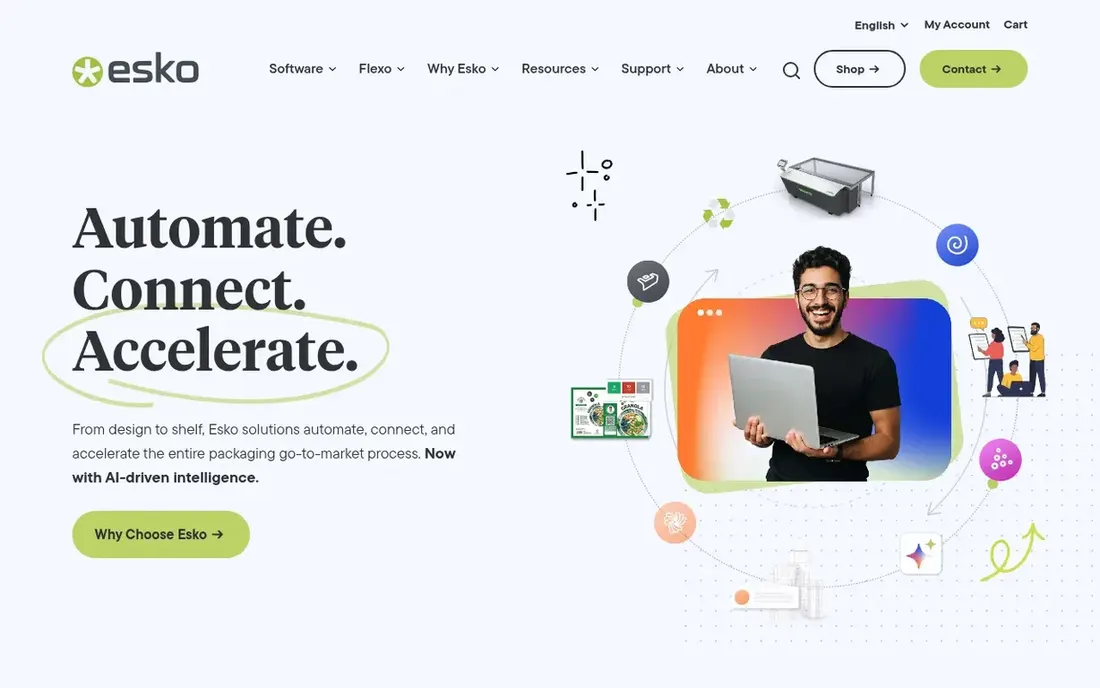
In short, Esko ArtPro+ is for packaging production professionals. Esko ArtPro+ is a specialized software for packaging production, meant to accelerate go-to-market processes for packaged goods.
This comparison lists no price for Esko ArtPro+; ask the vendor. As for free access: Not stated.
Where it is weaker: May need training for advanced features.
- Integrated with Esko's packaging portfolio
- Simplifies prepress and production tasks
- Concentrated on production instead of creative design
How we compared the tools
LinkVetted looked at what each vendor publishes: pricing, plan limits, feature coverage for 3D packaging software and stated drawbacks. No hands-on testing is claimed. Plan names, prices and limits change often. Treat the figures here as a starting point and verify them with the vendor. The order reflects how well each tool fits the most common buying scenario for 3D packaging software, then price clarity, then free plan access. It is a starting point, not a verdict.
A buyer's checklist
- Confirm the entry price on the vendor page. For Cinema 4D, EngView Package & Die Designer, TOPS and others that means a quote rather than a fixed price.
- Look at the free plan from Pacdora closely: its caps decide whether it is usable for real work.
- Use real work to test the free trial from KeyShot, rather than a demo project.
- Read the limits listed for Cinema 4D first: general-purpose, not packaging-specific.
- The entry price of KeyShot is only the starting point; model the full cost with seats and extras.
- Involve the people who will use Pacdora daily; a short pilot beats a long feature checklist.
FAQ
Can I try these options before paying?
Often, yes. Pacdora has a free plan and KeyShot offers a free trial. Use your own data and a real task during the test, and check what the free tier or trial limits before you rely on it.
Is Cinema 4D the right pick for everyone comparing 3D packaging software?
No single tool suits every team. Cinema 4D comes first because it fits advanced 3D modeling and animation, while EngView Package & Die Designer suits packaging CAD/CAM design and TOPS suits pallet and container loading optimization. Match the tool to your own size, budget and workflow before deciding.
What is the best software for 3D packaging design?
Cinema 4D comes first here and is built for advanced 3D modeling and animation. Buyers with other needs may prefer EngView Package & Die Designer (for packaging CAD/CAM design) or TOPS (for pallet and container loading optimization). Compare costs and limits first.
What is the cheapest option for 3D packaging software in this list?
On published monthly entry prices, KeyShot is the lowest here at $7.92 per month. Entry price is only part of the cost, because seats, add-ons and billing terms can change the total. All 6 picks in this 3D packaging software comparison list a starting price, free plan details and the main limits on their cards above.
Do these tools publish their prices?
Not all of them. Cinema 4D, EngView Package & Die Designer, TOPS and others publish no starting price, so expect a quote request for those. The rest, KeyShot included, show a starting price, though seats and billing terms still change the final cost.
How does TOPS help with packaging?
TOPS optimizes package sizes and pallet layouts to boost logistics efficiency. It helps reduce shipping costs and waste by planning how packaged goods fit into containers and trucks, complementing design tools.
Sources
- https://www.maxon.net/en/cinema-4d
- https://www.engview.com
- https://www.topseng.com
- https://www.pacdora.com
- https://www.keyshot.com
- https://www.esko.com