Top Adobe Substance 3D Stager Alternatives in 2026: 5 Picks Ranked
Compare 5 picks for Adobe Substance 3D Stager alternatives, with prices, free plans and who each fits. Hidden costs and gaps are flagged. Skim the table first.
- Editor's choice3ds Max
Professional 3D modeling and animation
Starts atSee websiteVisit autodesk.comFull review - Great alternative
 Cinema 4D
Motion graphics and procedural modeling
Starts atSee websiteVisit maxon.netFull review - Also consider
 KeyShot
Live product rendering and visualization
Starts at$7.92 a monthVisit keyshot.comFull review
Direct answer
3ds Max is the first pick on this list for professional 3D modeling and animation. Listed starting prices: KeyShot from $7.92 a month. Alternatives: Cinema 4D for motion graphics and procedural modeling, and KeyShot for live product rendering and visualization. Prices, free plans and limits for all 5 tools follow.
TL;DR:
- 3ds Max sits first on this list: professional 3D modeling and animation.
- KeyShot has the lowest monthly starting price in this list: $7.92 per month.
- Before buying Blender, weigh this: steeper ramp-up time for beginners.
- V-Ray fits Photorealistic rendering plugin for several systems.
- A permanent free plan is missing from all 5 tools, 3ds Max and V-Ray included; plan for a trial or a premium start.
Last checked November 2026. Prices and plan details were read from the vendors' own pages in November 2026; vendors change plans often, so confirm the current price on the vendor site before you buy.
Quick comparison
| Tool | Best for | Starts at | Free plan? | |
|---|---|---|---|---|
| 3ds Max | Professional 3D modeling and animation | See website | Not stated | Visit |
| Cinema 4D | Motion graphics and procedural modeling | See website | Not stated | Visit |
| KeyShot | Live product rendering and visualization | $7.92 a month | Free trial | Visit |
 Blender | Free, open-source 3D creation suite | See website | Not stated | Visit |
 V-Ray | Photorealistic rendering plugin for several products | See website | Not stated | Visit |
5 options for Adobe Substance 3D Stager in detail
Short on time? The summary and table above give the quick view of 5 tools for Adobe Substance 3D Stager, and the profiles that follow give the detail behind each entry.
3ds Max
Best for: Professional 3D modeling and animation
3ds Max was built for professional 3D modeling and animation. It is a staple in architecture, game development, and film, offering a thorough set of tools for large-scale projects. In practice, 3ds Max suits professionals who need a solid, industry-standard option.
Where it is weaker: Pricey subscription.
Its complexity may be excessive for straightforward staging tasks. In practice, for cross-platform or budget-friendly alternatives, explore Blender or Cinema 4D. No starting price is listed for 3ds Max here; confirm pricing on the vendor site. Free options: Not stated.
- Widely used in architecture and games
- Broad modeling and animation tools
- Windows-only system
Pick Cinema 4D if this describes you: motion graphics and procedural modeling. Cinema 4D is a professional 3D modeling, animation, and rendering application developed by Maxon.
For everyday use, Cinema 4D comes at a premium price and may be overkill for straightforward product staging. Its advanced features need time to master. Cinema 4D shows no starting price here, so confirm the cost on the vendor site. Free plan details: Not stated.
The main drawbacks: Premium pricing.
- Powerful motion graphics tools
- Procedural modeling and animation
- Steeper ramp-up time for advanced features
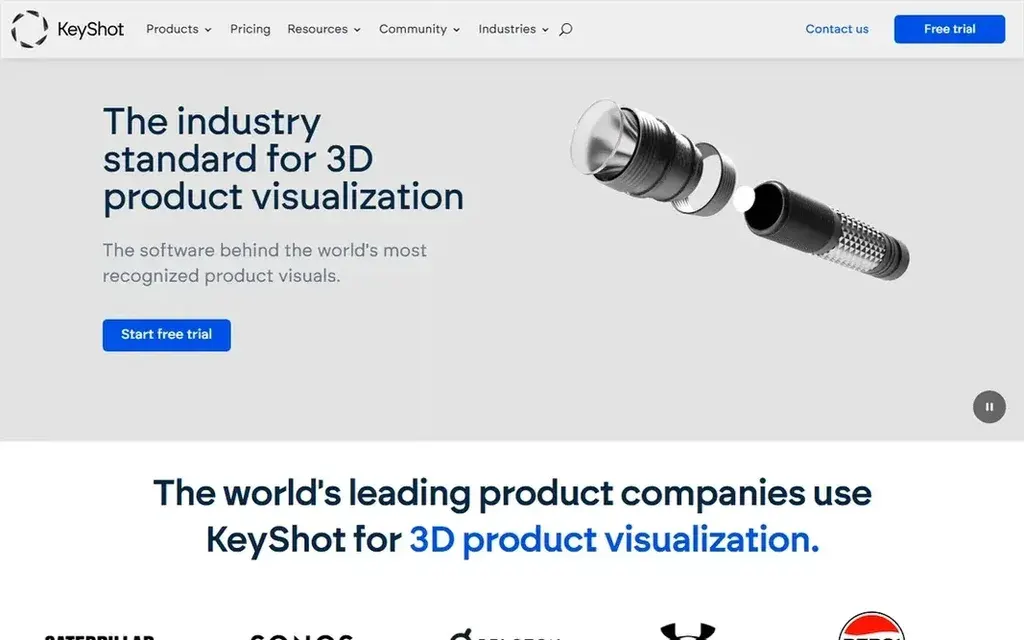
Where KeyShot fits: live product rendering and visualization. KeyShot is well suited to designers who require quick, photorealistic renders without deep modeling. For everyday use, KeyShot is a live 3D rendering and AI visualization software tailored for product design firms.
It makes it possible for collaboration from concept to product launch, with modern rendering technology that offers immediate visual feedback. KeyShot centres on rendering instead of modeling, so you may need extra software for creating or editing 3D models. It is also a commercial product with licensing costs. From a buyer's view, if you need a full modeling and rendering suite, Blender or Cinema 4D might be more suitable. KeyShot cost at the entry level: $7.92 per month. Free access: Free trial.
Where it falls short: Restricted modeling capabilities.
- Live rendering for instant feedback
- Solid for product design collaboration
- Can be pricey for individuals
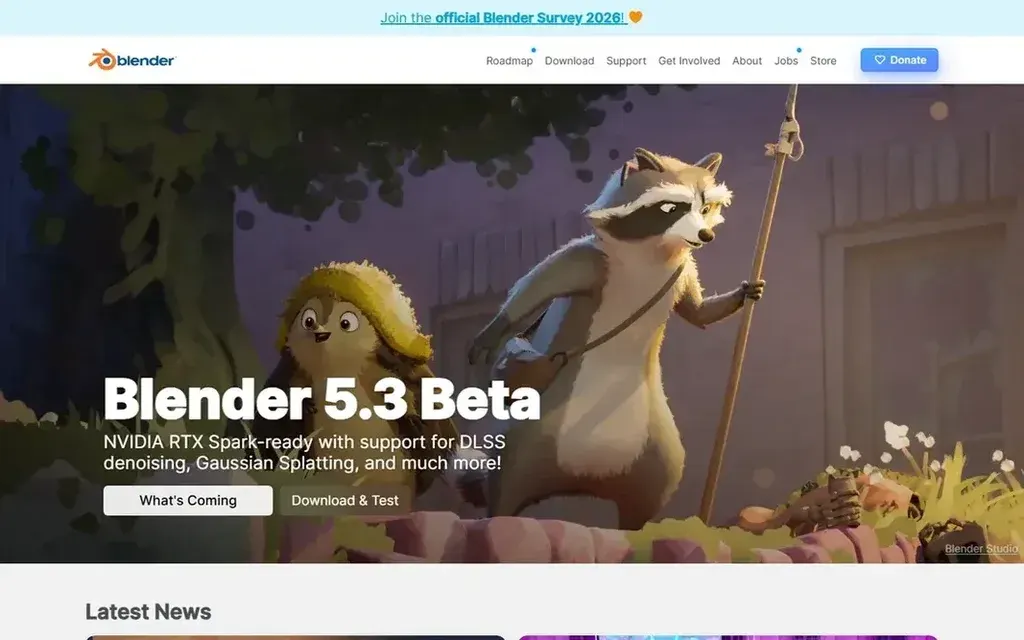
Choose Blender for free, open-source 3D creation suite. Blender suits those who require a capable, no-cost option and are willing to invest time in learning its deep features.
Pricing for Blender is not stated here, so ask the vendor for current figures. Free access: Not stated.
The main drawbacks: Less specialized for product staging compared with Stager.
- Fully free and open-source
- Active community and frequent updates
- Steeper ramp-up time for beginners
V-Ray targets Photorealistic rendering plugin for several systems. V-Ray by Chaos is a photorealistic 3D rendering plugin available for systems like 3ds Max, SketchUp, Rhino, Maya, and Blender. It enhances host applications with advanced rendering capabilities, making it a strong match for architects, designers, and artists who demand realistic visuals.
Reasons to shortlist it: Broad product support.
Also, V-Ray is a top choice for those already using supported software. Worth adding: V-Ray is not a standalone application; it needs a compatible host program, and the combined cost can be significant. It is also complicated to master. This comparison lists no price for V-Ray; ask the vendor. Free access: Not stated.
Watch-outs: Needs host application.
- High-quality photorealistic rendering
- Plugs into widely used design software
- Extra cost on top of host software
What went into this list
Selection started from tools commonly considered for Adobe Substance 3D Stager, then narrowed to 5 that have clear pricing information or a clear quote process. Where a vendor does not publish a price, the entry says quote. Where a price depends on seats or billing term, the entry says so. The order reflects how well each tool fits the most common buying scenario for Adobe Substance 3D Stager, then price clarity, then free plan access. It is a starting point, not a verdict.
What to confirm before you sign up
- Confirm the entry price on the vendor page. For 3ds Max, Cinema 4D, Blender and V-Ray that means a quote rather than a fixed price.
- Use real work to test the free trial from KeyShot, rather than a demo project.
- Before choosing 3ds Max, weigh its main limit: expensive subscription.
- Pick one real project and run it in Cinema 4D first; a small pilot shows fit faster than a checklist.
- Compare total cost, not headline price: for Blender, add extra seats, add-ons and any usage-based charges.
FAQ
Is Cinema 4D right for beginners?
Cinema 4D has a steeper ramp-up time, particularly for advanced features, but it supplies broad resources. It is widely used in motion graphics and may be more than needed for straightforward staging tasks.
Can I try these tools before paying?
Often, yes. KeyShot offers a free trial. Use your own data and a real task during the test, and check what the free tier or trial limits before you rely on it.
Is 3ds Max the right pick for everyone comparing Adobe Substance 3D Stager?
No single tool suits every team. 3ds Max comes first because it fits professional 3D modeling and animation, while Cinema 4D suits motion graphics and procedural modeling and KeyShot suits real-time product rendering and visualization. Match the tool to your own size, budget and workflow before deciding.
What is the cheapest option for Adobe Substance 3D Stager in this list?
On published monthly entry prices, KeyShot is the lowest here at $7.92 per month. Entry price is only part of the cost, because seats, add-ons and billing terms can change the total.
Does any tool for Adobe Substance 3D Stager here have a free plan?
No tool in this list, 3ds Max and V-Ray included, has a permanent free plan. KeyShot offer a trial. Trials and quotes are the usual route, so plan a short evaluation period.
Can I use V-Ray without another 3D program?
No, V-Ray is a rendering plugin that needs a compatible host application for example 3ds Max, SketchUp, or Blender. It enhances the rendering capabilities of these programs.
Sources
- https://www.autodesk.com/products/3ds-max
- https://www.maxon.net/en/cinema-4d
- https://www.keyshot.com
- https://www.blender.org
- https://www.chaos.com/vray