Top Adobe Podcast Alternatives in 2026: 5 Picks Ranked
5 products for Adobe Podcast alternatives, ranked by fit, with starting costs and free tiers. Each profile ends with a plain caveat. Reviewed in November 2026.
- Editor's choice
 Alitu
Straightforward guided episode assembly
Starts at$38 a monthVisit alitu.comFull review - Great alternative
 Auphonic
Automatic audio post production
Starts atSee websiteVisit auphonic.comFull review - Also consider
 Descript
Text-based editing and transcription
Starts at$16 per person a monthVisit descript.comFull review
Direct answer
If you need straightforward guided episode assembly, Alitu is the first tool to look at here. Listed starting prices: Alitu from $38 a month, Descript from $16 per person a month and Riverside from $24 per month. Auphonic fits automatic audio post production; Descript fits text-based editing and transcription. The remaining 2 options are covered below with prices and limits.
TL;DR:
- Alitu sits first on this list: straightforward guided episode assembly.
- Check the limits for Auphonic before you commit: not a full recording studio.
- Cleanvoice is the one to check for removing fillers and background noise.
- 3 of 5 tools offer a free plan: Auphonic, Descript, Riverside.
Last checked November 2026. Prices and plan details were read from the vendors' own pages in November 2026; vendors change plans often, so confirm the current price on the vendor site before you buy.
Quick comparison
| Tool | Best for | Starts at | Free plan? | |
|---|---|---|---|---|
| Alitu | Straightforward guided episode assembly | $38 a month | Free trial | Visit |
| Auphonic | Automatic audio post production | See website | Yes | Visit |
| Descript | Text-based editing and transcription | $16 per person a month | Yes | Visit |
 Riverside | Remote recording with high-quality capture | $24 per month | Yes | Visit |
 Cleanvoice | Removing fillers and background noise | $11 per month | Free trial | Visit |
Adobe Podcast compared in detail
Choosing Adobe Podcast usually comes down to price, fit and limits. This LinkVetted guide sets 5 tools side by side on those three points, with the facts kept short and checkable.
Alitu works best for straightforward guided episode assembly. The focus is on removing friction instead of offering deep creative control. Automation means less granular control over every edit, which can matter for heavily produced or sound-designed displays.
The main drawbacks: Less control than manual editors.
Alitu is podcast editing software that automates the technical parts of production, aiming to get an episode finished rapidly. On top of that, choose Alitu when speed and simplicity matter more than fine control. On top of that, if you need frame-level editing or text-based cutting, a fuller editor may suit you better. Entry price for Alitu: $38 per month. Free plan details: Free trial.
- Automates technical editing steps
- Aims to shorten episode production time
- Suited to straightforward formats
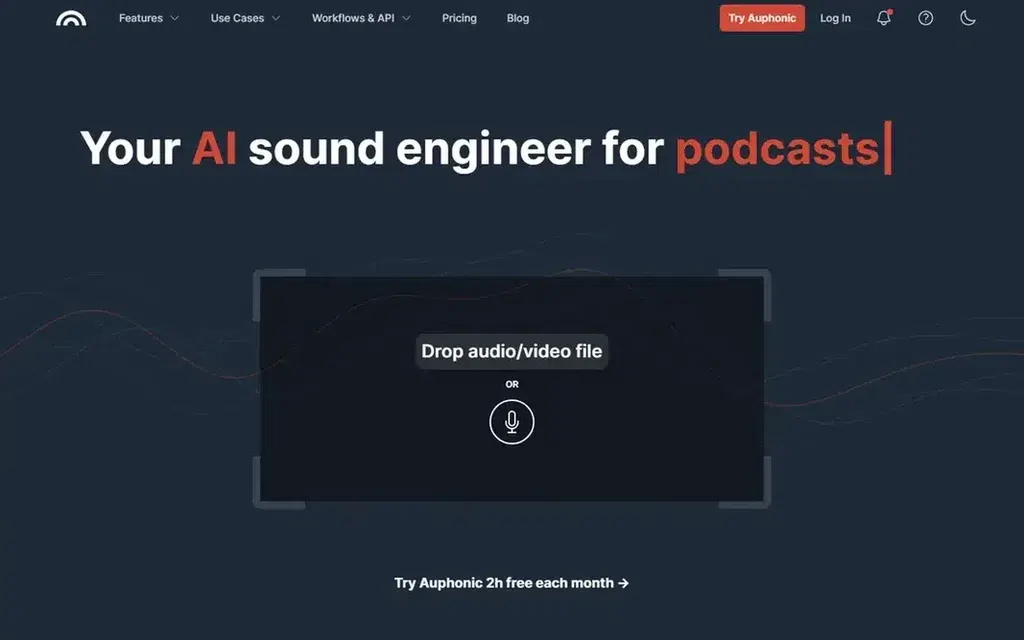
Auphonic is a good fit for automatic audio post production. If you want conversation-level editing or text-based cutting, look at Descript or Riverside instead. Worth adding: Auphonic is an automatic audio post production web service.
Drawbacks to consider: Not a full recording studio.
It takes uploaded audio and applies processing to prepare it for release, which suits podcasters who record elsewhere and want a consistent finishing step. It is a practical choice for people who would rather not tune levels and cleanup by hand on every episode. It is not designed as a recording studio or a creative editing suite. So you still need a separate tool to capture and cut your display. Auphonic performs best as the final stage of an existing workflow. This comparison lists no price for Auphonic; ask the vendor. Free access exists with Auphonic.
- Web-based, so no local install
- Automatic post production for audio
- Interface is utility-focused instead of creative
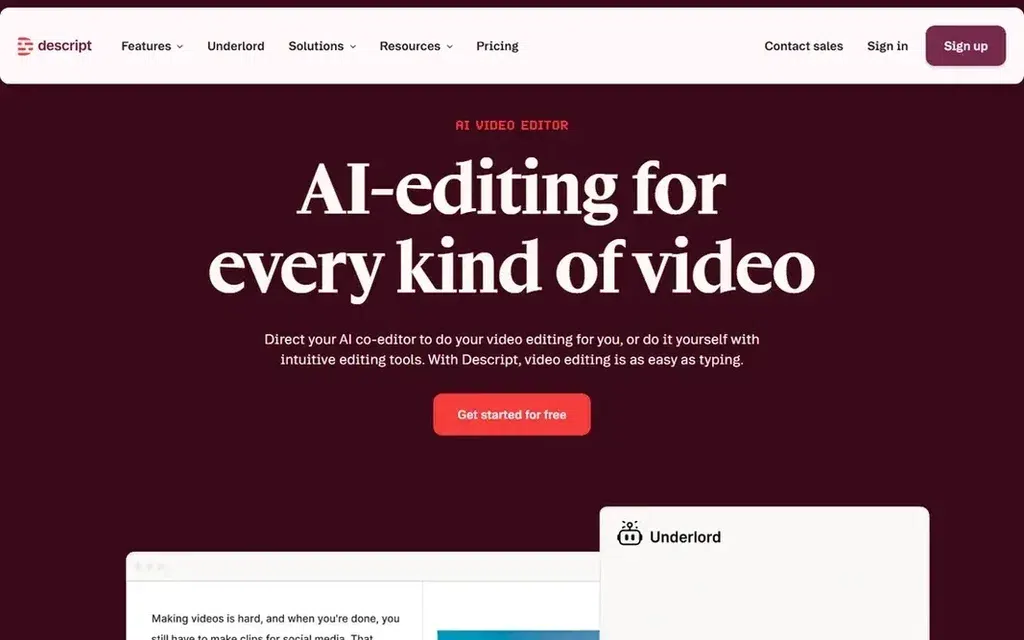
In short, Descript is for text-based editing and transcription. Descript is an AI video and audio editor built around a text-based workflow.
The main drawbacks: Not concentrated on automatic audio repair alone.
Since it aims to include the entire production cycle, the interface holds more than a dedicated cleanup tool would. In practice, pick Descript when transcription and text editing are central to how you work. What you pay to start with Descript: $16 per person per month. Free access exists with Descript.
- Edit audio by editing text
- Recording
- Bigger projects can feel complicated
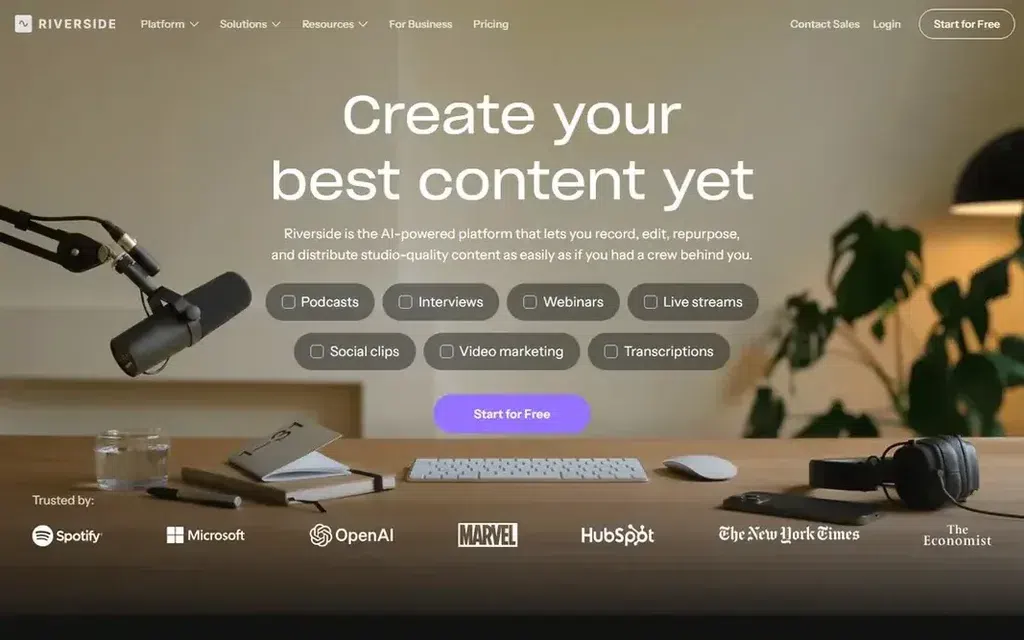
Choose Riverside for remote recording with high-quality capture. Riverside is an online studio for high-quality podcast and video recording and editing, powered by AI and designed for conversations. The emphasis is on capture quality first, with editing available alongside it.
Where it is weaker: Editing depth differs from text-first editors.
More specifically, if your episodes are solo and already recorded, the recording side layers on little. A dedicated editor or cleanup service may be a better fit. Starting cost for Riverside: $24 per month. Free access exists with Riverside.
- Recording and editing in one place
- Online studio for podcast and video recording
- Best value when you record remotely
Cleanvoice is designed for removing fillers and background noise. Cleanvoice is an AI podcast editor that removes background noise, filler words, mouth sounds, silence and similar artifacts from audio and video.
Honest limits: Results rely on source recording quality.
Beyond that, cleanup tools work on what you provide them, so a poor source recording limits the result. As for the details, if you also need recording, transcription or episode assembly, Cleanvoice alone will not handle the entire workflow. What you pay to start with Cleanvoice: $11 per month. Free plan details: Free trial.
- Fillers and mouth sounds
- Removes noise
- Centred on cleanup instead of full production
Selection criteria
For each of the 5 tools we noted price, free plan or trial, fit for Adobe Podcast and the main limit, using vendor pages and documentation. Where a vendor does not publish a price, the entry says quote. Where a price depends on seats or billing term, the entry says so. We ordered the tools by general fit, then by how clearly pricing is shown, then by free access. A buyer with unusual needs may reorder them.
Before you commit
- Confirm the entry price on the vendor page. For Auphonic that means a quote rather than a fixed price.
- Check what the free option really includes: Auphonic, Descript and Riverside offer a free plan, and usage caps differ.
- Run a trial of Alitu and Cleanvoice with real work before paying for a year; your own workflow is the best test.
- Read the limits listed for Alitu first: less control than manual editors.
- Work out what Riverside costs with your real seat count, add-ons and usage, not just the entry price.
- See whether Descript offers onboarding or training, and whether it is included in the price.
FAQ
Which options for Adobe Podcast have a free plan?
On this list, Auphonic, Descript and Riverside include a free plan. Caps on seats, usage or features are common, so test the free plan against your real workload. Several others offer a trial instead.
Can I just clean up audio rather than switching editors?
Yes. Cleanvoice targets noise, fillers and mouth sounds, and Auphonic manages automatic post production. Either can sit alongside your existing editor if your primary goal is cleaner sound instead of a new production workflow.
Do these tools publish their prices?
Not all of them. Auphonic publishes no starting price, so expect a quote request for it. The rest, Alitu included, show a starting price, though seats and billing terms still change the final cost.
Is Alitu the right pick for everyone comparing Adobe Podcast?
No single tool suits every team. Alitu comes first because it fits simple guided episode assembly, while Auphonic suits automatic audio post production and Descript suits text-based editing and transcription. Match the tool to your own size, budget and workflow before deciding.
How are the tools for Adobe Podcast ordered?
The order follows typical fit for Adobe Podcast, with Alitu first and Cleanvoice last, then price clarity and free access. It is editorial judgement, not a score, so another team could rank the tools differently.
Sources
- https://alitu.com
- https://auphonic.com
- https://www.descript.com
- https://riverside.fm
- https://cleanvoice.ai