Best Video Podcast Editing Software for Beginners (2026): 6 Picks Checked on Vendor Pages
Best video podcast editing software for beginners in 2026: 6 tools with starting prices, free plans and limits. Details on cost, catches and fit. No filler.
- Editor's choice
 Filmora
Beginners who want easy-to-learn timeline editing
Starts atSee websiteVisit filmora.wondershare.comFull review - Great alternative
 Final Cut Pro
Mac and iPad users wanting refined results
Starts atSee websiteVisit apple.comFull review - Also consider
 Adobe Premiere Pro
Aspiring pros who want industry-standard tools
Starts atSee websiteVisit adobe.comFull review
Direct answer
Our first pick is Filmora, best for beginners who want easy-to-learn timeline editing. Listed starting prices: Descript from $16 per person per month. Final Cut Pro is better for Mac and iPad users wanting refined results, and Adobe Premiere Pro is better for aspiring pros who want industry-standard tools. The remaining 3 options are covered below with prices and limits.
TL;DR:
- Filmora takes the first slot, best suited to beginners who want easy-to-learn timeline editing.
- Camtasia fits tutorial-style podcast episodes and demos.
- Before buying Descript, weigh this: text-first workflow may feel unusual.
- Descript is the lowest-priced starter here at $16 per person per month.
- Free plans exist at 2 of 6 tools (Descript, CapCut).
Last checked November 2026. Prices and plan details were read from the vendors' own pages in November 2026; vendors change plans often, so confirm the current price on the vendor site before you buy.
Quick comparison
| Tool | Best for | Starts at | Free plan? | |
|---|---|---|---|---|
| Filmora | Beginners who want easy-to-learn timeline editing | See website | Not stated | Visit |
| Final Cut Pro | Mac and iPad users wanting refined results | See website | Not stated | Visit |
| Adobe Premiere Pro | Aspiring pros who want industry-standard tools | See website | Not stated | Visit |
 Descript | Text-based editing of podcast conversations | $16 per person per month | Yes | Visit |
 CapCut | Fast, template-driven social media edits | See website | Yes | Visit |
 Camtasia | Tutorial-style podcast episodes and demos | See website | Not stated | Visit |
The 6 tools in detail
LinkVetted put together this guide to video podcast editing software for beginners for readers who want a clear shortlist without reading every vendor page. It compares 6 tools on starting price, free plans, who each one suits and where each one falls short.
For beginners who want easy-to-learn timeline editing, Filmora is a natural candidate. Filmora is AI-powered video editing software for desktop and mobile with easy-to-learn timeline tools, effects, captions, and audio features.
In daily use, some advanced capabilities are gated behind higher levels, and the tool is not aimed at heavy professional postproduction. Pricing for Filmora is not stated here, so ask the vendor for current figures. Free access: Not stated.
Where it falls short: Less suited to complicated workflows.
- Easy-to-learn timeline tools
- AI features, effects, captions
- Advanced features may require upgrades
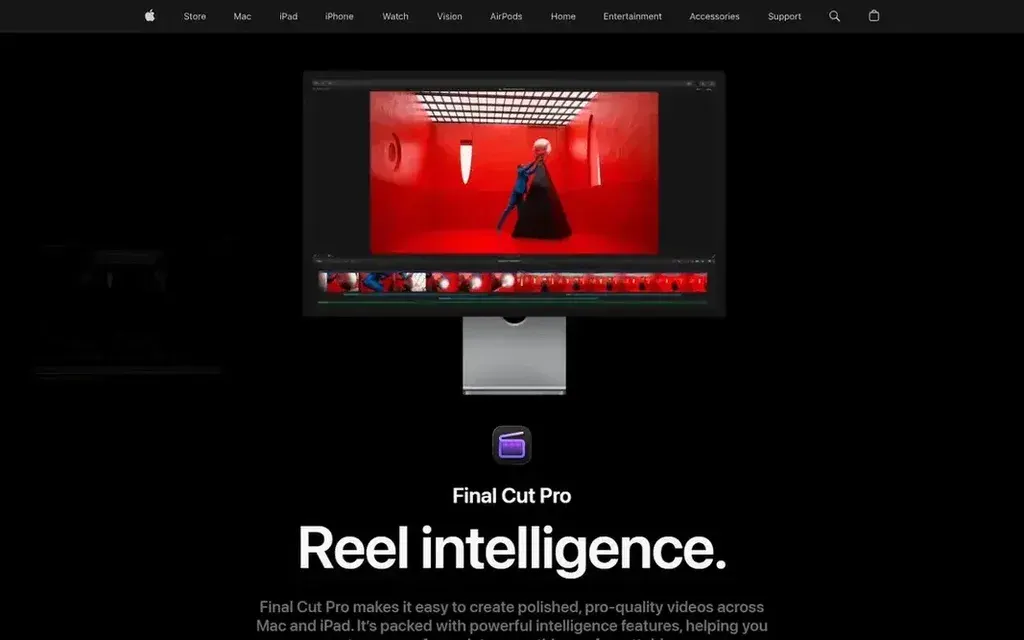
Final Cut Pro was built for Mac and iPad users wanting refined results. Final Cut Pro is Apple's professional video editing application packed with intelligent features that make pro-quality creation simple on Mac and iPad.
What Final Cut Pro does well: responsive performance.
Where it falls short: Mac-only ecosystem.
It only runs on Apple hardware, so Windows users must look elsewhere. The magnetic timeline, whereas efficient, can feel unfamiliar at first. Check the vendor site for Final Cut Pro pricing; none is listed in this comparison. Free options: Not stated.
- Quick
- Optimized for Mac and iPad
- Magnetic timeline needs adjustment
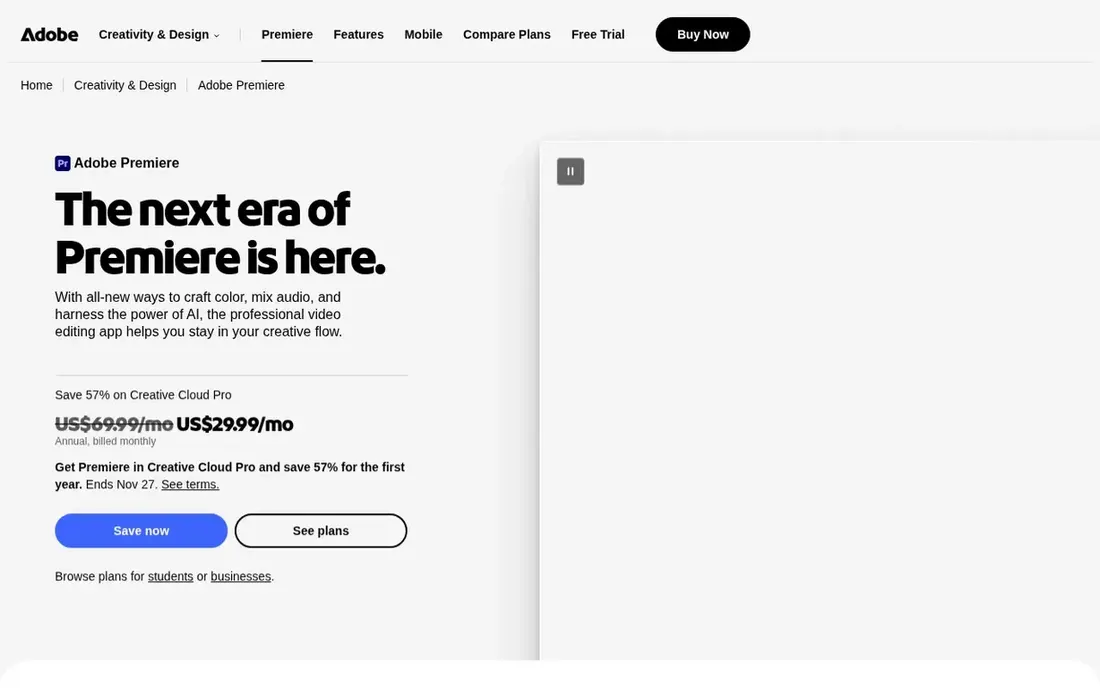
In short, Adobe Premiere Pro is for aspiring pros who want industry-standard tools. It fits beginners who plan to grow into advanced workflows, particularly those already using other Adobe creative tools.
Downsides: Steep ramp-up time for beginners.
Its complexity can overwhelm absolute beginners, and it demands a feature-rich machine for smooth playback. This comparison lists no price for Adobe Premiere Pro; ask the vendor. Free options: Not stated.
- Professional editing and postproduction
- Wide effects and audio mixing
- Needs a capable computer
Descript is a good fit for text-based editing of podcast conversations. The text-based approach can feel strange to editors used to timelines, and complicated visual effects are not its focus. Beyond that, Descript is an AI video and audio editor that makes editing as simple as editing text.
You can record, transcribe, edit, and publish in one place. It is well suited to beginners producing interview or conversation-based video podcasts, where removing filler words and restructuring dialogue happens straight in the transcript. Starting cost for Descript: $16 per person per month. Descript offers a free plan.
Where it shines: Edit video and audio by editing text; AI-powered corrections.
The main drawbacks: Text-first workflow may feel unusual.
- Publish in one tool
- Record, transcribe, edit
- Advanced visual effects are restricted
CapCut targets fast, template-driven social media edits. It runs on desktop, mobile, and online.
On top of that, CapCut centres on speed and style over deep control, so complicated multi-cam podcast edits may feel limited. CapCut shows no starting price here, so confirm the cost on the vendor site. You can start on CapCut without paying.
Where it shines: AI-powered editing tools. The main drawbacks: Templates can feel generic.
- Online access
- Smart templates and creative effects
- Fewer advanced postproduction controls
Camtasia works best for tutorial-style podcast episodes and demos. Camtasia merges a screen recorder and video editor for creating tutorials, training videos, and software demos. Worth adding: if your present is primarily talking-head video, a dedicated editor like Final Cut Pro or Filmora may serve you better.
Where it is weaker: Restricted advanced color tools.
In daily use, beginners producing explainer-style or screen-share podcast episodes will find its straightforward workflow useful, notably when the content depends on on-screen visuals instead of complicated camera setups. On top of that, Camtasia is less suited to multi-camera podcast footage or advanced color work. This comparison lists no price for Camtasia; ask the vendor. On free options: Not stated.
Where it shines: Focus on tutorials and training videos.
- Straightforward editing workflow
- Built-in screen recorder
- Not optimized for cinematic podcast footage
How we built this list
What to check before you buy
- Get a written quote from Filmora, Final Cut Pro, Adobe Premiere Pro and others; the list shows no starting price for them.
- Read the fine print on the free plans from Descript and CapCut; seat, project and feature caps differ.
- Before choosing Filmora, weigh its main limit: advanced features may need upgrades.
- Price Descript for your actual team size; headline prices rarely include add-ons or overage.
- Ask whether Adobe Premiere Pro integrates with your current software, and whether that comes standard or as an add-on.
FAQ
Which options for video podcast editing software for beginners have a free plan?
Descript and CapCut offer a free plan in this list. Free plans usually cap users, projects or features, so check the limits on the vendor page.
What makes Descript well suited to beginners editing video podcasts?
Descript lets you edit video and audio by editing a text transcript. So you can remove filler words and rearrange dialogue without timeline skills.
How are the tools for video podcast editing software for beginners ordered?
Filmora sits first and Camtasia last because the order follows typical fit for video podcast editing software for beginners, then price clarity and free access. It is a judgement call, so read each profile for fit and limits.
Can I try these tools before paying?
Often, yes. Descript and CapCut have a free plan. Use your own data and a real task during the test, and check what the free tier or trial limits before you rely on it.
Is Filmora the right pick for everyone comparing video podcast editing software for beginners?
No single tool suits every team. Filmora comes first because it fits beginners who want intuitive timeline editing, while Final Cut Pro suits Mac and iPad users wanting polished results and Adobe Premiere Pro suits aspiring pros who want industry-standard tools. Match the tool to your own size, budget and workflow before deciding.
Sources
- https://filmora.wondershare.com
- https://www.apple.com/final-cut-pro
- https://www.adobe.com/products/premiere.html
- https://www.descript.com
- https://www.capcut.com
- https://www.techsmith.com/camtasia.html