Best Podcast Editing Software for Creators (2026): 6 Picks Checked on Vendor Pages
6 products for the best Podcast editing software for creators, ranked by fit, with starting costs and free tiers. Short verdicts, no fluff. Numbers first.
- Editor's choice
 Reaper
Adaptable, configurable audio production
Starts atSee websiteVisit reaper.fmFull review - Great alternative
 Adobe Podcast
Fast web-based recording and cleanup
Starts atSee websiteVisit podcast.adobe.comFull review - Also consider
 Adobe Audition
In-depth multitrack and spectral editing
Starts atSee websiteVisit adobe.comFull review
Direct answer
Start with Reaper if you need adaptable, configurable audio production. Listed starting prices: Riverside from $24 a month and Descript from $16 per person a month. Adobe Podcast is better for fast web-based recording and cleanup, and Adobe Audition is better for in-depth multitrack and spectral editing. Prices, free plans and limits for all 6 tools follow.
TL;DR:
- Reaper sits first on this list: adaptable, configurable audio production.
- Only 3 of the 6 tools have a free plan (Auphonic, Riverside, Descript), so check the caps.
- For editing audio by editing text, Descript is worth a look.
- For the cheapest start, look at Descript: $16 per person per month.
- A fair warning about Adobe Audition: dense interface for beginners.
Last checked November 2026. Prices and plan details were read from the vendors' own pages in November 2026; vendors change plans often, so confirm the current price on the vendor site before you buy.
Quick comparison
| Tool | Best for | Starts at | Free plan? | |
|---|---|---|---|---|
| Reaper | Adaptable, configurable audio production | See website | Not stated | Visit |
| Adobe Podcast | Fast web-based recording and cleanup | See website | Not stated | Visit |
| Adobe Audition | In-depth multitrack and spectral editing | See website | Not stated | Visit |
 Auphonic | Automatic audio post production | See website | Yes | Visit |
 Riverside | Recording and editing in one studio | $24 a month | Yes | Visit |
 Descript | Editing audio by editing text | $16 per person a month | Yes | Visit |
The full Podcast editing software for creators list
LinkVetted put together this guide to Podcast editing software for creators for readers who want a clear shortlist without reading every vendor page. It compares 6 tools on starting price, free plans, who each one suits and where each one falls short.
Reaper is built with flexible, configurable audio production in mind. Choose Reaper when customization and long-term control are worth the initial effort. Creators who mostly cut conversation audio may prefer a transcript-based tool.
More specifically, Podcasters who want full control over routing, editing and processing can shape it to their exact workflow. That adaptability means more setup and a steeper ramp-up time than guided podcast editors, and beginners may find the blank canvas daunting. This comparison lists no price for Reaper; ask the vendor. Free options: Not stated.
Honest limits: Less guided for beginners.
- Highly configurable workflow
- Full production environment
- Setup takes time to learn
For fast web-based recording and cleanup, Adobe Podcast is a natural candidate. Adobe Podcast is AI audio recording and editing on the web, letting you record, transcribe, edit and share with an emphasis on crisp, clear speech. It is a practical starting point for new podcasters and for simple voice projects.
Creators who require in-depth mixing or spectral repair should move to a deeper tool. Also, the simplified approach means fewer advanced controls than a full digital audio workstation, and long or complicated productions may outgrow it. More specifically, pick Adobe Podcast when speed and simplicity matter more than fine-grained control. This comparison lists no price for Adobe Podcast; ask the vendor. Free options: Not stated.
Where it is weaker: Fewer advanced controls.
- Record, transcribe
- Edit and share
- Web workflow may not suit long sessions
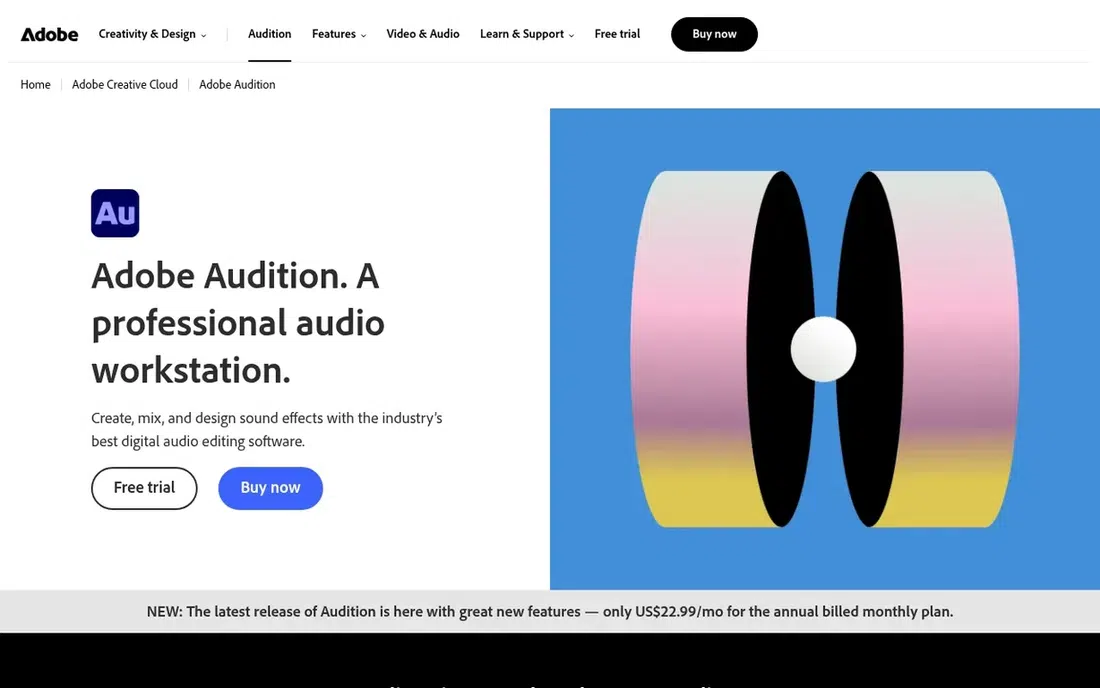
Adobe Audition is aimed squarely at in-depth multitrack and spectral editing. Choose Audition when precision audio work matters more than simplicity. The depth includes a ramp-up time, and the interface can feel crowded for creators who only trim and level conversation audio.
Downsides: Dense interface for beginners.
From a buyer's view, creators who want fine control over cleanup, mixing and in-depth repair will find the spectral view particularly handy for spotting and fixing problem sounds. Adobe Audition is audio recording and editing software built around a thorough toolset that contains multitrack, waveform and spectral display. This comparison lists no price for Adobe Audition; ask the vendor. Free access: Not stated.
- Solid repair and mixing toolset
- Waveform and spectral views
- Heavier than straightforward editors
Think of Auphonic for automatic audio post production. It suits podcasters who already edit content elsewhere and want a steady final pass.
It fits producers managing recurring presents with a repeatable workflow. This comparison lists no price for Auphonic; ask the vendor. You can start on Auphonic without paying.
Where it is weaker: Best paired with an editor.
- Automatic post production processing
- Web-based and straightforward to run
- Restricted manual editing control
Riverside is designed for recording and editing in one studio. Riverside is an online studio for high-quality podcast and video recording and editing, powered by AI and made for human conversations. In daily use, video-first podcasters get a natural fit here.
What to check first: Browser-based workflow dependence.
Its editing tools are pitched at conversation content instead of in-depth audio restoration, so complicated repair work may still call for a dedicated editor. Also, creators who record locally and prefer offline software may not need the online studio model. Starting cost for Riverside: $24 per month. Riverside includes a free tier.
- AI-assisted post production
- Online studio for recording and editing
- Editing depth is narrower than a DAW
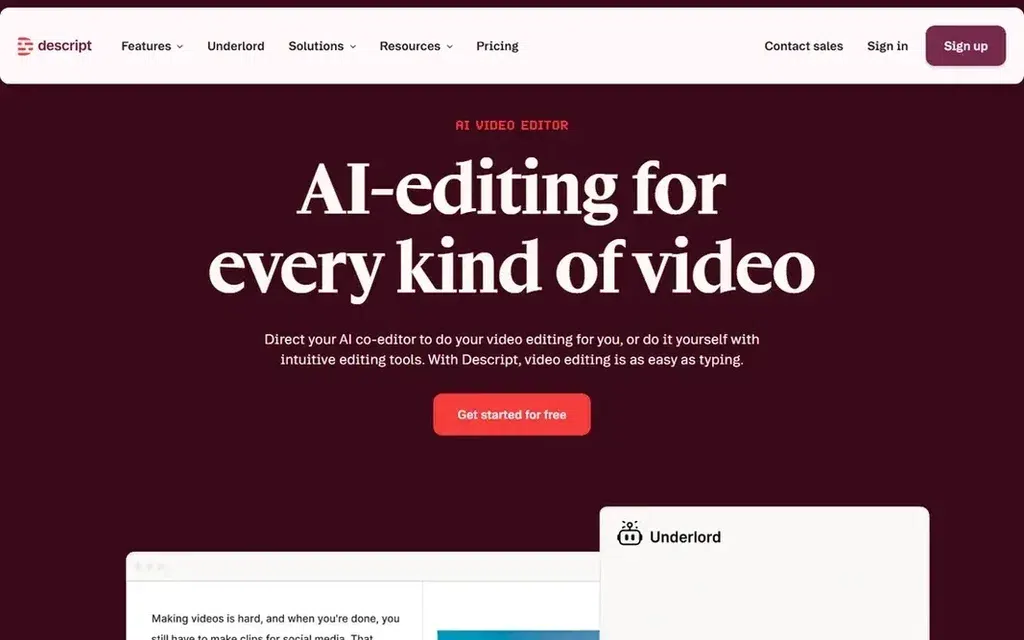
Where Descript fits: editing audio by editing text. Creators who want full control over every waveform should look at a traditional digital audio workstation. In practice, Descript is an AI video and audio editor that makes editing as simple as editing text.
Drawbacks to consider: Less precise for deep audio repair.
Highlights: Transcript-based editing.
It performs well for creators who also publish video versions. Transcript-driven edits still need a listen-through, and the approach is less suited to surgical audio repair or in-depth mixing. The starting price for Descript: $16 per person per month. A free plan is available with Descript.
- Takes care of audio and video
- Record
- Automatic transcription needs review
How these tools were picked
The comparison looks at four things: starting price, free access, how well the feature set matches Podcast editing software for creators, and the main limit of each tool. Figures are shown as the vendors publish them. Billing terms, seat minimums and add-ons can change the real cost. The ranking is editorial: typical fit first, then clear pricing, then free access. If your needs are unusual, read the profiles rather than relying on position.
Pre-purchase checklist
- Ask Reaper, Adobe Podcast, Adobe Audition and Auphonic for a written quote, since no starting price is shown.
- Look at free plan limits closely: Auphonic, Riverside and Descript have one, and the caps decide whether it is usable for real work.
- Before choosing Reaper, weigh its main limit: setup takes time to learn.
- Verify that exporting from Reaper is possible on your plan and covers all your records.
- Add up seats, add-ons and usage charges for Auphonic before comparing it with cheaper entries.
FAQ
What is the cheapest option for Podcast editing software for creators in this list?
On published monthly entry prices, Descript is the lowest here at $16 per person per month. Entry price is only part of the cost, because seats, add-ons and billing terms can change the total. All 6 picks in this Podcast editing software for Creators comparison list a starting price, free plan details and the main limits on their cards above.
Is Reaper the right pick for everyone comparing Podcast editing software for creators?
No single tool suits every team. Reaper comes first because it fits flexible, customizable audio production, while Adobe Podcast suits quick web-based recording and cleanup and Adobe Audition suits detailed multitrack and spectral editing. Match the tool to your own size, budget and workflow before deciding.
Can I record and edit a podcast in the same tool?
Some tools combine both. Riverside is an online studio for recording and editing, and Adobe Podcast lets you record, transcribe, edit and share on the web. Descript also handles recording through publishing. Plenty of creators still prefer recording separately and editing in a dedicated tool.
Do these tools publish their prices?
Not all of them. Reaper, Adobe Podcast, Adobe Audition and Auphonic publish no starting price, so expect a quote request for those. The rest, Riverside included, show a starting price, though seats and billing terms still change the final cost.
How are the tools for Podcast editing software for creators ordered?
The order follows typical fit for Podcast editing software for creators, with Reaper first and Descript last, then price clarity and free access. It is editorial judgement, not a score, so another team could rank the tools differently.
Sources
- https://www.reaper.fm
- https://podcast.adobe.com
- https://www.adobe.com/products/audition.html
- https://auphonic.com
- https://riverside.fm
- https://www.descript.com