Top 6 Podcast Editing Software for Solo Creators for 2026 (Prices and Free Plans)
Best podcast editing software for solo creators in 2026: 6 tools with starting prices, free plans and limits. Weak spots flagged for every entry. Numbers first.
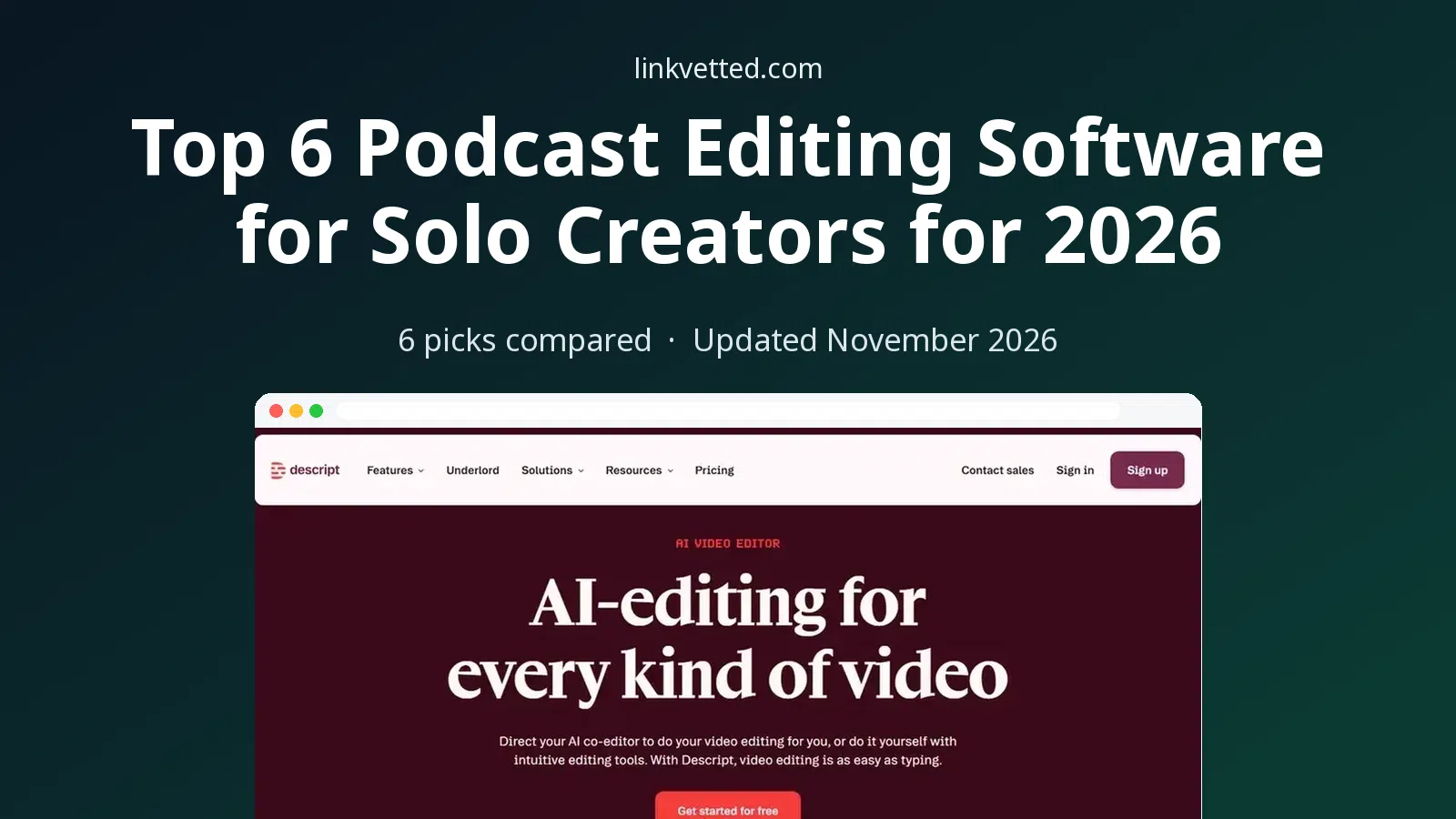
- Editor's choice
 Descript
Text-based editing for quick turnarounds
Starts at$16 per person a monthVisit descript.comFull review - Great alternative
 Riverside
Recording and editing in one studio
Starts at$24 per monthVisit riverside.fmFull review - Also consider
 Auphonic
Automatic audio post production
Starts atSee websiteVisit auphonic.comFull review
Direct answer
For text-based editing for quick turnarounds, Descript is where this list starts. Listed starting prices: Descript from $16 per person a month and Riverside from $24 per month. If your case is different, Riverside suits recording and editing in one studio and Auphonic suits automatic audio post production. Prices, free plans and limits for all 6 tools follow.
TL;DR:
- This list starts with Descript, which is built for text-based editing for quick turnarounds.
- Adobe Audition fits deep multitrack and spectral editing.
- A free plan is available from 3 of the 6 tools: Descript, Riverside, Auphonic.
- Auphonic comes with a trade-off: not a full multitrack editor.
Last checked November 2026. Prices and plan details were read from the vendors' own pages in November 2026; vendors change plans often, so confirm the current price on the vendor site before you buy.
Quick comparison
| Tool | Best for | Starts at | Free plan? | |
|---|---|---|---|---|
| Descript | Text-based editing for quick turnarounds | $16 per person a month | Yes | Visit |
| Riverside | Recording and editing in one studio | $24 per month | Yes | Visit |
| Auphonic | Automatic audio post production | See website | Yes | Visit |
 Reaper | Adaptable, light audio production | See website | Not stated | Visit |
 Logic Pro | Mac and iPad music-minded podcasters | See website | Not stated | Visit |
 Adobe Audition | Deep multitrack and spectral editing | See website | Not stated | Visit |
Podcast Editing Software for Solo Creators, one by one
Choosing podcast editing software for solo creators usually comes down to price, fit and limits. This LinkVetted guide sets 6 tools side by side on those three points, with the facts kept short and checkable.
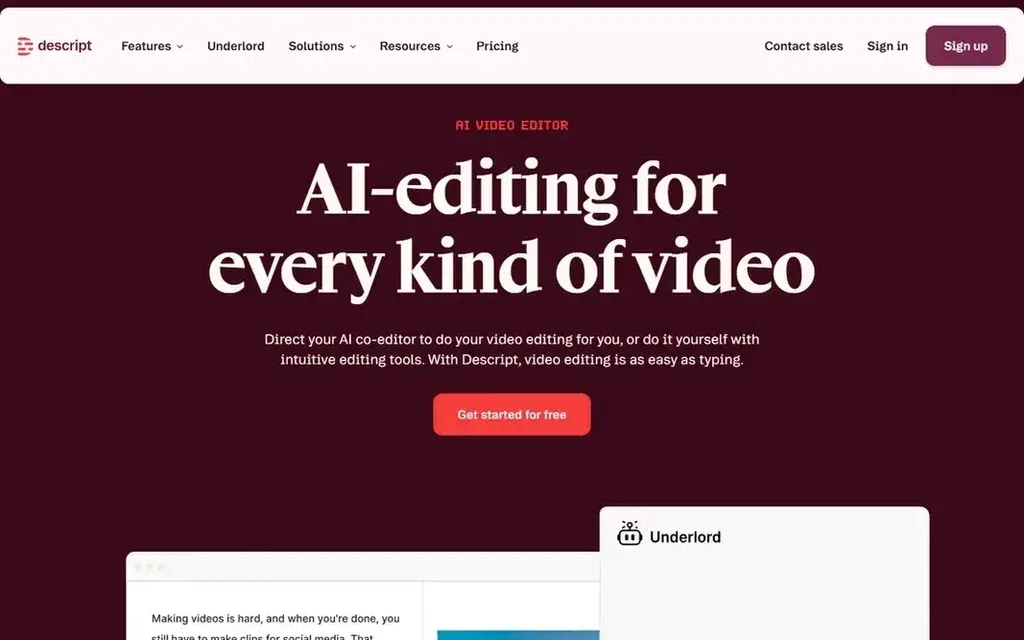
Descript targets text-based editing for quick turnarounds. Consider a dedicated digital audio workstation when surgical audio fixes are the priority, and choose Descript when speed and simplicity for spoken content matter most.
Where it is weaker: Less suited to deep spectral repair.
Descript is an AI video and audio editor that makes editing as simple as editing text. More specifically, since the workflow centers on text, creators who require detailed spectral repair or complicated multitrack mixing may find it limiting. The starting price for Descript: $16 per person per month. You can start on Descript without paying.
- AI-assisted workflow
- Record, transcribe
- Text-first approach limits fine waveform work
Choose Riverside for recording and editing in one studio. Riverside is an online studio for high-quality podcast and video recording and editing, powered by AI and designed for human conversations.
As an online studio, it provides less fine-grained control than a full desktop audio workstation for complicated mixing or restoration. On top of that, creators who require advanced spectral editing or elaborate multitrack production should pair it with a dedicated editor, whereas Riverside fits those who value a simplified record-and-edit path. Riverside pricing: $24 per month. Riverside offers a free plan.
The main drawbacks: Online dependence for core workflow.
- Online studio for recording and editing
- High-quality podcast and video capture
- Less depth than dedicated DAWs
Auphonic is aimed squarely at automatic audio post production. For solo creators, that means handing off routine cleanup tasks after the creative edit is done, instead of making every adjustment by hand.
Where it falls short: Restricted creative editing control.
It is not a replacement for a full editing environment, so you still need a tool for cutting, arranging and creative decisions. For everyday use, choose Auphonic as a companion to your editor instead of the only tool, and look elsewhere if you want one application to handle both editing and finishing. Pricing for Auphonic is not stated here, so ask the vendor for current figures. A free plan is available with Auphonic.
- Handy for level and loudness cleanup
- Web-based and straightforward to use
- Not a full multitrack editor
Pick Reaper if this describes you: adaptable, light audio production. It suits creators who are willing to learn a full production tool and shape it around their own podcast workflow.
Pricing for Reaper is not stated here, so ask the vendor for current figures. As for free access: Not stated.
What to check first: Needs setup and learning time.
- Highly configurable environment
- Audio production without limits positioning
- Interface can overwhelm beginners
Logic Pro is designed for Mac and iPad music-minded podcasters. It suits creators already working in the Apple ecosystem who want one environment for both audio production and music.
In practice, Podcasters on other platforms should look elsewhere, and those who only need straightforward dialogue cuts may prefer a lighter, quicker editor. Pricing for Logic Pro is not stated here, so ask the vendor for current figures. Trial and free access: Not stated.
Where it is weaker: Music-first design can feel heavy.
- Feature-rich editing and mixing features
- Solid for music and scoring
- Apple products only
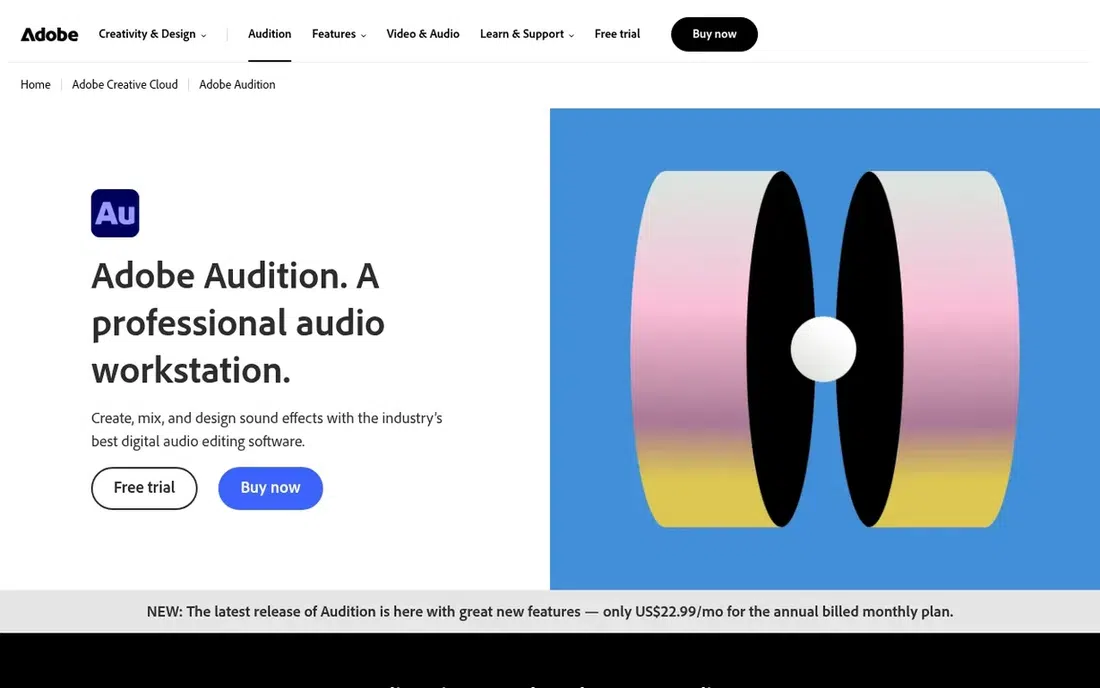
Adobe Audition makes the most sense for deep multitrack and spectral editing. Adobe Audition is audio recording and editing software built around a thorough toolset that bundles multitrack, waveform and spectral display.
Limits to weigh: Ramp-up time for newcomers.
For solo creators who want in-depth control over dialogue cleanup, music beds and sound design, the combination of views provides room to inspect and repair audio closely. In practice, the breadth of the toolset can feel like a lot for a first-time podcaster, and straightforward text-based workflows may be quicker for interview displays. No starting price is listed for Adobe Audition here; confirm pricing on the vendor site. Trial and free access: Not stated.
- Multitrack
- Thorough audio toolset
- Heavier than straightforward text editors
How we chose
The comparison looks at four things: starting price, free access, how well the feature set matches podcast editing software for solo creators, and the main limit of each tool. Treat prices as a snapshot: vendors change plans often, so check the vendor site for the figure that applies today. Order on the page follows fit for the typical buyer first, then price transparency and free access. Your own requirements should decide the final pick.
Pre-purchase checklist
- Confirm the entry price on the vendor page. For Auphonic, Reaper, Logic Pro and Adobe Audition that means a quote rather than a fixed price.
- Look at free plan limits closely: Descript, Riverside and Auphonic have one, and the caps decide whether it is usable for real work.
- Read the limits listed for Descript first: less suited to deep spectral repair.
- Price Adobe Audition for your actual team size; headline prices rarely include add-ons or overage.
- Confirm minimum seats and billing terms with Logic Pro before you commit to an annual plan.
FAQ
Which options for podcast editing software for solo creators have a free plan?
On this list, Descript, Riverside and Auphonic include a free plan. Caps on seats, usage or features are common, so test the free plan against your real workload.
What is the cheapest option for podcast editing software for solo creators in this list?
On published monthly entry prices, Descript is the lowest here at $16 per person per month. Entry price is only part of the cost, because seats, add-ons and billing terms can change the total. All 6 picks in this Podcast editing software for solo Creators comparison list a starting price, free plan details and the main limits on their cards above.
Can I record and edit my podcast in the same tool?
Descript lets you record, transcribe, edit and publish in one place, and Riverside is an online studio for recording and editing. As for the details, Adobe Audition also includes recording and editing, though plenty of creators still prefer a separate recording setup.
What is the best podcast editing software for a solo creator just starting out?
For most readers this guide would start with Descript, built for text-based editing for quick turnarounds. Riverside is the alternative for recording and editing in one studio, and Auphonic for automatic audio post production. The right answer depends on budget and workflow.
Do I need a full digital audio workstation for a solo podcast?
If your episodes are largely conversation, a text-based or story-focused editor can include cutting and cleanup well. A full workstation for example Reaper or Logic Pro becomes worthwhile when you add music, sound design or in-depth restoration work.
Do these tools publish their prices?
Not all of them. Auphonic, Reaper, Logic Pro and Adobe Audition publish no starting price, so expect a quote request for those. The rest, Descript included, show a starting price, though seats and billing terms still change the final cost.
Sources
- https://www.descript.com
- https://riverside.fm
- https://auphonic.com
- https://www.reaper.fm
- https://www.apple.com/logic-pro
- https://www.adobe.com/products/audition.html