Top 6 Product Photography Editing Software for Small Business for 2026 (Prices and Free Plans)
Best product photography editing software for small business in 2026: 6 contenders with entry costs and free tiers. Short verdicts, no fluff. See which fits.
- Editor's choice
 Corel PaintShop Pro
Budget-friendly all-purpose photo editing
Starts atSee websiteVisit paintshoppro.comFull review - Great alternative
 Capture One
Precision RAW work and tethering
Starts atSee websiteVisit captureone.comFull review - Also considerSkylum Luminar Neo
Straightforward AI-assisted photo edits
Starts atSee websiteVisit skylum.comFull review
Direct answer
Corel PaintShop Pro comes first here, mainly for low-cost all-purpose photo editing. Listed starting prices: ON1 Photo RAW from $49.99. For a different need, Capture One covers precision RAW work and tethering and Skylum Luminar Neo covers straightforward AI-assisted photo edits. Prices, free plans and limits for all 6 tools follow.
TL;DR:
- This list starts with Corel PaintShop Pro, which is built for low-cost all-purpose photo editing.
- The main caution on Affinity Photo: smaller ecosystem than major suites.
- Adobe Photoshop is the one to check for deep retouching and compositing.
- Corel PaintShop Pro, Adobe Photoshop and the 4 others all need a premium plan or a trial, since no free plan is listed.
- Corel PaintShop Pro, Capture One, Skylum Luminar Neo and others: pricing is by quote only, so plan time for a sales conversation.
Last checked November 2026. Prices and plan details were read from the vendors' own pages in November 2026; vendors change plans often, so confirm the current price on the vendor site before you buy.
Quick comparison
| Tool | Best for | Starts at | Free plan? | |
|---|---|---|---|---|
| Corel PaintShop Pro | Budget-friendly all-purpose photo editing | See website | Not stated | Visit |
| Capture One | Precision RAW work and tethering | See website | Not stated | Visit |
| Skylum Luminar Neo | Straightforward AI-assisted photo edits | See website | No | Visit |
 Affinity Photo | Value-focused professional editing | See website | Not stated | Visit |
 ON1 Photo RAW | All-in-one RAW editing and organizing | $49.99 | Free trial | Visit |
 Adobe Photoshop | Deep retouching and compositing | See website | Not stated | Visit |
The best product photography editing software for small business
This LinkVetted guide covers 6 options for product photography editing software for small business. Each profile lists a starting price, free plan details, strengths and drawbacks, so you can drop poor fits quickly.
Corel PaintShop Pro is built with low-cost all-purpose photo editing in mind. Corel PaintShop Pro is a long-standing photo editing application, and its official site supplies product information, updates, tutorials and videos. PaintShop Pro is Windows-only, so Mac-based companies will need a different choice.
Trade-offs to know: Not available on Mac.
More specifically, the available tutorials and learning material can help owners who are new to photo editing build a repeatable workflow without formal training. Choose it when you want a familiar, all-purpose editor with learning resources, and look elsewhere if you need cross-platform access or advanced raw tethering. No starting price is listed for Corel PaintShop Pro here; confirm pricing on the vendor site. As for free access: Not stated.
- Tutorials and learning resources
- Wide photo editing feature set
- Interface can feel dated
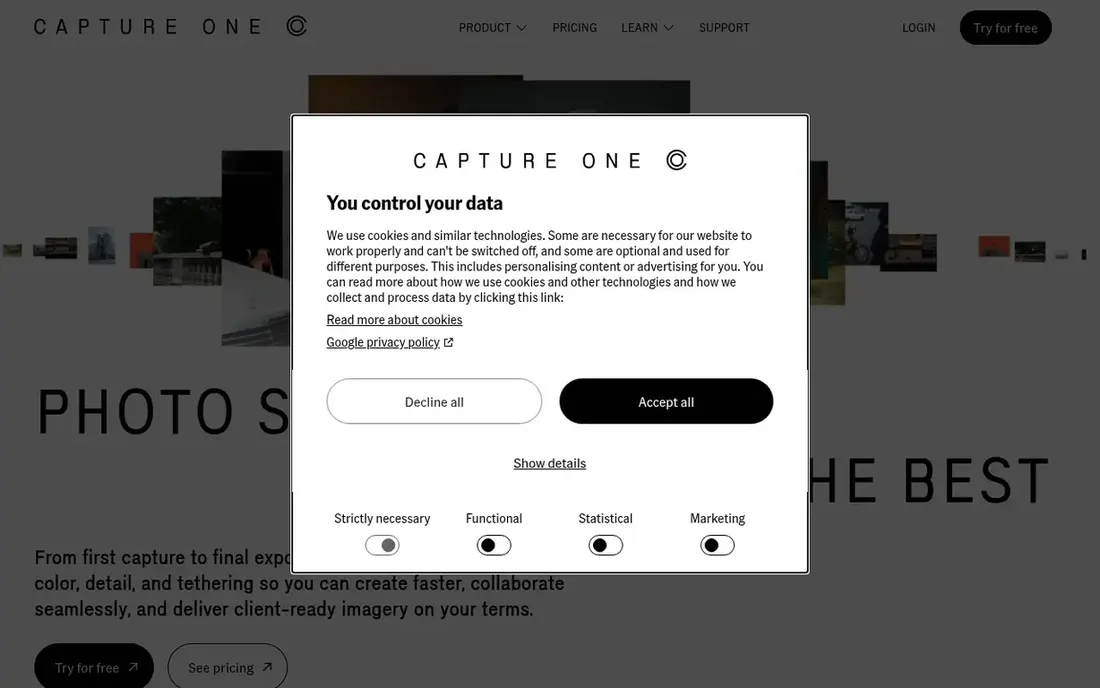
Capture One works best for precision RAW work and tethering. Its homepage flags advanced editing tools, smooth RAW handling and feature-rich tethering.
Watch-outs: Geared toward demanding photographers.
Choose Capture One when tethering and precise RAW processing are central to your product photography. If you largely edit phone photos or need fast template-style fixes, a more straightforward tool may serve you better. Pricing for Capture One is not stated here, so ask the vendor for current figures. Trial and free access: Not stated.
- Advanced editing tools for precision control
- Capable tethering capabilities
- Ramp-up time for beginners
Skylum Luminar Neo
Best for: Straightforward AI-assisted photo edits
Think of Skylum Luminar Neo for simple AI-assisted photo edits. For small firms, it suits sellers who want fast, approachable improvements to product images without learning a complicated professional workflow. Luminar Neo is not positioned for heavy compositing or pixel-level retouching, and automatic results may need manual adjustment for consistent product presentation.
Downsides: Less depth for complicated compositing.
Beyond that, if your images demand precise color matching across a large catalog, a more control-oriented editor may be better. The homepage emphasizes simplicity for PC and Mac, which can suit owners who deal with their own photography alongside running the business. Check the vendor site for Skylum Luminar Neo pricing; none is listed in this comparison. Skylum Luminar Neo does not include a free plan.
- Aimed at approachable workflows
- Available for PC and Mac
- AI results may need manual refinement
Affinity Photo targets value-focused professional editing. Affinity Photo is a professional photo editor designed for precision, speed and creative freedom, with the homepage emphasizing power instead of price tags.
It deals with layer-based editing and in-depth corrections, making it a reasonable choice for product images that require cleanup, color work and prepared export. If you depend on a connected library across devices, another choice may be more convenient. This comparison lists no price for Affinity Photo; ask the vendor. Free options: Not stated.
Honest limits: Ramp-up time for advanced tools.
- Professional feature set
- Positioned around creative freedom
- Smaller ecosystem than major suites
ON1 Photo RAW is built with all-in-one RAW editing and organizing in mind. ON1 Photo RAW describes itself as an all-in-one raw photo editor that lets you edit, organize and process photos with pro-level quality. Also, if you depend on tight integration with a specific creative suite, check compatibility first.
What to check first: Smaller plugin and community ecosystem.
For small companies, that combination suits sellers who prefer to own their software and want raw processing plus catalog organization in a single application instead of moving between programs. From a buyer's view, the all-in-one approach can feel dense for users who only need entry-level corrections. The surrounding ecosystem of plugins and community resources is smaller than with major suites. What you pay to start with ON1 Photo RAW: $49.99. Free plan details: Free trial.
- Editing and organizing in one app
- One-time purchase model
- May feel dense for beginners
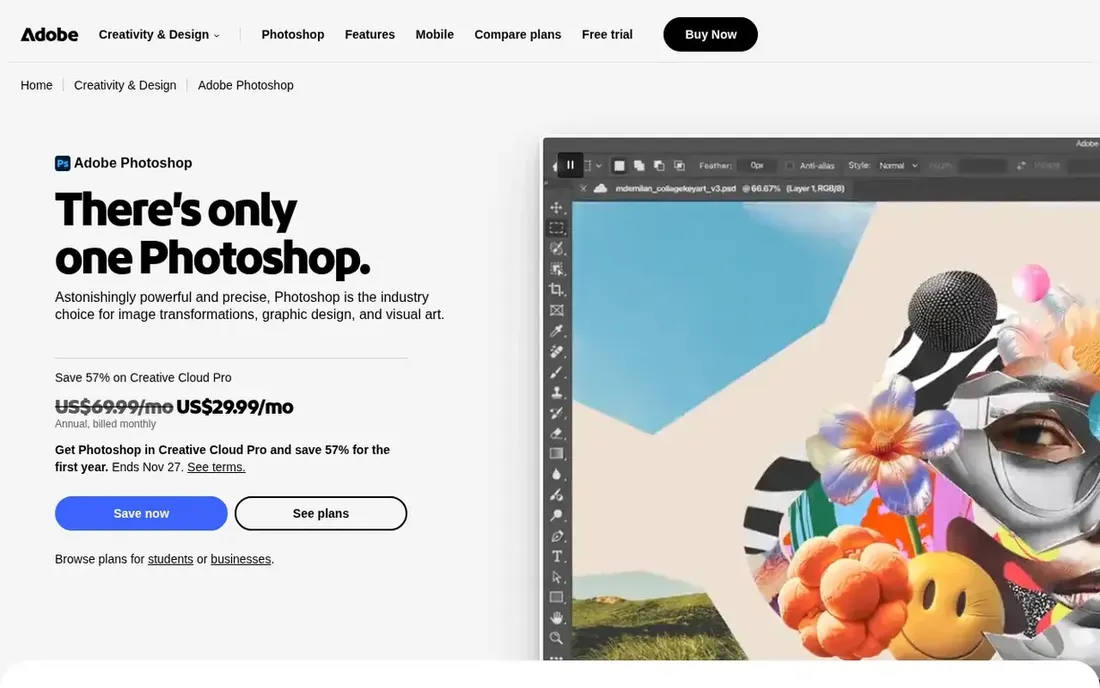
Adobe Photoshop works best for deep retouching and compositing. Adobe Photoshop is a full image editor designed for in-depth retouching, custom scene creation and combining images. From a buyer's view, choose Photoshop when retouching quality matters more than speed.
On top of that, the depth of Photoshop can slow down straightforward batch edits, and the interface may feel heavy for occasional users. If your primary need is quick, consistent color and exposure adjustments across numerous catalog photos, a more focused organizer and editor may be a better fit. Adobe Photoshop shows no starting price here, so confirm the cost on the vendor site. Trial and free access: Not stated.
Watch-outs: Large feature set takes time to learn.
- Manages complicated multi-image compositions
- Available online and on mobile
- Subscription-based access
What went into this list
For each of the 6 tools we noted price, free plan or trial, fit for product photography editing software for small business and the main limit, using vendor pages and documentation. Prices and plan limits come from vendor pages and can change, so confirm them on the vendor site before you buy. Position on the page reflects fit for a typical buyer first, with price clarity and free access breaking ties. Treat it as a guide, not a ruling.
What to check before you buy
- Get a written quote from Corel PaintShop Pro, Capture One, Skylum Luminar Neo and others; the list shows no starting price for them.
- Use real work to test the free trial from ON1 Photo RAW, rather than a demo project.
- Read the limits listed for Corel PaintShop Pro first: not available on Mac.
- Check whether the features you need in Corel PaintShop Pro sit on the entry plan or only on higher tiers.
- Make sure Skylum Luminar Neo lets you export your data in a format another tool can read.
FAQ
Do small firms need professional editing software for product photos?
Not always, but consistent color, clean backgrounds and sharp detail help product listings look credible. More straightforward AI-assisted tools can handle entry-level needs when time is restricted.
Does any tool for product photography editing software for small business here have a free plan?
No tool in this list, Corel PaintShop Pro and Adobe Photoshop included, has a permanent free plan. ON1 Photo RAW offer a trial. Trials and quotes are the usual route, so plan a short evaluation period.
How are the tools for product photography editing software for small business ordered?
Corel PaintShop Pro sits first and Adobe Photoshop last because the order follows typical fit for product photography editing software for small business, then price clarity and free access. It is a judgement call, so read each profile for fit and limits.
Do these tools publish their prices?
Not all of them. Corel PaintShop Pro, Capture One, Skylum Luminar Neo and others publish no starting price, so expect a quote request for those. The rest, ON1 Photo RAW included, show a starting price, though seats and billing terms still change the final cost.
Can I try these tools before paying?
Often, yes. ON1 Photo RAW offers a free trial. Use your own data and a real task during the test, and check what the free tier or trial limits before you rely on it. Each of the 6 options in this product Photography editing software for small business guide has its own card above with the price, free plan and limits.
Sources
- https://www.paintshoppro.com
- https://www.captureone.com
- https://skylum.com/luminar
- https://affinity.serif.com/en-us/photo
- https://www.on1.com/products/photo-raw
- https://www.adobe.com/products/photoshop.html