Top 6 Presentation Software for Startup Pitch Decks for 2026 (Prices and Free Plans)
6 best presentation software for startup pitch decks, with entry costs, free tiers and the buyer each one serves. Short verdicts, no fluff. Jump to the table.
- Editor's choice
 Prezi
Interactive, engaging live presentations
Starts atSee websiteVisit prezi.comFull review - Great alternative
 Canva
Quick visual polish without a designer
Starts atSee websiteVisit canva.comFull review - Also consider
 Beautiful.ai
On-brand decks across a company
Starts at$14.50 per monthVisit beautiful.aiFull review
Direct answer
This list puts Prezi first for interactive, engaging live presentations. Listed starting prices: Beautiful.ai from $14.50 per month and Pitch from €10 a month. Canva is the stronger choice for quick visual polish without a designer, while Beautiful.ai suits on-brand decks across a company. All 6 tools are compared below on price, free plan and limits.
TL;DR:
- Prezi sits first on this list: interactive, engaging live presentations.
- PowerPoint suits in-depth, story-driven pitch decks.
- A fair warning about Canva: less precise slide control.
- Beautiful.ai has the lowest monthly starting price in this list: $14.50 per month.
Last checked November 2026. Prices and plan details were read from the vendors' own pages in November 2026; vendors change plans often, so confirm the current price on the vendor site before you buy.
Quick comparison
| Tool | Best for | Starts at | Free plan? | |
|---|---|---|---|---|
| Prezi | Interactive, engaging live presentations | See website | Not stated | Visit |
| Canva | Quick visual polish without a designer | See website | Not stated | Visit |
| Beautiful.ai | On-brand decks across a company | $14.50 per month | Free trial | Visit |
 Pitch | Teams building and sharing decks together | €10 a month | Yes | Visit |
 Google Slides | Straightforward collaborative browser decks | See website | Not stated | Visit |
| PowerPoint | In-depth, story-driven pitch decks | See website | Not stated | Visit |
6 presentation software for startup pitch decks in detail
If you are comparing presentation software for startup pitch decks, this page covers 6 tools in one place: what each is best for, what it costs to start, whether it has a free plan, and the main limit to know about.
Prezi is a good fit for interactive, engaging live presentations. Its homepage emphasizes what happens after you present: it can bring existing slides in, run live polls and quizzes that the audience joins from a phone, and share one link.
Where it falls short: Nonlinear style may not suit investors.
More specifically, pick Prezi for live engagement instead of standard deck distribution. No starting price is listed for Prezi here; confirm pricing on the vendor site. Free access: Not stated.
- Interactive presentation system
- Shareable presentation links
- Ramp-up time for the canvas
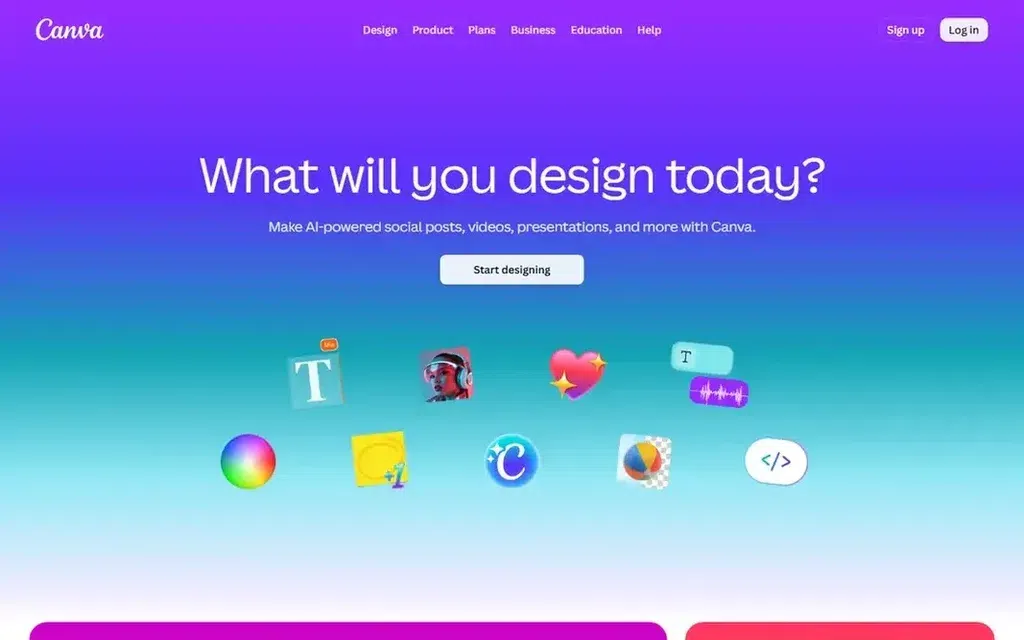
Choose Canva for quick visual polish without a designer. Canva is an online graphic design tool used for presentations, posters, social posts and more.
Honest limits: Complicated charts may need another tool.
On top of that, for pitch decks, its value is visual speed: founders can assemble slides, graphics and brand elements in one place without a designer. Worth adding: pick Canva when visual consistency and speed matter more than fine-grained slide control. No starting price is listed for Canva here; confirm pricing on the vendor site. Free plan details: Not stated.
- Presentation templates and graphics
- Wide visual design suite
- Less precise slide control
Beautiful.ai serves on-brand decks across a company. Beautiful.ai markets itself as an AI presentation product for enterprise teams, keeping every deck on-brand and ready to share across a company. In daily use, pick Beautiful.ai when consistency across numerous decks matters more than one-off creative layouts.
The main drawbacks: Template-driven look can feel uniform.
On top of that, automatic layout rules can limit manual control, and decks may share a recognizable template feel. On top of that, founders wanting unusual slide structures may find it restrictive. Beautiful.ai pricing: $14.50 per month. Trial and free access: Free trial.
- Made for team sharing
- AI presentation product
- Less manual layout freedom
Choose Pitch for teams building and sharing decks together. Pitch describes itself as an AI presentation workspace and a collaborative platform for teams that want to build, share and deliver better work. That makes it a natural match for startups where multiple people edit a pitch deck and present it to different audiences.
The main drawbacks: Less suited to offline work.
Beyond that, consider it when collaboration is the primary requirement. Founders who value shared workspaces and version-friendly collaboration will find the model familiar. It is also less useful if your deck must move between plenty of external file formats. On cost, Pitch starts like this: €10 per month. Pitch has a free plan.
- AI-assisted presentation features
- Designed for creating and sharing work
- Smaller ecosystem than office suites
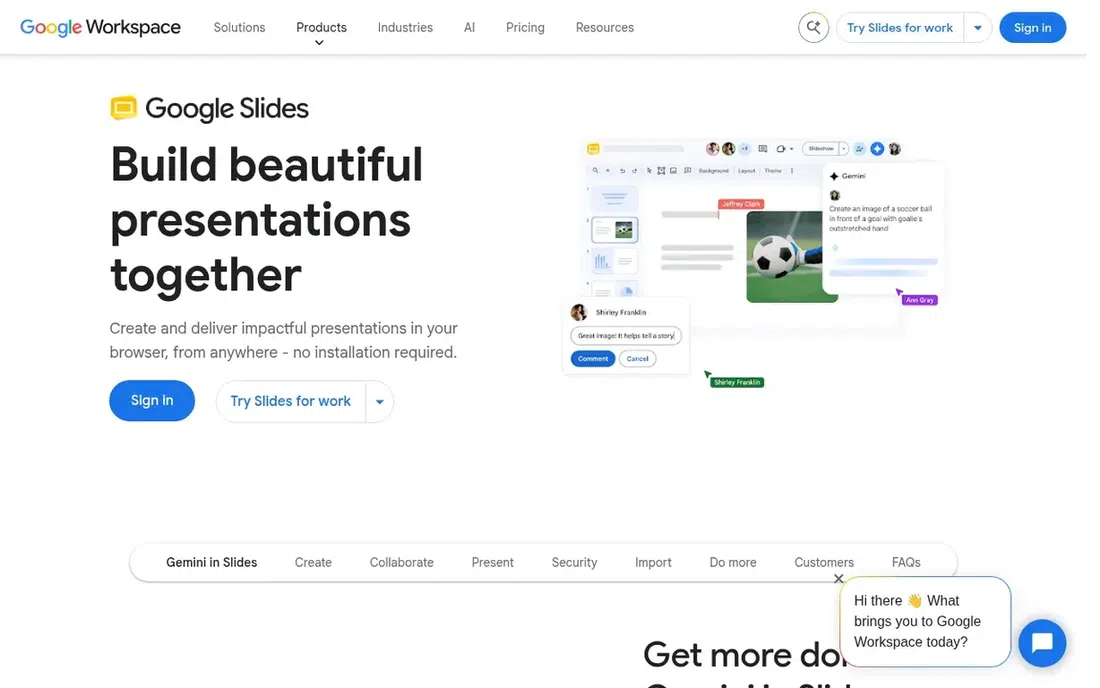
Google Slides serves straightforward collaborative browser decks. It suits teams already working in Google's ecosystem who want straightforward, shared editing in the browser.
Google Slides does not show a starting price in this comparison, so check the vendor site for current pricing. Free access: Not stated.
Drawbacks to consider: Design depth is restricted.
- Templates for numerous use cases
- Browser-based creation
- Offline use is constrained
PowerPoint
Best for: In-depth, story-driven pitch decks
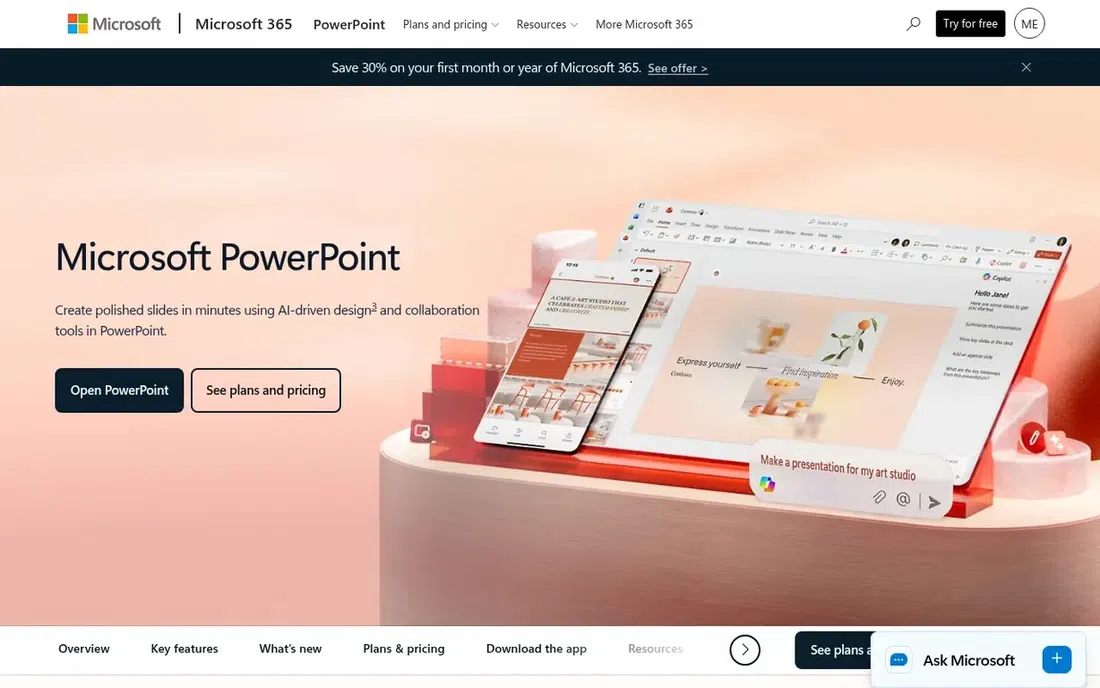
For in-depth, story-driven pitch decks, PowerPoint is a natural candidate. Microsoft PowerPoint is a long-standing presentation tool for creating clean slideshows and in-depth pitch decks. Its homepage flags a feature-rich presentation maker for telling your story, which suits founders who want control over every slide, chart and transition.
Teams that already exchange files in typical office formats will find it a natural fit for investor decks. Choose something else if you want automatic layout suggestions or a design suite built around templates. Pricing for PowerPoint is not stated here, so ask the vendor for current figures. As for free access: Not stated.
Watch-outs: Design work can feel manual.
- Widely used and familiar format
- Capable presentation maker features
- Collaboration is less fluid than browser tools
Our selection method
Each tool was reviewed on what its vendor publishes: price, plan limits, core features and stated drawbacks. We did not run hands-on tests. Plan names, prices and limits change often. Treat the figures here as a starting point and verify them with the vendor. Tools are placed by general fit for presentation software for startup pitch decks, with price clarity and free access as tie-breakers. A different team can reasonably rank them differently.
A buyer's checklist
- Get a written quote from Prezi, Canva, Google Slides and PowerPoint; the list shows no starting price for them.
- Look at the free plan from Pitch closely: its caps decide whether it is usable for real work.
- Take the trial from Beautiful.ai and push a live task through it before you pay.
- Before choosing Prezi, weigh its main limit: nonlinear style may not suit investors.
- Look at which plan of Beautiful.ai unlocks the features you need; entry tiers are often cut down.
- Ask Canva which support channels and response times come with the plan you would buy.
FAQ
Which tool is a good match for a first investor pitch deck?
Prezi is the pick this page puts first, mainly for interactive, engaging live presentations. If your situation differs, Canva suits quick visual polish without a designer, and Beautiful.ai suits on-brand decks across a company. Compare price and limits before you decide.
What is the cheapest option for presentation software for startup pitch decks in this list?
On published monthly entry prices, Beautiful.ai is the lowest here at $14.50 per month. Entry price is only part of the cost, because seats, add-ons and billing terms can change the total. For the full picture, the cards above cover all 6 entries of this presentation software for startup pitch Decks list, including price, free plan and limits.
Can I try these tools before paying?
Often, yes. Pitch has a free plan and Beautiful.ai offers a free trial. Use your own data and a real task during the test, and check what the free tier or trial limits before you rely on it. Prices, free plan details and limits for all 6 tools in this presentation software for startup pitch Decks roundup sit on the individual cards above.
Do these tools publish their prices?
Not all of them. Prezi, Canva, Google Slides and PowerPoint publish no starting price, so expect a quote request for those. The rest, Beautiful.ai included, show a starting price, though seats and billing terms still change the final cost.
How are the tools for presentation software for startup pitch decks ordered?
The order follows typical fit for presentation software for startup pitch decks, with Prezi first and PowerPoint last, then price clarity and free access. It is editorial judgement, not a score, so another team could rank the tools differently.
Sources
- https://prezi.com
- https://www.canva.com
- https://www.beautiful.ai
- https://pitch.com
- https://workspace.google.com/products/slides
- https://www.microsoft.com/en-us/microsoft-365/powerpoint