The 5 Best Presentation Software for Startup Pitches in 2026, Ranked
5 best presentation software for startup pitches, compared on pricing, free plans and best-fit use. The weak spots sit next to the strengths. Facts only.
- Editor's choice
 Canva
Founders without dedicated designers
Starts atSee websiteVisit canva.comFull review - Great alternative
 Beautiful.ai
On-brand decks for expanding teams
Starts at$14.50 per monthVisit beautiful.aiFull review - Also consider
 Pitch
Collaborative AI-assisted deck building
Starts at€10 a monthVisit pitch.comFull review
Direct answer
This list puts Canva first for founders without dedicated designers. Listed starting prices: Beautiful.ai from $14.50 per month and Pitch from €10 a month. Beautiful.ai fits on-brand decks for expanding teams; Pitch fits collaborative AI-assisted deck building. All 5 tools are compared below on price, free plan and limits.
TL;DR:
- This list starts with Canva, which is built for founders without dedicated designers.
- PowerPoint is the one to check for in-depth, design-heavy pitch decks.
- Starting prices begin at $14.50 per month with Beautiful.ai.
- Pitch stands alone as the one tool in this list with a free plan.
- A fair warning about Canva: less precise slide control than office suites.
Last checked November 2026. Prices and plan details were read from the vendors' own pages in November 2026; vendors change plans often, so confirm the current price on the vendor site before you buy.
Quick comparison
| Tool | Best for | Starts at | Free plan? | |
|---|---|---|---|---|
| Canva | Founders without dedicated designers | See website | Not stated | Visit |
| Beautiful.ai | On-brand decks for expanding teams | $14.50 per month | Free trial | Visit |
| Pitch | Collaborative AI-assisted deck building | €10 a month | Yes | Visit |
 Google Slides | Straightforward browser-based team collaboration | See website | Not stated | Visit |
| PowerPoint | In-depth, design-heavy pitch decks | See website | Not stated | Visit |
Presentation Software for Startup Pitches, one by one
Short on time? The summary and table above give the quick view of 5 presentation software for startup pitches, and the profiles that follow give the detail behind each entry.
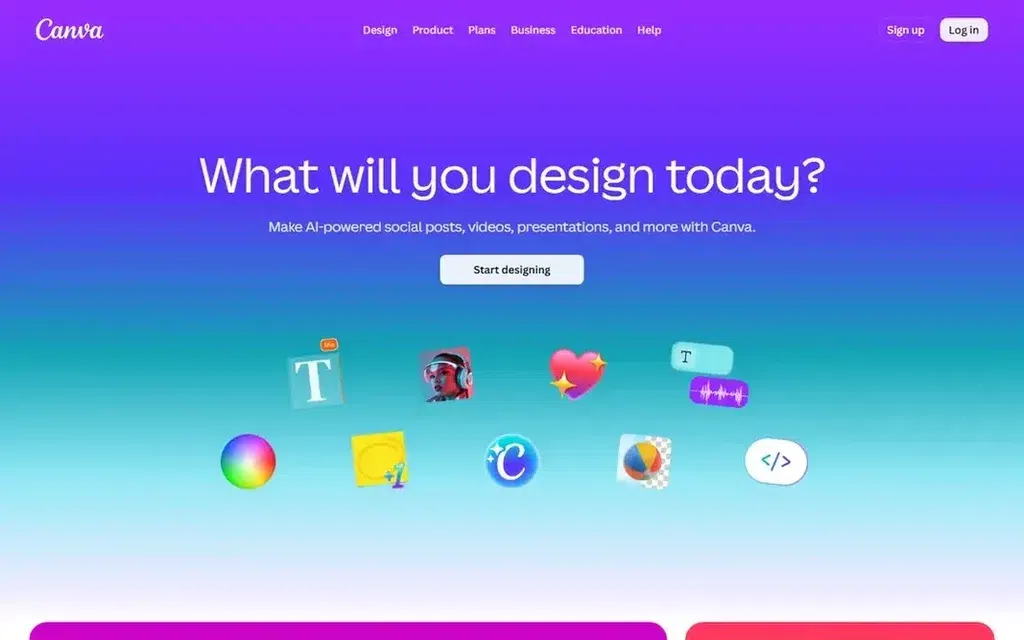
Canva was built for founders without dedicated designers. Canva gives you less granular slide control than PowerPoint, and decks built from templates can start to look alike.
Its template-driven approach helps founders with restricted design time produce a presentable deck rapidly. The same workspace can manage the other visual assets a startup needs around a pitch. Canva shows no starting price here, so confirm the cost on the vendor site. As for free access: Not stated.
Downsides: Decks can look template-driven.
- Large library of visual templates
- Browser-based and approachable
- Less precise slide control than office suites
Choose Beautiful.ai for on-brand decks for expanding teams. Its automatic layout approach means slides adjust as content changes, which helps founders keep a pitch deck consistent as several people contribute. Teams wanting total design control may prefer PowerPoint, whereas Beautiful.ai rewards those who value consistency and speed.
The main drawbacks: Less manual layout freedom.
Automation comes at the cost of manual layout freedom, so founders with a very specific visual vision may feel constrained. It is also oriented toward enterprise-style team workflows. Starting cost for Beautiful.ai: $14.50 per month. Free access: Free trial.
- AI-driven slide layout
- Keeps decks consistent with brand
- Concentrated on enterprise-style workflows
Pitch serves collaborative AI-assisted deck building. Pitch is a collaborative presentation product positioned as an AI presentation workspace. It is targeted at teams that want to produce, share and deliver work together, with AI features woven into the deck-building process.
What to check first: Smaller ecosystem than office suites.
As for the details, Pitch is most solid when shared editing and quick iteration are the priority. Founders who rely on deep formatting control might prefer PowerPoint. Entry price for Pitch: €10 per month. Pitch includes a free tier.
- AI features for presentation work
- Produce
- Less suited to highly custom design work
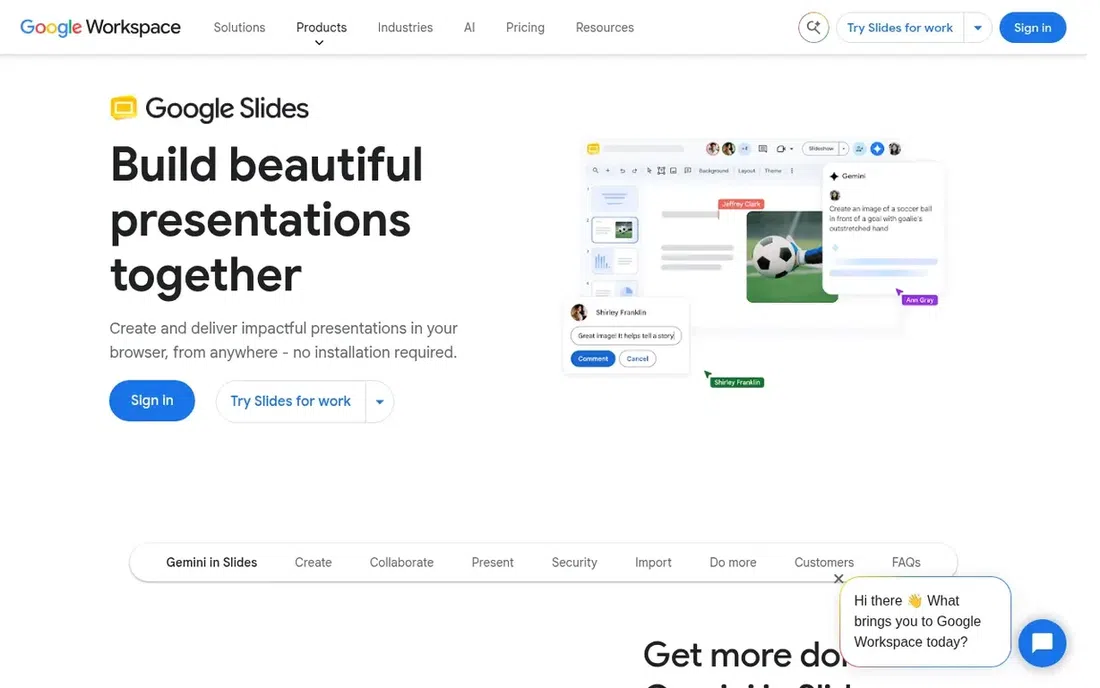
For straightforward browser-based team collaboration, Google Slides is a natural candidate. Google Slides is Google's presentation maker inside Workspace. It lets teams create slides in the browser, pick from templates for different use cases, and use AI to create visualizations.
For everyday use, if your pitch deck needs heavy visual polish, a dedicated design tool or PowerPoint may serve you better. In practice, for startups already working in Google's ecosystem, it keeps deck editing and sharing close to the rest of their documents, which makes fast collaborative revisions straightforward. Beyond that, design control is shallower than in PowerPoint, and intricate animations or custom layouts can be harder to achieve. Google Slides shines when speed and shared access matter more than fine detail. No starting price is listed for Google Slides here; confirm pricing on the vendor site. As for free access: Not stated.
Drawbacks to consider: Fewer advanced design controls.
- Runs entirely in the browser
- AI-assisted visual generation
- Complicated animations are restricted
PowerPoint
Best for: In-depth, design-heavy pitch decks
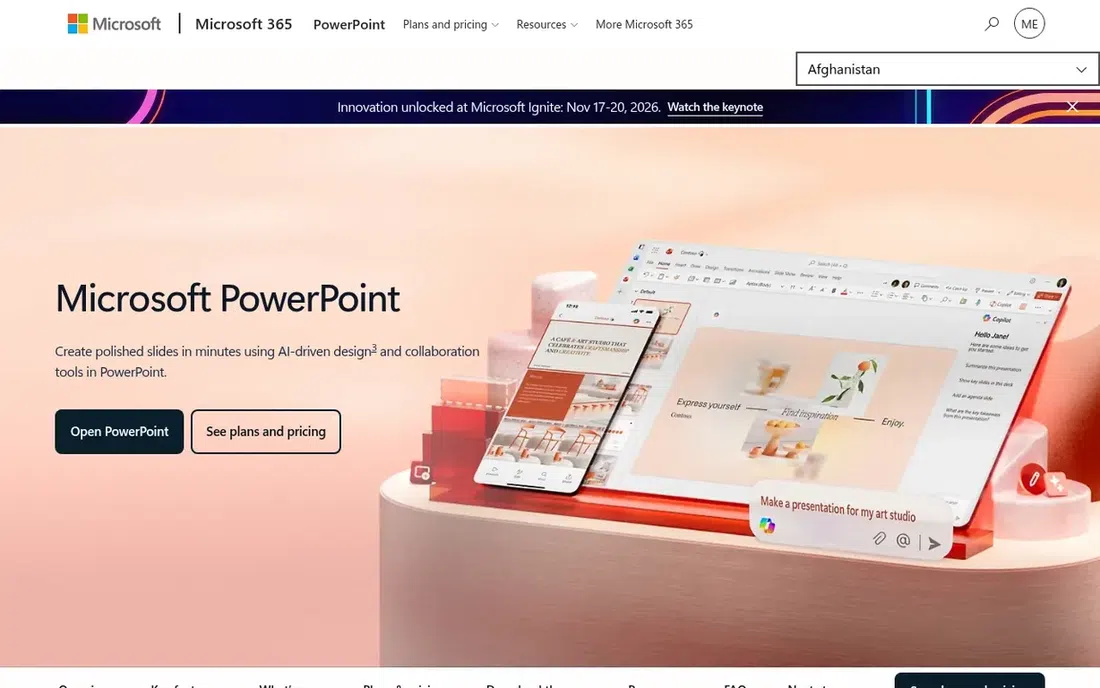
PowerPoint is a good fit for in-depth, design-heavy pitch decks. PowerPoint is Microsoft's presentation maker for building clean slideshows and intricate pitch decks. As for the details, the tradeoff is that live collaboration can feel less smooth than in completely browser-native tools, and producing refined slides takes some design skill.
Downsides: Advanced design work takes practice.
Teams that expect to iterate on a deck numerous times, or that require precise visual control, will find it a dependable home base. Founders who want the simplest shared editing experience may prefer Google Slides, whereas those who want AI layout help may look at Beautiful.ai. No starting price is listed for PowerPoint here; confirm pricing on the vendor site. Trial and free access: Not stated.
- Works across desktop
- Broad slide design and formatting tools
- Live co-editing can feel less fluid than browser tools
How we chose
Selection started from tools commonly considered for presentation software for startup pitches, then narrowed to 5 that have clear pricing information or a clear quote process. Plan names, prices and limits change often. Treat the figures here as a starting point and verify them with the vendor. Order on the page follows fit for the typical buyer first, then price transparency and free access. Your own requirements should decide the final pick.
Pre-purchase checklist
- Confirm the entry price on the vendor page. For Canva, Google Slides and PowerPoint that means a quote rather than a fixed price.
- Test the free plan from Pitch against your real workload before relying on it.
- Use real work to test the free trial from Beautiful.ai, rather than a demo project.
- Read the limits listed for Canva first: less precise slide control than office suites.
- Confirm minimum seats and billing terms with PowerPoint before you commit to an annual plan.
- Work out what Beautiful.ai costs with your real seat count, add-ons and usage, not just the entry price.
FAQ
Do these tools publish their prices?
Not all of them. Canva, Google Slides and PowerPoint publish no starting price, so expect a quote request for those. The rest, Beautiful.ai included, show a starting price, though seats and billing terms still change the final cost.
How are the tools for presentation software for startup pitches ordered?
Canva sits first and PowerPoint last because the order follows typical fit for presentation software for startup pitches, then price clarity and free access. It is a judgement call, so read each profile for fit and limits.
Can I try these tools before paying?
Often, yes. Pitch has a free plan and Beautiful.ai offers a free trial. Use your own data and a real task during the test, and check what the free tier or trial limits before you rely on it. All 5 picks in this presentation software for startup pitches comparison list a starting price, free plan details and the main limits on their cards above.
How should a team choose between these tools?
Start with how your team works: device mix, need for live co-editing and how much design control you want. A short trial deck built in two candidates commonly settles the choice.
What is the cheapest option for presentation software for startup pitches in this list?
On published monthly entry prices, Beautiful.ai is the lowest here at $14.50 per month. Entry price is only part of the cost, because seats, add-ons and billing terms can change the total. For the full picture, the cards above cover all 5 entries of this presentation software for startup pitches list, including price, free plan and limits.
Sources
- https://www.canva.com
- https://www.beautiful.ai
- https://pitch.com
- https://workspace.google.com/products/slides
- https://www.microsoft.com/microsoft-365/powerpoint